
Ever feel like you’re only scratching the surface of what your Vectric software can actually do? We’ve all been there, using the same basic settings day in and day out while missing out on features that could save hours of shop time.
This week, I’m sharing a breakdown of 14 hidden toolpath gems in VCarve, Aspire, and Cut2D that changed my entire workflow. From getting rid of those annoying witness marks on your profiles to automating complex hole selections and using document variables to make design tweaks in seconds, these tips are all about working smarter, not harder. If you want to speed up your setup and get cleaner, more professional results, this is a must-watch.
|
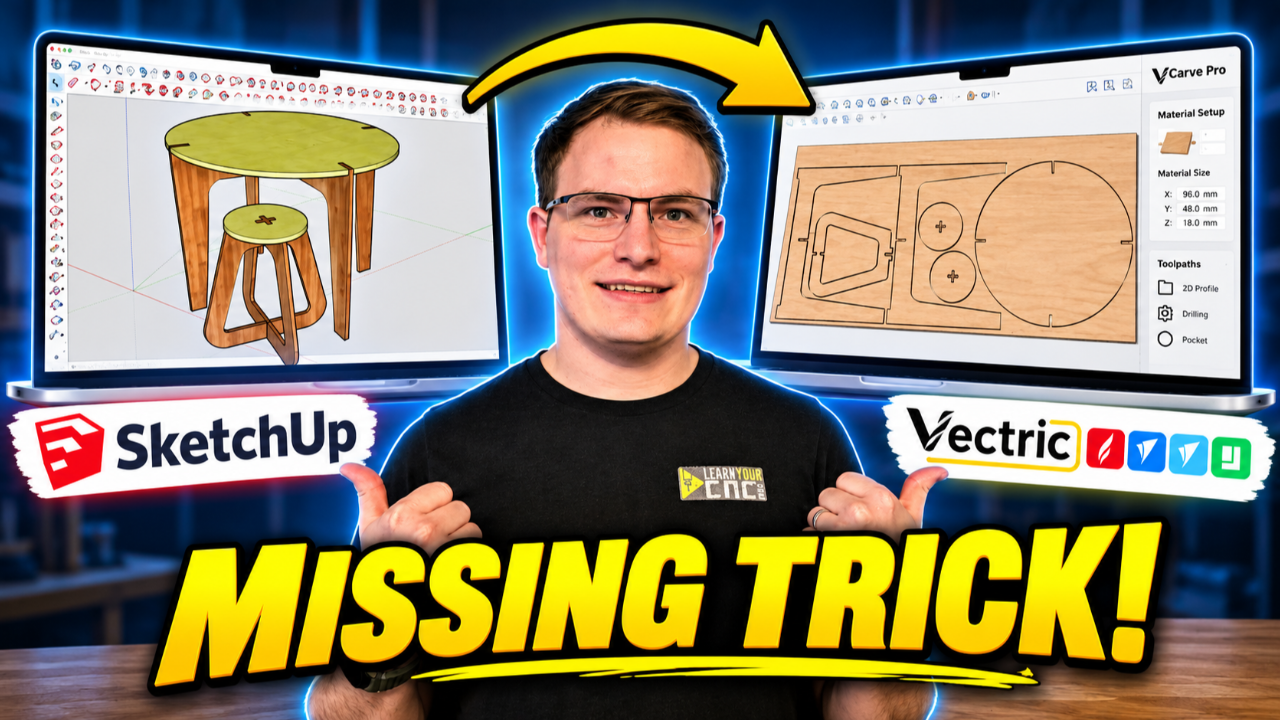
14 things you didn't know Vectric could do →
👇This Week's Highlights👇
Project Lesson of the Week
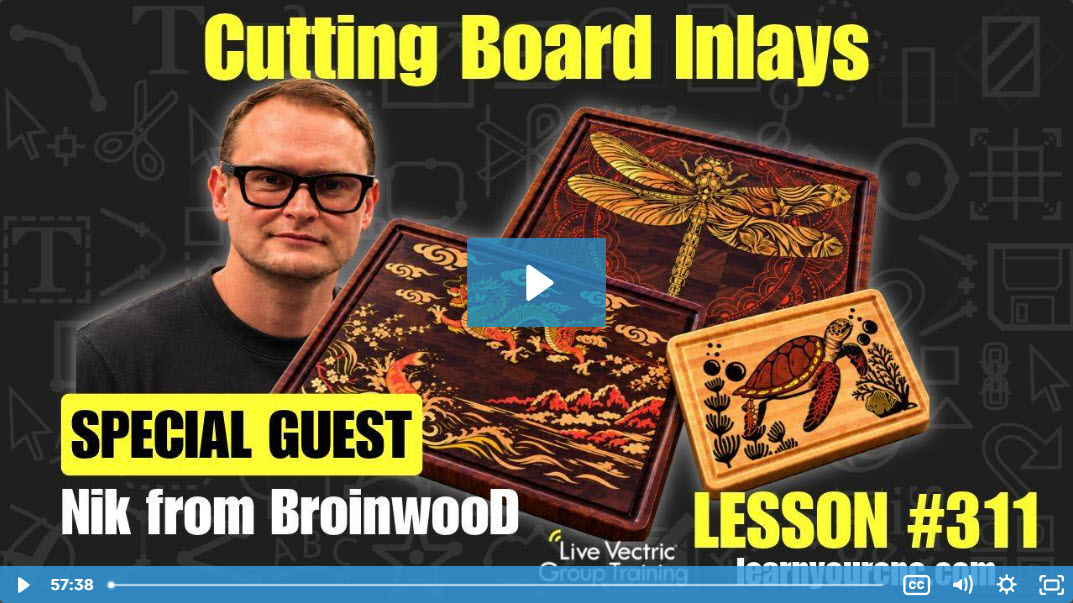
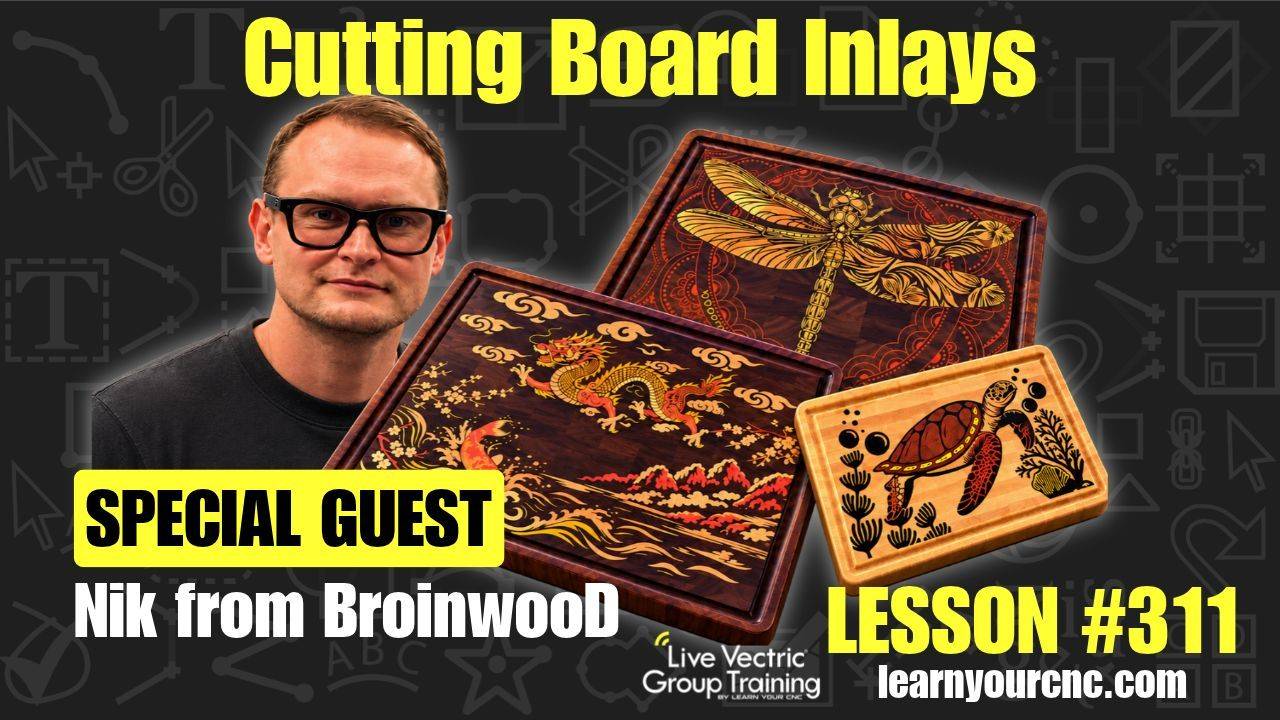
Join Kyle and our first-ever project lesson guest, Nik from BroinwooD, for a look at his process for creating detailed cutting board inlays! Nik shares his approach and practical tips, followed by a Q&A with our members.
🔥 Exclusive Access: Watch this replay and unlock over 300 additional lessons packed with digital files, project templates, and expert tips! Perfect for sharpening your skills and tackling unique CNC challenges.
👉 Not a Member Yet? Join the Learn Your CNC Academy Community today to access this lesson and so much more. Transform your CNC game with step-by-step guidance, live Q&A meetups, and a treasure trove of downloadable resources.
Sign Up Now and start your journey to CNC mastery!
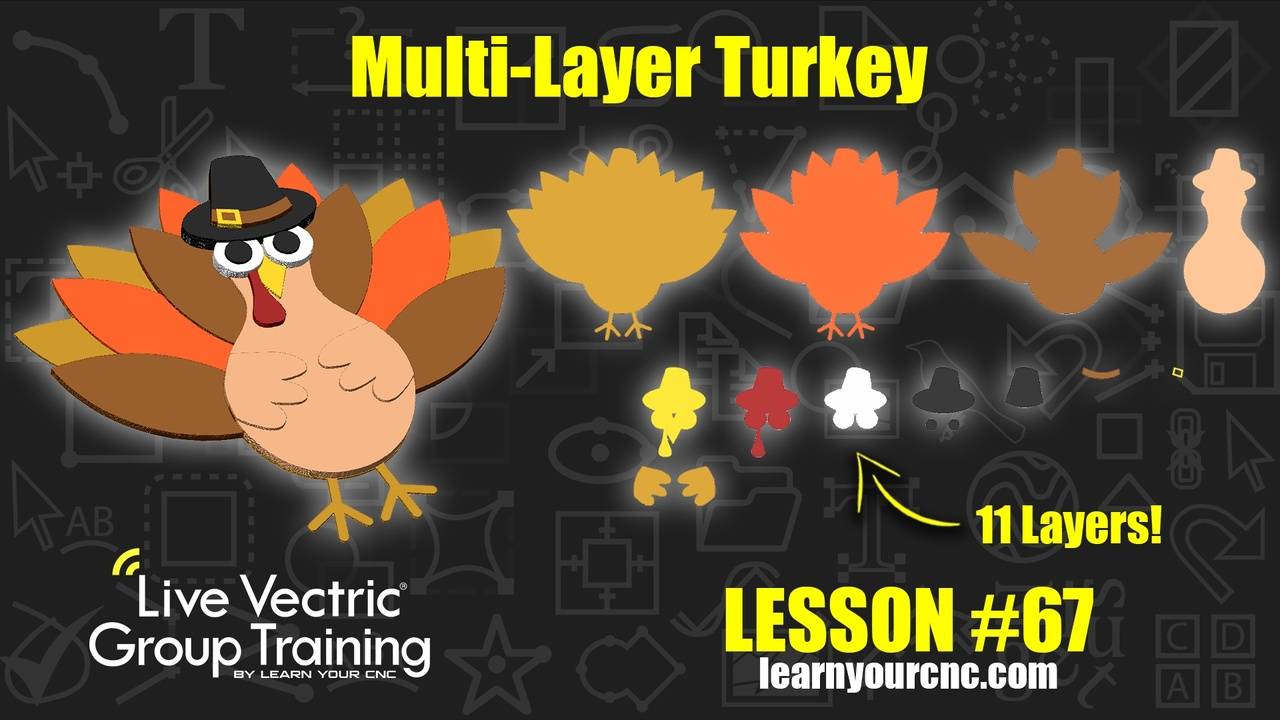
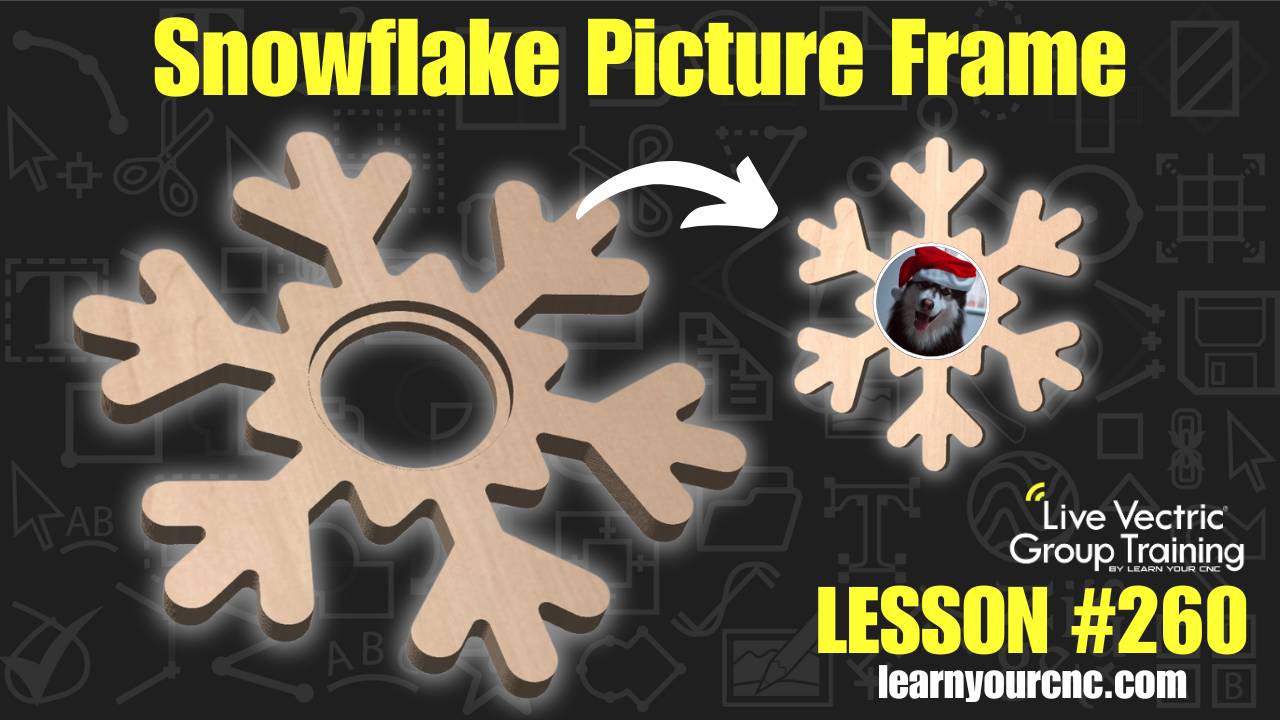
Some Other Project Lessons
that may Interest You
 |
 |
 |
👉VIEW COMPLETE LESSON LIBRARY👈
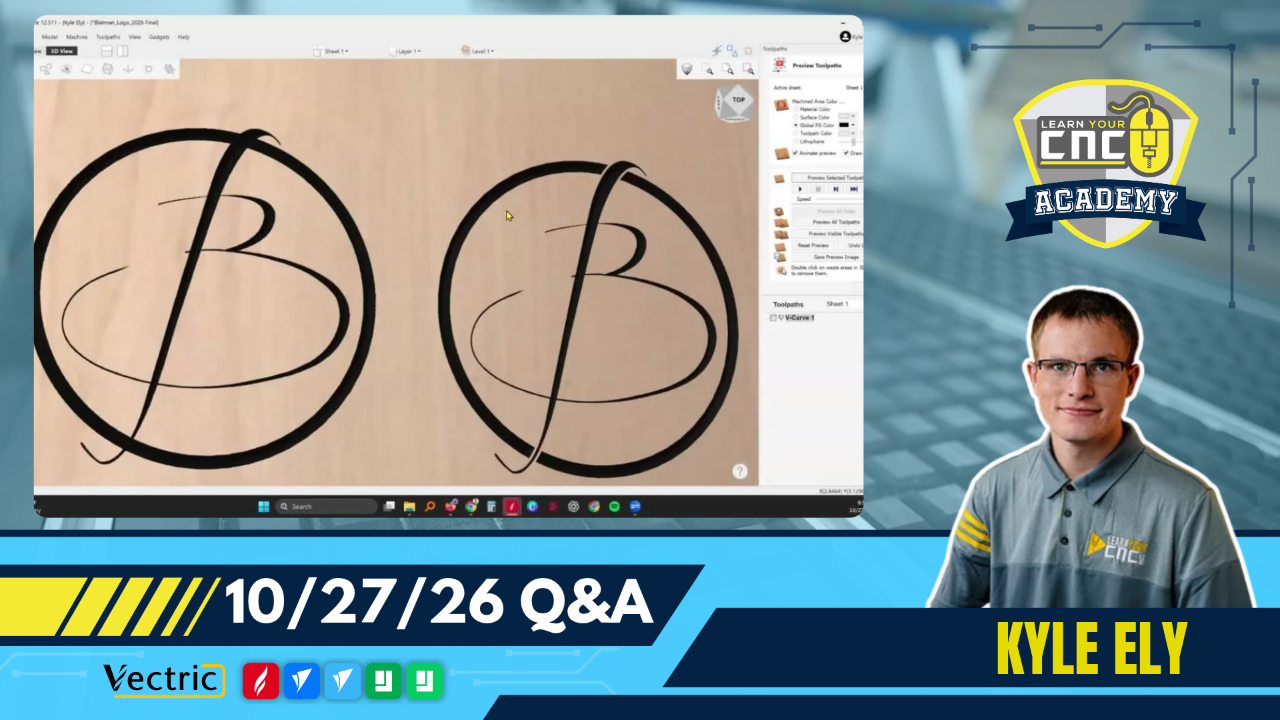
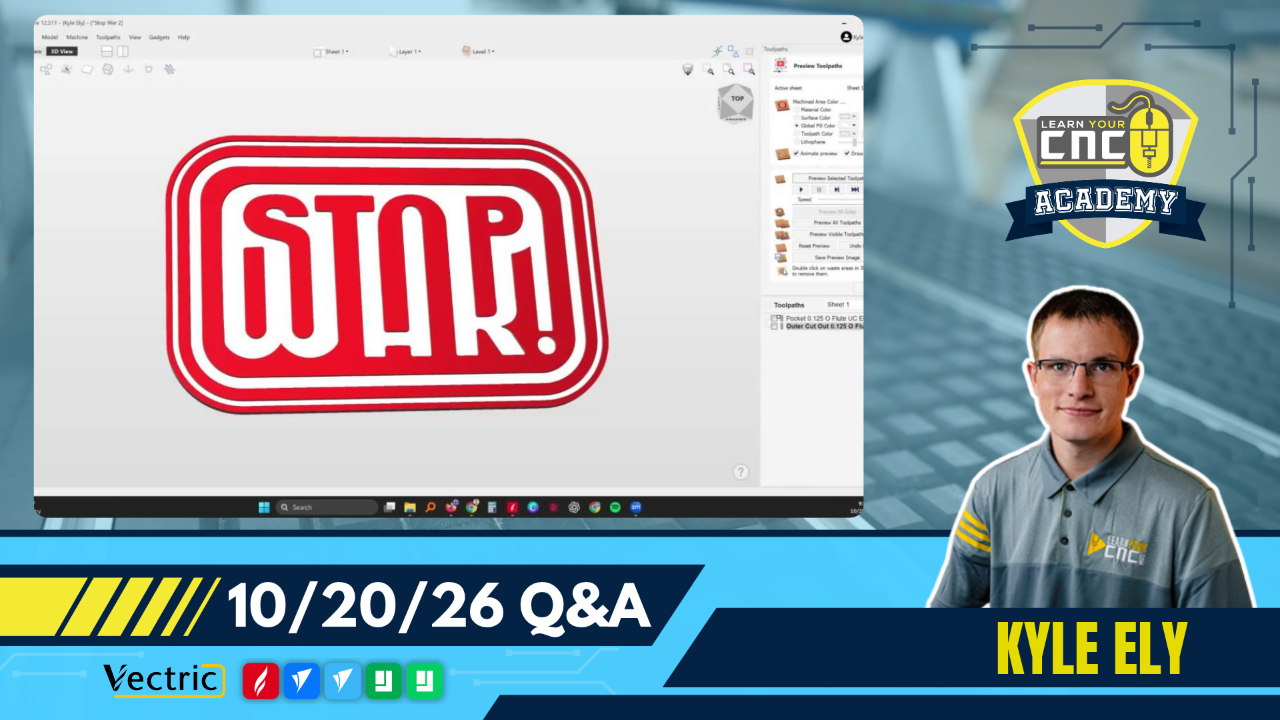
Vectric Q&A Recap
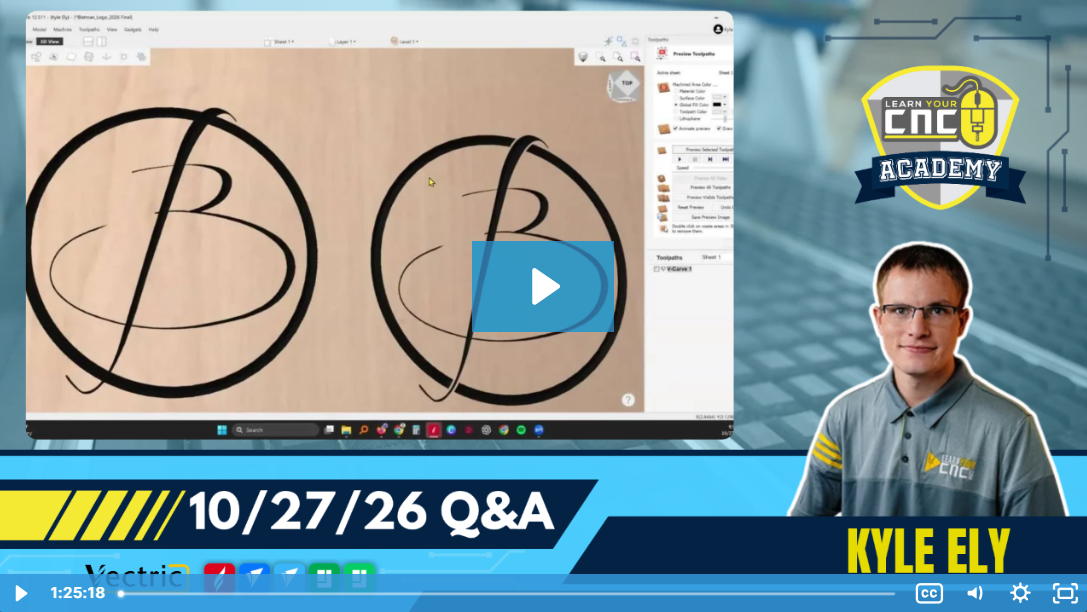
Key tips from the Q&A:
- Combining Multiple 3D Models in VCarve: While VCarve only allows importing one external STL file per project, you can bypass this by converting models to V3M format using Vectric EasyCreate, or by combining STLs in external free software like Blender before importing.
-
Fixing Fillet Tool Errors: If the fillet tool refuses to round a corner, it is usually due to extra nodes or micro-fillets . Enter Node Edit mode, delete any extra points near the corner, and convert the spans to straight lines to allow the fillet tool to work properly.
-
Engraving on a Rotary Taper: To V-carve onto a tapered rotary surface, generate a zero plane, use the properties panel to apply a tilt (defining the taper angle) and a base height, and then check "Project toolpath onto 3D model" in the VCarve toolpath menu.
(Not a member yet? Sign up here to watch the replays and so much more!)
Coming Up Next Week...
We have new live lessons every week to help you with Vectric and CNCs! Below is what is on schedule for next week:
- Tuesday @ 12PM Eastern/9AM Pacific: Vectric Q&A with Kyle
- Thursday @ 5PM Eastern/2PM Pacific: CNC Project Lesson of the Week
(Not a member yet? Sign up here to join our community and weekly meetups!)
👇Community Corner👇
Student Spotlight: Show and Tell

"Cherry frame lantern with laser cut panels and led light." – John Barker

"Michael Myers Halloween made with Baltic Birch plywood, walnut trim, and epoxy." – Shawn Coltran
Project Challenge of the Month
VOTING NOW OPEN!

✨Theme: Bring your spooky ideas to light
⏰Deadline: 10/31/2026
🏆1st Place Prize: $30 IDC Woodcraft Gift Card
🥈2nd Place Prize: 100 AI Credits for Vectric EasyCreate
🥉3rd Place Prize: LYCNC Ball Cap Hat
(Not a member yet? Sign up here to join the challenge and so much more!)
Happy CNCing,
Kyle Ely
Founder/Instructor
Learn Your CNC Academy
You don’t have to figure it all out on your own.
Sometimes a little guidance is all you need to get past a sticking point and keep your project moving. That’s why we offer live classes and Q&A.
Live Vectric Group Training
Keep building your VCarve, Aspire, or Cut2D skills with live project lessons and Q&A sessions. Bring your questions, discover new techniques, and learn alongside other CNC owners.
Can’t make it live? Watch the recordings on your schedule and explore our library of past classes whenever you need ideas or a refresher.
Explore Live Vectric Group Training →
Looking for a course you can work through at your own pace?
Explore our other training options →




Responses