
10-27-2026 Q&A: CNC Troubleshooting, Vector Fixes, and Tapered Rotary Engraving
Oct 27, 2026
Note: You must be a member of the Learn Your CNC Academy Community to watch this replay. Benefits include weekly Q&A Meetups, weekly project lessons, monthly CNC challenges, an active community of Vectric users, past replay lessons & project files, and so much more!

In this Q&A session, we covered troubleshooting distorted cuts and machine looseness, dialing in mortise and tenon fitment from SketchUp to Vectric, and navigating file imports from Fusion 360. We also discussed workarounds for bringing multiple 3D models into VCarve, fixing open vectors that fail to V-carve, cleaning up nodes to resolve fillet tool errors, and projecting engravings onto tapered rotary pieces. Finally, we touched on strategies for protecting spoil boards and methods for recreating 3D carves from blurry photos using reverse image searches and AI.
Key Tips Learned in this Q&A:
-
Diagnosing Distorted Cuts: If your machine is carving distorted shapes, flat circles, or double-stamping text, check for loose hardware like a loose screw or a spindle with too much play . Machine squaring issues or loose parts are often the culprit before file errors.
-
Mortise and Tenon Tolerances: Design joinery with zero tolerance in SketchUp, then use the Pocket Allowance feature in Vectric software (e.g., setting a small negative or positive value like 0.01 inches) to dial in the fitment for specific bits and materials after test cuts.
-
Importing Fusion 360 Files: Vectric software does not directly support Fusion 360's native 3D files . To cut these projects, export the vectors as SVG or DXF files from Fusion 360, import them into Vectric, and recreate the toolpaths manually.
-
Combining Multiple 3D Models in VCarve: While VCarve only allows importing one external STL file per project, you can bypass this by converting models to V3M format using Vectric EasyCreate, or by combining STLs in external free software like Blender before importing.
-
Fixing Fillet Tool Errors: If the fillet tool refuses to round a corner, it is usually due to extra nodes or micro-fillets . Enter Node Edit mode, delete any extra points near the corner, and convert the spans to straight lines to allow the fillet tool to work properly.
-
Engraving on a Rotary Taper: To V-carve onto a tapered rotary surface, generate a zero plane, use the properties panel to apply a tilt (defining the taper angle) and a base height, and then check "Project toolpath onto 3D model" in the VCarve toolpath menu.
Questions Answered in this Q&A:
-
00:05:37 - Steve: Why are the circles and text carving distorted and not round on my new machine?
-
00:10:59 - Antony: When designing mortise and tenon joinery in SketchUp, how do you account for tolerances when transporting to Vectric?
-
00:14:08 - Scott: Can SketchUp make the shapes required for a half hull boat carving, or is it better to use Aspire?
-
00:18:17 - Ben: How can I get a purchased 3D printer stand file from Fusion 360 format into Vectric for toolpathing?
-
00:25:33 - Tim: How can I add a second STL file, like a military badge, to a wavy flag in VCarve if it only allows one STL?
-
00:31:28 - William: Why do my recalculated 3D toolpaths look distorted after moving to a larger CNC machine?
-
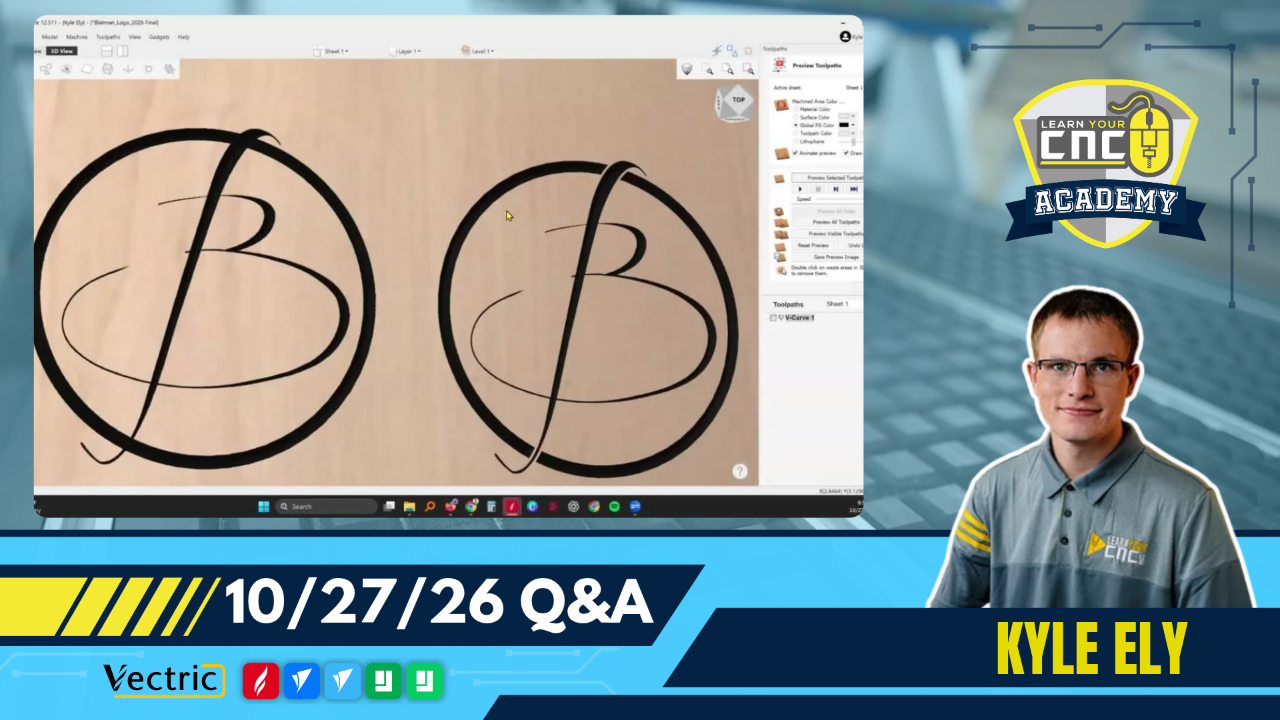
00:38:09 - Millard: Why is the V-carve toolpath ignoring the tail and outer circles on my logo design?
-
00:47:02 - John: Why are the trim and fillet tools not working properly on my overlapping rectangles?
-
00:54:32 - Jason: Is there a way to adjust Z-depth to engrave onto a tapered surface like a pool cue?
-
01:06:29 - Jack: Are there drawbacks to cutting halfway through a part on both sides to avoid scarring the spoil board?
-
01:11:07 - Gerard: What is the best way to tackle making a 3D carve from a low-quality poster picture?
-
01:17:05 -Gary: In a rotary project, how do you keep both ends square using the molding toolpath?
-
01:23:40 - Gary: Do you leave your Jaytech laser module mounted to the CNC all the time?
Keywords:
cnc troubleshooting, loose spindle, mortise and tenon tolerance, fusion 360 to vectric, multiple stl files vcarve, 3d toolpath recalculation, open vectors vcarve, fillet tool nodes, tapered rotary engraving, spoil board protection, vectric easycreate
Not a member of our Learn Your CNC Academy Community? Join over 1,500+ students today! Benefits include weekly Q&A Meetups, weekly project lessons, monthly CNC challenges, an active community of Vectric users, past replay lessons & project files, and so much more!

