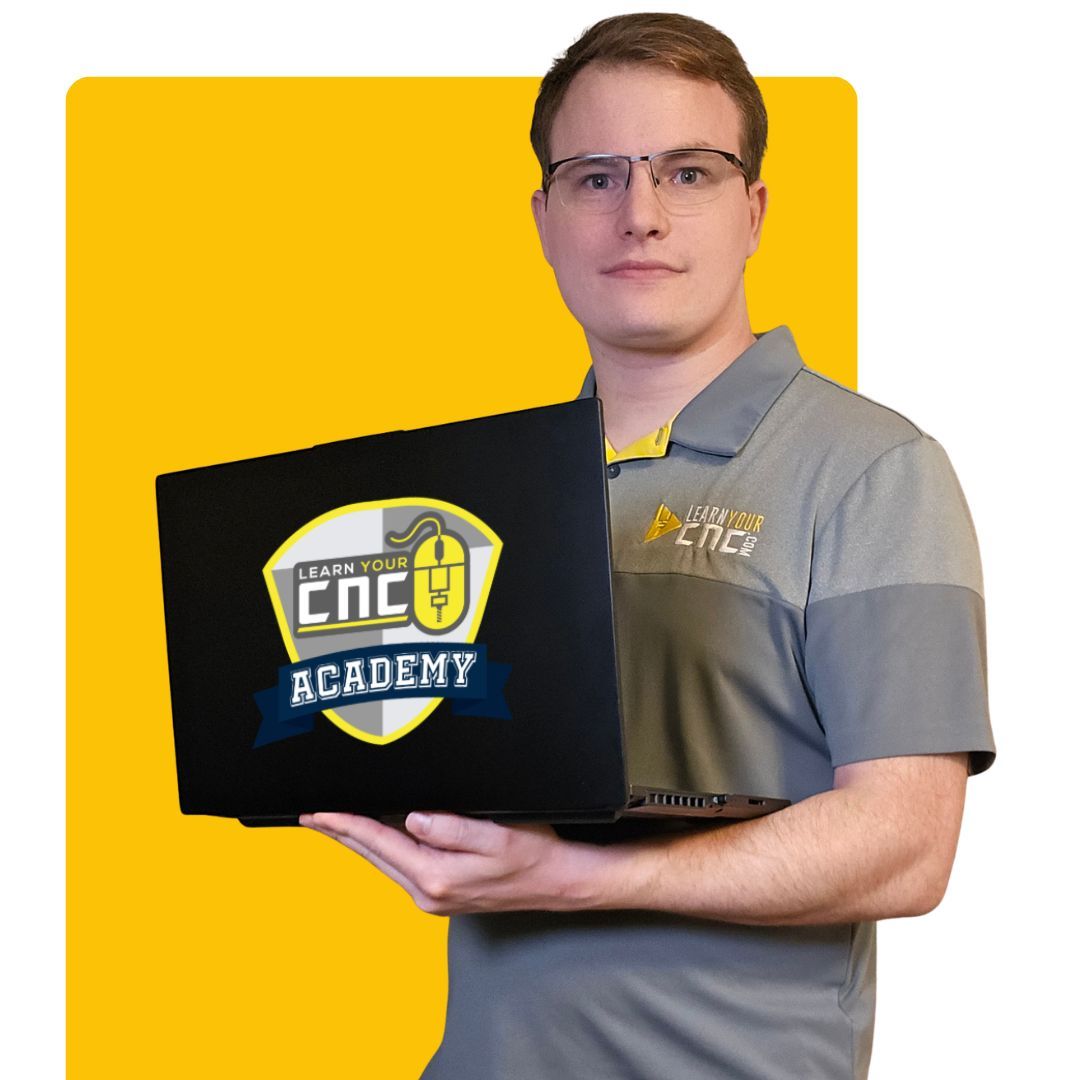
Turn Your CNC Ideas Into Projects
You’re Proud to Make.
Learn Vectric, design with AI and SketchUp, get live expert help, or
start with ready-to-carve project files—all with clear guidance
that helps you move from an idea to a finished project.
You should not have to piece together random tutorials every time you get stuck.
Learn Your CNC Academy gives you clear instruction, practical projects, and the
right level of help to move from an idea to a finished cut.
01
Clear, step-by-step guidance
Learn what to do, why it works, and how each step fits into the complete CNC workflow.
02
Skills you can use immediately
Build confidence through hands-on examples and real projects instead of learning tools in isolation.
03
Learn in the format that fits you
Choose self-paced courses, live group training, private help, or ready-to-use project resources.
04
Real help when you need it
Ask questions, learn alongside other makers, or get personalized support when a project has you stuck.
Beginner through advanced
There is a clear next step for where you are now. Explore every way LYCNC can help you learn, design, and create.
I keep encouraging people to take Kyle’s course. He teaches you from the beginning with Vectric software. You have invested a lot with your CNC, now invest into yourself to learn how to properly use the software.
Course Recommendation
Ryan Drapela
Cutting It Close
160k+ Followers
“
Kyle from Learn Your CNC has an amazing course! I brushed up on some skills and I learned a huge tactic for reducing nodes to save hours on my projects!
Course Recommendation
Andy Bird
Andy Bird Builds
130k+ Followers
“
I’ve met Kyle, the founder, several times over the past couple of years and we’ve become good friends. I’ve gone through his course personally and see why it has been so successful. There simply isn’t a better way to learn your CNC software.
Course Recommendation
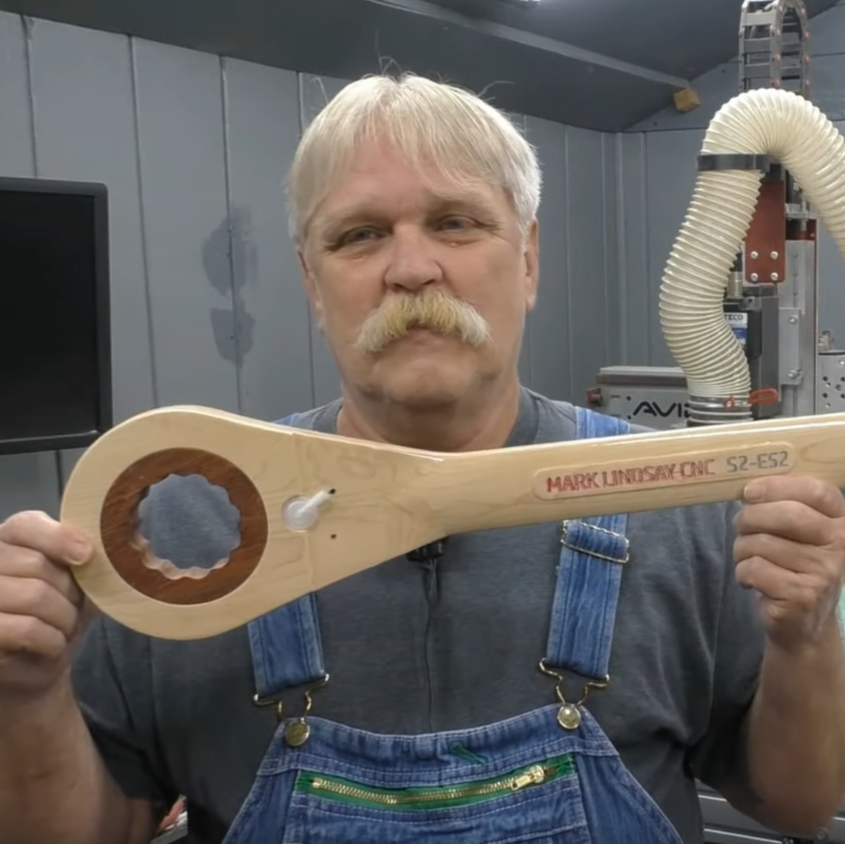
Mark Lindsay
Mark Lindsay CNC
50k+ Followers
“
Kyle is good people. He knows what he is doing, and he does it very well. His course is well worth it in my opinion.
Course Recommendation
Learn the software behind your CNC
Follow the same structured Vectric training these experienced makers recommend.
Follow one clear learning path from your first project through confident design, toolpaths, 3D work, and more.
VCarve Training
Aspire Training
One Clear PathBeginner to advanced
Complete Vectric Training
Stop searching for the next tutorial. Start building skills that connect.
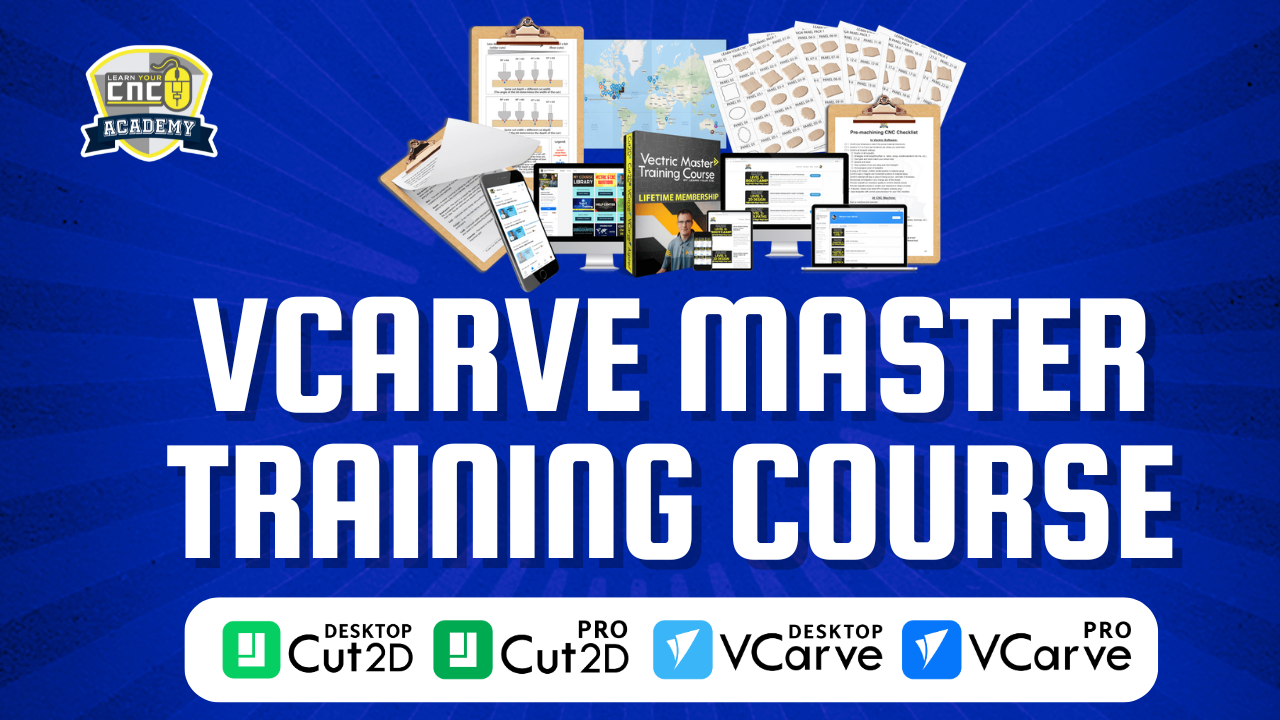
The Vectric Master Training Course explains what to do, why it works, and how each tool fits into the complete CNC workflow—so you can apply what you learn to your own projects.
✓
Step-by-step learning pathProgress logically without piecing together random videos.
✓
Easy-to-follow lessonsLearn complex tools through clear, focused explanations.
✓
Hands-on projectsApply each new skill through practical examples and assignments.
✓
Lifetime access and updatesRevisit lessons whenever you need a reliable reference.
✓
Private student communityAsk questions and learn alongside other course members.
✓
24/7 Spindle Sam supportGet instant AI-powered help with Vectric and CNC questions.
Certificate includedMobile-friendly accessLearn at your own pace
Choose Your Course
Select the version that matches your Vectric software.
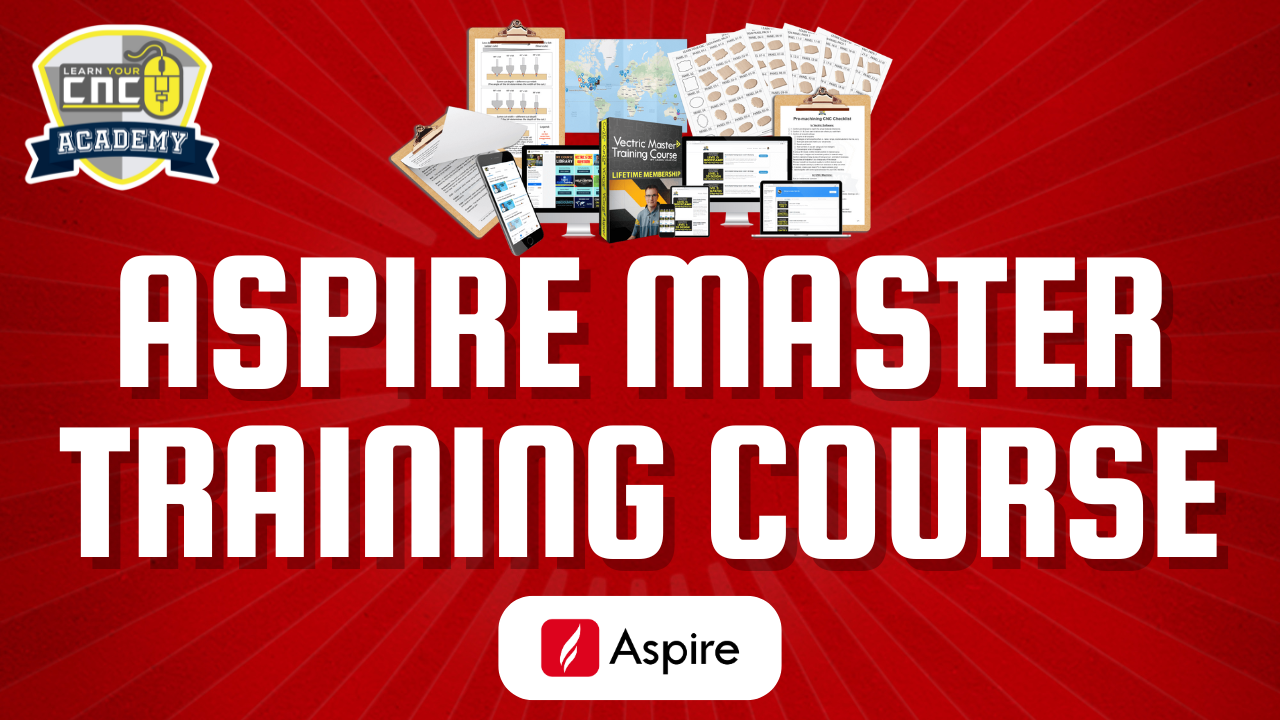
Both options follow the same structured learning path. Aspire adds advanced lessons for Aspire-only tools.
For Cut2D & VCarve Users
VCarve Master Training Course
Choose this version if you use Cut2D Desktop, Cut2D Pro, VCarve Desktop, or VCarve Pro.
Not sure which one to choose?
Select the version that matches the Vectric software you currently own. You can upgrade from VCarve training to Aspire training later.
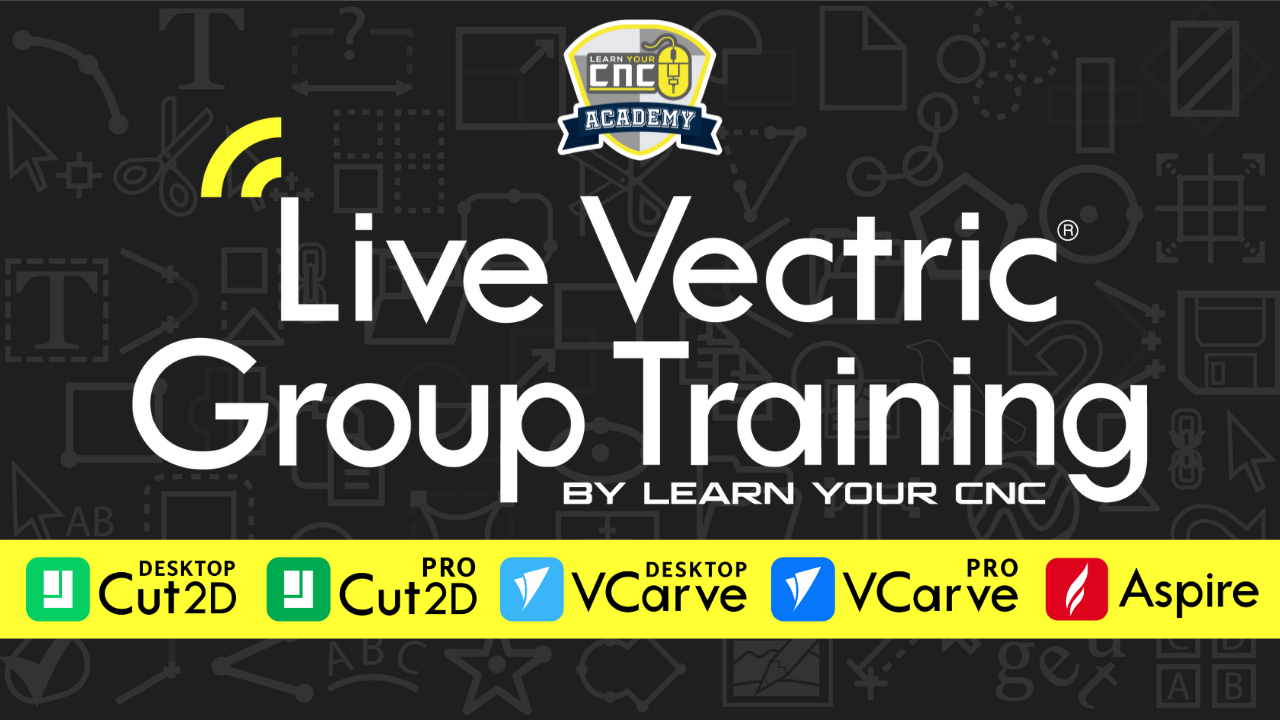
Live Every WeekFor Vectric Users
Two live sessions every weekA project lesson plus interactive Q&A
Ask LiveBring your Vectric and project questions.
Build LiveFollow practical CNC project lessons.
Watch AnytimeEvery live lesson is recorded.
Live Training + Private Community
Your weekly place to learn, build, and get unstuck.
Get ongoing Vectric training, real-time answers, ready-to-use project files, and a supportive CNC community—all in one membership.
Weekly Project Lessons
Build new projects while learning practical techniques and better workflows.
Interactive Live Q&A
Ask questions, submit projects, and get direct help when something has you stuck.
300+ Replays & Project Files
Start learning immediately with the growing library of lessons and downloadable files.
Private CNC Community
Share projects, find inspiration, and connect with members who understand the journey.
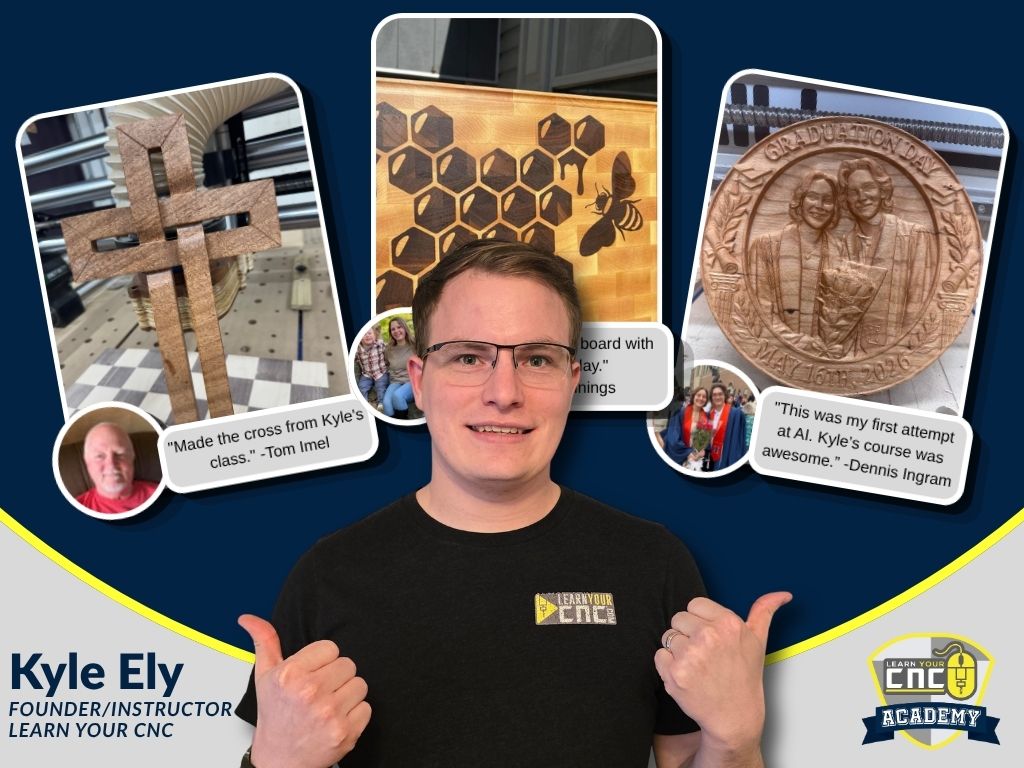
From first projects to detailed carvings, inlays, gifts, and business ideas, these are real projects shared by members of the Learn Your CNC Academy community.
Live Training Project
“Made the cross from Kyle’s class.”
Tom ImelWooden Woven CNC Cross
AI Course Project
“This was my first attempt at AI. Kyle’s course was awesome. I struggled with this for a while. I’m glad I stuck with it. Came out pretty good. This was a gift for my niece when she graduated from college.”
Dennis IngramAI Graduation Gift Carving
Student Project
“Maple cutting board with walnut inlay.”
Billy JenningsHoney Bee Inlay Cutting Board
Community Project
“It came out great. Thanks to the LYCNC community for helping. This is a time capsule for the city of Surprise, Arizona.”
Matt StoufferCity Time Capsule Project
Student Project
“We were both very pleased with the outcome. This is an end-grain board that should last a lifetime!”
Michael RosenbergEnd-Grain Inlay Cutting Board
Student Project
“Here is a coin display I recently designed and machined entirely with my CNC router.”
DNDarrin NicholsonCustom Walnut Coin Display
Explore the Full Student Project Gallery
See even more signs, furniture, carvings, inlays, gifts, business projects, and creative CNC work.
View All ProjectsHide Gallery
Student project gallery is loading…
Ready to create projects you’re proud to share?Find the training, support, or project resource that fits your next goal.
Real students. Real progress. More confidence at the CNC.
From brand-new CNC owners to experienced makers, students consistently mention the clear instruction, practical workflows, and helpful support they receive from Learn Your CNC Academy.
David RodwellWinston Salem, North Carolina
★★★★★
“Learn Your CNC is saving my life. I just spent very close to $4,000 on this CNC adventure and then realized I did not know how to run the silly thing.
Kyle has put together a program that fits me to a tee. Everything is according to my schedule. The best thing for me is he takes a project from every beginning step and goes through all the way to the end product.”
Clear, self-paced learning
Ruth WoodsStevensville, Montana
★★★★★
“LYCNC is a game changer. I bought a CNC with no prior experience other than some hobby laser cutting with LightBurn. I wanted to learn the Vectric software quickly so I could get up and running fast.
Kyle and his team at LYCNC are fantastic. He is a very polite and patient teacher. I fully recommend LYCNC’s Master Course as well as the weekly Zoom sessions. It really helps me not feel so overwhelmed.”
Less overwhelm, more confidence
Greg JonesNewnan, Georgia
★★★★★
“The customer service team at Learn Your CNC Academy is second to none. Rarely do you find representatives with as much passion for what they do as this team.
Not only are they highly knowledgeable, but they assist me in a way that does not make me feel bad about how little I really know about CNC. There are other courses out there, but none this extensive and backed with the customer service they deliver.”
Knowledgeable, patient support
Read More Student Reviews
Browse more experiences and feedback from CNC owners learning with Learn Your CNC Academy.
View All ReviewsHide Reviews
Student reviews are loading…
Find the support that fits the way you learn.Answer four quick questions and get a personalized recommendation.
Meet Kyle Ely, the maker and teacher behind LYCNC.
Learn from someone who understands both the CNC workflow and the places where real users tend to get stuck.
Kyle ElyFounder & Lead Instructor
Hands-On Experience. Practical Teaching.
Hi, I’m Kyle.
I built my first CNC machine in my bedroom at 16 years old. I remember how exciting it was to have the machine—and how frustrating it felt when the software and the complete process didn’t make sense yet.
Since discovering CNC in 2010, I’ve worked with everything from smaller hobby machines to high-end production CNC routers and architectural woodworking projects. That hands-on experience taught me how the entire workflow fits together, from the first design decision through the final cut.
Today, I teach CNC and design software full-time through Learn Your CNC Academy. I’m also a Vectric beta tester and industry event speaker, which helps me stay close to the tools, updates, and challenges CNC users face every day.
My goal isn’t to have you memorize where every button is. I want you to understand why you’re using each tool, when to use it, and how to apply it to projects of your own. That’s how you stop relying on scattered tutorials and start creating with confidence.
15+ YearsHands-on CNC experience
7,000+ StudentsCNC users trained worldwide
Vectric Beta TesterConnected to the software’s development
Industry SpeakerVectric events and CNC conferences
Whether you’re learning Vectric, exploring AI, planning projects in SketchUp, or working through a specific CNC challenge, I want to give you a clear next step you can actually use.
— Kyle
Frequently Asked Questions
A few helpful answers before you choose.
Whether you are brand new to CNC or looking for more specialized support, these are the questions we hear most often.
Start with the result you want:
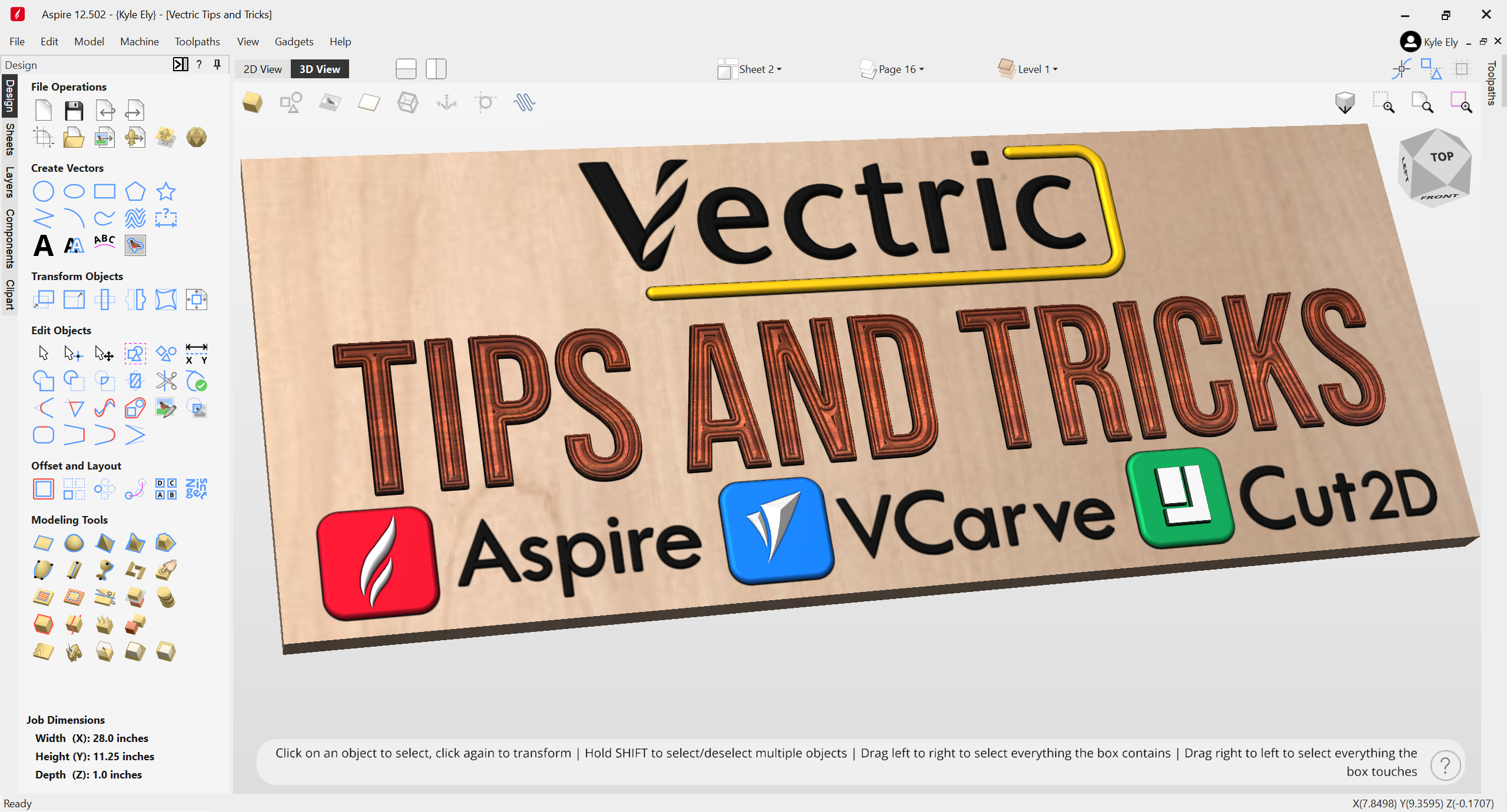
Vectric Master Training Course: a structured, self-paced path for learning Cut2D, VCarve, or Aspire.
Live Vectric Group Training: ongoing live lessons, Q&A help, project files, and community.
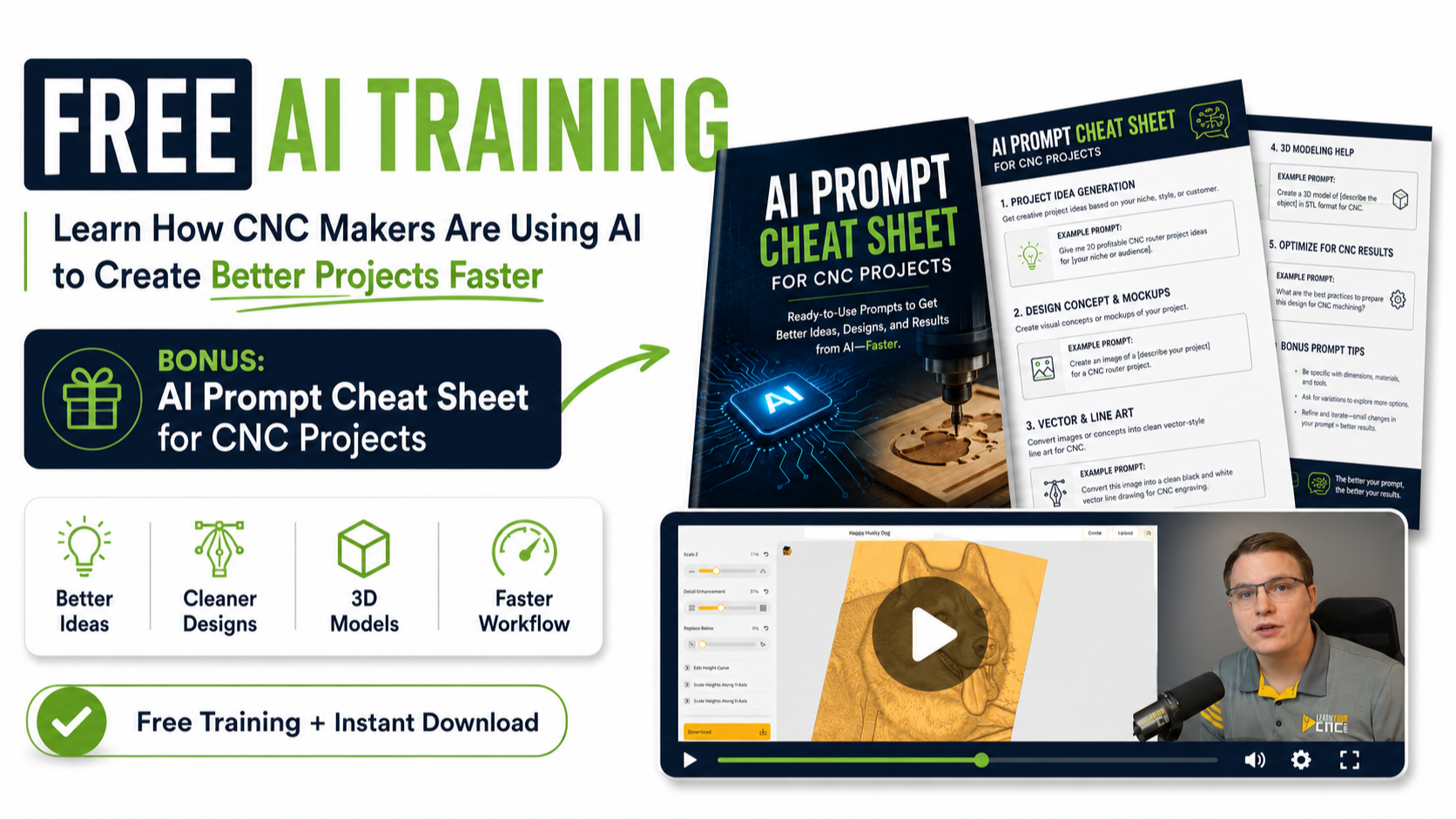
AI for CNC Makers: create original CNC designs and improve your workflow with practical AI tools.
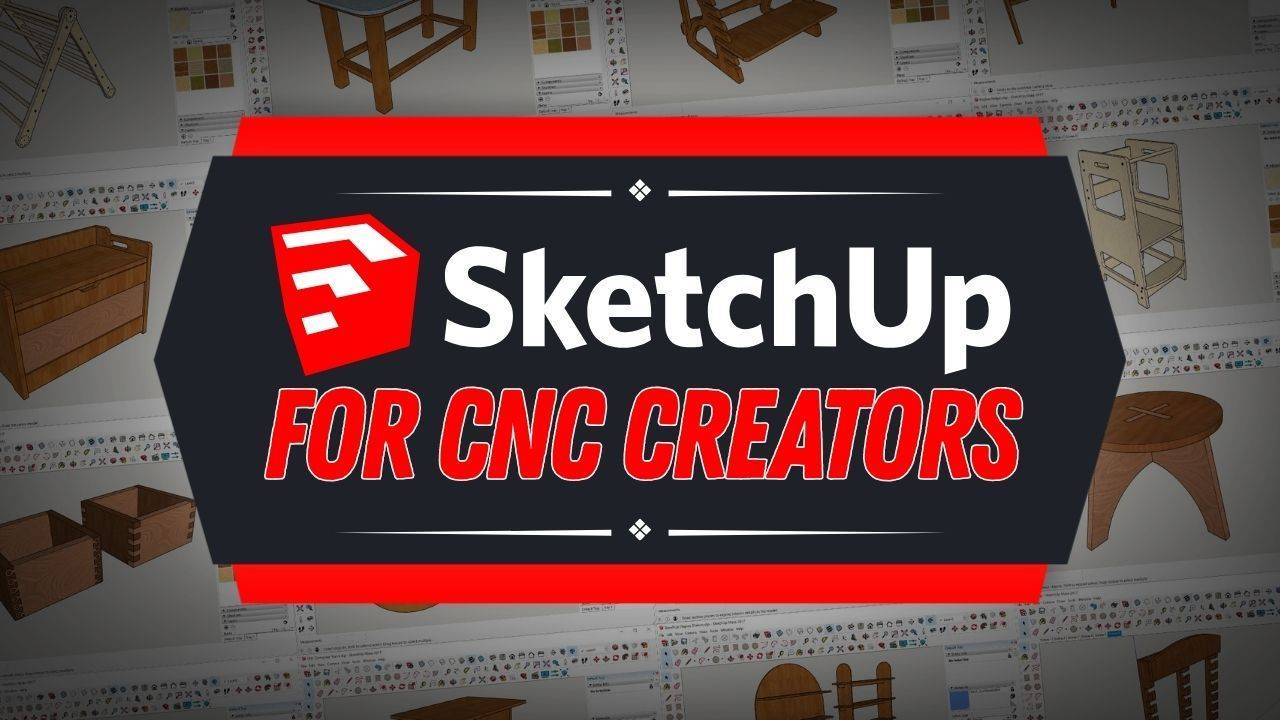
SketchUp for CNC Creators: plan and build 3D project designs before bringing them into your CNC workflow.
1:1 Training or Project File Help: focused help with a specific question, project, or Vectric file.
Digital Project Files: ready-made projects when you want to spend less time designing and more time carving.
If you are still deciding, the Product Finder Quiz will give you a personalized recommendation.
Yes. You do not need to be a computer expert or already know the software. The training is organized into clear, practical steps so you can understand the complete workflow instead of trying to piece it together from scattered tutorials.
More experienced users can skip familiar topics, fill in knowledge gaps, and use the advanced lessons and support to improve their workflow.
It depends on the product. The Vectric Master Training Course and Live Vectric Group Training focus on Cut2D, VCarve, and Aspire. Cut2D and VCarve users should choose the VCarve version of the master course; Aspire users should choose the Aspire version.
The AI course works with CNC design programs that can import common file types such as SVG or STL, including Vectric, Carveco, Easel, Fusion, and others. The SketchUp course uses SketchUp for 3D planning and shows how that design fits into a CNC workflow. Each sales page lists the exact requirements before you enroll.
A self-paced course gives you an organized learning path that you can follow whenever it fits your schedule. You can pause, rewind, and return to purchased course lessons when you need a refresher.
Live Vectric Group Training is an ongoing membership for people who want weekly project lessons, live Q&A, replay lessons, downloadable files, and an active community. Private 1:1 Zoom Training is the most focused option when you want an instructor working directly with you on your question or project.
Purchased self-paced courses include lifetime access, so you can learn at your own pace and return for a refresher later. Live Vectric Group Training lessons, replays, project files, and community access remain available while your membership is active.
Access details for services and digital products are shown on their individual product pages and at checkout.
Policies vary by product. Some self-paced courses include a money-back guarantee with specific eligibility requirements, while subscriptions, private sessions, services, and digital downloads have different cancellation and refund terms.
Absolutely. The self-paced courses are online, so you can learn whenever it works for you from almost anywhere with a reliable internet connection.
Live sessions are scheduled in U.S. Eastern Time. If the time does not work in your location, recordings are added to the membership so you can watch them later while your membership is active.
You have several options. Use the student community and course support tools included with eligible products, join Live Vectric Group Training for weekly questions and feedback, or book a private 1:1 session for focused help.
If you need help creating or repairing a specific Vectric project file, our Project File Help service may be the quickest path. For account, billing, or technical questions, visit the LYCNC Help Center.
Free CNC Newsletter
Bring fresh CNC ideas to your inbox.
Get practical tips, new tutorials, student project inspiration, and helpful training updates from Learn Your CNC Academy.
Practical CNC TipsHelpful ideas you can use on real projects.
New Videos & LessonsSee what we have been teaching and creating.
Student Project InspirationDiscover what other CNC makers are building.
Join the LYCNC Community
Get helpful CNC content sent directly to you.
Enter your name and email below to join for free.
Free to join. Unsubscribe anytime. We respect your inbox.
Choose Your Next Step
Your next CNC project starts with one clear step.
Choose the path that fits where you are today. We’ll help you build the skills and confidence to keep moving forward.







 Free Training