
Imagine catching a spelling mistake in your sign, fixing it in Vectric, and then watching your CNC carve the wrong word anyway.
What happened?
Changing your design doesn’t automatically update your calculated toolpaths.
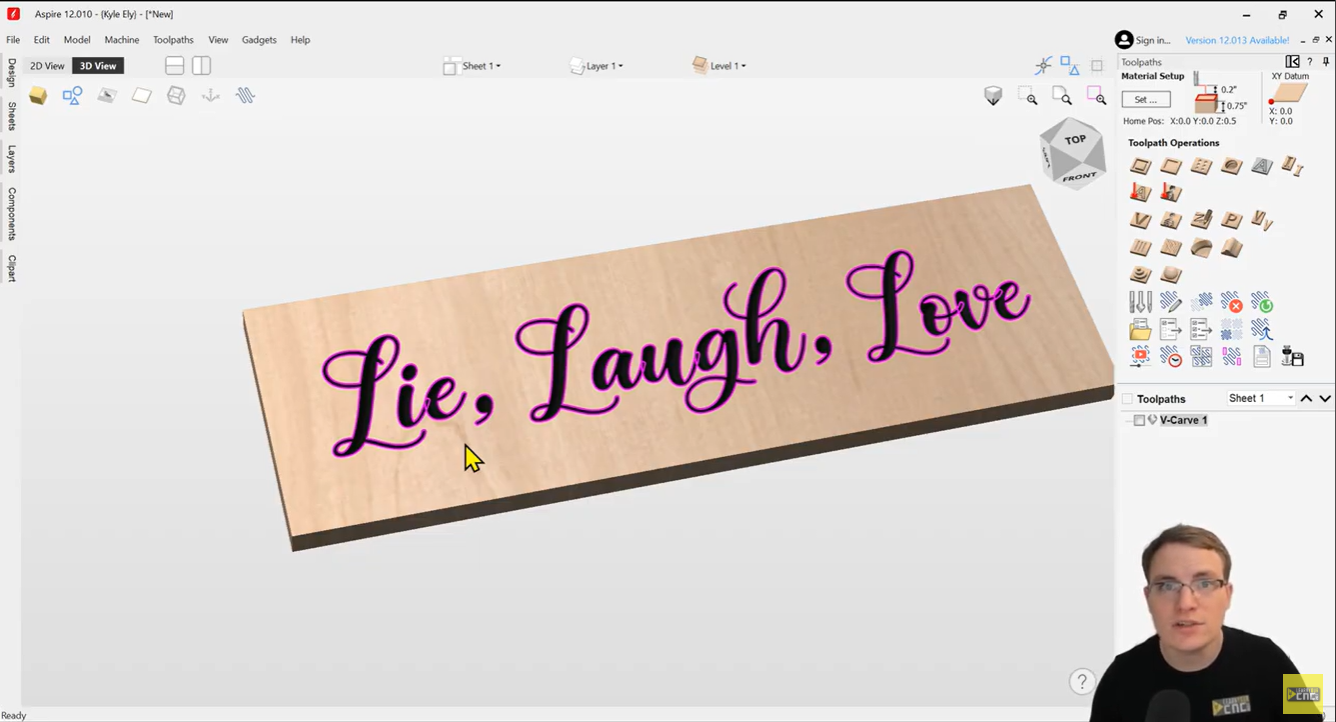
In one of my videos, I showed a sign that said “Lie, Laugh, Love.” Just one missing letter, but a pretty different message! 😂
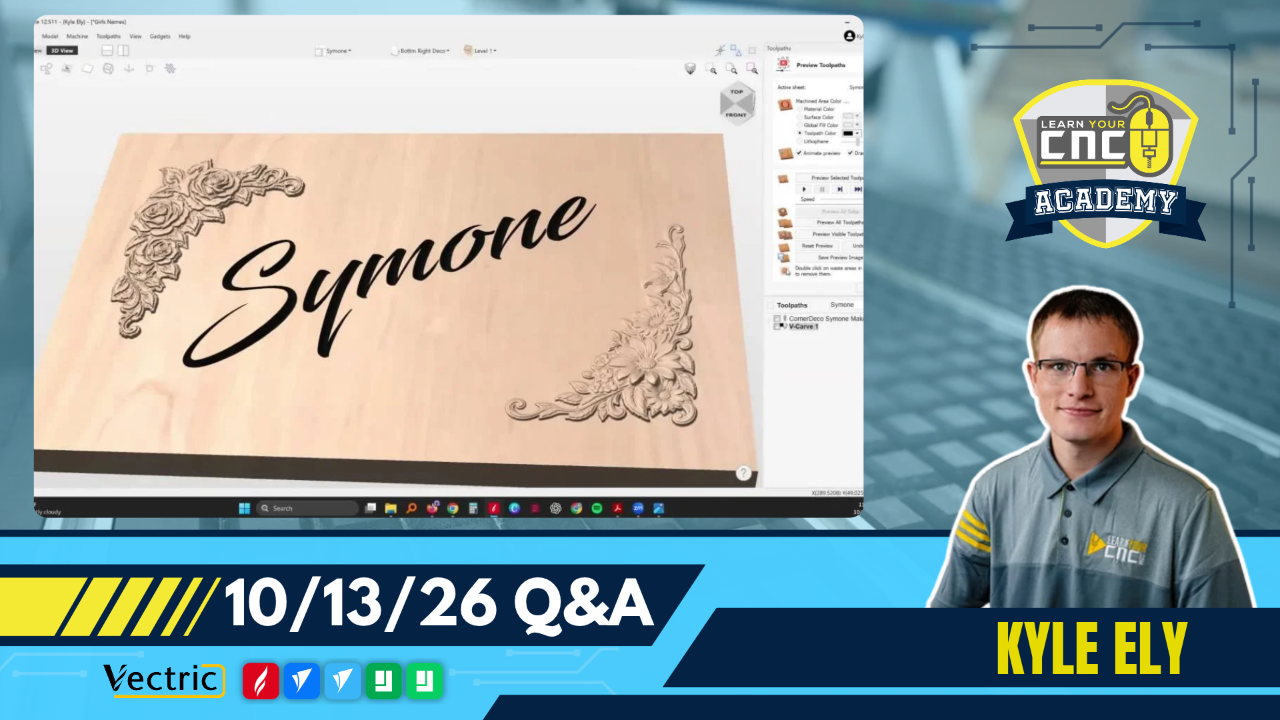
Adding the missing “V” fixed the text on screen. But until I recalculated the toolpath, the carving preview still showed the original mistake.
This applies to every type of CNC project, not just text engraving. Whether you’re cutting out parts, making pockets, or doing a 3D carving, changes to your design or model can affect your toolpaths. This can also happen when you resize a design or move vectors.
Here’s a quick habit to follow whenever you change a design:
-
Recalculate the affected toolpaths. Right-click the toolpath in your list and choose the appropriate Recalculate option.
-
Reset and run the preview again. Check that it reflects your changes.
-
Save the updated toolpaths for your machine. If you already exported the cutting files, replace those older files so you don’t accidentally run one.
That last step is easy to forget. Fixing everything inside Vectric won’t update a cutting file you already saved to your USB drive.
Before your next carve, take a moment to check that the design, preview, and exported files all reflect your latest changes.
Happy carving!
Kyle Ely
Founder/Instructor
Learn Your CNC Academy
Ready to take your CNC skills further?
Whether you want to learn Vectric step by step or get ongoing help with your projects, here are two ways I can help.
Learn Vectric step by step
The Vectric Master Training Course walks you through VCarve or Aspire with easy-to-follow lessons and practical projects. Learn at your own pace, build your confidence, and revisit the lessons whenever you need a refresher.
Keep learning with live classes and Q&A
Want new project ideas and a place to ask questions when you get stuck? Join our Live Vectric Group Training for live project lessons, Q&A sessions, and a library of past classes you can watch anytime.
Looking for something else?
Explore all courses and training options →





Responses