
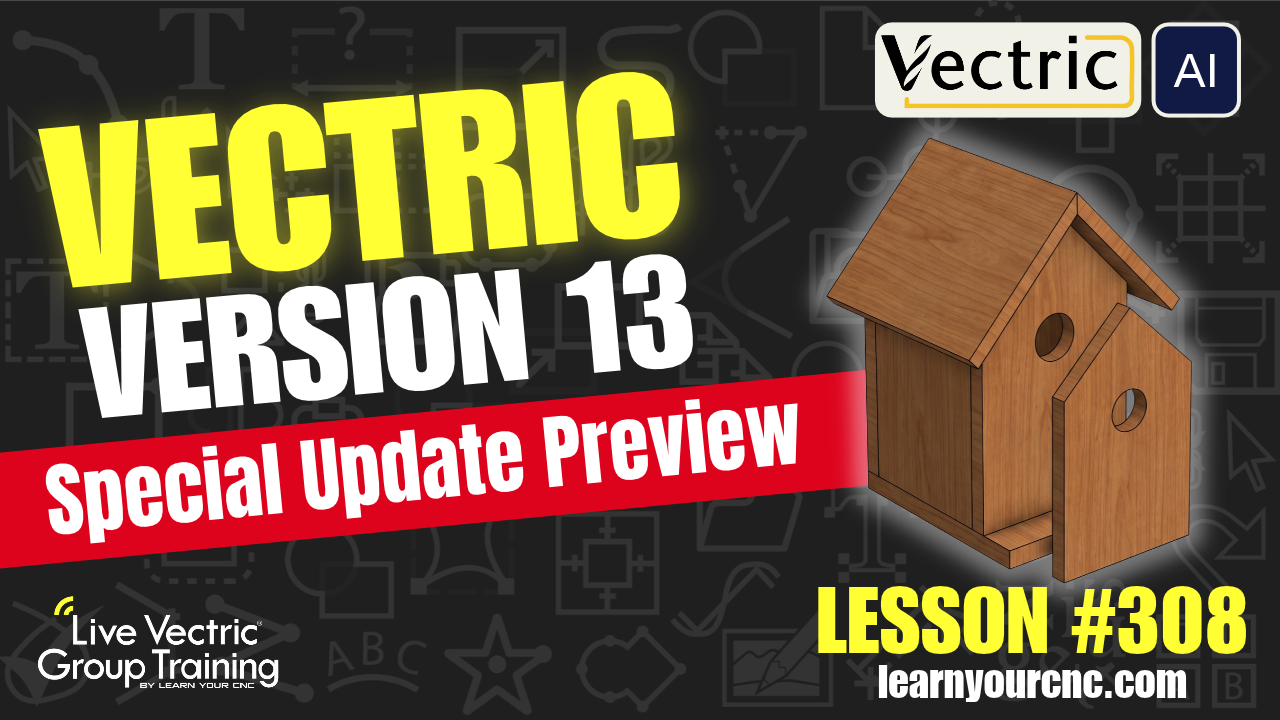
Ever wonder how to speed up your CNC workflow? This video shows how SketchUp and Vectric work better together than you might think. Instead of re-drawing everything, you'll learn a practical way to design your 3D furniture and custom models in SketchUp and then bring them straight into Vectric for your toolpaths. It’s a great way to save time, avoid material waste, and make your CNC projects a lot less of a headache.
|
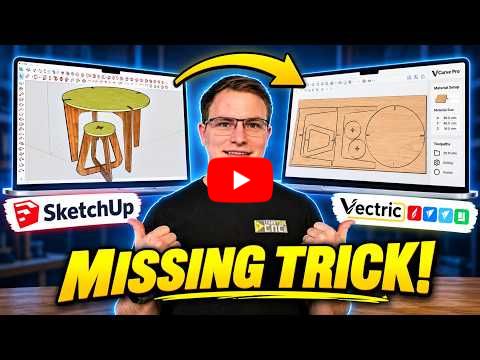
SketchUp + VCarve: The CNC Workflow I Wish I Learned Earlier →
Meet Jef, Our New 1:1 CNC Trainer!
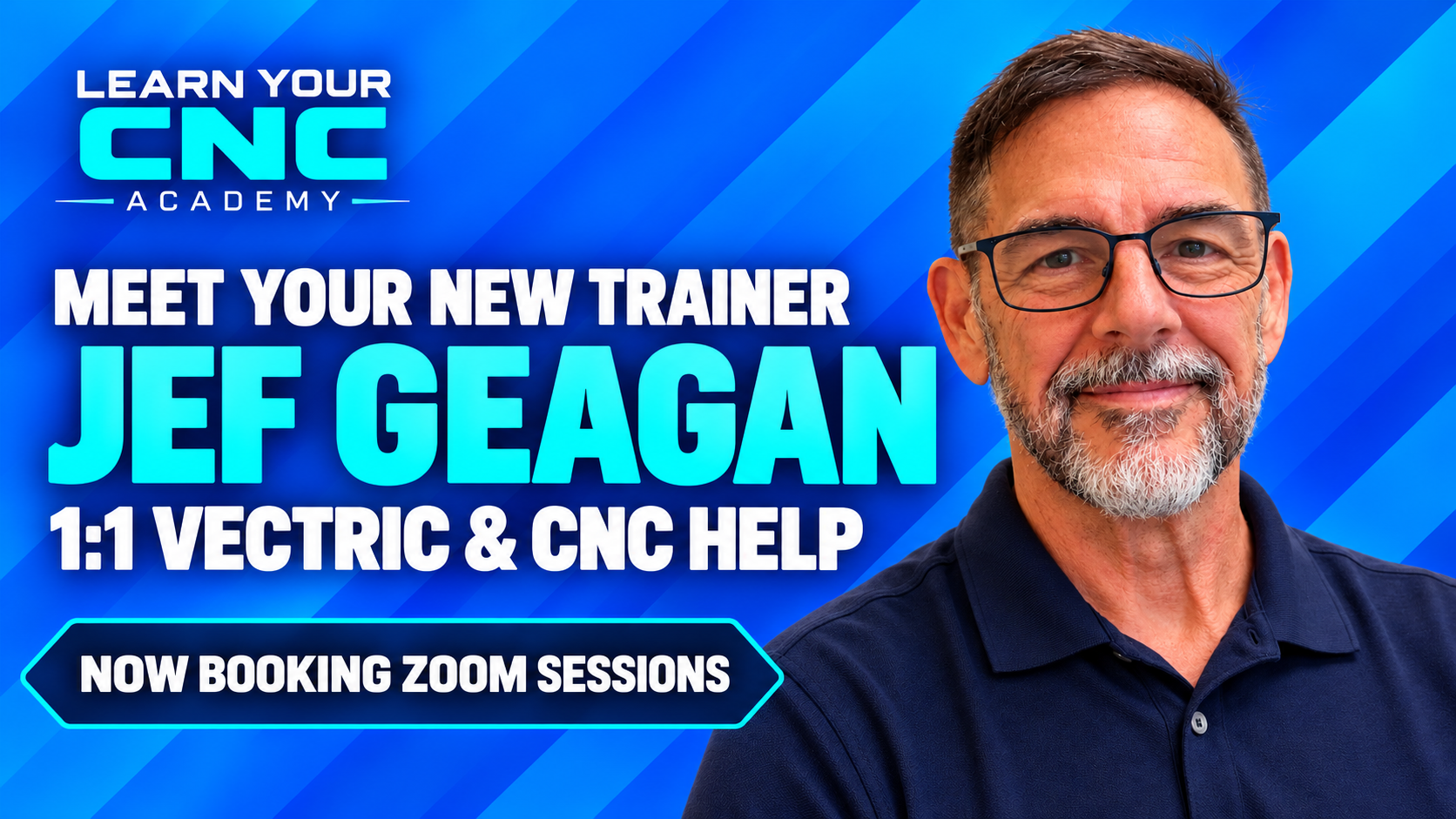
I’m excited to welcome Jef Geagan to our training team! Jef is a Learn Your CNC student and experienced Vectric and CNC instructor with a practical, easy-to-follow teaching style.
You can now book a 30-minute or 1-hour Zoom session with Jef for personalized help with Vectric, toolpaths, CNC troubleshooting, or getting unstuck on a project.
👇Last Week's Highlights👇
Project Lesson of the Week
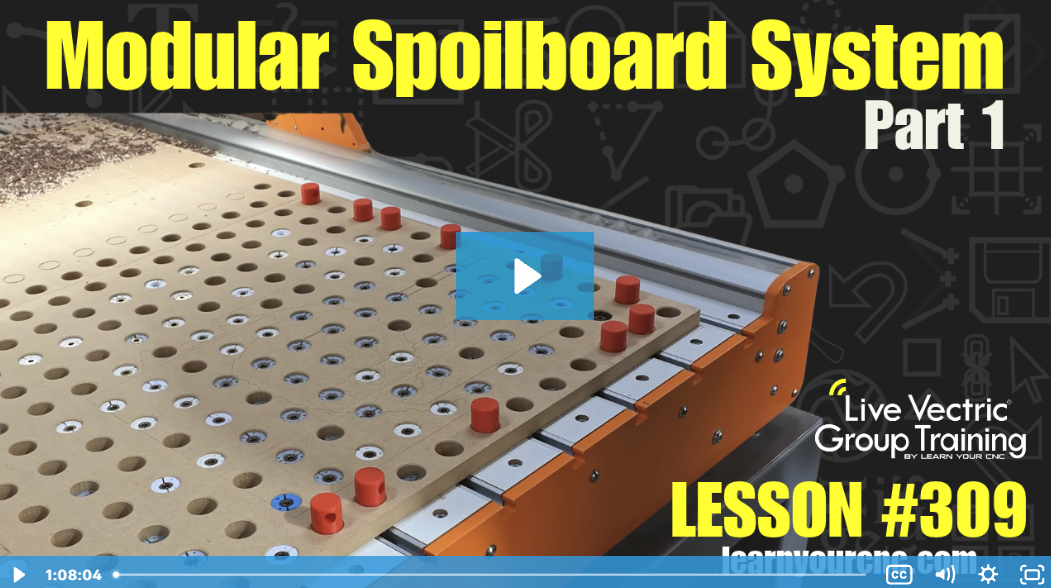
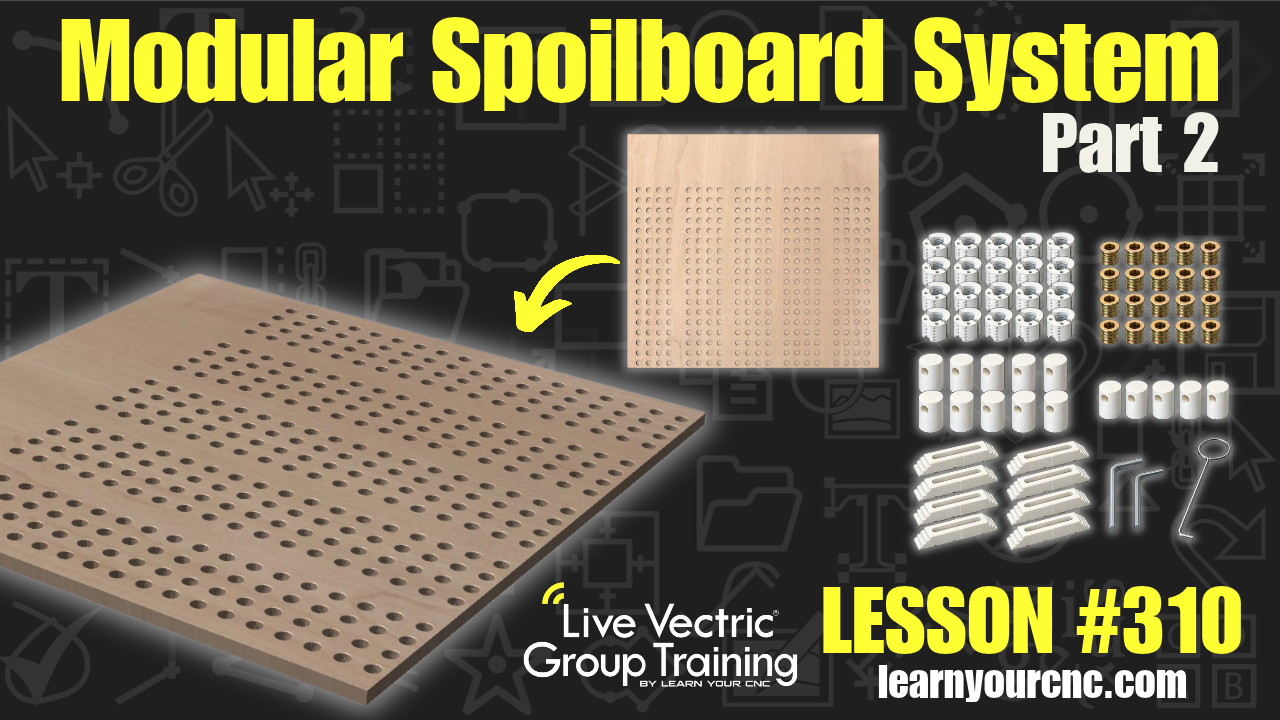
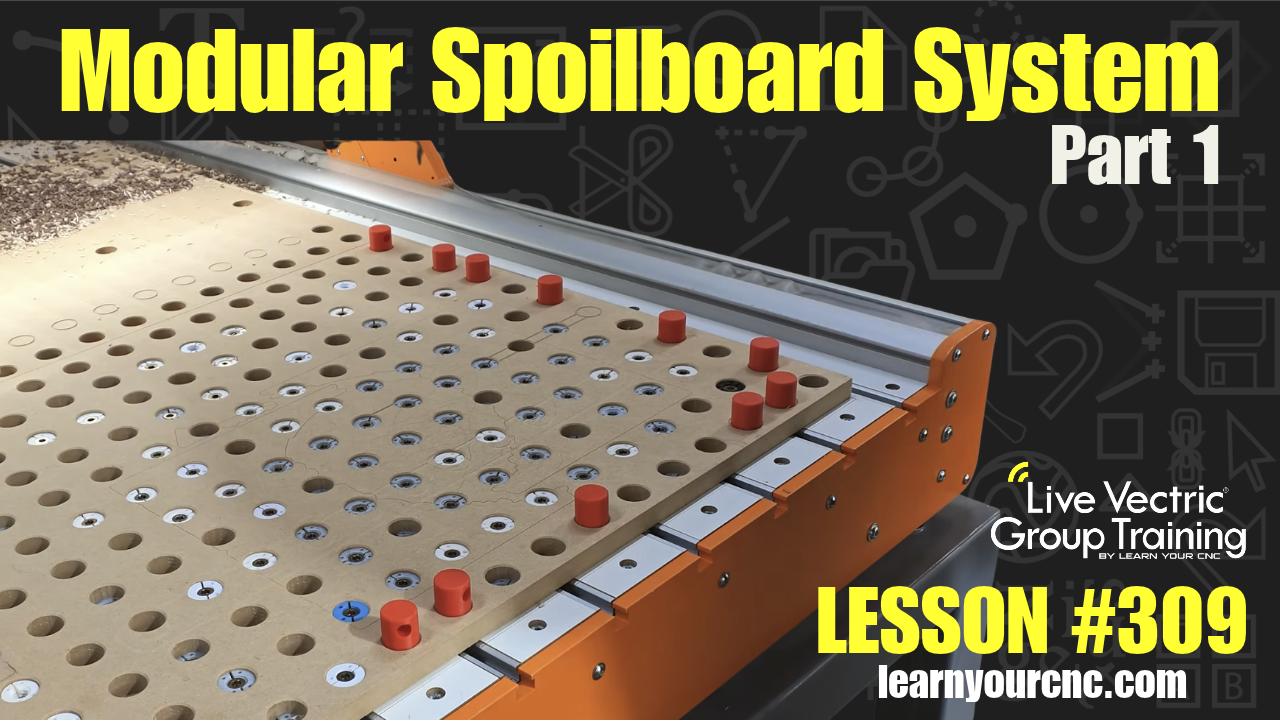
Upgrade your CNC table with a versatile, modular spoilboard system! In this lesson, Kyle walks through designing a custom spoilboard layout featuring a grid of 1-inch holes, threaded inserts, and modular fence pins based on the system from Broinwood. You'll learn how to take exact measurements of your machine's bed and mounting screws, lay out clear "no-go zones" to prevent toolpath collisions, create custom vector layers, and use array copy and alignment tools to space out mounting holes perfectly. This beginner-friendly workshop project can be created in Aspire, VCarve, or Cut2D and is ideal for anyone looking to maximize workholding flexibility on their Onefinity or similar CNC router.
🔥 Exclusive Access: Watch this replay and unlock over 300 additional lessons packed with digital files, project templates, and expert tips! Perfect for sharpening your skills and tackling unique CNC challenges.
👉 Not a Member Yet? Join the Learn Your CNC Academy Community today to access this lesson and so much more. Transform your CNC game with step-by-step guidance, live Q&A meetups, and a treasure trove of downloadable resources.
Sign Up Now and start your journey to CNC mastery!
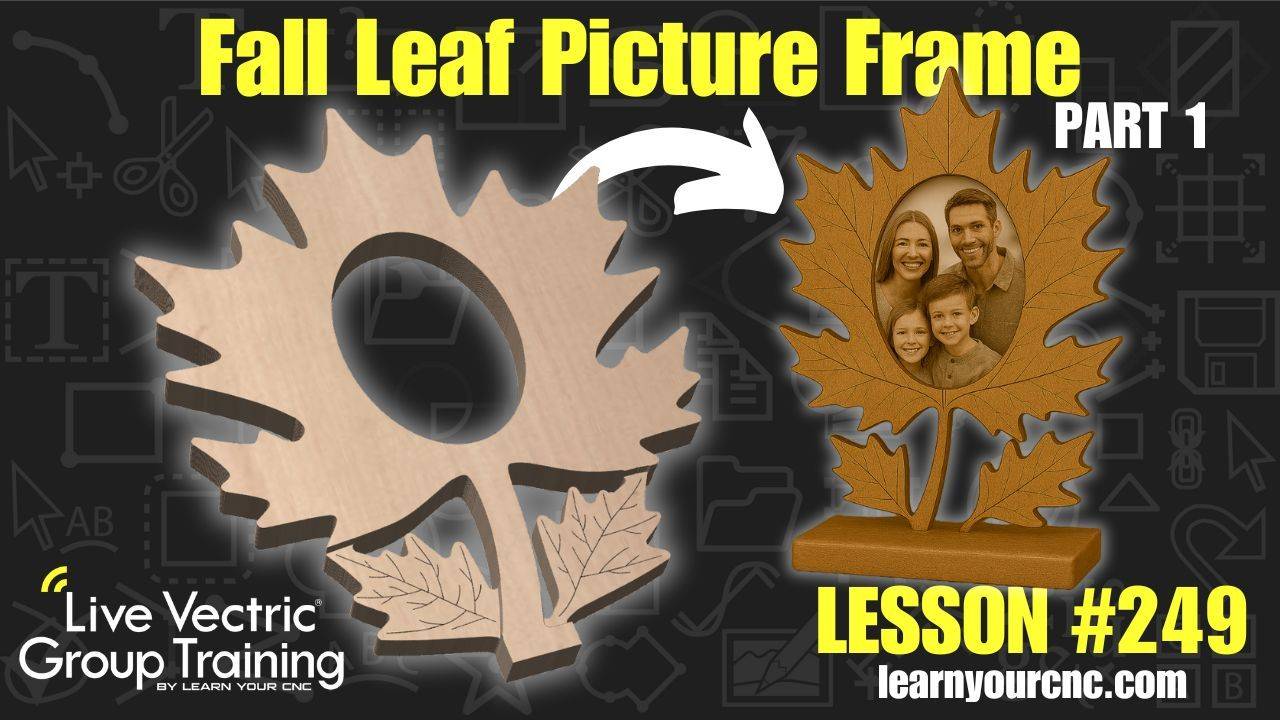
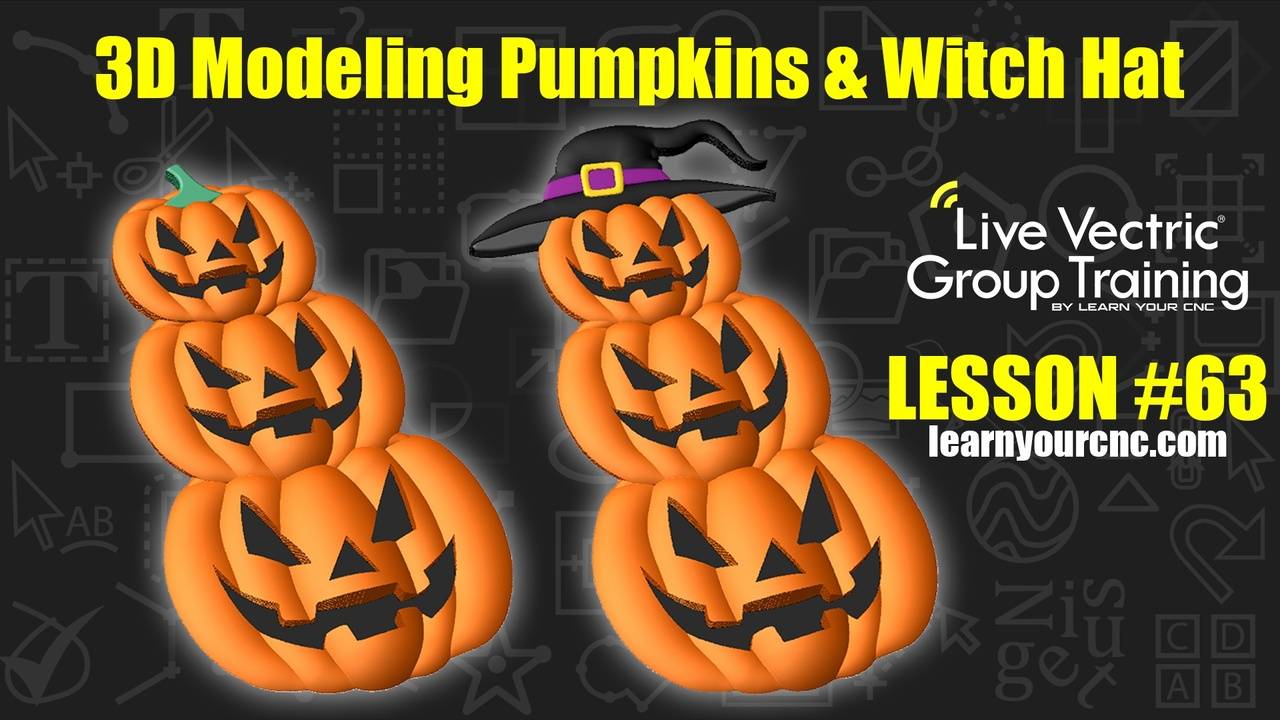
Some Other Project Lessons
that may Interest You
 |
 |
 |
👉VIEW COMPLETE LESSON LIBRARY👈
Vectric Q&A Recap
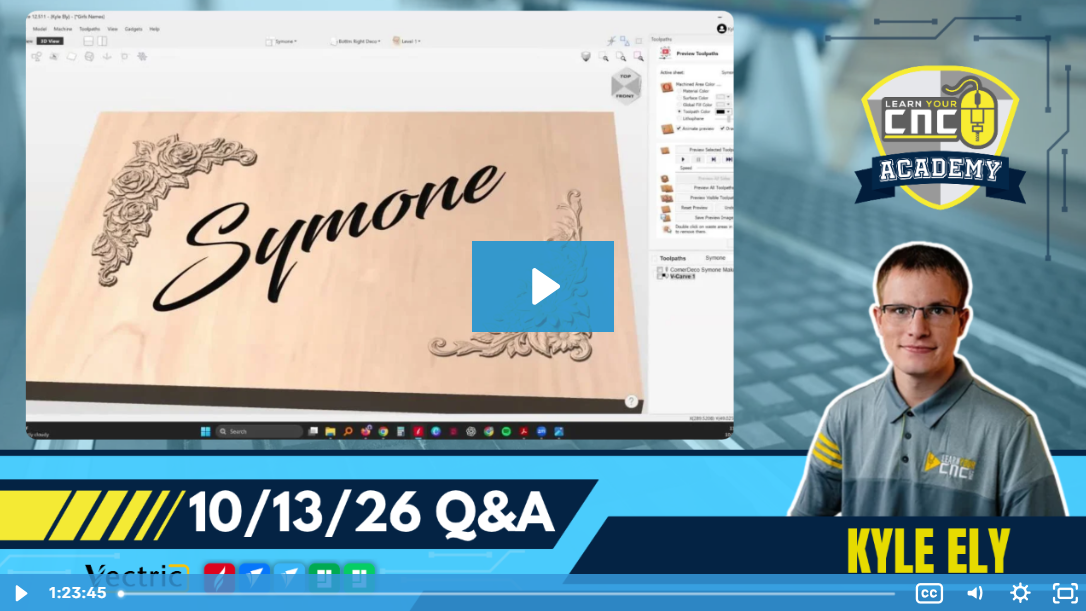
Key tips from the Q&A:
-
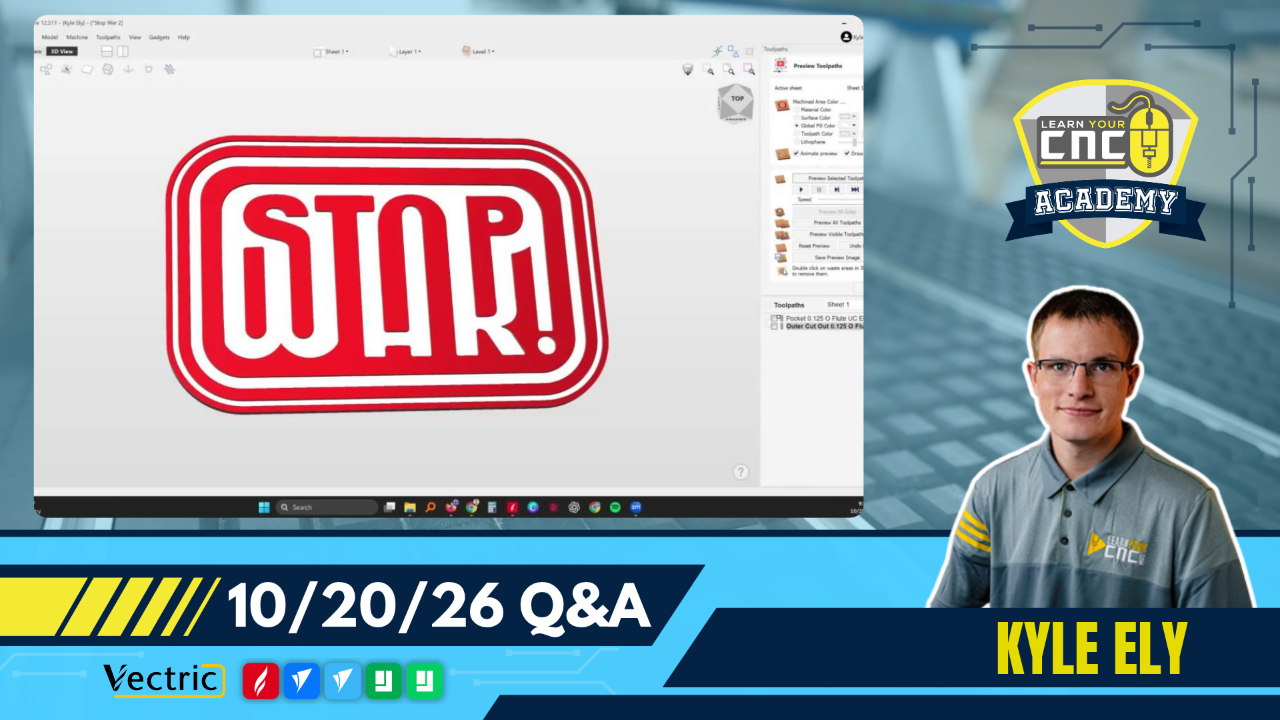
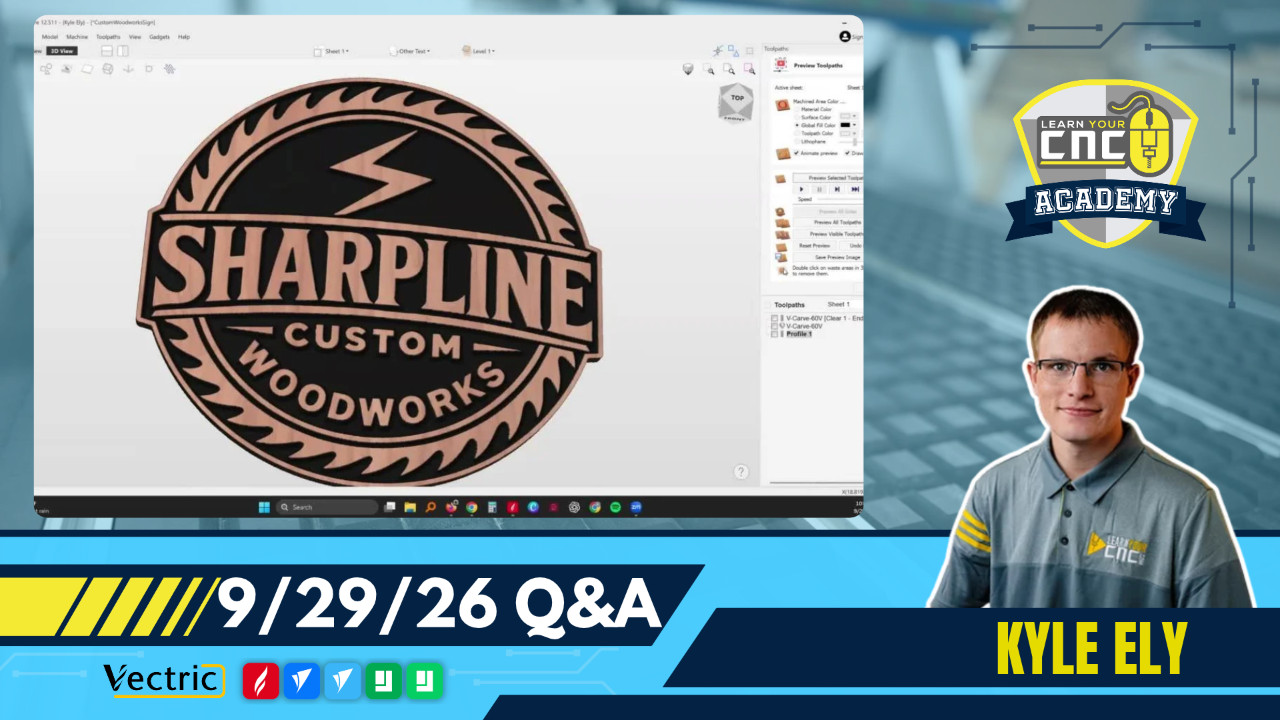
Text Offsets for Logos: When placing text inside a vector logo, create a small offset boundary around the text and use the subtract tool to remove the intersecting lines from the background logo, preventing the text from being ruined when welded.
-
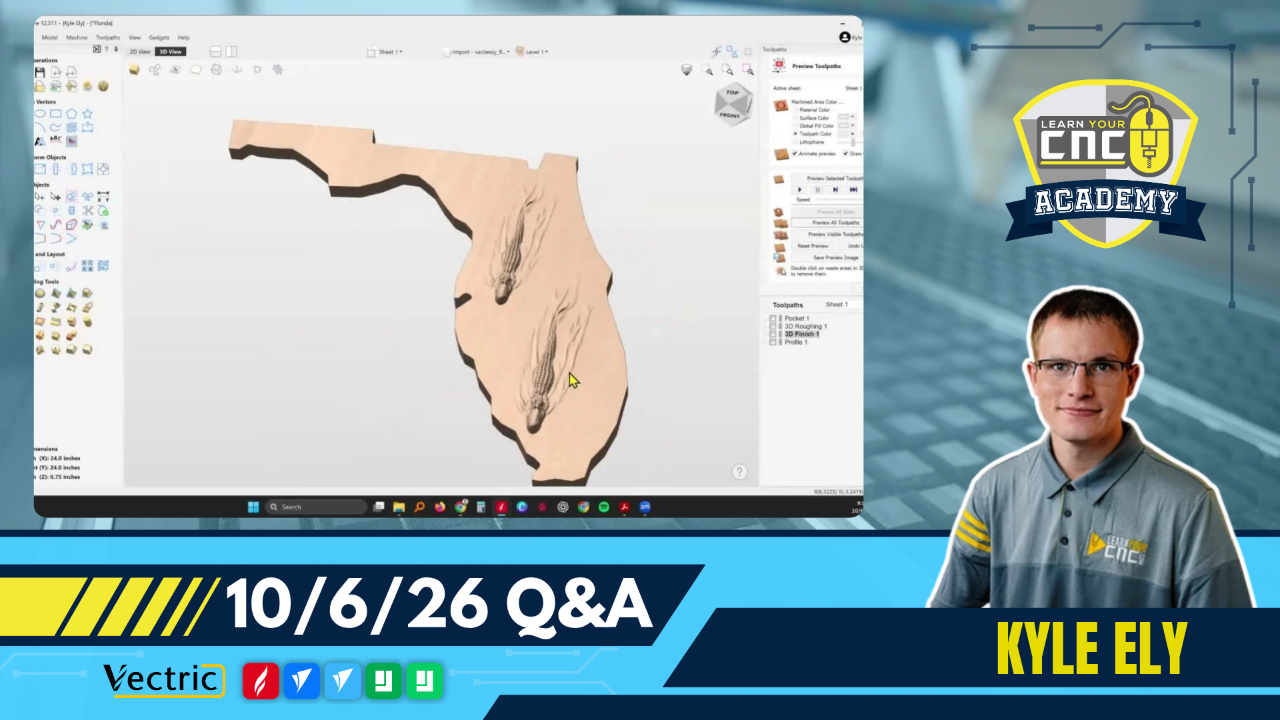
Material Setup for Deep Carves: To prevent 3D toolpaths from carving unnecessarily deep into the material, adjust the "Model position in material" setting to push the model closer to the top surface, which saves machining time and reduces warpage risks.
-
Bit Selection for Pockets: When clearing wood inside a pocket for an epoxy inlay, a down-cut bit is preferred over a compression bit because it pushes the material downwards, preventing the bit from pulling up on the edges.
(Not a member yet? Sign up here to watch the replays and so much more!)
Coming Up Next Week...
We have new live lessons every week to help you with Vectric and CNCs! Below is what is on schedule for next week:
- Tuesday @ 12PM Eastern/9AM Pacific: Vectric Q&A with Kyle
- Thursday @ 5PM Eastern/2PM Pacific: Special Guest: Nik from BroinwooD!
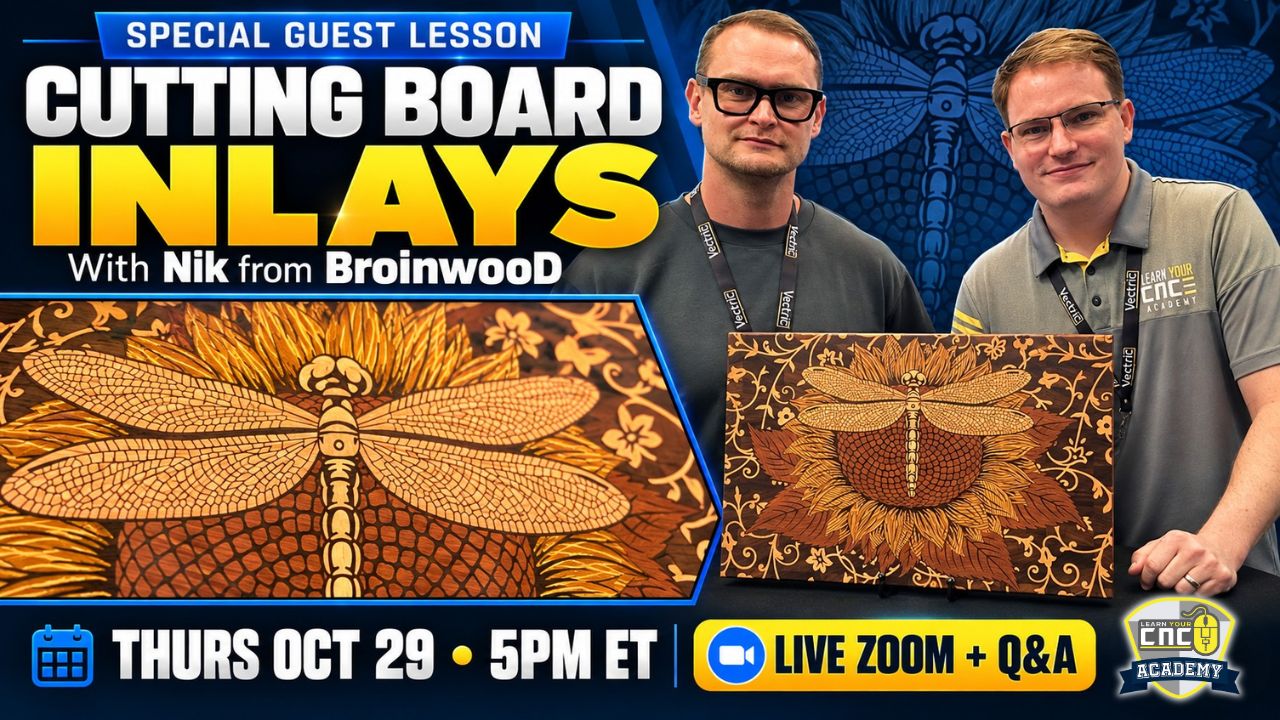
Join us Thursday, October 29th at 5PM ET for a special live Zoom lesson! Nik will share his process for creating stunning, highly detailed cutting board inlays, followed by a live Q&A to answer your questions.
Included with your Live Vectric Group Training membership.
Not a member? Learn more and join LVGT →
👇Community Corner👇
Student Spotlight: Show and Tell
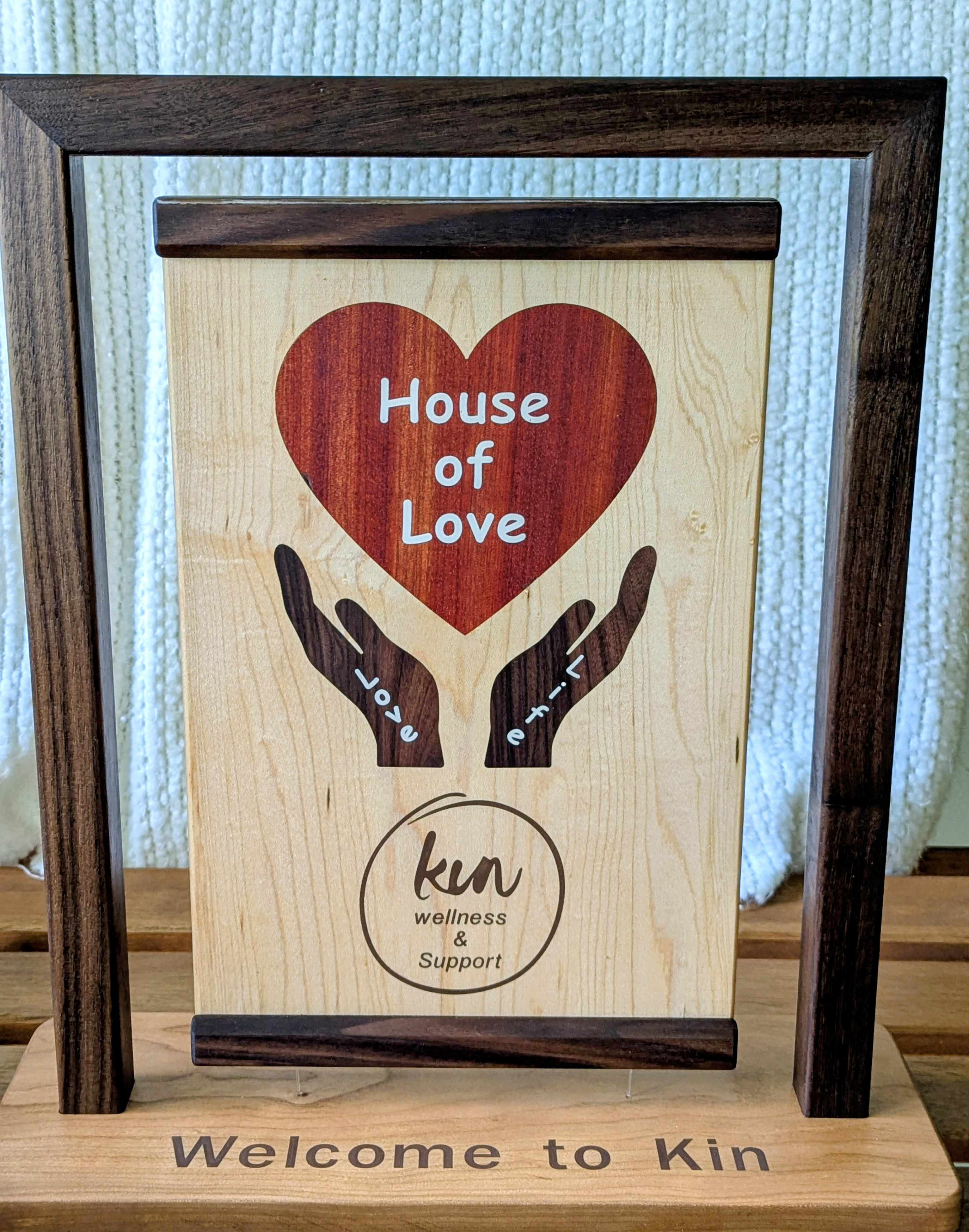
"I donated this floating plaque that I made to a local center that offers free services to cancer patients. It is held up by concealed magnets and at the bottom it is held in place by fishing line." – Mark B.
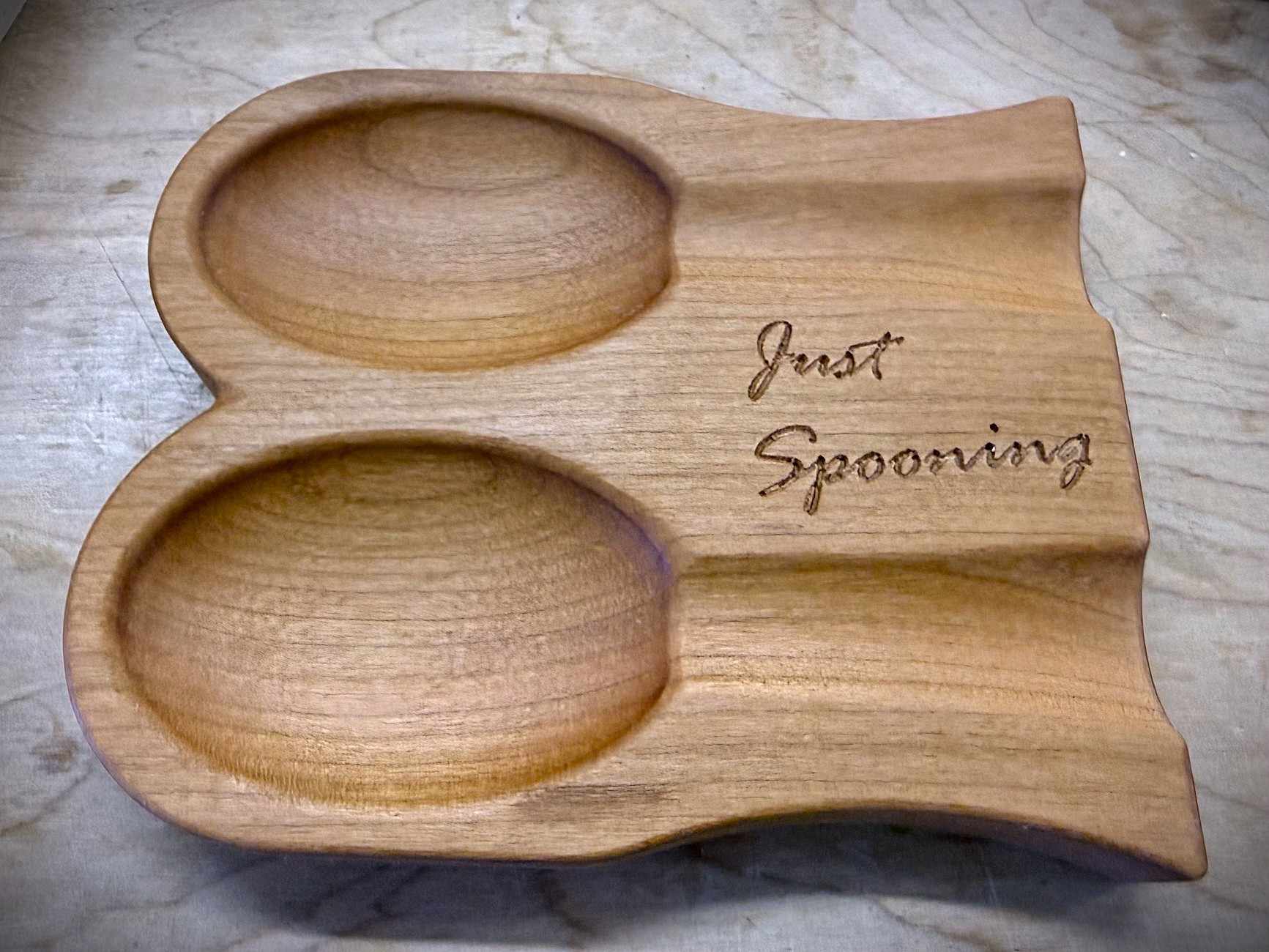
"Another spoon rest idea. Used 1/4 ball nose, 60 deg v-bit, and finished in Watco Oil." – John Barker
Project Challenge of the Month

✨Theme: Bring your spooky ideas to light
⏰Deadline: 10/31/2026
🏆1st Place Prize: $30 IDC Woodcraft Gift Card
🥈2nd Place Prize: 100 AI Credits for Vectric EasyCreate
🥉3rd Place Prize: LYCNC Ball Cap Hat
(Not a member yet? Sign up here to join the challenge and so much more!)
Happy CNCing,
Kyle Ely
Founder/Instructor
Learn Your CNC Academy
You don’t have to figure it all out on your own.
Sometimes a little guidance is all you need to get past a sticking point and keep your project moving. That’s why we offer live classes and Q&A.
Live Vectric Group Training
Keep building your VCarve, Aspire, or Cut2D skills with live project lessons and Q&A sessions. Bring your questions, discover new techniques, and learn alongside other CNC owners.
Can’t make it live? Watch the recordings on your schedule and explore our library of past classes whenever you need ideas or a refresher.
Explore Live Vectric Group Training →
Looking for a course you can work through at your own pace?
Explore our other training options →





Responses