
If you’re new to CNC, one of the hardest parts is understanding how the entire process fits together. In our latest video, I walk you through creating a simple personalized tray, starting with a blank screen in Vectric and finishing with a completed project on the CNC.
We keep everything beginner-friendly, use only one bit, and I’ll show you a simple test you can run before making your first cut to help build your confidence.
|
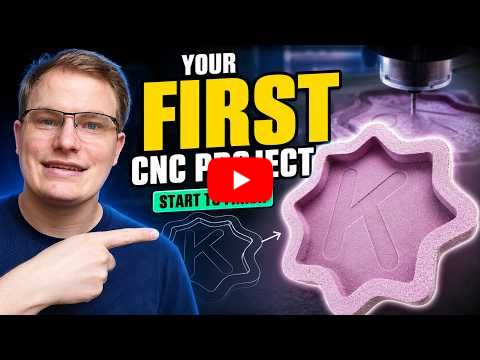
Watch How to Make Your First CNC Project →
👇Last Week's Highlights👇
Project Lesson of the Week
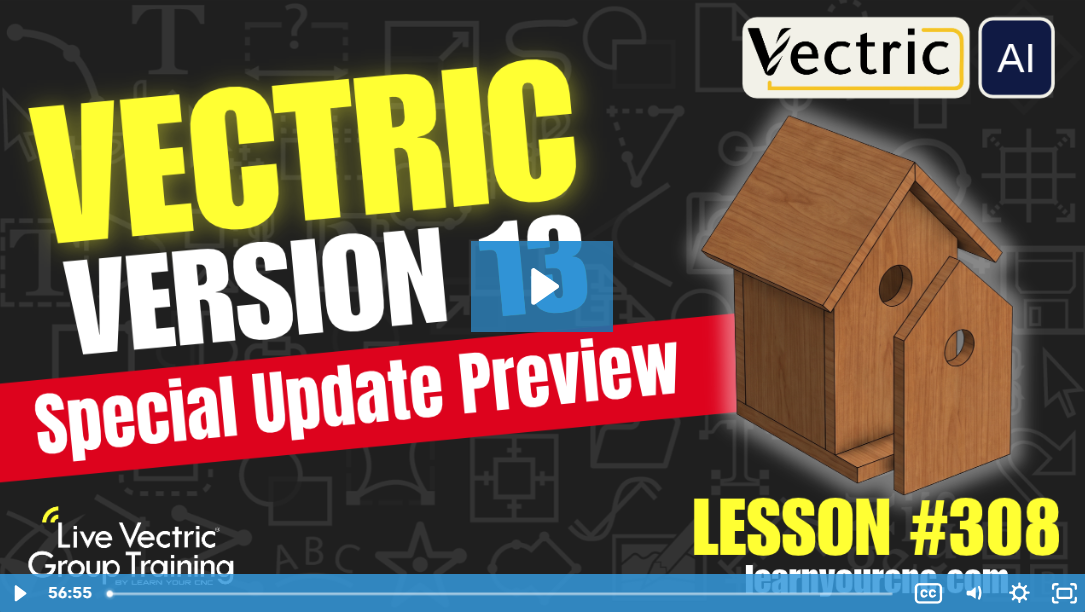
In this special edition lesson, Kyle breaks down all the exciting new updates, features, and announcements coming to the Vectric ecosystem! Instead of a single project walkthrough, we take an in-depth, easy-to-understand look at the upcoming Vectric Version 13 release. You'll discover game-changing features like the AI-powered MCP connection, brand-new workspace tabs (Design, Preview, Assembly), upgraded molding toolpath previews, dynamic finger joints, streamlined tab placement, higher 3D modeling resolutions, and Vectric's acquisition of DeskProto. This special overview is perfect for all Vectric users—whether you're using Cut2D, VCarve, or Aspire.
🔥 Exclusive Access: Watch this replay and unlock over 300 additional lessons packed with digital files, project templates, and expert tips! Perfect for sharpening your skills and tackling unique CNC challenges.
👉 Not a Member Yet? Join the Learn Your CNC Academy Community today to access this lesson and so much more. Transform your CNC game with step-by-step guidance, live Q&A meetups, and a treasure trove of downloadable resources.
Sign Up Now and start your journey to CNC mastery!
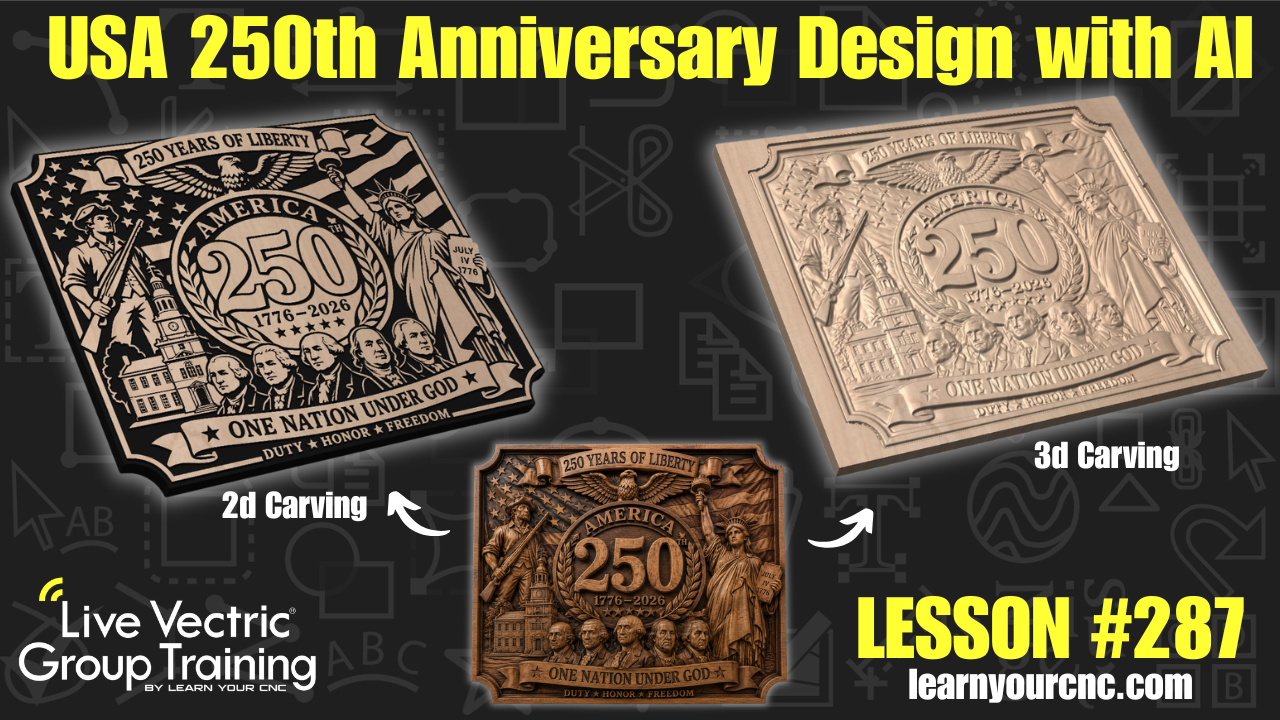
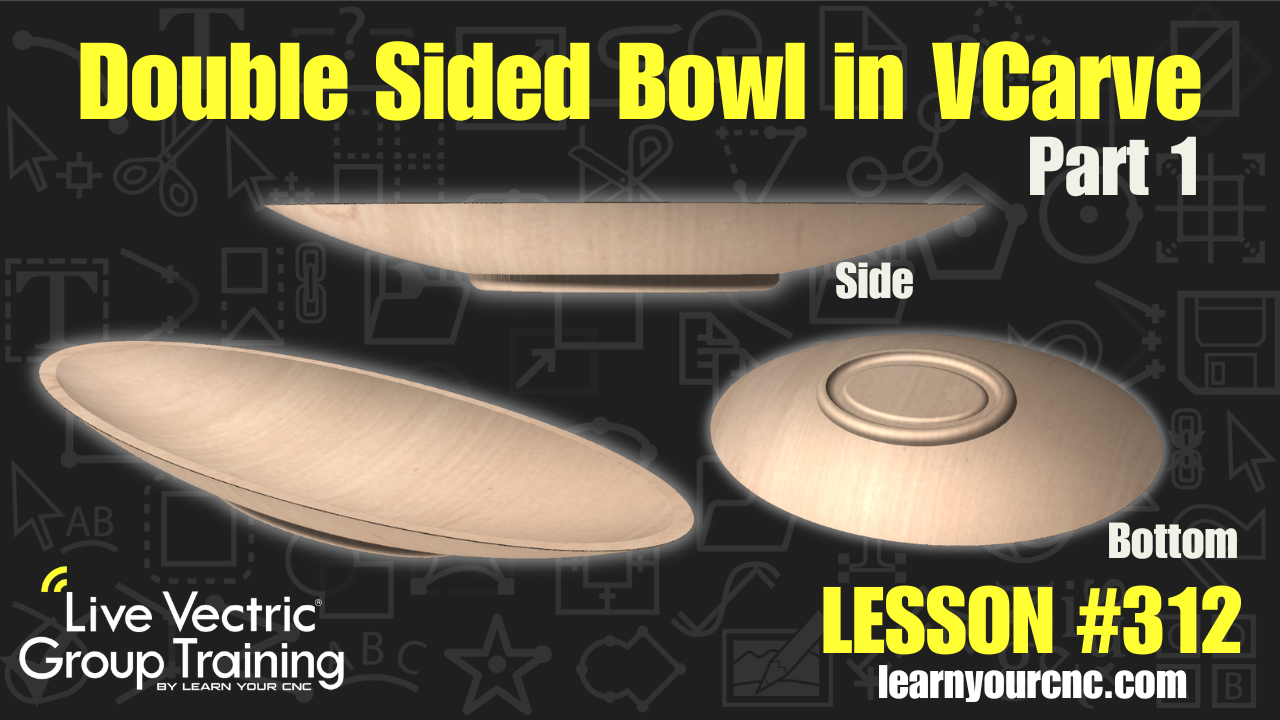
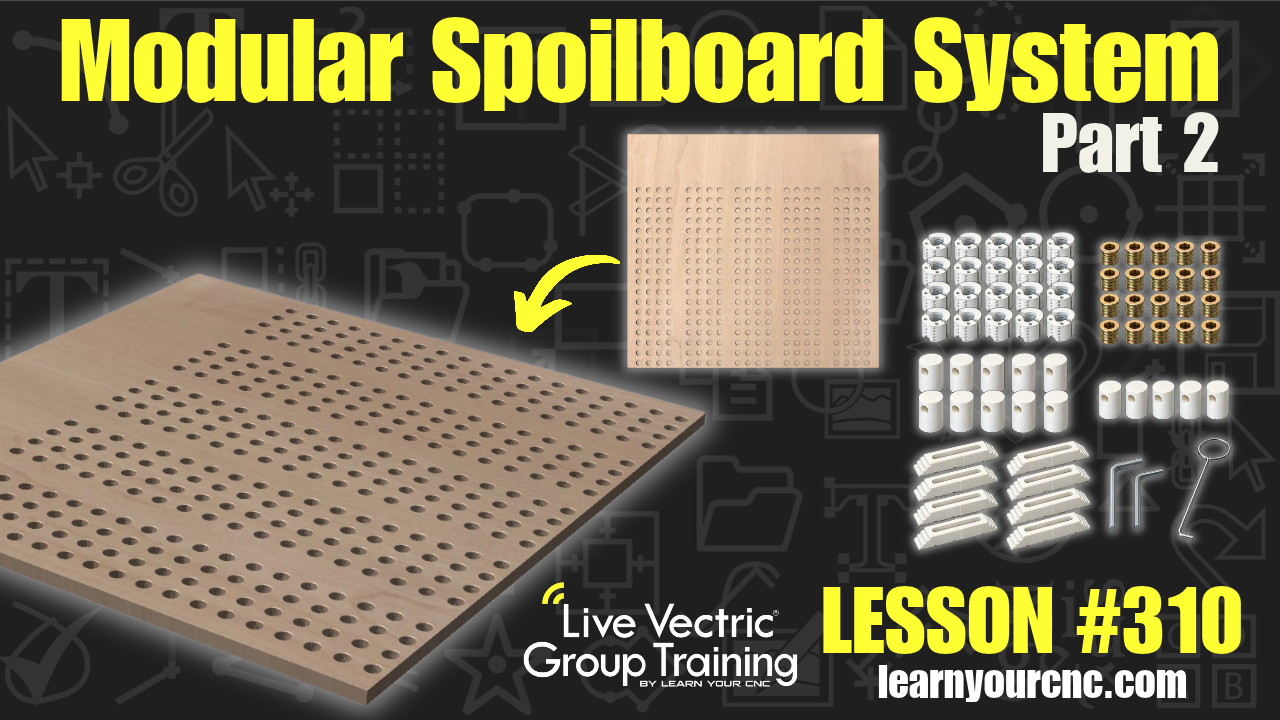
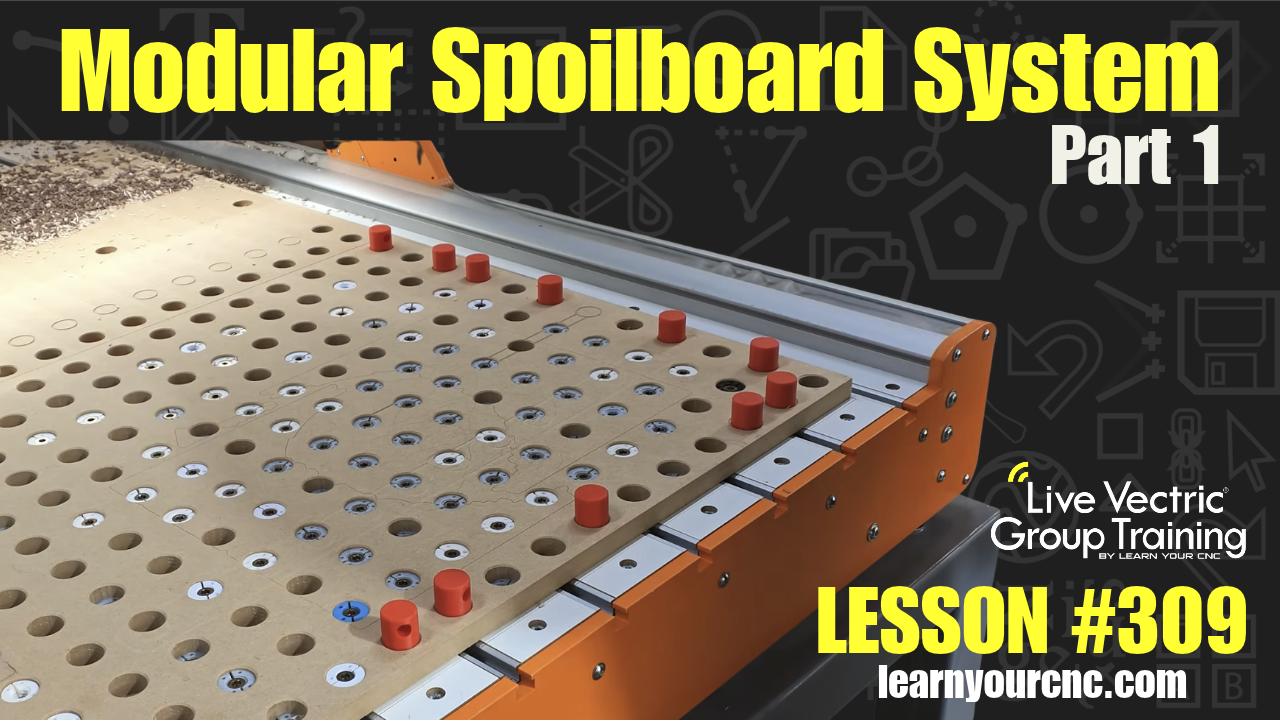
Some Other Project Lessons
that may Interest You
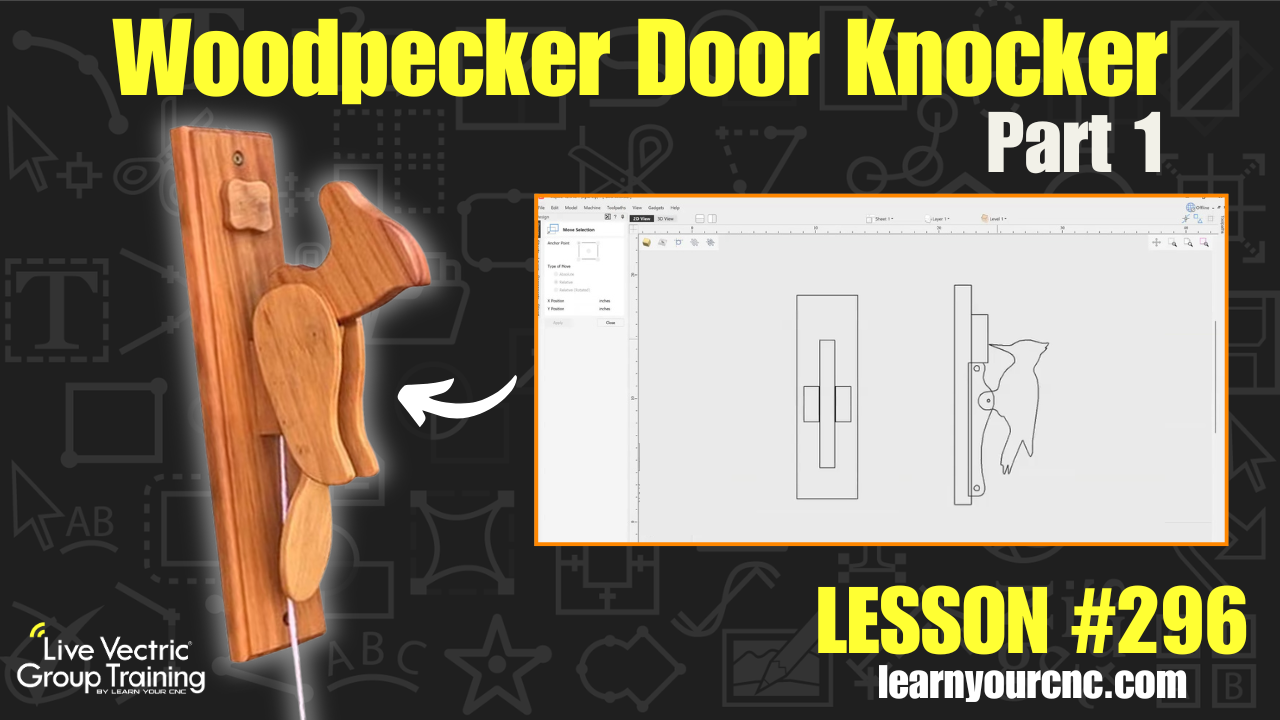 |
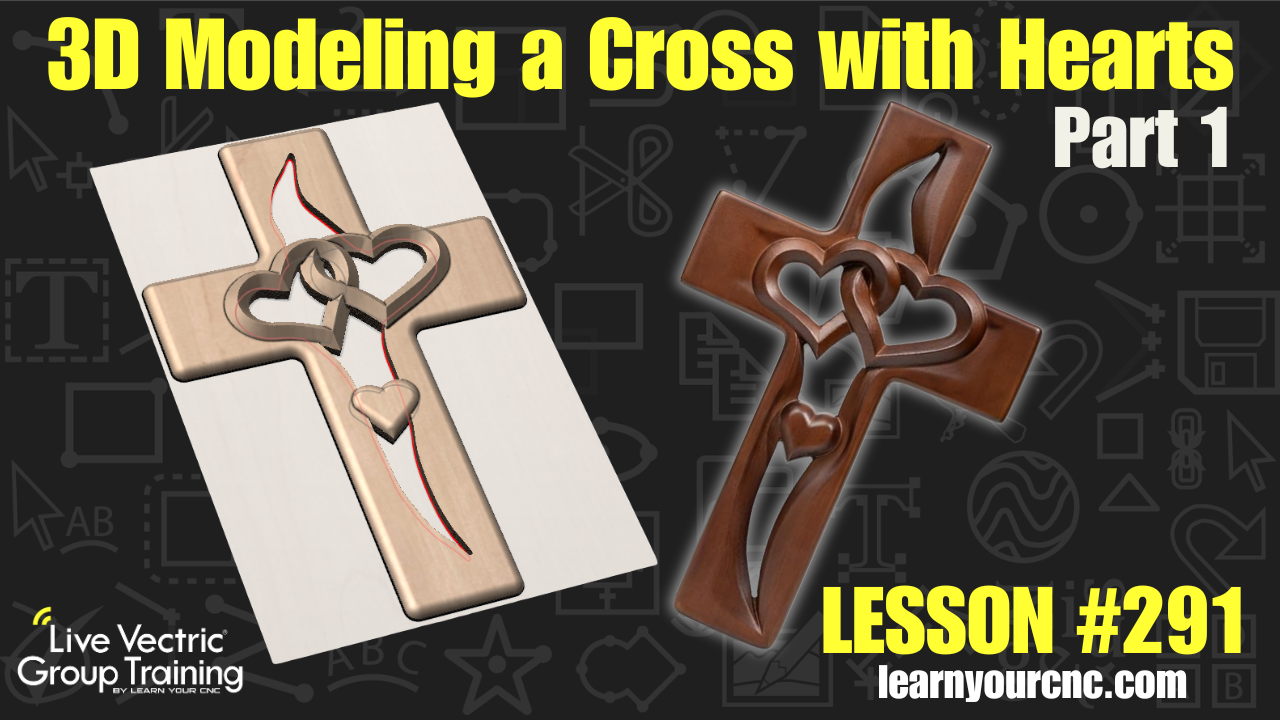 |
 |
👉VIEW COMPLETE LESSON LIBRARY👈
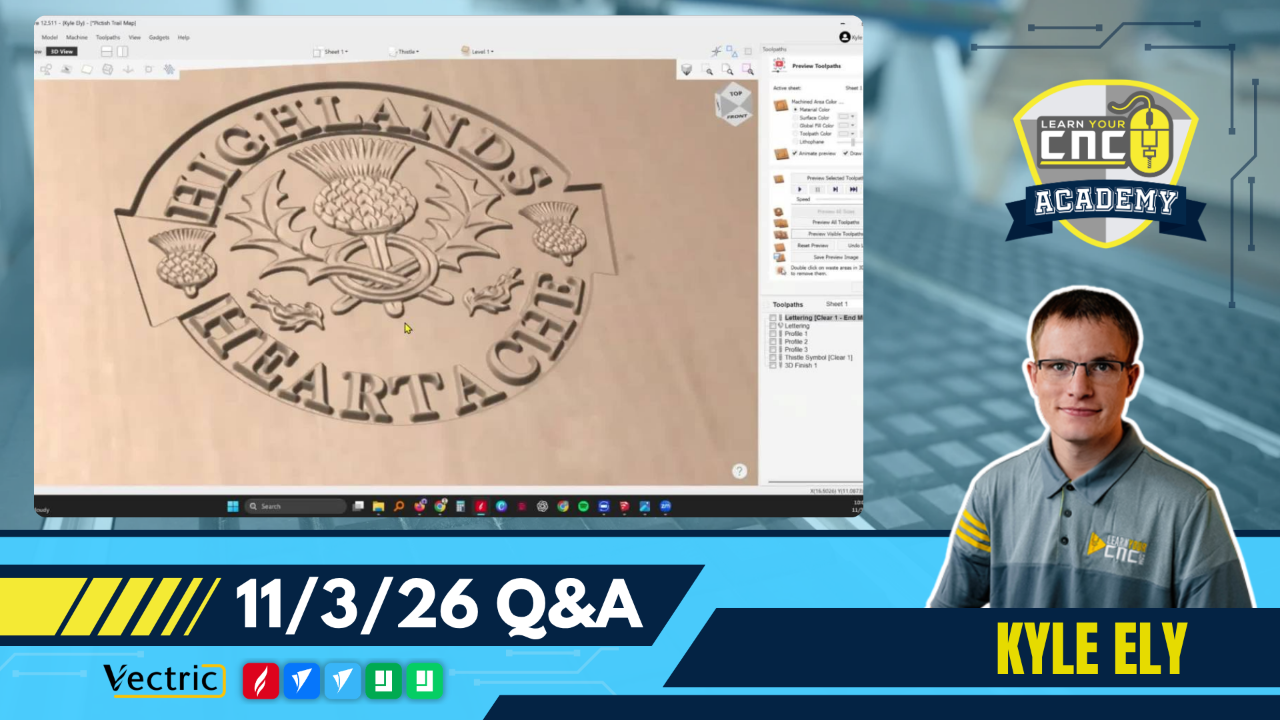
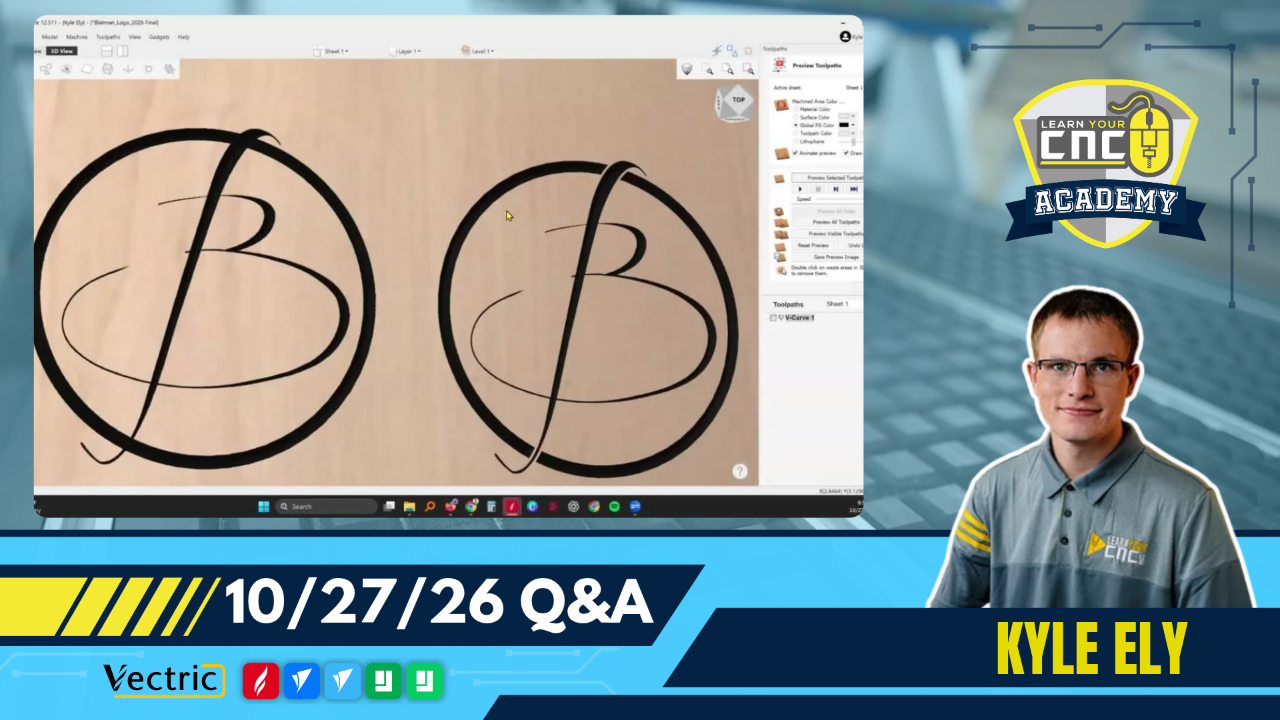
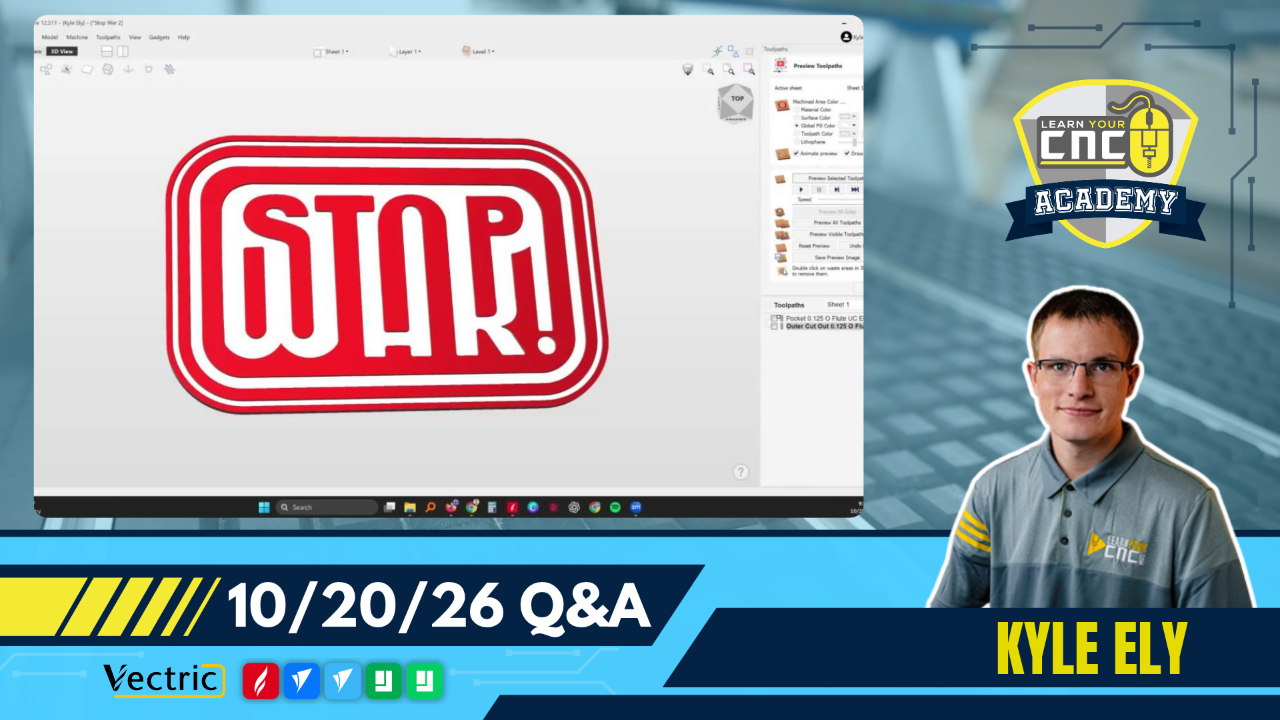
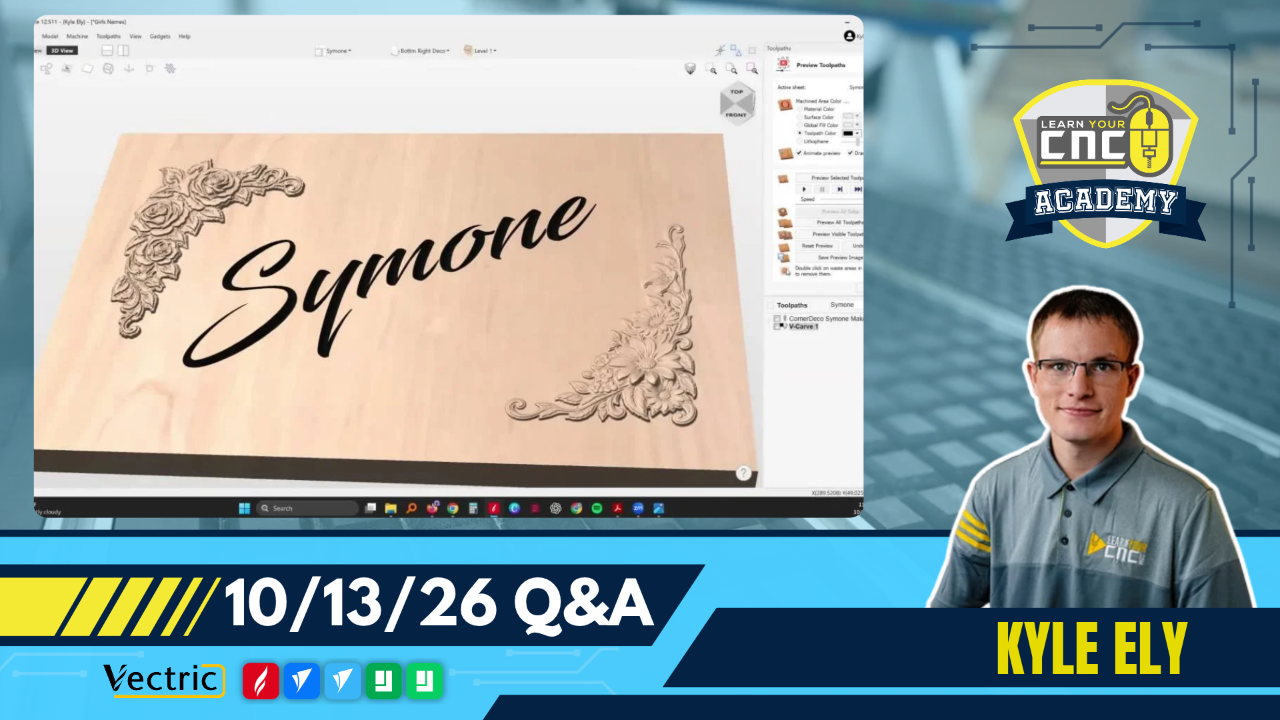
Vectric Q&A Recap
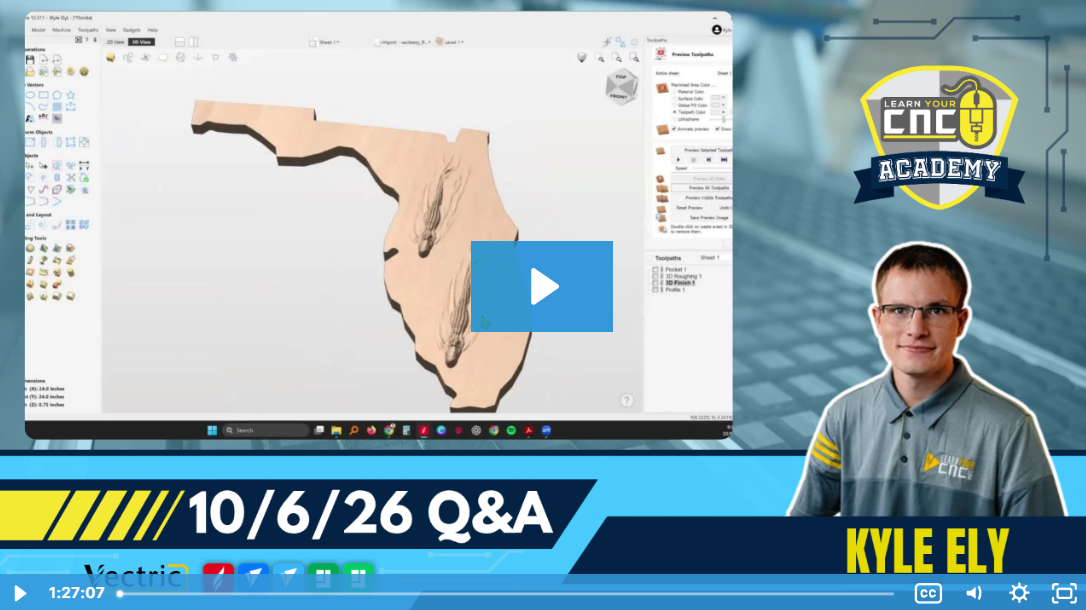
Key tips from the Q&A:
-
-
3D Model Optimization: When placing a 3D model on a flat vector shape, use a 2D pocket toolpath to drop the background level . This allows the 3D model to sit proud of the surface while drastically reducing carve time compared to full 3D modeling.
-
Custom Moldings: Create custom moldings, like rosettes or crown molding, using the molding toolpath by drawing a side-profile vector and running it along a drive rail . Machine the pieces longer than needed so they can be accurately cut to size on a miter saw.
-
Toolpath Vector Grouping: If you group or ungroup vectors that are already tied to a toolpath, the software will not recognize them for recalculation . You must open the toolpath and reselect the newly grouped or ungrouped vectors to link them again.
-
(Not a member yet? Sign up here to watch the replays and so much more!)
Coming Up Next Week...
We have new live lessons every week to help you with Vectric and CNCs! Below is what is on schedule for next week:
- Tuesday @ 12PM Eastern/9AM Pacific: Vectric Q&A with Kyle
- Thursday @ 5PM Eastern/2PM Pacific: CNC Project Lesson of the Week
(Not a member yet? Sign up here to join our community and weekly meetups!)
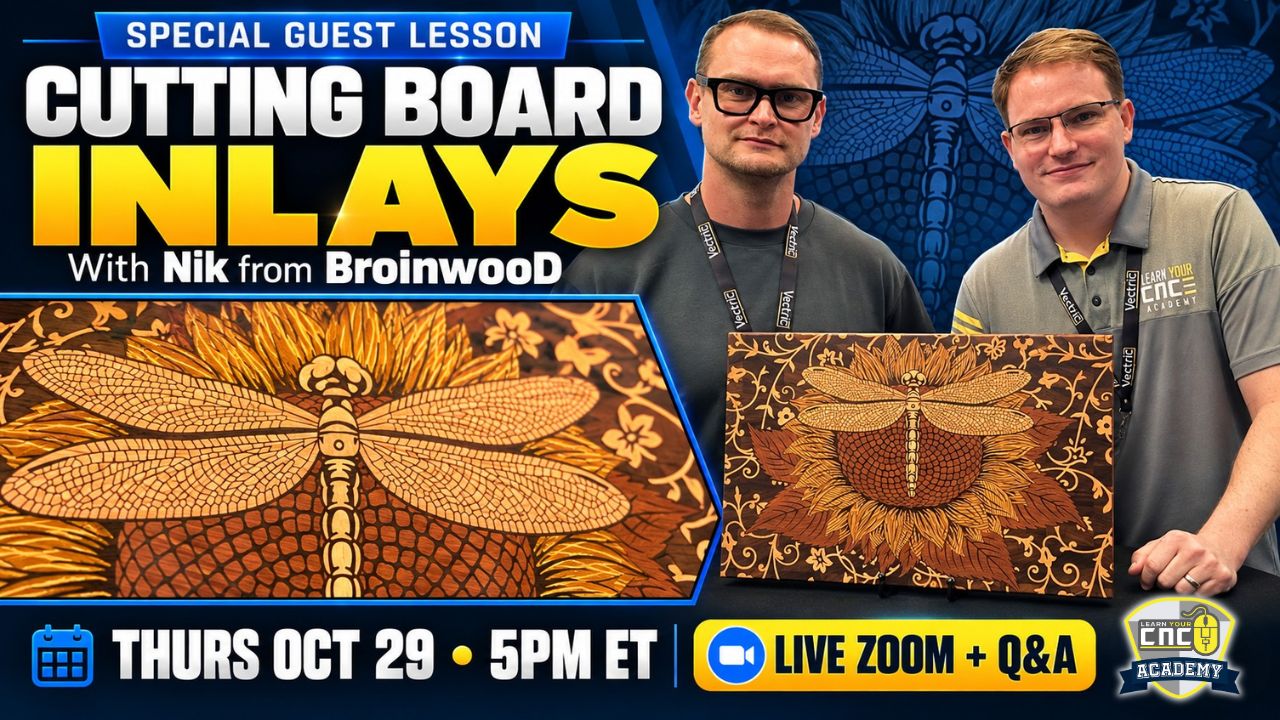
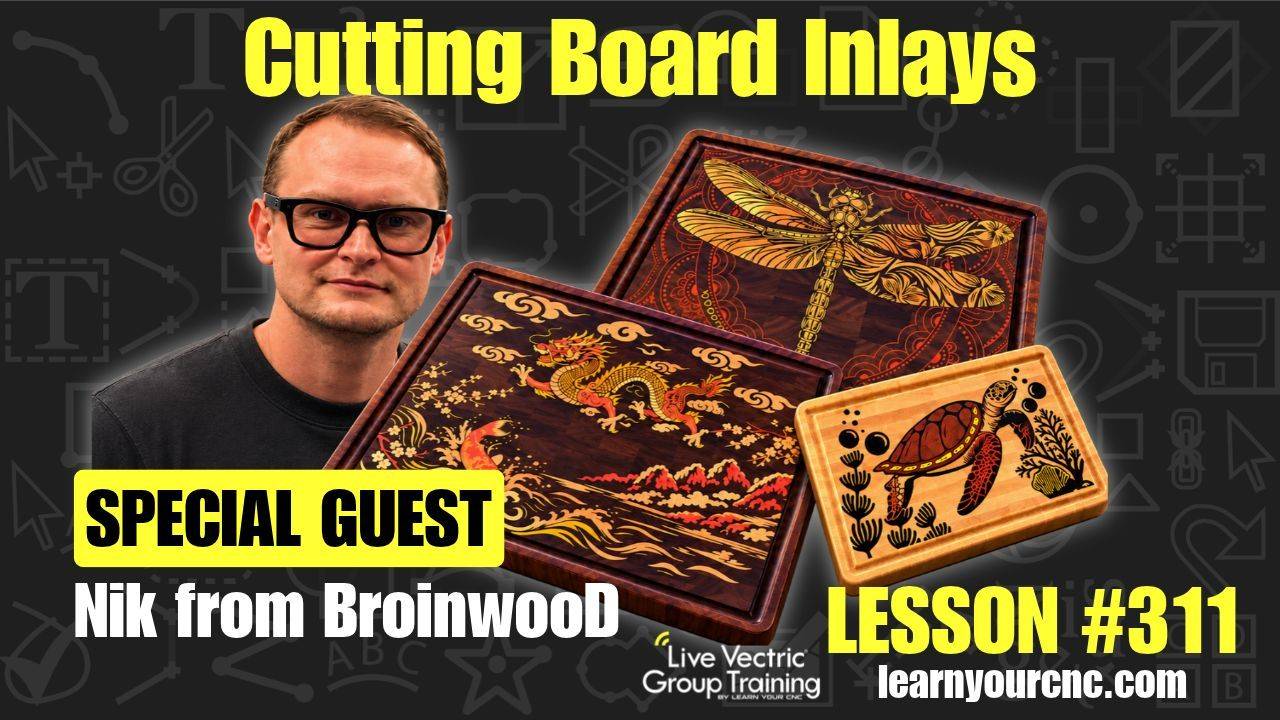
Special Guest: Nik from BroinwooD!
Join us Thursday, October 29th at 5PM ET for a special live Zoom lesson! Nik will share his process for creating stunning, highly detailed cutting board inlays, followed by a live Q&A to answer your questions.
Included with your Live Vectric Group Training membership.
Not a member? Learn more and join LVGT →
👇Community Corner👇
Student Spotlight: Show and Tell
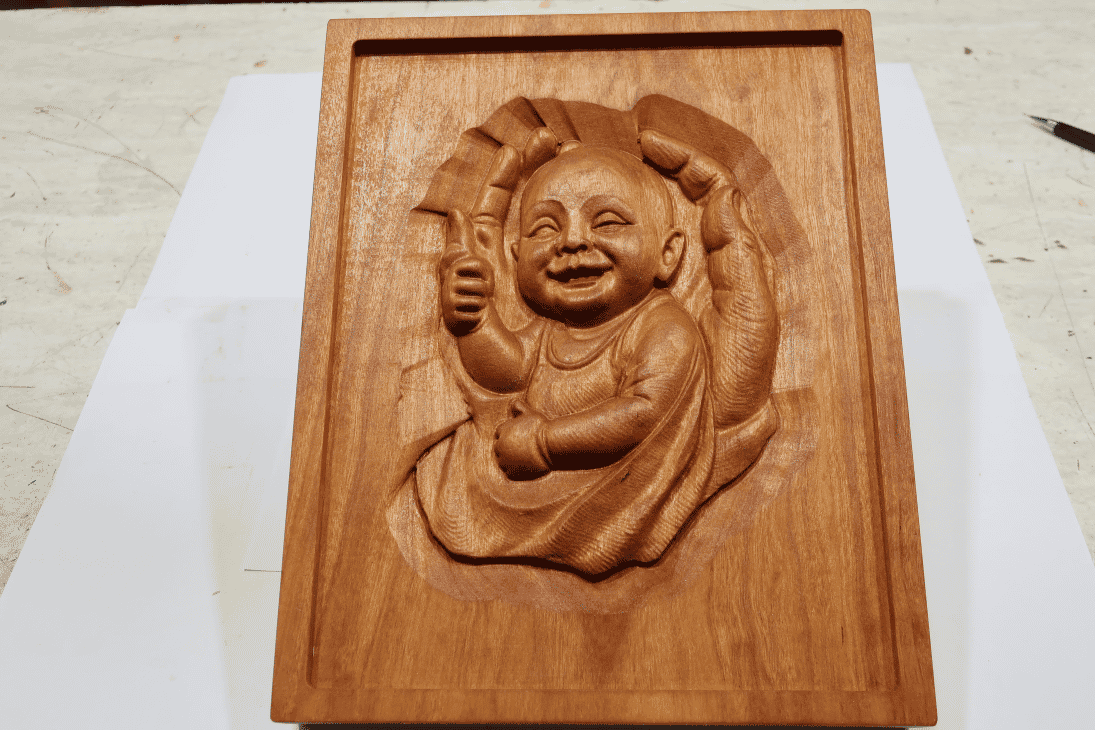
"Happy baby in mother’s hands. 10 x 8 x 1.5-inch carving in Cherry. Tung oil finish. Front, angled, and back images." – Tom Hartranft
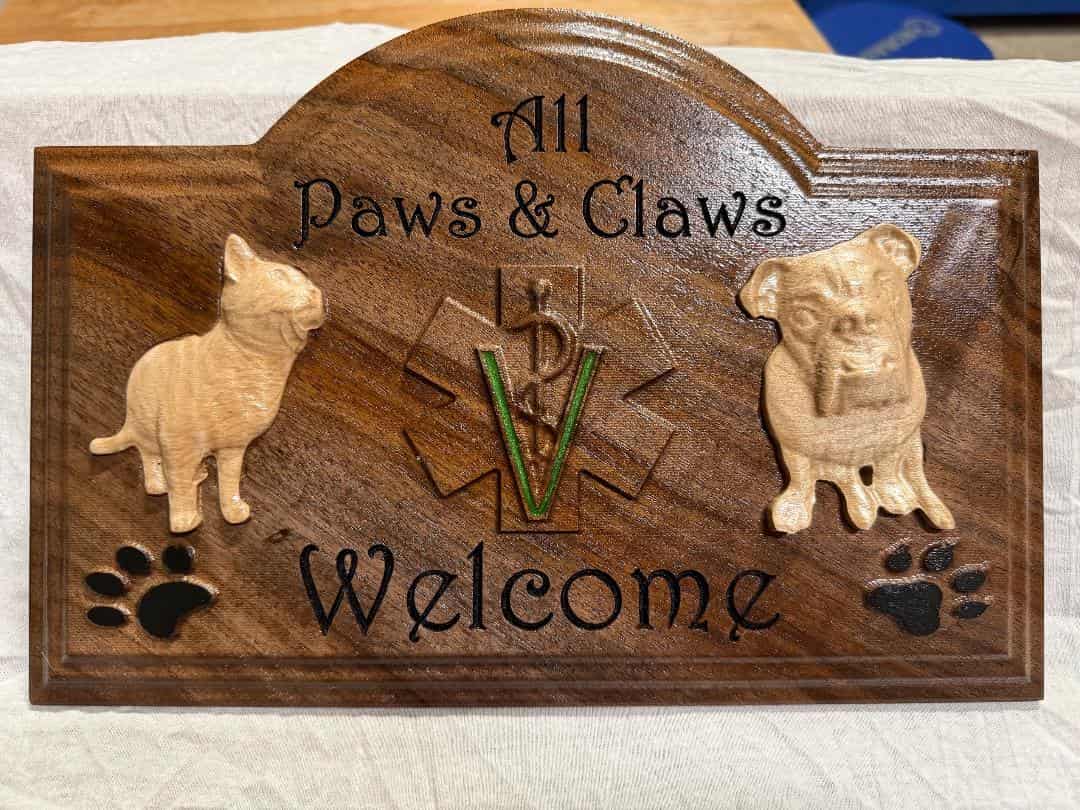
"I appreciate the help on my project. I'm already working on enhancements." – JFC
Project Challenge of the Month

✨Theme: Bring your spooky ideas to light
⏰Deadline: 10/31/2026
🏆1st Place Prize: $30 IDC Woodcraft Gift Card
🥈2nd Place Prize: 100 AI Credits for Vectric EasyCreate
🥉3rd Place Prize: LYCNC Ball Cap Hat
(Not a member yet? Sign up here to join the challenge and so much more!)
Happy CNCing,
Kyle Ely
Founder/Instructor
Learn Your CNC Academy
You don’t have to figure it all out on your own.
Sometimes a little guidance is all you need to get past a sticking point and keep your project moving. That’s why we offer live classes and Q&A.
Live Vectric Group Training
Keep building your VCarve, Aspire, or Cut2D skills with live project lessons and Q&A sessions. Bring your questions, discover new techniques, and learn alongside other CNC owners.
Can’t make it live? Watch the recordings on your schedule and explore our library of past classes whenever you need ideas or a refresher.
Explore Live Vectric Group Training →
Looking for a course you can work through at your own pace?
Explore our other training options →




Responses