
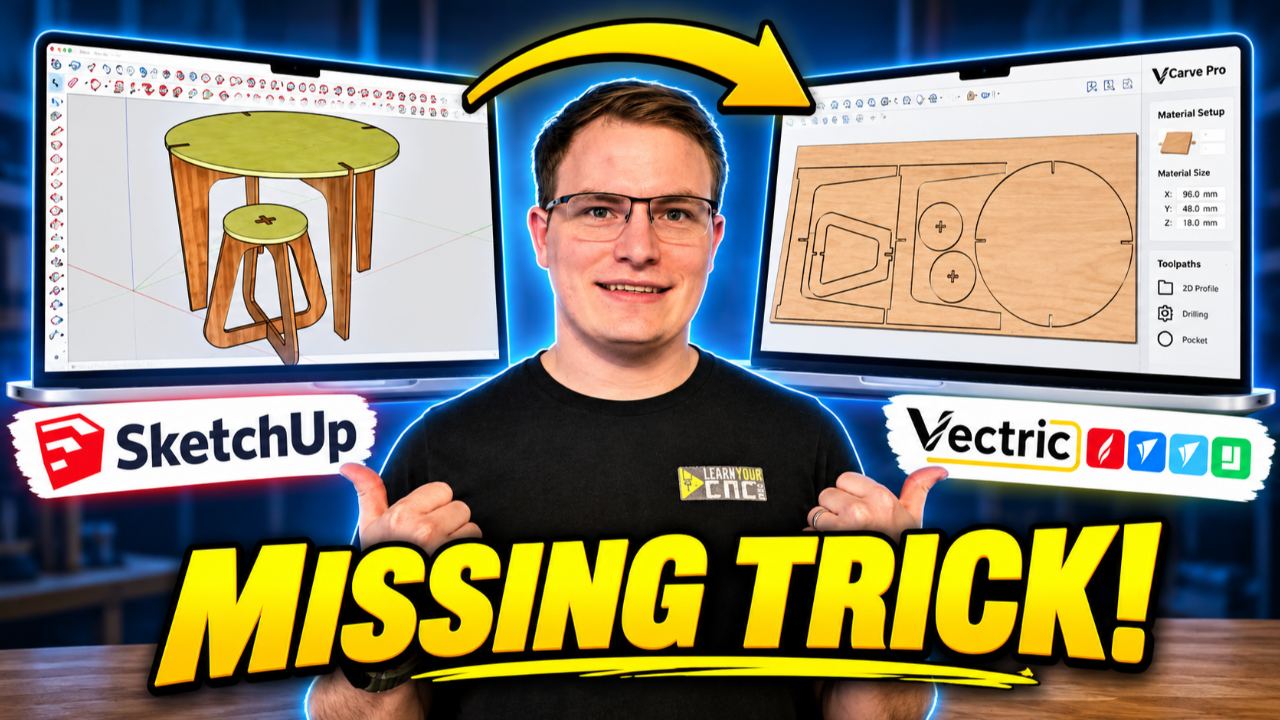
Most people think VCarve cannot do custom 3D modeling, but that’s not actually true. In this video, I show you how to create a fully custom 3D snowman model in VCarve using only the clipart that already comes with the software. No Aspire. No upgrades. No extra purchases. Just VCarve.
|
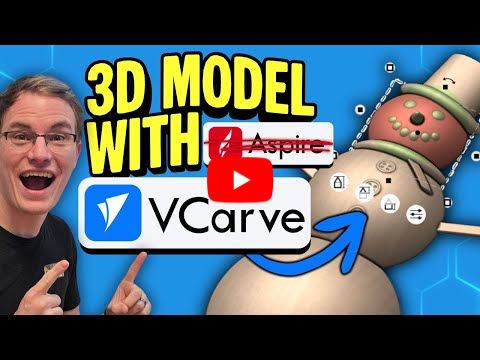
You CAN Make 3D Models in VCarve… Here’s How →
👇This Week's Highlights👇
Project Lesson of the Week
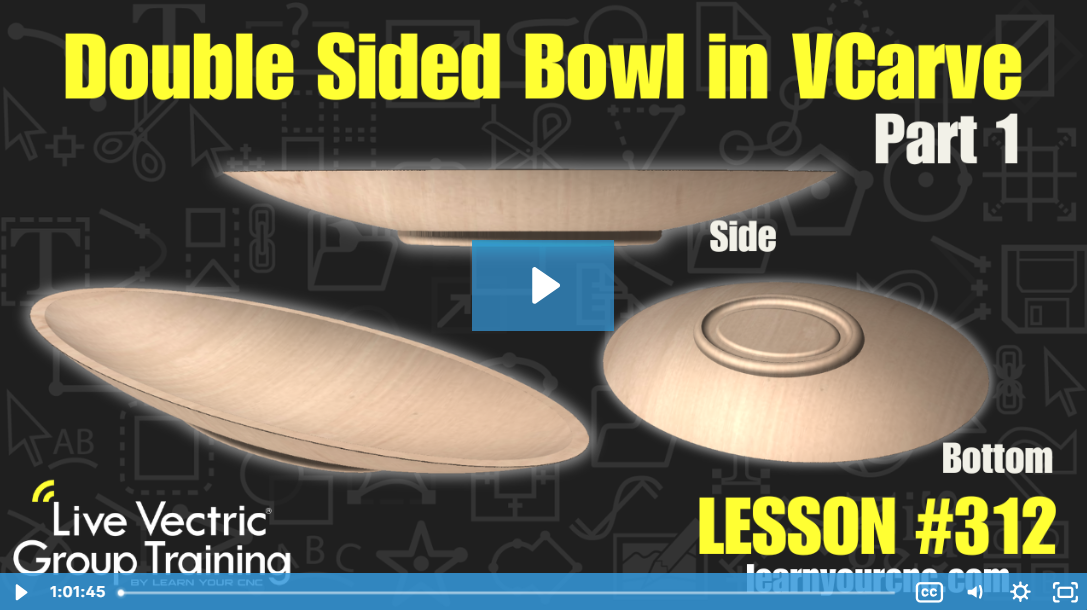
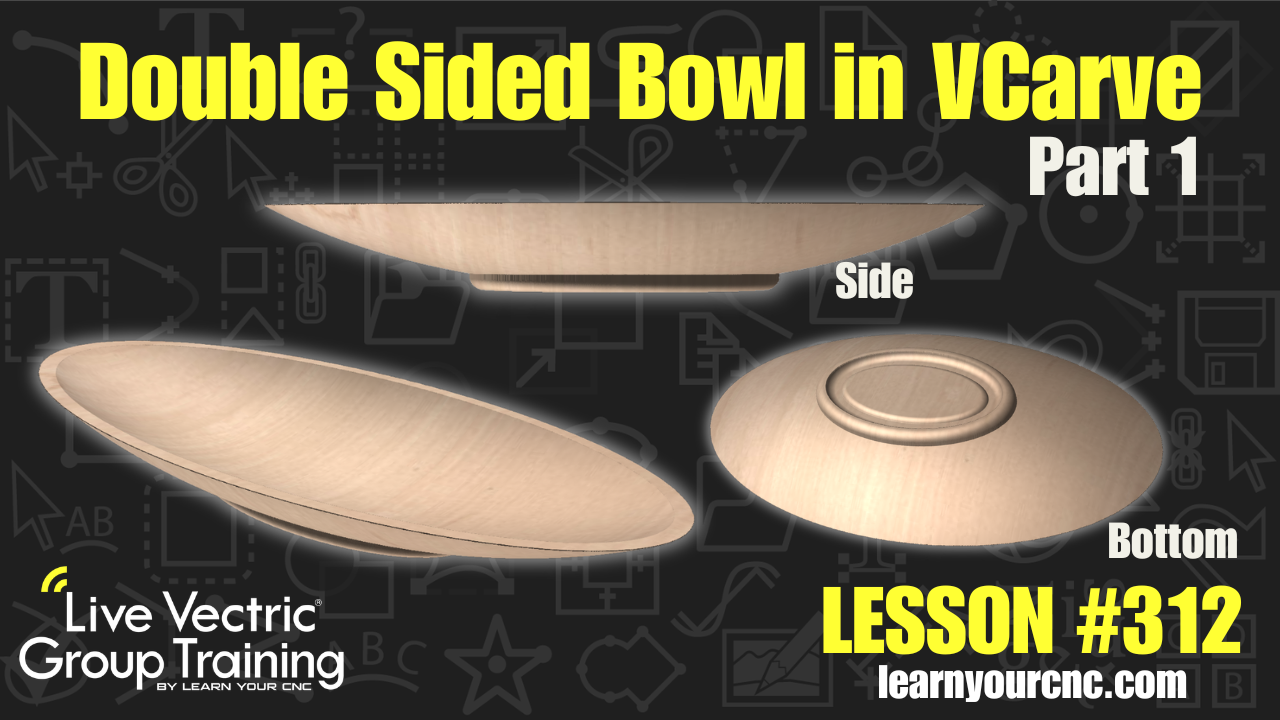
In this lesson, we revisit one of our most popular projects to design a custom, double-sided oval bowl from scratch! You’ll learn how to take standard dome and dish shapes from the Vectric Clipart Library and combine them into a beautiful, practical piece.
🔥 Exclusive Access: Watch this replay and unlock over 300 additional lessons packed with digital files, project templates, and expert tips! Perfect for sharpening your skills and tackling unique CNC challenges.
👉 Not a Member Yet? Join the Learn Your CNC Academy Community today to access this lesson and so much more. Transform your CNC game with step-by-step guidance, live Q&A meetups, and a treasure trove of downloadable resources.
Sign Up Now and start your journey to CNC mastery!
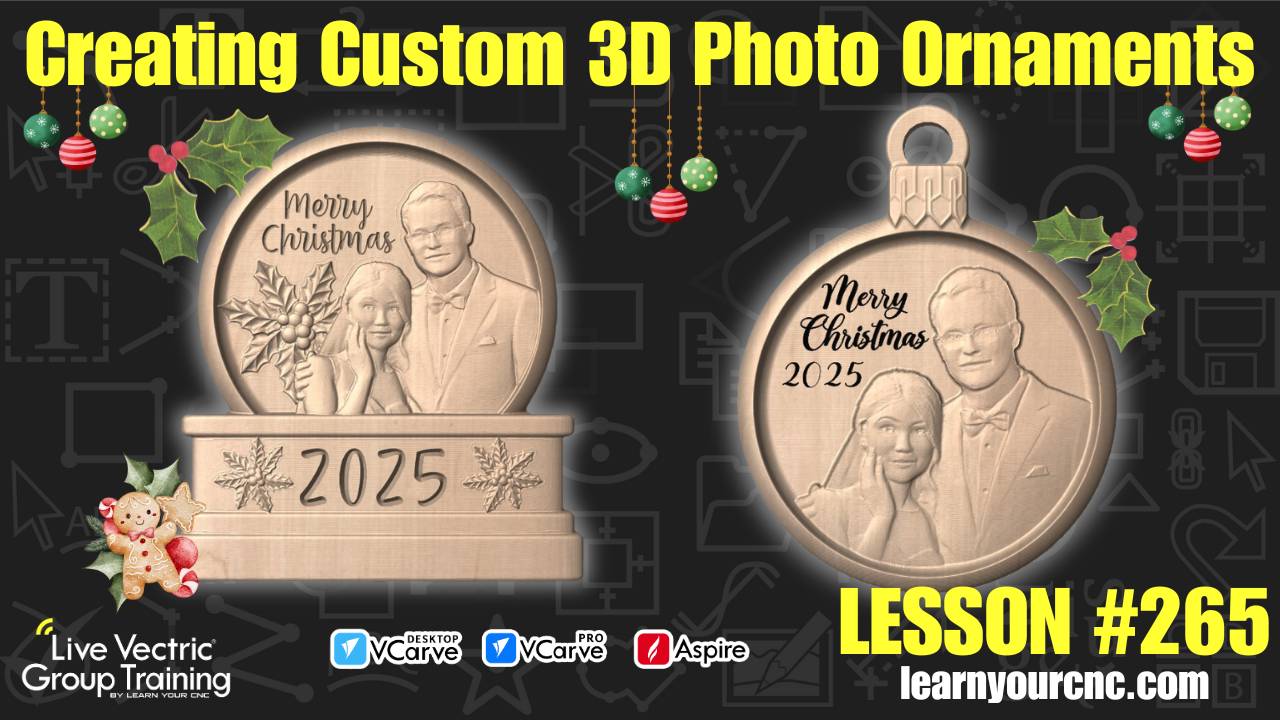
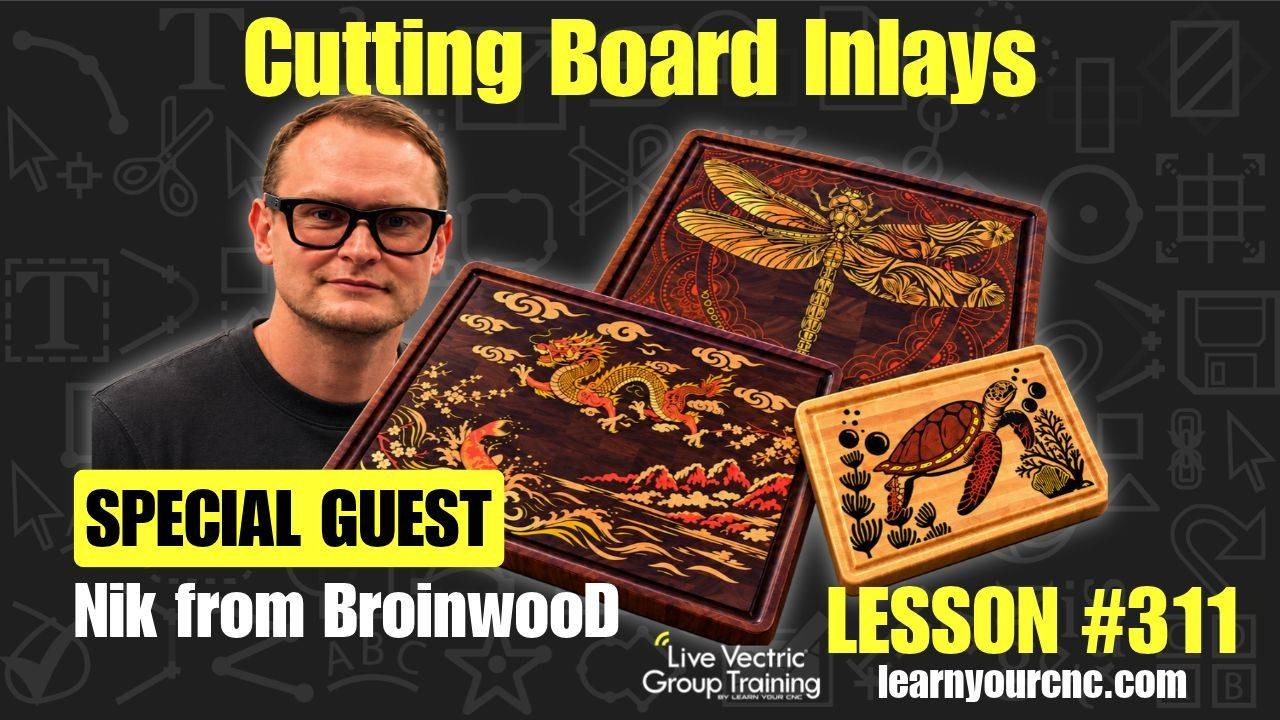
Some Other Project Lessons
that may Interest You
 |
 |
 |
👉VIEW COMPLETE LESSON LIBRARY👈
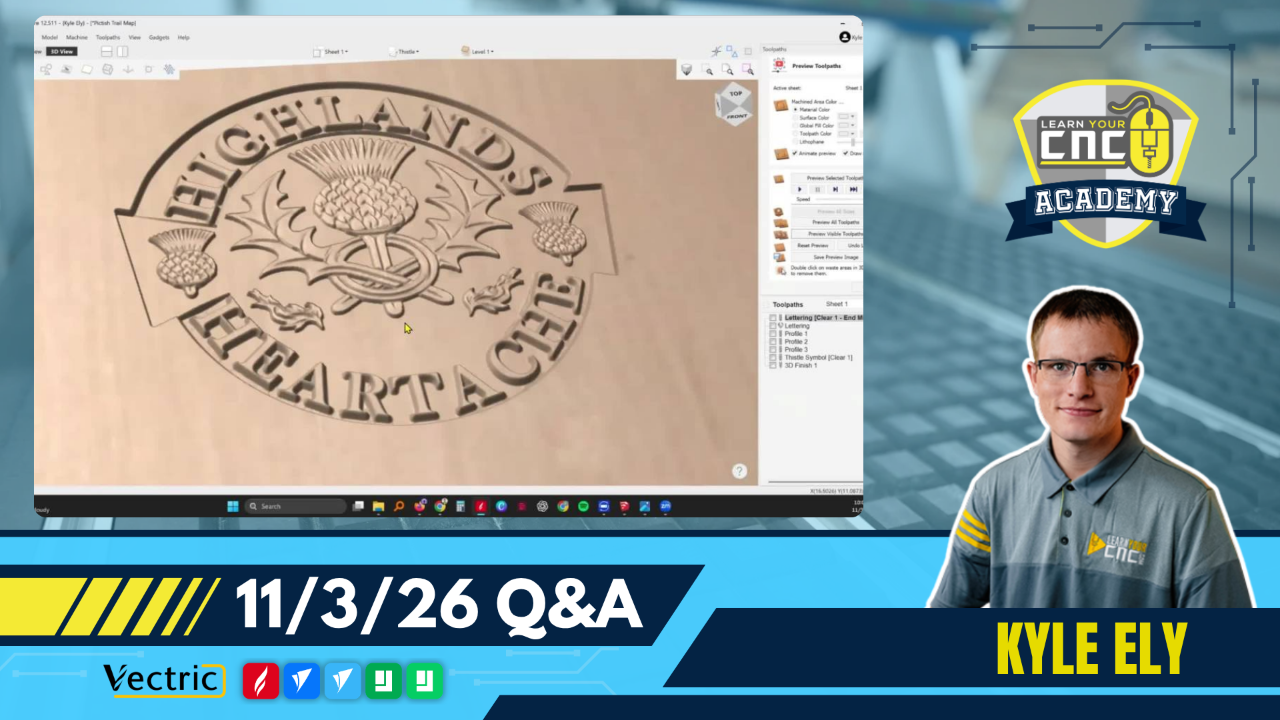
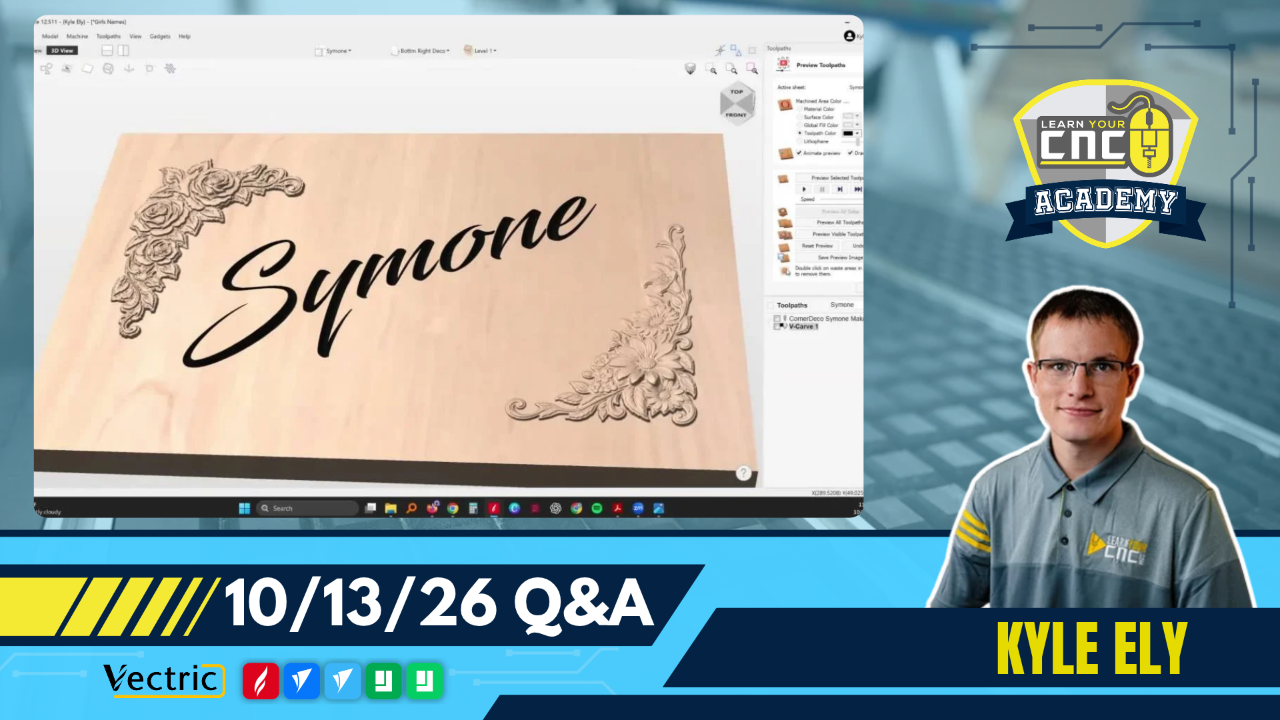
Vectric Q&A Recap
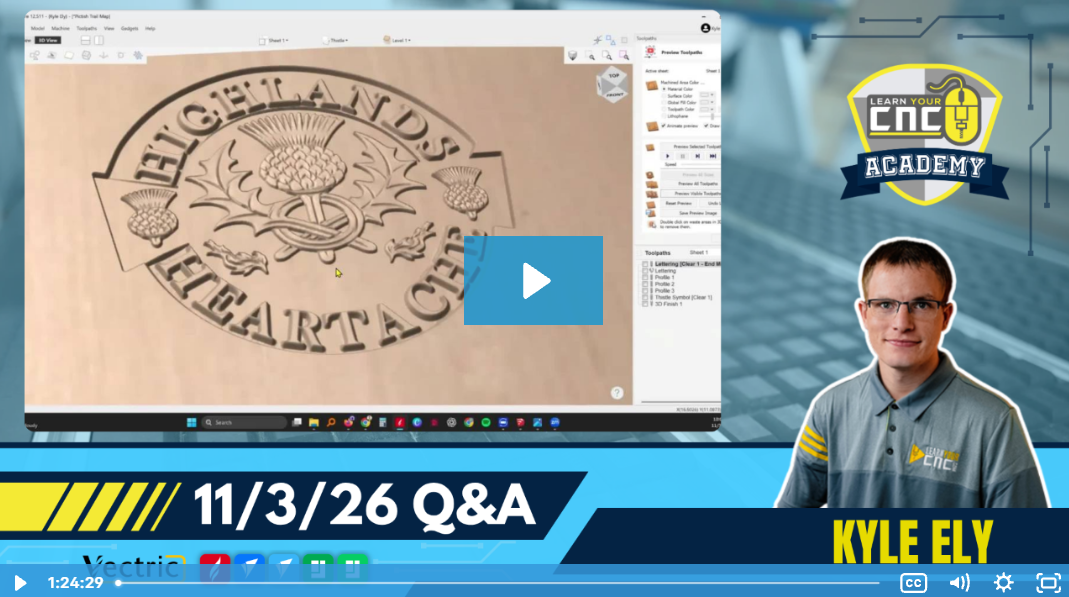
Key tips from the Q&A:
-
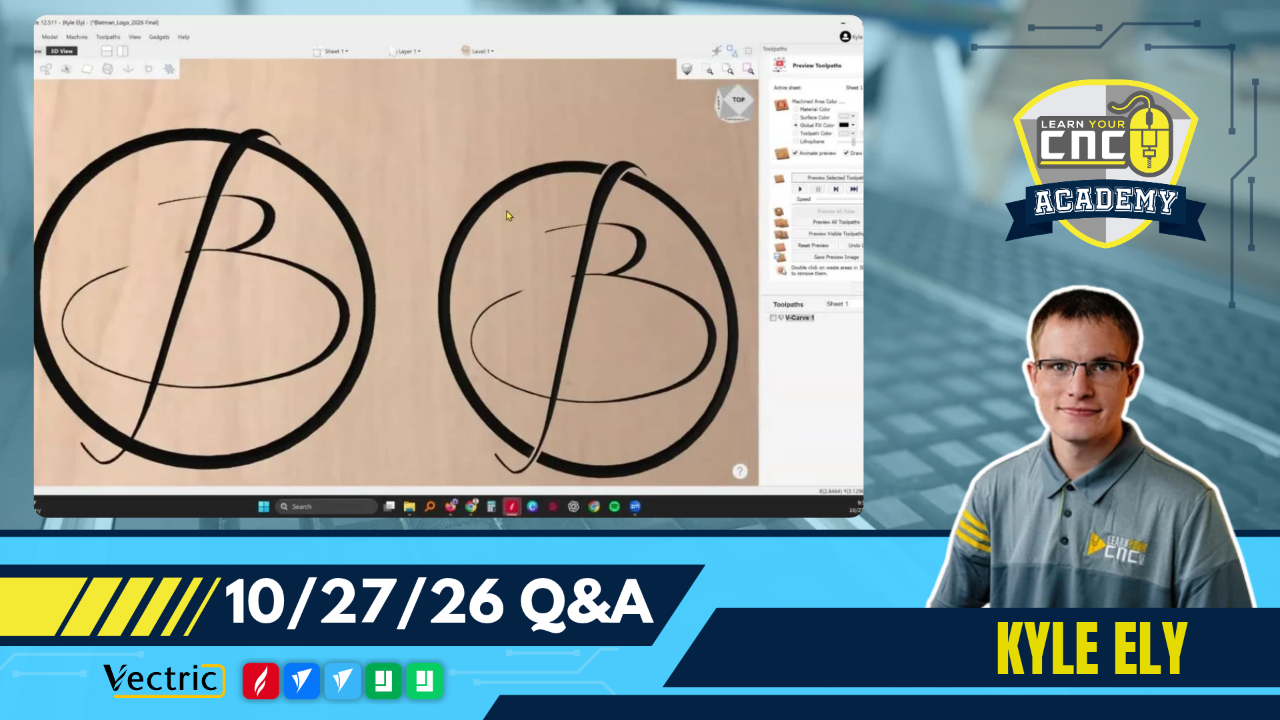
3D Modeling Resolution: To avoid jagged or pixelated edges on 3D models like guitar necks, set your Job Setup modeling resolution to "Very High" or hold Shift while clicking Job Setup to access "Maximum" resolution before importing your model.
-
Tracing Odd Shapes: When trying to cut custom profiles for live edge slabs, take a picture from directly above (using a ladder or drone) with a reference item like a tape measure or a 3x3 Post-it note in the frame . You can then import the image into Vectric, scale it using the reference item, and trace the vectors.
-
Preventing Inlay Chipping: When carving fine details on male inlay plugs, always use end-grain wood rather than face-grain. Face-grain fibers break and chip off easily under the stress of small bits, whereas end-grain acts like a bundle of vertical straws that stay connected and strong.
(Not a member yet? Sign up here to watch the replays and so much more!)
Coming Up Next Week...
We have new live lessons every week to help you with Vectric and CNCs! Below is what is on schedule for next week:
- Tuesday @ 12PM Eastern/9AM Pacific: Vectric Q&A with Kyle
- Thursday @ 5PM Eastern/2PM Pacific: CNC Project Lesson of the Week
(Not a member yet? Sign up here to join our community and weekly meetups!)
👇Community Corner👇
Student Spotlight: Show and Tell
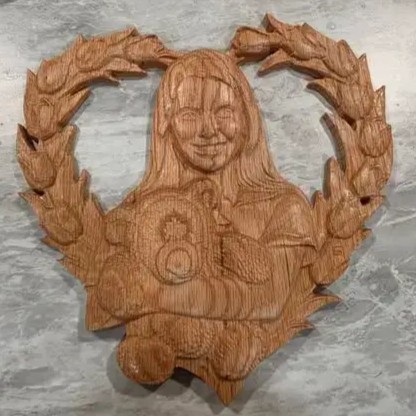
"I purchase my cnc the end of August 2026, recieved it in September. This is my 2nd project ever. The 1st were the catchall trays in the LYCNC course. This project is a 2.5D rendering of my wifes daughter Sarah, who passed away in 2000, encased in a heart made of Tulips. I never got to physically meet Sarah. But I know a lot about her and love her as my own. My wife and I have a convienience store that she runs named after Sarah, Sarah's Runway Variety. I've had an idea of doing this since I purchased my Altmill. During my planning stages for the carve I kept coming up with different renditions, until finally the heart, but I didn't want any plain heart, had to be something beautiful like Sarah and her mom. With the help of Kyle's LYCNC course, and many others I was able to figure out what to do to make this idea actually carve on a cnc. It took some time prepping, and some nerves to hit start. But once it began I sat back and really enjoyed watching the cnc do its thing" – Denis Lehouillier
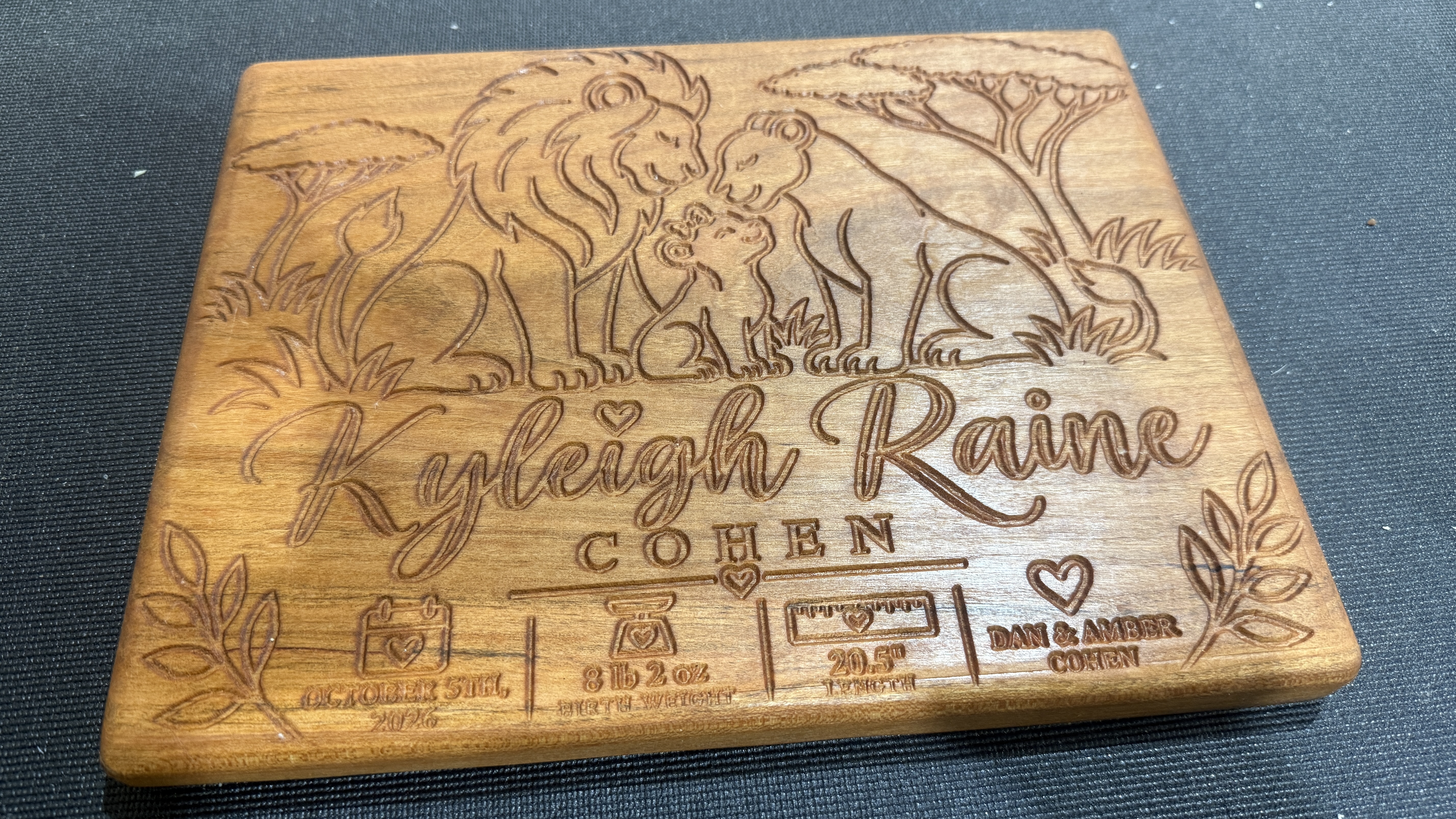
"Friends of ours had their first child, we wanted to make a nice plaque with all the birth information as well as parents. Needed to keep themed "safari" to match baby's room." – Brian
Project Challenge of the Month

✨Theme: CNC projects inspired by fall
⏰Deadline: 11/30/2026
🏆1st Place Prize: $30 IDC Woodcraft Gift Card
🥈2nd Place Prize: 100 AI Credits for Vectric EasyCreate
🥉3rd Place Prize: LYCNC Ball Cap Hat
(Not a member yet? Sign up here to join the challenge and so much more!)
Happy CNCing,
Kyle Ely
Founder/Instructor
Learn Your CNC Academy
You don’t have to figure it all out on your own.
Sometimes a little guidance is all you need to get past a sticking point and keep your project moving. That’s why we offer live classes and Q&A.
Live Vectric Group Training
Keep building your VCarve, Aspire, or Cut2D skills with live project lessons and Q&A sessions. Bring your questions, discover new techniques, and learn alongside other CNC owners.
Can’t make it live? Watch the recordings on your schedule and explore our library of past classes whenever you need ideas or a refresher.
Explore Live Vectric Group Training →
Looking for a course you can work through at your own pace?
Explore our other training options →



Responses