
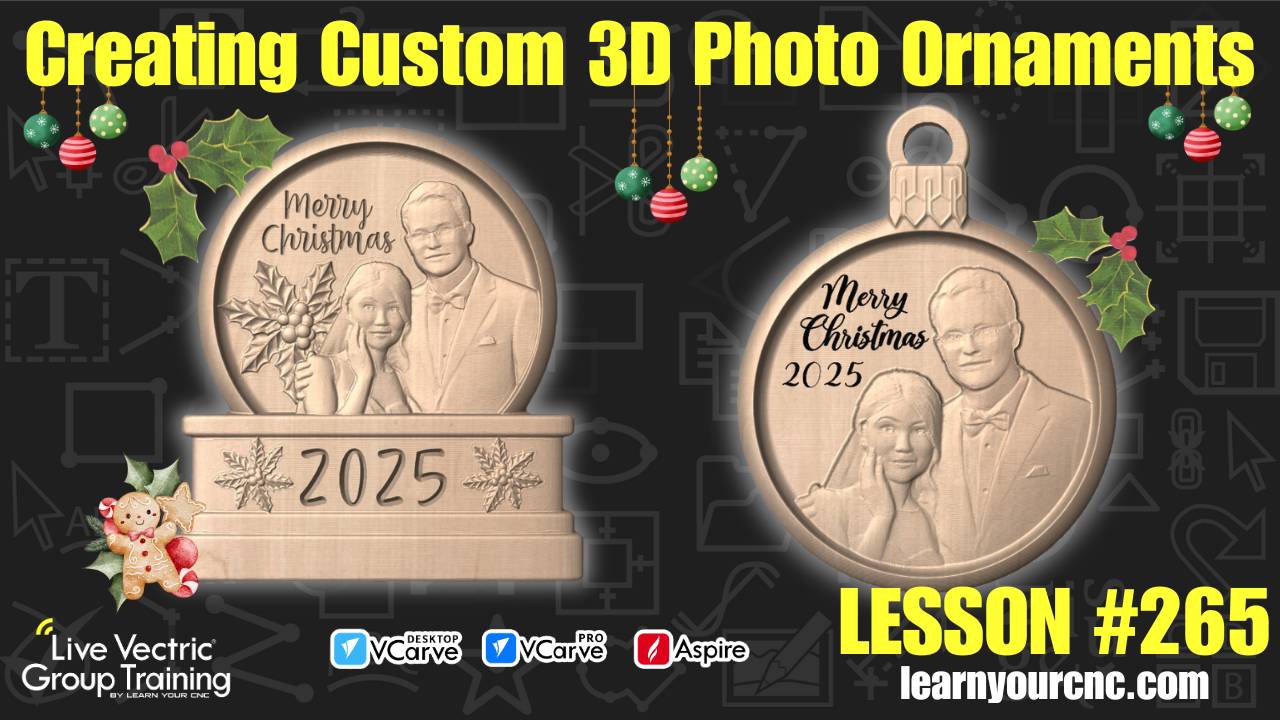
#265: Creating Custom 3D Photo Ornaments
Dec 11, 2025
Note: You must be a member of the Learn Your CNC Academy Community to watch this replay. Benefits include weekly Q&A Meetups, weekly project lessons, monthly CNC challenges, an active community of Vectric users, past replay lessons & project files, and so much more!

🎄 In this lesson, we dive into the holiday spirit by creating custom 3D ornaments and snow globes using a mix of free clip art and cutting-edge technology! You will learn how to use Vectric's new AI-powered Easy Create tool to turn a standard family or pet photo into a detailed 3D model. We walk through the process of assembling these models inside VCarve or Aspire, covering essential techniques like component clipping, adjusting base heights, and a "pro tip" for fading 3D edges using the multiply combined mode. Whether you're making a wedding keepsake or a festive gift, this project is beginner-friendly and perfect for anyone using VCarve Desktop, Pro, or Aspire!
Keywords for this lesson(helps with search):
easy create, vectric, vcarve, aspire, 3d modeling, ai tools, christmas ornament, snow globe, clipping, combine modes, multiply mode, text engraving, tapered ball nose, roughing toolpath, finishing toolpath, holiday project, gift idea
#3dmodeling #aitools #beginner #christmas #giftidea #holiday #instructor-kyle-ely #projectdownload #vcarve #aspire #vectricfeatures
Not a member of our Learn Your CNC Academy Community? Join over 1,500+ students today! Benefits include weekly Q&A Meetups, weekly project lessons, monthly CNC challenges, an active community of Vectric users, past replay lessons & project files, and so much more!

