#312: Double Sided Bowl in VCarve Part 1
Nov 05, 2026
Note: You must be a member of the Learn Your CNC Academy Community to watch this replay. Benefits include weekly Q&A Meetups, weekly project lessons, monthly CNC challenges, an active community of Vectric users, past replay lessons & project files, and so much more!

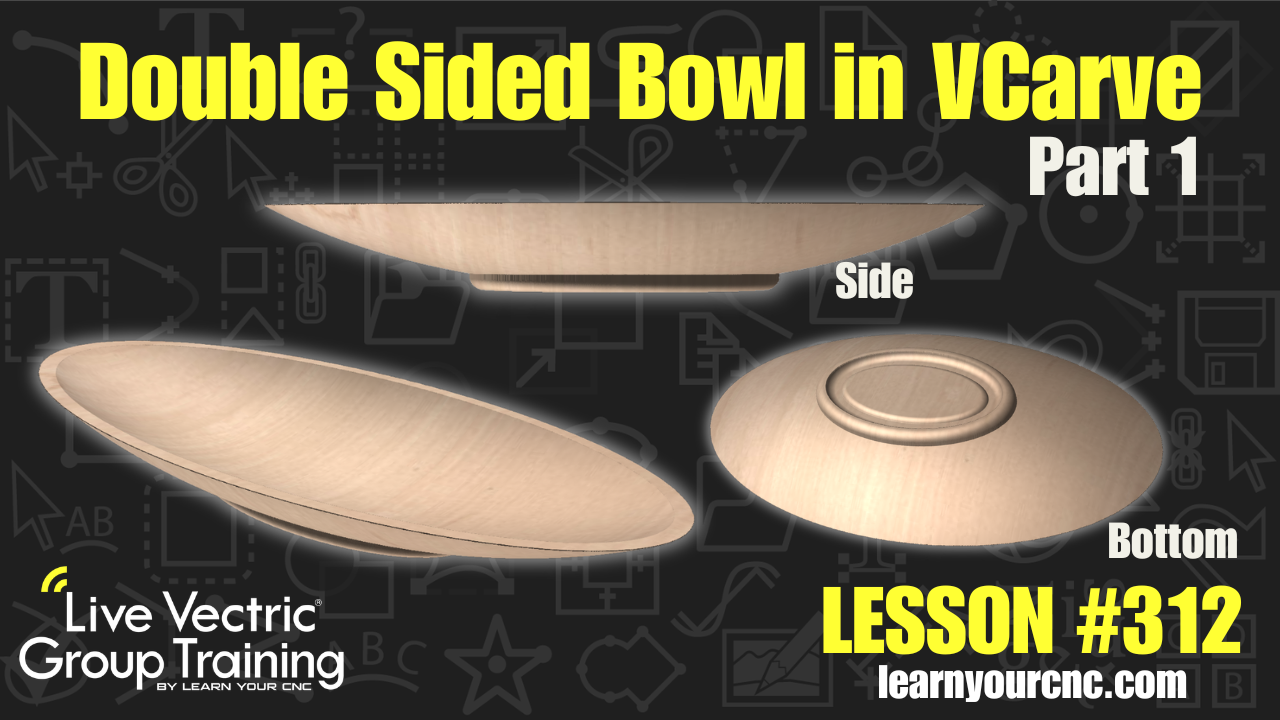
🥣 In this lesson, we revisit one of our most popular projects to design a custom, double-sided oval bowl from scratch! You’ll learn how to take standard dome and dish shapes from the Vectric Clipart Library and combine them into a beautiful, practical piece. We cover essential techniques for double-sided setups, including flipping directions, scaling components proportionally to maintain uniform wall thickness, using level clipping and cross-section vectors to inspect wall depth, and designing a stable recessed base so your bowl sits flat on any table. This project is beginner-friendly, works seamlessly in both VCarve (Desktop/Pro) and Aspire, and makes an incredible handmade gift for the holidays or your dinner table!
Keywords for this lesson(helps with search):
vectric, vcarve, vcarve pro, vcarve desktop, aspire, double-sided, bowl, clipart, domes and dishes, 3d component, component tree, combine mode, level clipping, cross section vector, wall thickness, recessed base, oval bowl, alignment dowels, gift idea
#beginner #intermediate #vcarve #aspire #projectdownload #giftidea #kitchen #holiday #doublesided #3dmodeling #instructor-kyle-ely
Not a member of our Learn Your CNC Academy Community? Join over 1,500+ students today! Benefits include weekly Q&A Meetups, weekly project lessons, monthly CNC challenges, an active community of Vectric users, past replay lessons & project files, and so much more!