
01-27-2026 Q&A: Rotary Troubleshooting, Sketch Carving Vectors, and V-Carve Inlay Tips
Jan 27, 2026
Note: You must be a member of the Learn Your CNC Academy Community to watch this replay. Benefits include weekly Q&A Meetups, weekly project lessons, monthly CNC challenges, an active community of Vectric users, past replay lessons & project files, and so much more!

This Q&A session focused on troubleshooting rotary projects, including issues with 3D model visibility in previews and ensuring correct model sizing and zeroing. We discussed a creative workaround for converting Sketch Carving toolpaths into editable vector formats and covered essential tips for successful V-carve inlays, particularly when dealing with face grain. Other topics included restoring missing file operation icons in VCarve version 12.5, understanding "O" flute bits, navigating the new 3D view controls, utilizing cloud storage for file backups, and optimizing 2D profile toolpaths for efficiency.
Key Tips Learned in this Q&A:
-
Restoring File Operations in V12+: In Vectric version 12 and newer, the undo, redo, and save icons are hidden by default. You can restore them by going to Edit > Options > General Settings and setting "Show additional file operations" to "Yes" .
-
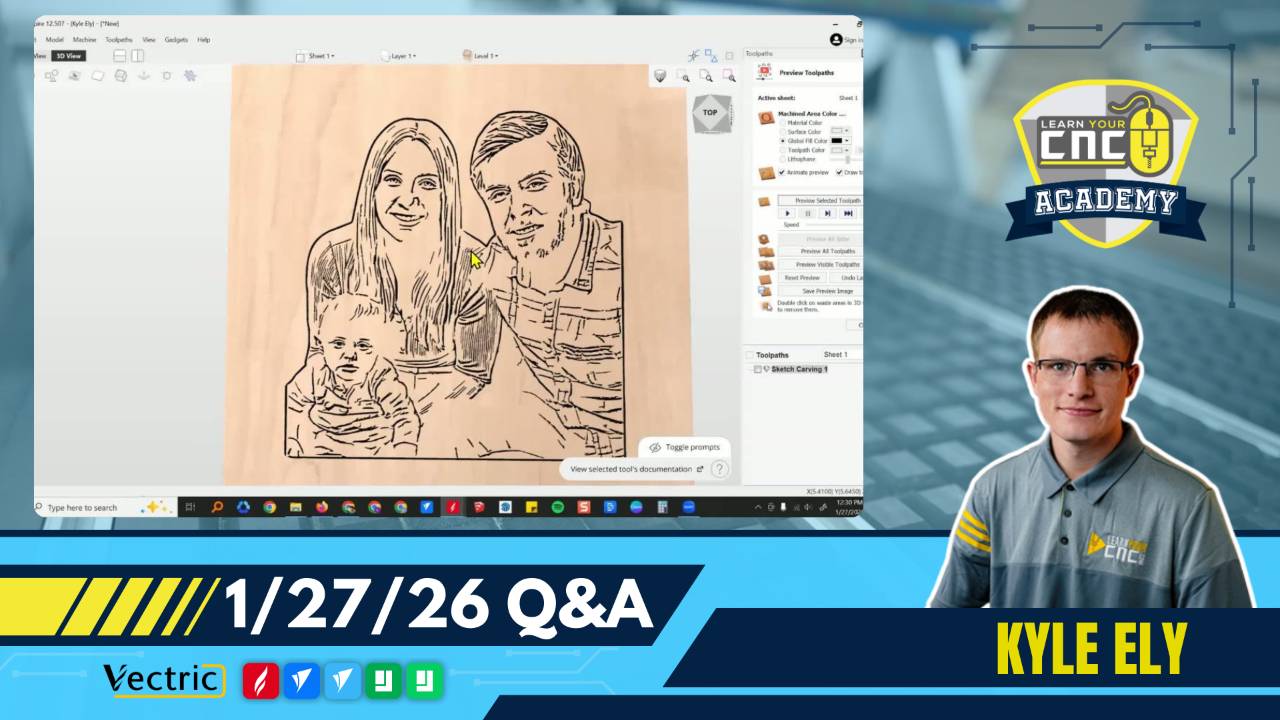
Converting Sketch Carving to Vectors: While the Sketch Carving toolpath doesn't export vectors directly, you can create them by setting the preview material to solid white and the toolpath color to black. Save a high-quality shaded image of the preview, import it back into the software, and use the Trace Bitmap tool to generate editable vectors .
-
Rotary Project Zeroing: Inaccuracies in rotary project dimensions often stem from incorrect zeroing. It is highly recommended to zero off the center of the cylinder rather than the surface or table bed to ensure the most consistent results, regardless of material irregularities .
-
V-Carve Inlay Grain Direction: When creating V-carve inlays, face grain often leads to chipping in delicate male parts. Using end grain blanks or stabilizing the cut by running the V-bit pass before the clearance pass can help reduce breakage .
-
Projecting Toolpaths onto 3D Models: If a 2D toolpath (like text or a profile cut) is carving too deep or cutting "in the air" on a 3D project, ensure the "Project toolpath onto 3D model" option is selected. This forces the toolpath to follow the contours of the 3D surface rather than the material block or a flat plane .
Questions Answered in this Q&A:
-
00:05:58 - Jason and Ted: Where are the undo and redo icons in Version 12.5?
-
00:07:15 - Cheryl: Why does my rotary carving not match the VCarve preview (smooth instead of detailed)?
-
00:16:54 - Tom: What does the "O" in O-flute bits stand for, and what are they used for?
-
00:19:25 - Rich: How can I change the 3D view mouse controls back to the "Legacy" left-click rotate style?
-
00:23:01 - James: How can I convert a realistic JPEG image into an SVG vector file?
-
00:35:16 - Kevin: Why is my rotary project carving much larger than designed, and taking 26+ hours?
-
00:54:42 - Zach: Why are the small parts of my V-carve inlay breaking and damaging the negative space?
-
01:02:04 - David: Can VCarve Pro automatically back up files to the cloud like shown in the Master Course?
-
01:03:32 - Floyd: What is the best way to draw and machine multiple dados on a 4x8 sheet of MDF?
-
01:11:34 - Ruth: Is there a way to enlarge the font and icons in the Vectric interface?
-
01:12:48 - Craig: Why is my text carving too deep in some areas on top of a 3D model?
-
01:15:01 - Steve: How does the "Model Position in Material" setting work, and do the text boxes override the slider?
-
01:17:18 - Paul: How can I combine a cross and crown from two sheets so the crown hangs over the cross?
-
01:25:02 - Larry and Kent: How do I pause or resume a large carving to give the machine a rest?
Keywords:
rotary, zeroing, sketch carving, vectors, trace bitmap, v-carve inlay, face grain, end grain, o-flute, 3d view controls, legacy mode, cloud backup, dados, array copy, profile toolpath, project toolpath onto 3d model, resume carve, ai tools, maso controller, post processor, vectric v12.5
Not a member of our Learn Your CNC Academy Community? Join over 1,500+ students today! Benefits include weekly Q&A Meetups, weekly project lessons, monthly CNC challenges, an active community of Vectric users, past replay lessons & project files, and so much more!

