
02-17-2026 Q&A: Bitmap Tracing, Molding Toolpath Offsets, and 3D Model Optimization
Feb 17, 2026
Note: You must be a member of the Learn Your CNC Academy Community to watch this replay. Benefits include weekly Q&A Meetups, weekly project lessons, monthly CNC challenges, an active community of Vectric users, past replay lessons & project files, and so much more!

In this session, we addressed challenges with vectorizing blurry images, techniques for continuous laser engraving, and how to eliminate flanges in molding toolpaths by cutting deeper into the spoilboard. We also explored advanced 3D modeling tips in Aspire, including using the multiply combine mode to fade textures and identifying the best file formats for sharing 3D components.
Key Tips Learned in this Q&A:
-
Manual Tracing for Quality: When the Trace Bitmap tool produces "miniature ellipses" due to blurry or thin lines, manually tracing the design and mirroring it ensures the cleanest, most symmetrical vectors.
-
Eliminating Molding Flanges: To avoid a rounded flange at the bottom of a molding profile, extend the side profile vector downward by at least the radius of the bit ($0.125$ for a $0.25$ ball nose) to cut past the material into a sacrificial spoilboard.
-
Continuous Raster Toolpaths: To prevent the machine from lifting between parallel lines, use the "Draw Line" tool to connect endpoints in a zigzag pattern and "Join" ($J$) them into a single open vector.
-
3D File Format Hierarchy: For the highest quality within the Vectric ecosystem, use
.3dclipor native.crv3dfiles. Use.STLonly when sharing with non-Vectric software, as the triangulation process can result in detail loss. -
Fading Textures with Multiply: To make a 3D texture fade smoothly into the edges of a dish, use the "Multiply" combine mode with a secondary component to scale the texture height to zero at the borders.
Questions Answered in this Q&A:
-
00:05:06 - Brent: How can I use the Bitmap Trace tool to obtain one clean line versus a bunch of miniature ellipses?
-
00:16:56 - Alvin: How do I get an engrave/laser toolpath to run left-to-right continuously without stopping between each test?
-
00:28:40 - Ron: How do I get rid of the small flange left at the very bottom of a molding toolpath when using a ball nose bit?
-
00:48:21 - Richard: How can I have text raised out of a 3D textured pocket without a ridge where the bowl comes up?
-
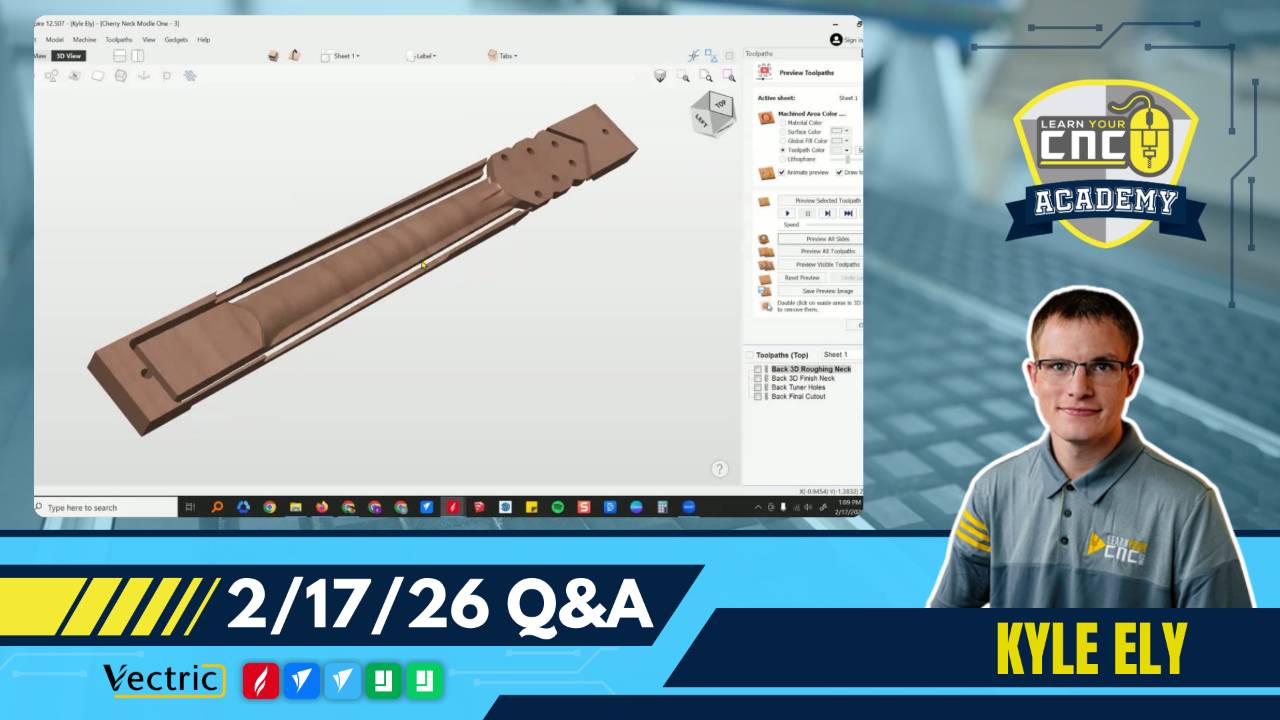
01:01:52 - Guy: If I only have VCarve Pro, how can I reshape or customize the 3D curvature of a guitar neck?
-
01:08:37 - Thad: How do I keep a 3D frame model flat from corner to corner when the center varies by a quarter inch?
-
01:10:53 - Scott: What is the better way to save a 3D model: as a component, an STL, or 3D Clip Art?
-
01:20:00 - Lyle: How do I find and fix "missing toolpath" error messages that appear when I recalculate all toolpaths?
Keywords:
bitmap trace, center line, molding toolpath, boundary offset, continuous engrave, 3d modeling, multiply combine mode, stl vs 3dclip, guitar neck, aspire, vcarve pro, spoilboard flattening, sacrificial board, triangulation, vectorizing, scroll saw patterns
Not a member of our Learn Your CNC Academy Community? Join over 1,500+ students today! Benefits include weekly Q&A Meetups, weekly project lessons, monthly CNC challenges, an active community of Vectric users, past replay lessons & project files, and so much more!

