Struggling to Come Up With New CNC Project Ideas?
Learn how to use simple AI tools to generate better designs, faster — even if you’re not “techy.”
Most CNC makers waste hours designing projects that never turn into anything.
Discover how to use AI to spark ideas, improve designs, and create projects worth cutting — in a fraction of the time.
Join the AI for CNC Makers CourseFEATURED WITH:

Tried Using AI for CNC… But It Didn’t Go Like You Expected?
If you’ve experimented with AI already, you probably ran into one (or all) of these:

The Vectors Are a Mess
The image looks great… until you import it and realize nothing is clean or closed.
You spend more time fixing it than you saved generating it.

Prompting Feels Like Guesswork
You describe exactly what you want…
And AI gives you something that looks like Picasso drew a pigeon.
You tweak the wording.
It gets worse.
It Looks Good in Preview… But Cuts Terribly
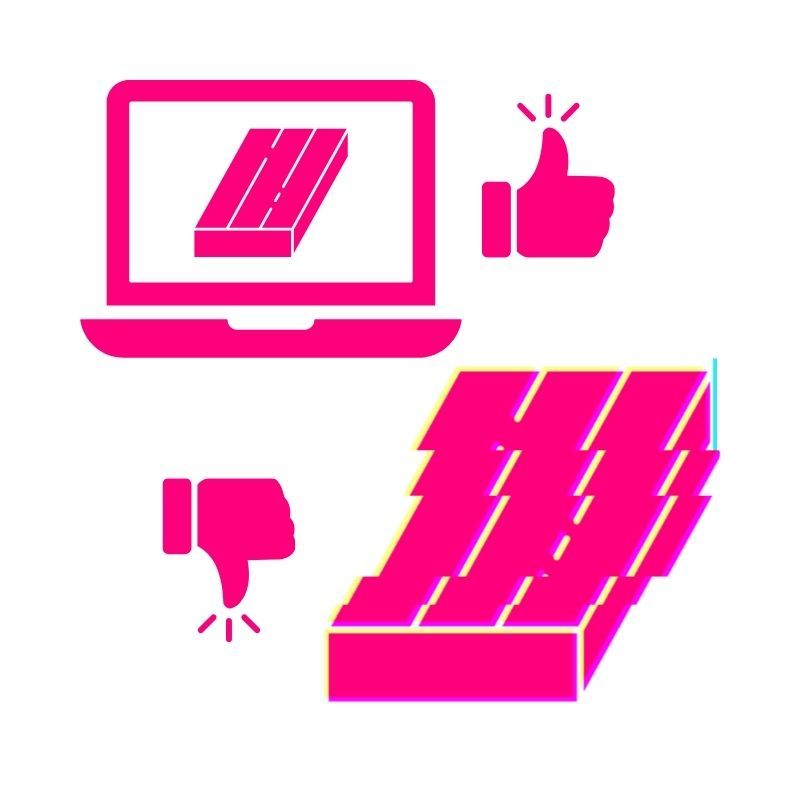
The grayscale preview looks sharp and detailed.
Then you carve it.
Flat. Bland. Soft edges. No depth.

Carve Time Is Out of Control
You generate something cool…
Import it…
And suddenly you’re staring at a 3-day toolpath.

You Get Close… But Can’t Refine It
The design is 80% there.
But when you try to tweak just one thing, you have to start completely over.
You’re not bad at AI.
You just haven’t been shown how to use it specifically for CNC.
That’s exactly what this course fixes.
Here’s What Changes When You Use AI the Right Way
When you understand how to use AI specifically for CNC design — everything gets easier.

Generate Carve-Ready Designs (Not Cleanup Projects)
Instead of spending hours fixing messy vectors…
You’ll know how to generate cleaner SVGs and STL files from the start — so you spend more time cutting and less time repairing.

Write Prompts That Actually Work
No more guessing.
You’ll learn:
-How to structure prompts for CNC results
-How to refine designs without starting over
-How to avoid the common wording mistakes that ruin output
AI stops feeling random… and starts feeling predictable.

Create Sharper, Cleaner 3D Carves
You’ll understand:
-Why some models look flat when cut
-How to preserve detail when scaling
-How to adjust depth and contrast for better carving results
No more “looked good in preview” disappointment.

Turn Ideas Into Real Projects Faster
Stuck on what to make next?
You’ll be able to:
-Brainstorm project ideas instantly
-Generate custom signs, inlays, layered art, lithophanes, relief carvings, and more
-Create unique designs instead of buying the same clipart as everyone else
Your CNC won’t sit there collecting dust.
Refine AI Designs Inside Your Existing CNC Software
Whether you use Vectric, Carveco, Easel, Fusion, or another program…
If you can import SVG or STL files, this workflow works.
You’ll know how to:
-Import correctly
-Modify intelligently
-Prepare for clean toolpaths
-Keep carve times realistic
Keep Your Craftsmanship — Just Move Faster
AI won’t replace your creativity.
It will:
-Spark new ideas
-Speed up design
-Expand what’s possible
-Help you execute your vision faster
You’re still the craftsman.
AI just becomes your assistant.
This isn’t about chasing trends.
It’s about giving yourself better tools.

This Course Is For You If...
- You’ve tried AI… but the results weren’t carve-ready
- You’re tired of spending hours cleaning up messy vectors
- You want better ideas without staring at a blank screen
- You’d love to create sharper 3D carvings with less frustration
- You want to design more unique projects instead of using the same old clipart
- You run a CNC as a hobby or side-hustle and want to get more out of it
- You want a beginner-friendly, practical, step-by-step approach to AI
- Your CNC design software can import SVG or STL files (Vectric, Carveco, Easel, Fusion, etc.)
If any of that sounds like you…
It’s time to start using AI the right way.
Enroll in AI for CNC Makers NowWhat’s Inside the AI for CNC Makers Course...
This course is built to help CNC hobbyists and side-hustlers use AI in a way that actually leads to better projects — not more confusion.
MODULE 1
AI for Design Inspiration
Stop getting stuck on “what should I make next?”
You’ll learn how to use AI to:
- Generate fresh CNC project ideas on demand
- Explore styles, themes, layouts, and variations fast
- Turn a rough idea into a clear project direction in minutes
MODULE 2
AI for Vectors & Artwork
Create artwork you can actually use — without hours of cleanup.
You’ll learn how to use AI to:
- Generate CNC-friendly artwork and vector-style designs
- Get cleaner results that import better into CNC design software
- Reduce the “messy vectors / open nodes / cleanup nightmare” problem
MODULE 3
AI for 3D Modeling
Make 3D more approachable — and get better-looking carves.
You’ll learn how to use AI to:
- Generate carve-ready 3D models you can bring into your workflow
- Preserve detail (especially when scaling smaller)
- Avoid the “looks good in preview, cuts bland” disappointment
MODULE 4
AI for Productivity
Use AI like a shop assistant — not another thing to learn.
You’ll learn how to use AI to:
- Speed up planning, problem-solving, and project workflows
- Get unstuck faster when you’re unsure what to do next
- Spend more time making and less time tinkering

FINAL MODULE
Course Wrap-Up + Challenge
This is where it all comes together.
You’ll get a simple challenge that pushes you to:
- Create your own AI-powered CNC projects
- Apply what you learned immediately
- Build confidence (instead of just watching lessons)
By the end, you won’t just “know about AI”… you’ll have a repeatable process to create better CNC projects faster — using the software you already own.
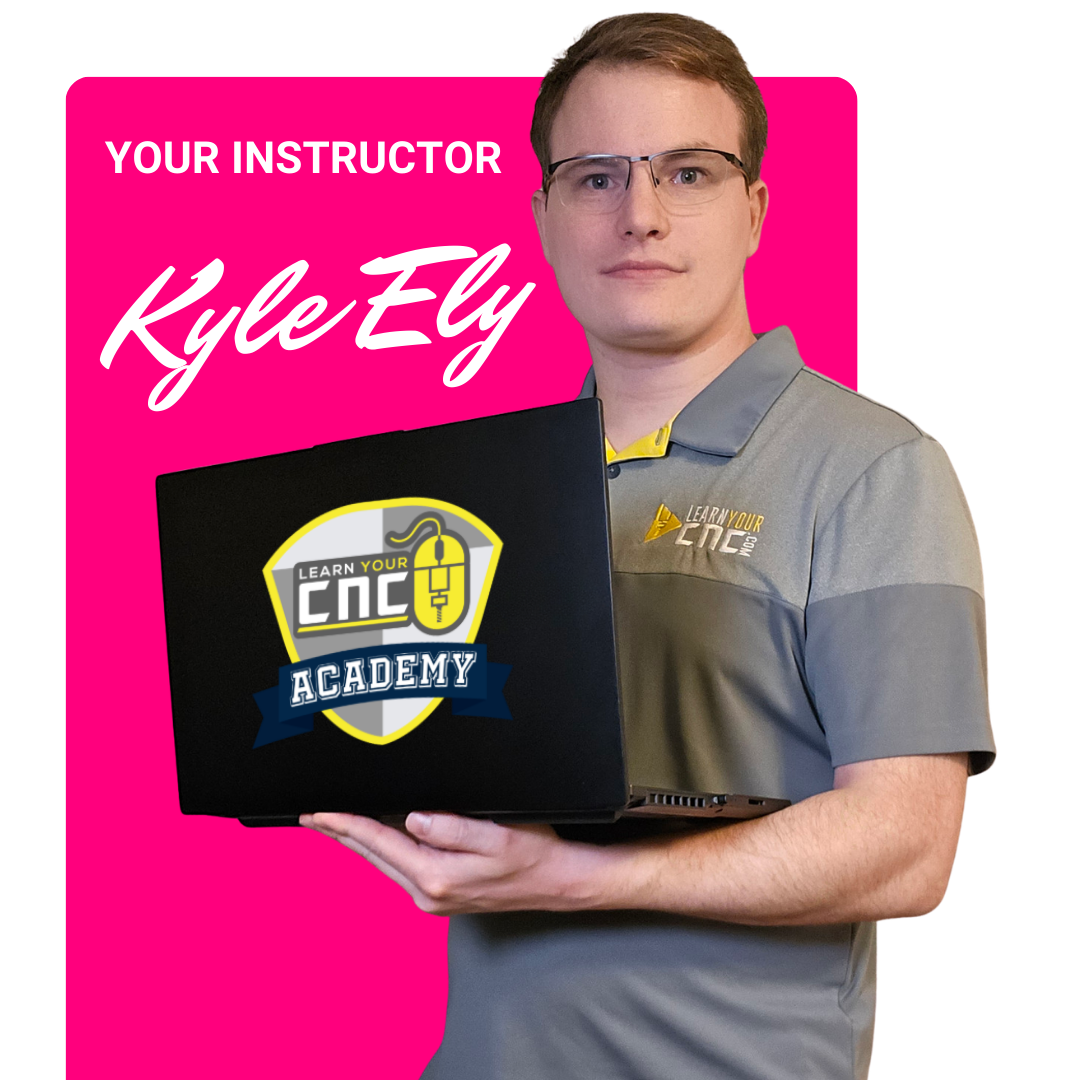
MEET YOUR INSTRUCTOR
I'm Kyle Ely
I’ve been working with CNC machines for over 15 years — starting when I built my first CNC in my bedroom at 16.
Since then, I’ve worked with everything from hobby machines to production CNC routers, and I’ve personally taught over 6,000+ CNC makers worldwide through Learn Your CNC Academy. I’m also a Vectric beta tester and speaker at CNC industry events.
But most importantly…
I approach AI as a CNCer, not a programmer.
I’ve tested these tools inside real CNC workflows, generating vectors, building 3D models, importing into CNC design software, and actually cutting the projects.
In this course, I’ll show you the practical way to use AI to improve your CNC projects, without hype, coding, or overwhelm.
What Happens After You Join
No confusion. No complicated setup. Here’s exactly what to expect.

Get Instant Access
Right after checkout, you’ll receive login details to access the full course.
You can start immediately.
No waiting. No approval process. No special software required.
All lessons are organized and easy to follow, even if you’re brand new to AI.

Follow Step-By-Step Lessons
You’ll move through the modules at your own pace with lifetime access.
Each lesson builds on the last, so you’re not overwhelmed.
Pause, rewind, and apply it directly inside your CNC design software.

Create Your Own AI-Powered CNC Projects
Before you finish the course, you’ll complete a simple challenge:
Use what you’ve learned to design and prepare your own AI-assisted CNC project.
That’s when it clicks.
You’ll go from “trying AI” to confidently using it in your workflow.
You won’t just watch videos.
You’ll walk away with a repeatable system you can use on every future CNC project.
GET STARTED TODAY!
AI for CNC Makers Course

🛡 14-DAY MONEY-BACK GUARANTEE
We want you to feel completely confident joining this course.
Go through the lessons.
Test the workflows.
Try the prompts.
Apply it inside your own CNC design software.
If within 14 days you don’t feel more confident using AI in your CNC projects — just email us and we’ll refund you.
No hoops to jump through.
You either find it valuable… or you don’t pay. That’s it.
FAQ
Do I need to be “tech-savvy” to take this course?
Will this work with my CNC design software?
Is this only for advanced users?
What if I’ve tried AI before and it didn’t work well?
Do I need to pay for expensive AI tools?
How long do I have access?
What if it’s not right for me?
Still thinking about it?
The sooner you learn how to use AI the right way, the sooner it becomes an advantage instead of a frustration.
Join AI for CNC Makers Today