
02-24-2026 Q&A: 3D Model Resolution, AI Vectorizing, and Double-Sided Modeling
Feb 24, 2026
Note: You must be a member of the Learn Your CNC Academy Community to watch this replay. Benefits include weekly Q&A Meetups, weekly project lessons, monthly CNC challenges, an active community of Vectric users, past replay lessons & project files, and so much more!

In this Q&A session, we discussed strategies for improving 3D carving quality through modeling resolution and the use of AI tools like ChatGPT and Vectric Easy Create to simplify vectorizing complex images. The call also highlighted a community-made double-sided spatula project created in VCarve using molding toolpaths and provided troubleshooting tips for rotary axis spindles and CNC machine power issues.
Key Tips Learned in this Q&A:
-
Boosting 3D Detail: To achieve the highest quality in 3D models, hold the Shift key while clicking Job Setup to access "Extremely High" and "Maximum" modeling resolutions, which offer up to 16 million pixels.
-
AI Image Conversion: You can use AI tools like ChatGPT to convert messy photos into pure black and white clip art style images with bold outlines, making them significantly easier to trace using the Trace Bitmap tool.
-
Molding Toolpath Versatility: You can create complex 3D shapes, such as a double-sided spatula, entirely within VCarve without Aspire by using molding toolpaths.
-
Alignment Accuracy: When performing double-sided carves, using an asymmetrical three-hole alignment pin method is less prone to error than a symmetrical two-pin method because it forces the material to only fit the correct way when flipped.
-
Safe CNC Sanding: Sanding can be done on a CNC using spring-loaded sanding discs, but it requires careful management of dust collection and creative toolpaths that "ease" the pad onto the workpiece to prevent heat buildup.
Questions Answered in this Q&A:
-
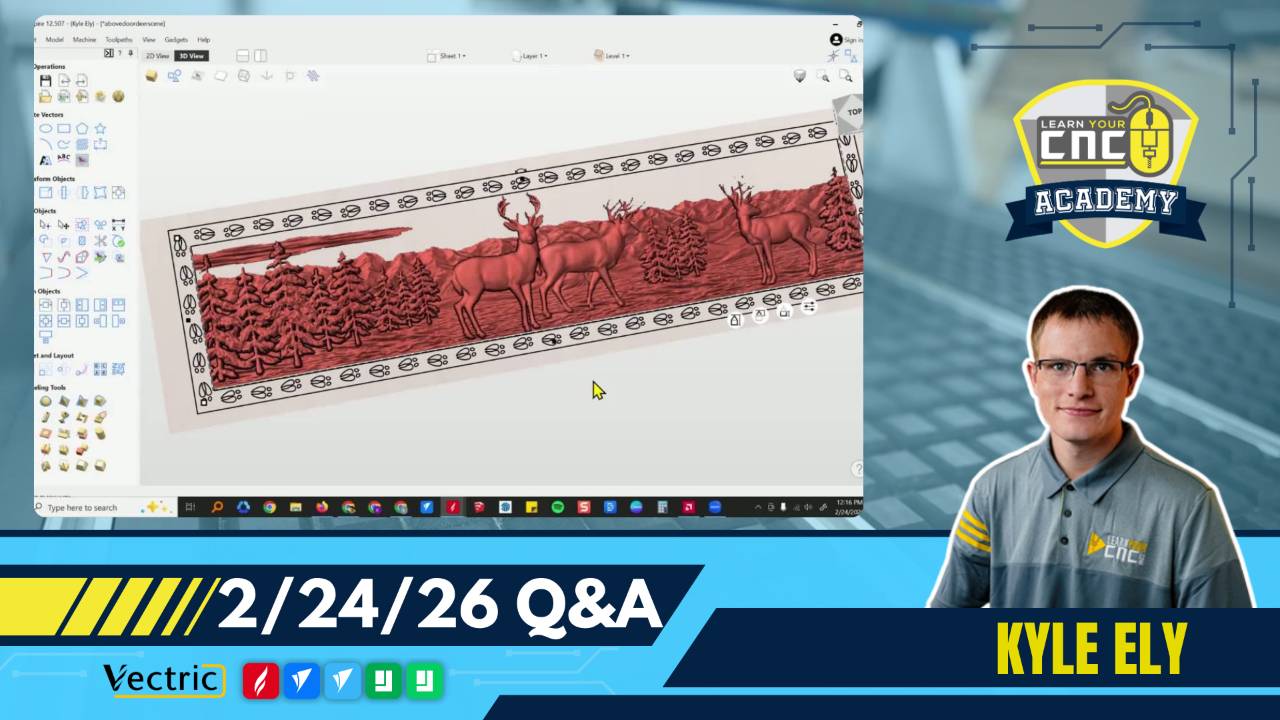
00:03:40 - Ruth: How can I improve the detail on a large 3D mural where small features like deer antlers appear pixelated?
-
00:24:28 - Steve: Why do the eyes in my AI-generated 3D faces look lifelike, and how can I model them better in Aspire?
-
00:27:09 - Michael: How can I quickly clean up a messy traced bitmap from a photo without spending hours on manual node editing?
-
00:37:18 - Chris: Troubleshooting: Why won't my VCarve engraving file turn on the router or show up correctly on my Shark 10.1 pendant display?
-
00:40:22 - Tim: Can I create a curved, double-sided spatula in VCarve without 3D modeling tools?
-
00:47:27 - Jim: Is there a way to safely resume a long carve if there is a power outage or if I need to stop for the day?
-
00:50:31 - Gary: Does the Vectric Laser Module replace LightBurn, and can it project engravings onto 3D models?
-
00:54:28 - Paul: Can I use my CNC to sand large slabs, and what tools are required?
-
00:57:57 - Dave: For double-sided projects, how do I align the top and bottom carves?
-
01:03:47 - Ruth: Is there a way on a double-sided project to zero off the material surface on one side and the machine bed on the other?
-
01:18:18 - Scott: Why doesn't a hole cut through a component show up when I use the cross-section vector tool in Aspire?
-
01:24:51 - Marlon: When creating a spindle on a rotary, how do you get the dowels on the ends to be smooth?
Keywords:
vectric, aspire, vcarve, 3d modeling, resolution, pixels, ai, chatgpt, easy create, double-sided, spatula, alignment pins, molding toolpath, laser module, cnc sanding, slab flattening, troubleshooting, shark cnc
Not a member of our Learn Your CNC Academy Community? Join over 1,500+ students today! Benefits include weekly Q&A Meetups, weekly project lessons, monthly CNC challenges, an active community of Vectric users, past replay lessons & project files, and so much more!

