
09-08-2026 Q&A: Armrest Replication, 3D Sweep Troubleshooting, and Dome Sign Fixes
Sep 08, 2026
Note: You must be a member of the Learn Your CNC Academy Community to watch this replay. Benefits include weekly Q&A Meetups, weekly project lessons, monthly CNC challenges, an active community of Vectric users, past replay lessons & project files, and so much more!

In this Q&A session, we reviewed the August multi-part assembly challenge winners before diving into user questions. We discussed the best approaches for replicating sloped armrests using molding toolpaths, troubleshooting 3D sweeping and depth issues on recessed borders, and fixing a dome sign that was carving below the material surface. The session also covered CNC grounding techniques and how to group toolpaths in Vectric software.
Key Tips Learned in this Q&A:
-
Molding Toolpaths for Slopes: When attempting to replicate a sloped physical object like an armrest, utilizing a molding toolpath with a side-view profile as the drive rail can be highly effective.
-
Accurate Cross-Sections: For recessed borders and two-rail sweeps, ensure your initial cross-section matches the actual depth you intend to cut to avoid creating divots or unexpected depths when stretching the model.
-
Dome Model Z-Placement: If a 3D dome feature isn't appearing in the carve, check if the model is placed below the material surface and ensure you use a zero plane to properly manage the base height.
-
Projecting VCarve on 3D Models: When projecting a VCarve toolpath onto a 3D curved surface like a dome, keep the start depth at zero rather than using a flat depth.
-
CNC Grounding: To prevent static buildup on a CNC, use a ground wire (solid or stranded) run through or along the dust collection hose, connecting the spindle to the dust collector and a ground source.
-
Grouping Toolpaths: You can organize good and bad toolpaths by right-clicking in the toolpath area to create an empty group and moving the desired toolpaths into it.
Questions Answered in this Q&A:
-
00:02:22 - Ernie asked about the best approach for replicating a sloped armrest in Aspire.
-
00:12:15 - Brian B. asked for help troubleshooting a 3D finishing toolpath cutting too wide on a recessed border.
-
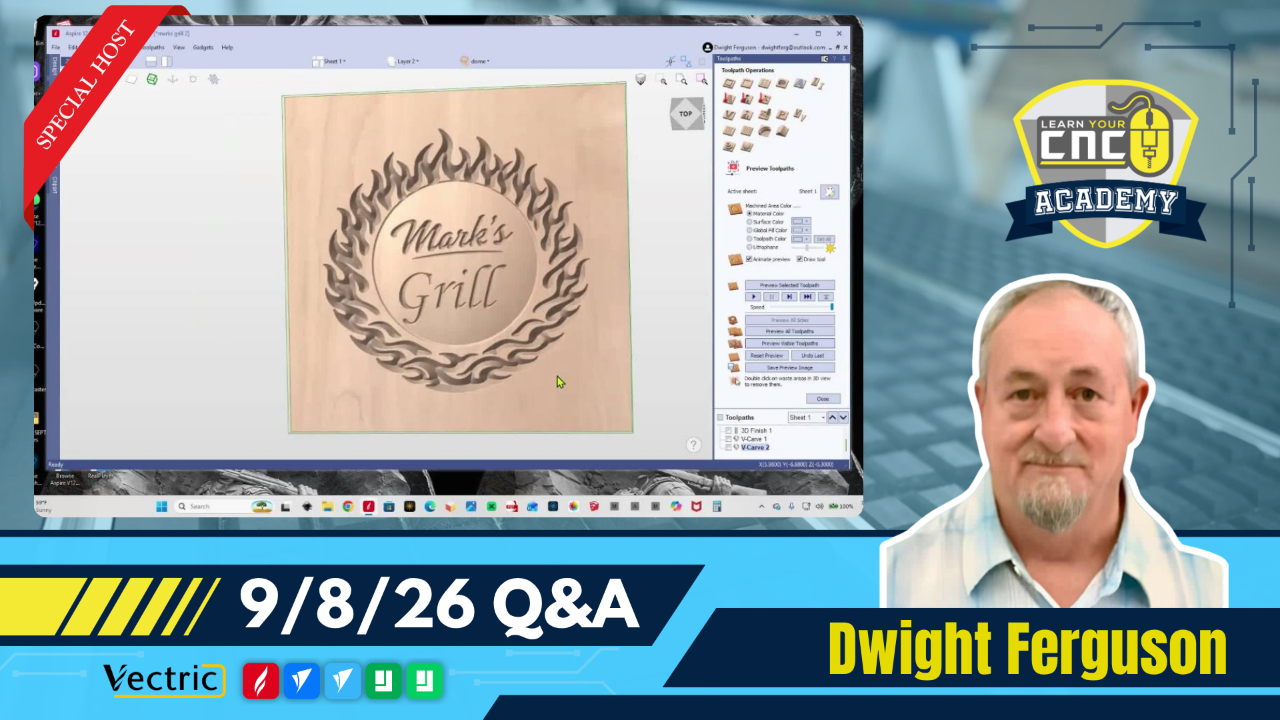
00:37:38 - Mark asked for help fixing a dome sign where the dome does not show up in the carve.
-
01:01:42 - Jack Scott asked about proper grounding wire types and connection points for a CNC.
-
01:04:14 - Ruth Woods asked how to group good and bad toolpaths together.
Keywords:
aspire, vcarve pro, molding toolpath, two rail sweep, zero plane, dome sign, project on 3d model, cnc grounding, grouping toolpaths
Not a member of our Learn Your CNC Academy Community? Join over 1,500+ students today! Benefits include weekly Q&A Meetups, weekly project lessons, monthly CNC challenges, an active community of Vectric users, past replay lessons & project files, and so much more!

