
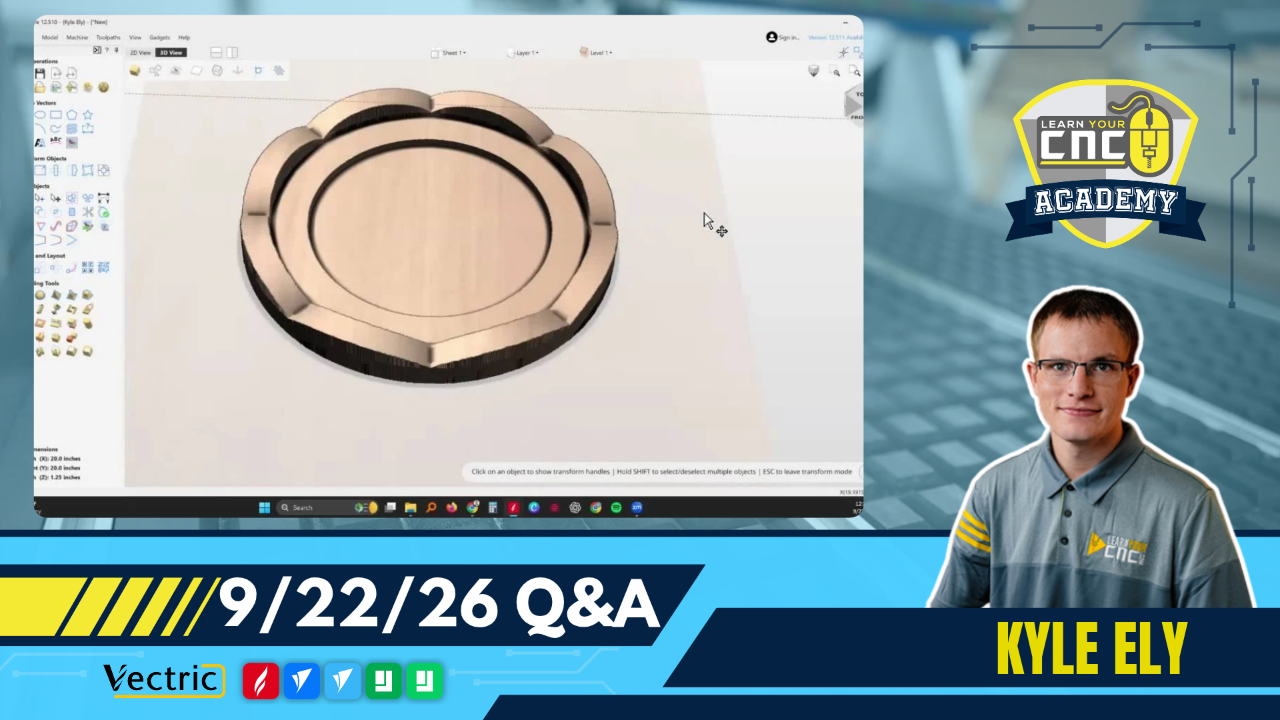
09-22-2026 Q&A: Rosette patterns, 2D inlays, dish modeling, and AI 3D carves
Sep 22, 2026
Note: You must be a member of the Learn Your CNC Academy Community to watch this replay. Benefits include weekly Q&A Meetups, weekly project lessons, monthly CNC challenges, an active community of Vectric users, past replay lessons & project files, and so much more!

In this Q&A session, we covered how to model complex lathe-style rosettes using molding and 3D toolpaths, troubleshoot 2D inlay bit selection to prevent cut-off letters, and model a curved dish in VCarve and Aspire. We also discussed spoilboard flattening strategies, preparing highly detailed AI images for 3D carving, diagnosing Z-zero height issues, and deciding when to use a CNC versus a router table for edge profiling.
Key Tips Learned in this Q&A:
-
2D Inlay Bit Selection: For a 2D inlay, the exact same bit must be used for both the final male and female passes so that the internal and external corner radii match perfectly.
-
Spoilboard Flattening: If a spoilboard has significant high and low spots, find the highest point to set the Z-zero, and use a pocket toolpath to shave off small increments (e.g., 1/16th inch) until the surface is entirely level.
-
AI Image Preparation: Highly detailed AI images can cause issues with 3D modeling software like EasyCreate . Prompt the AI to generate a less detailed version specifically for 3D relief carving before importing it into the software.
-
Maximizing 3D Resolution: When working with 3D models, reduce the overall project size boundary to closely fit the model rather than leaving excess blank space . This concentrates the 3D pixels on the carved area, resulting in a higher-quality model.
-
Router Table vs. CNC: For simple edge profiling like roundovers on a single cutout part, it is often much faster to use a physical router table and flush trim bit instead of configuring and zeroing another CNC toolpath.
Questions Answered in this Q&A:
-
00:03:46 - Samuel: Creating a lathe-style rosette pattern with VCarve or Aspire
-
00:23:13 - Bruce: Troubleshooting cut-off letters in a 2D inlay project
-
00:32:23 - Robert & John: Modeling a dish with curved top and bottom faces using molding toolpaths
-
00:55:21 - Matt: Best method for flattening a spoilboard with uneven high and low spots
-
00:59:21 - Scott: Approaching a highly detailed AI image commission for 3D relief carving
-
01:05:12 - Mike W.: Diagnosing a router starting 3/4 inch above the material during a 3D carve
-
01:10:28 - Greg: Using a CNC roundover bit vs a router table for profiling an oven push stick
-
01:17:19 - Matt: Best grain direction for structural strength on a push stick
-
01:18:36 - Sherrill: Plans for a private group meetup in Nashville
-
01:19:04 - Dave: Adding laser tracing to a 3D cut to enhance detail
-
01:22:04 - Zoom User: Selecting molding rails for multiple items on one toolpath
-
01:22:50 - Dennis: Mass changing toolpaths for a laser test card gadget
-
01:24:47 - Speaker 10: Finding the free downloadable version of SketchUp Make 2017
Keywords:
rosette, 2d inlay, molding toolpath, spoilboard flattening, ai images, easycreate, z-zero, roundover, grain direction, laser tracing, sketchup, vcarve
Not a member of our Learn Your CNC Academy Community? Join over 1,500+ students today! Benefits include weekly Q&A Meetups, weekly project lessons, monthly CNC challenges, an active community of Vectric users, past replay lessons & project files, and so much more!

