
08-11-2026 Q&A: Stacked Text Editing, Rotary Toolpaths, and VCarve Rope Borders
Aug 11, 2026
Note: You must be a member of the Learn Your CNC Academy Community to watch this replay. Benefits include weekly Q&A Meetups, weekly project lessons, monthly CNC challenges, an active community of Vectric users, past replay lessons & project files, and so much more!

In this Q&A session, we discussed customizing stacked text signs, the complexities of slicing double-sided bowls for thinner materials, and mapping rotary toolpaths for pool cue stitch rings. We also covered techniques for making rope borders in VCarve without 3D carving and customizing a cribbage board design with new 3D elements and text. Additional software tips included finding app notifications and troubleshooting software window resizing.
Key Tips Learned in this Q&A:
-
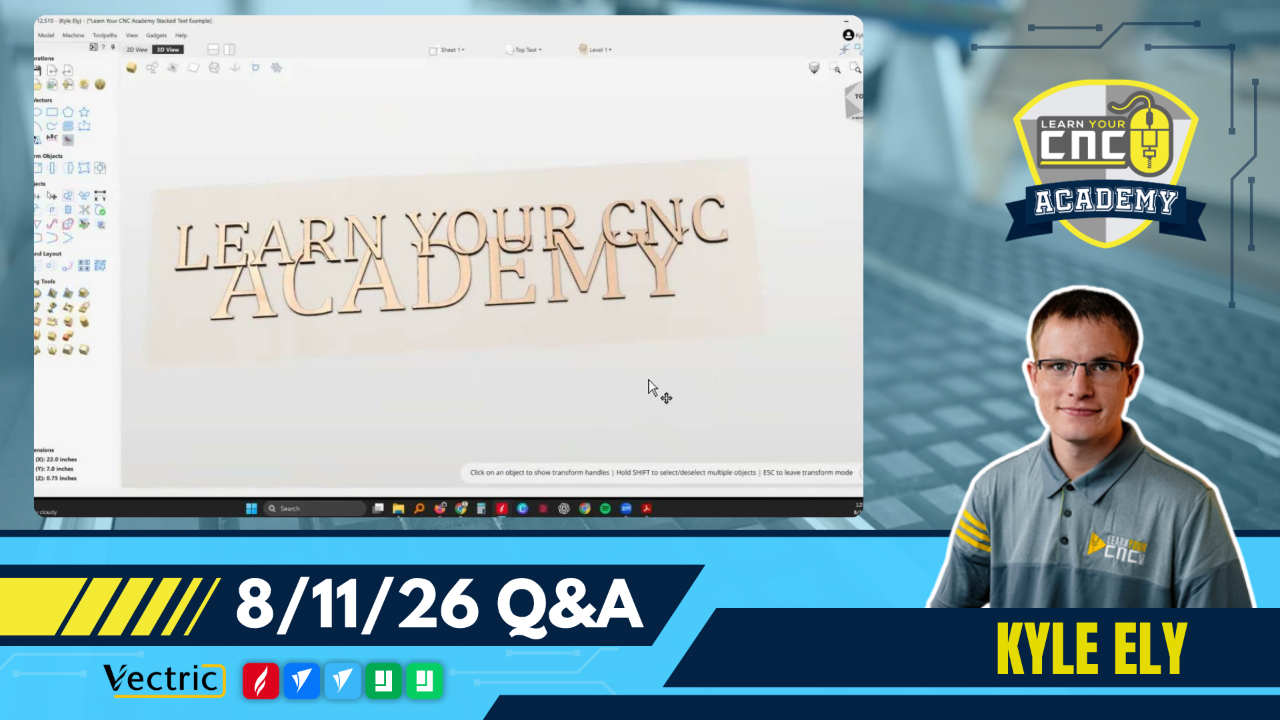
Editing Stacked Text: When customizing a stacked text sign, it's easier to use the 3D method in Aspire. Simply hide or delete the old components, draw the new text, and create the new 3D shape set to "merge" without deleting the underlying vectors.
-
Slicing 3D Bowls: Slicing a thin-walled double-sided bowl to fit 1-inch material can cause alignment and edge chipping issues during glue-up. It is recommended to export the design as a single solid STL before slicing to avoid double-thickness errors.
-
Rotary Layouts: To space slots at precise degree angles (like 0, 15, and 90) on a rotary project, draw the angles on a flat profile, connect them into a shape, and use Aspire's "Unwrap" tool. This generates an unwrapped vector boundary to easily snap and align your slot cuts.
-
VCarve Rope Borders: If you don't have Aspire for a 3D rope border, you can simulate the effect in VCarve by using an overlapping wavy circular vector array. Use a profile toolpath set to cut on the line with a pointed round-over bit to create a carved rope illusion.
-
Customizing 3D Clip Art: You can turn dome clip art into a carved dish in VCarve by changing the 3D model combine mode to "subtract". You can then add new 3D elements, such as a bridge model generated by AI, by setting their combine mode to "add" inside the dish.
Questions Answered in this Q&A:
-
00:04:29 - Greg: Spoil board grid holes vs. T-tracks
-
00:05:59 - Steve: Editing names and dates for stacked text signs
-
00:20:10 - Patrick: Slicing double-sided 3D bowls for 1-inch material
-
00:34:24 - Dustin: Spacing and mapping slots for rotary pool cue rings
-
00:52:52 - Dale: Creating rope borders without 3D carving in VCarve
-
01:02:33 - Tom: Customizing the cribbage board with custom 3D models
-
01:13:56 - Ernie: Resizing and maximizing the software window
-
01:15:37 - Bud: Locating unread notifications in the mobile app
-
01:16:56 - Jim: Next Wave XYZ touch plate lack of setup instructions
Keywords:
stacked text, rotary toolpaths, vcarve rope border, double-sided bowls, cribbage board, unwrap tool, slicing 3d models, community challenge
Not a member of our Learn Your CNC Academy Community? Join over 1,500+ students today! Benefits include weekly Q&A Meetups, weekly project lessons, monthly CNC challenges, an active community of Vectric users, past replay lessons & project files, and so much more!

