
07-21-2026 Q&A: 3D Text Replacement, Tool Database Management, and Small Part Cutting
Jul 21, 2026
Note: You must be a member of the Learn Your CNC Academy Community to watch this replay. Benefits include weekly Q&A Meetups, weekly project lessons, monthly CNC challenges, an active community of Vectric users, past replay lessons & project files, and so much more!

In this Q&A session, we covered questions ranging from replacing 3D text on curved models to properly managing long font lists and tool database naming quirks. We discussed practical CNC troubleshooting techniques, including how to correctly set up surfacing bits in pocket toolpaths, strategies for cutting small internal letters, and how to approach rotary project orientations with Next Wave Shark machines. The session also touched on finding free images for CNC using AI tools, utilizing the Stream Deck, and setting up limit planes.
Key Tips Learned in this Q&A:
-
Replacing 3D Text: When modifying curved or wavy 3D ribbons, use Aspire's sculpting tools to erase the text rather than using clipping. Clipping is better for flat models, as filling compound curves manually is highly time-consuming.
-
Automatic Tool Naming Fix: Vectric automatically adds clearance names (e.g., "clear 1") when multiple tools are added to a toolpath. Enable the "Add or append clear name to the toolpath" setting in the Edit > Options menu (update 12.5+) to fix this, or use a generic toolpath name and only manually rename the final tool.
-
Surfacing Bit Setup: Since Vectric does not have a designated "surfacing bit" tool type, classify your flattening bits as end mills. For surfacing operations, always use a pocket toolpath (which allows flat bottom clearing) rather than a profile toolpath.
-
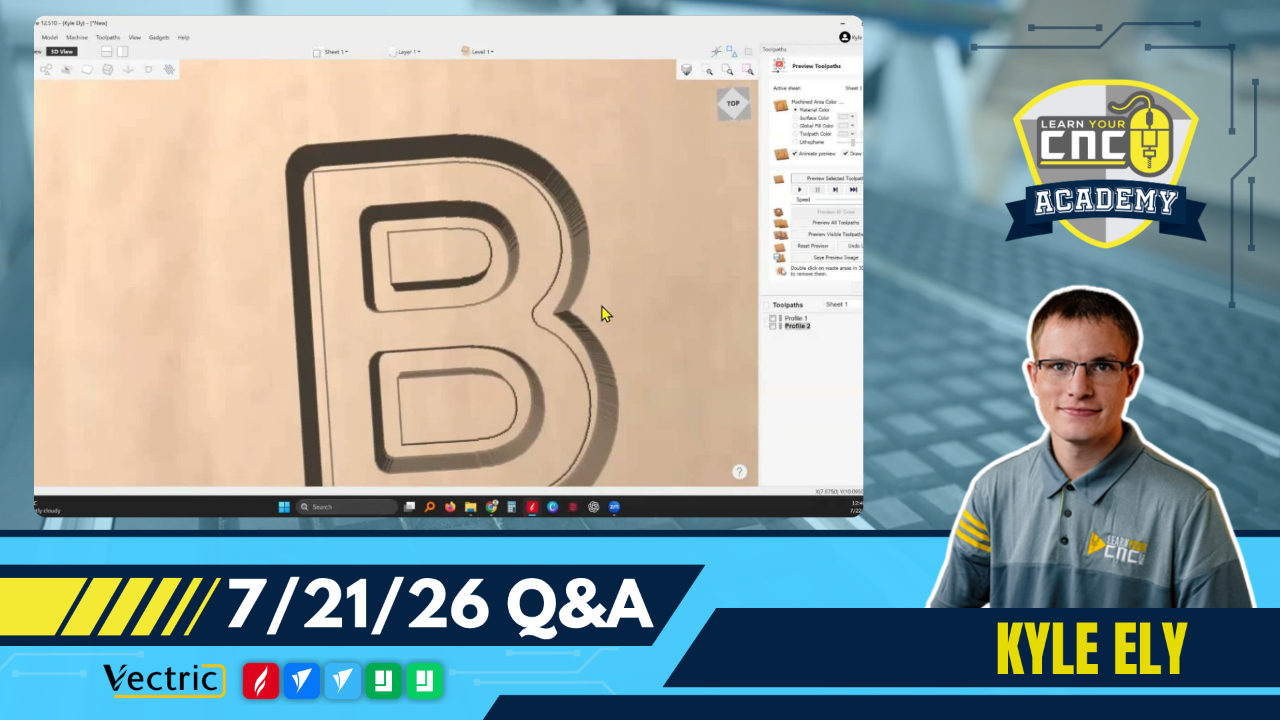
Securing Small Cutouts: To prevent small internal shapes (like the centers of O, A, or R) from popping out and getting lost or damaged, use tabs or an "onion skin". An onion skin leaves a very thin layer of material at the bottom of the cut that can be easily sanded off later.
-
Copying Between Projects: If you have multiple files open in the exact same software version, you can quickly move vectors, images, or 3D models between them by selecting the item, copying it, and pasting it directly into the new file.
Questions Answered in this Q&A:
-
00:02:49 - (Tom) How to replace 3D model text on a busy, curved ribbon model (why use sculpting vs. clipping)?
-
00:06:16 - (Neil) Is there a way to limit the text fonts that Aspire displays to only those regularly used?
-
00:10:44 - (Jerry) Is there a setting I'm missing to avoid renaming clearance tools every time I calculate a finish toolpath?
-
00:18:38 - (John) What am I doing wrong when trying to change the bit on a flattening/surfacing toolpath?
-
00:26:52 - (David) How do I prevent standalone centers of letters (A, C, O, R) from popping out when cutting?
-
00:35:17 - (Keith) How do I make my own chip carving designs and add them to the clipart tab in VCarve Pro?
-
00:36:36 - (Dale) Which post-processor do I use for a Next Wave Shark rotary project when wrapping X around Y?
-
00:44:51 - (Greg) Is it better to use a tapered ball nose instead of a V-bit for VCarve inlays?
-
00:47:10 - (Matt) How do I extract a 3D snake from an image/model and add it to another carving?
-
00:52:55 - (Tim) Follow-up on a lower string guide idea (using a square peg) for the woodpecker project.
-
00:55:01 - (Cheryl) Have you done any lessons on the 1finity JTech 64-watt laser, Lightburn, or the Stream Deck XL?
-
00:57:22 - (Mark) What is the chance we can design a nice spice rack for 4-inch tall bottles in a future lesson?
-
00:58:48 - (Slurhum / Fleur Home) When will you be available for one-on-one lessons?
-
01:00:07 - (Mr. K) Is the only way to create a limit plane when you import a 3D model?
-
01:01:36 - (Jim) Why does Spindle Sam take me to the purchase course screen when I click a reference link?
-
01:04:53 - (John) Can I set the size, layout, and position of the tool database window to open to my settings all the time?
-
01:06:10 - (Dwight) How do you find a specific post by a certain member in the community?
-
01:07:18 - (Scott) How do I copy toolpaths to a new file when scaling down a project?
-
01:08:26 - (Greg) Can you recommend a free resource for images suitable for CNC?
Keywords:
vectric, 3d text, font list, tool database, surfacing bit, pocket toolpath, tabs, onion skin, rotary axis, post-processor, vcarve inlay, clipart, stream deck, limit plane, ai images
Not a member of our Learn Your CNC Academy Community? Join over 1,500+ students today! Benefits include weekly Q&A Meetups, weekly project lessons, monthly CNC challenges, an active community of Vectric users, past replay lessons & project files, and so much more!

