
06-16-2026 Q&A: Spoilboard Bits, AI Backgrounds, and Vector Cleanup
Jun 16, 2026
Note: You must be a member of the Learn Your CNC Academy Community to watch this replay. Benefits include weekly Q&A Meetups, weekly project lessons, monthly CNC challenges, an active community of Vectric users, past replay lessons & project files, and so much more!

In this Q&A session, we covered questions ranging from selecting surfacing bits to fixing uneven backgrounds in AI-generated 3D models. We discussed troubleshooting double-sided projects, making 3D shapes like vise handles in VCarve, using the Curve Fit tool correctly, and identifying lost fonts from older designs. The session also touched on adding drafts to text, fixing tool number geometry errors, and strategies for managing massive 200-hour 3D map carves.
Key Tips Learned in this Q&A:
-
Surfacing Bit Selection: Two plus two designs might build up chips in the flat sections; some users prefer to remove the bottom inserts and rely on the vertical cutters. Alternatively, helical heads or bits with different insert geometries can provide quieter and smoother finishes.
-
Fixing Uneven AI 3D Backgrounds: Use scaling tools along the X and Y axes in Vectric to get the surface as flat as possible, or crop the background out entirely using a vector boundary and level clipping.
-
Double-Sided Machining Issues: If a 3D toolpath previews fine but cuts through the material on the CNC machine, it is likely a Z-zeroing issue or mismatched material thickness, rather than a flaw in the file design.
-
Curve Fit Tool Settings: When cleaning up vectors, ensure your tolerance settings match your project's units (e.g., inches vs. millimeters) to prevent generating sharp, jagged lines instead of smooth curves.
-
Finding Lost Fonts: Use tools like "WhatTheFont" to upload a screenshot of your old project to identify the font, and generate sample text to trace using the Trace Bitmap tool for one-off projects.
-
Managing Long Carves: For highly detailed projects taking hundreds of hours, split the model using vector boundaries with a slight overlap (e.g., 1/8 to 1/4 inch) to machine the design in smaller sections across multiple days.
Questions Answered in this Q&A:
-
00:03:45 - John: Asked for opinions on spoilboard bits and the 2+2 design versus helical heads.
-
00:11:57 - Brandon: Asked how to flatten the uneven background of an AI-generated 3D model.
-
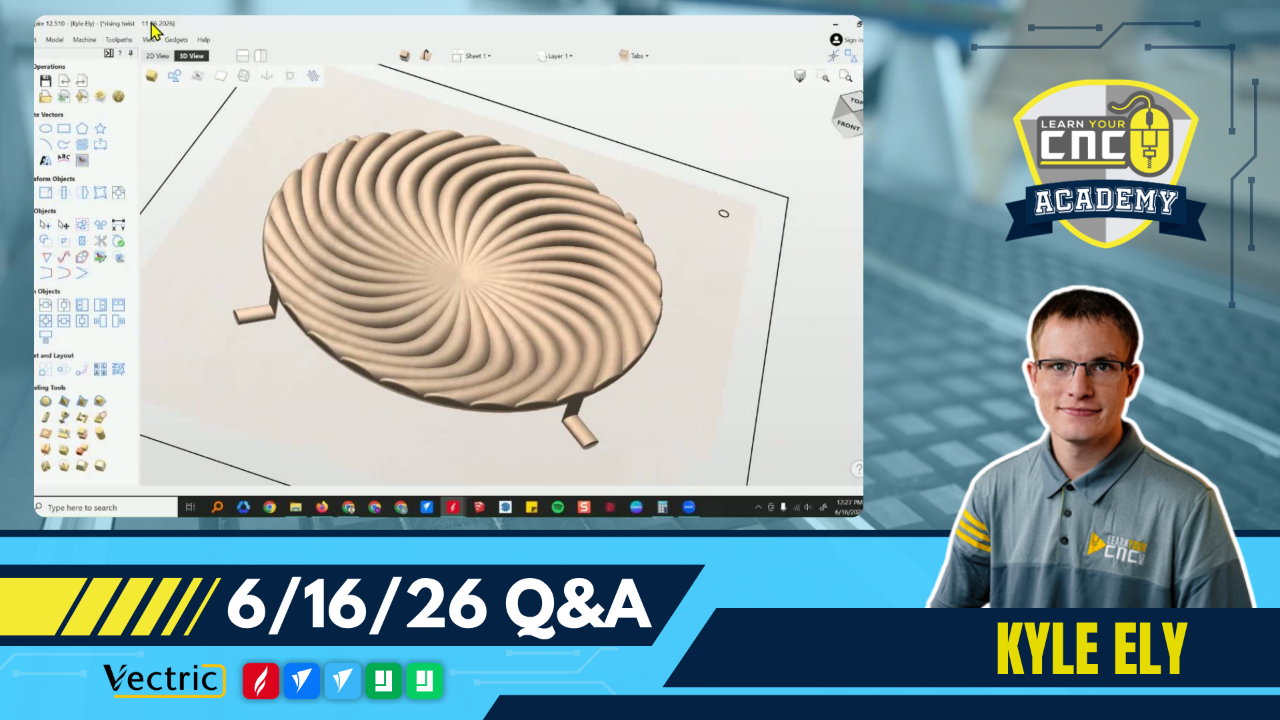
00:23:54 - Barry: Asked why his double-sided "Rising Twist" project was incorrectly cutting through the material.
-
00:31:09 - Howard: Asked how to design a workbench vise handle with spherical ends in VCarve Pro.
-
00:40:36 - Ruth: Asked for ways to reduce the file size and machining time of a highly detailed 3D bark model.
-
00:45:06 - Gary: Asked how to machine a beveled cutout on custom truck doors.
-
00:50:57 - Chris: Asked for the best way to design and cut a tapered triangle molding.
-
00:59:19 - Ted: Asked how to resolve a toolpath saving error caused by different tools sharing tool number 2.
-
01:01:34 - Bob: Asked how to get smooth curves instead of sharp corners using the Curve Fit tool on a traced image.
-
01:08:34 - Randy: Asked if there is a way to identify a lost font from an older sign design.
-
01:15:41 - Philip: Asked how to apply a draft exclusively to the name/text in an Aspire project without affecting the background.
-
01:19:54 - Gary: Asked how to retain tiny map text details on a massive 200-hour 3D carve and how to break the carve up into smaller sections.
Keywords:
spoilboard bits, easycreate ai, zero plane, double-sided machining, file size reduction, smoothing filter, tapered cuts, curve fit tool, trace bitmap, whatthefont, draft tool, splitting 3d carves
Not a member of our Learn Your CNC Academy Community? Join over 1,500+ students today! Benefits include weekly Q&A Meetups, weekly project lessons, monthly CNC challenges, an active community of Vectric users, past replay lessons & project files, and so much more!

