
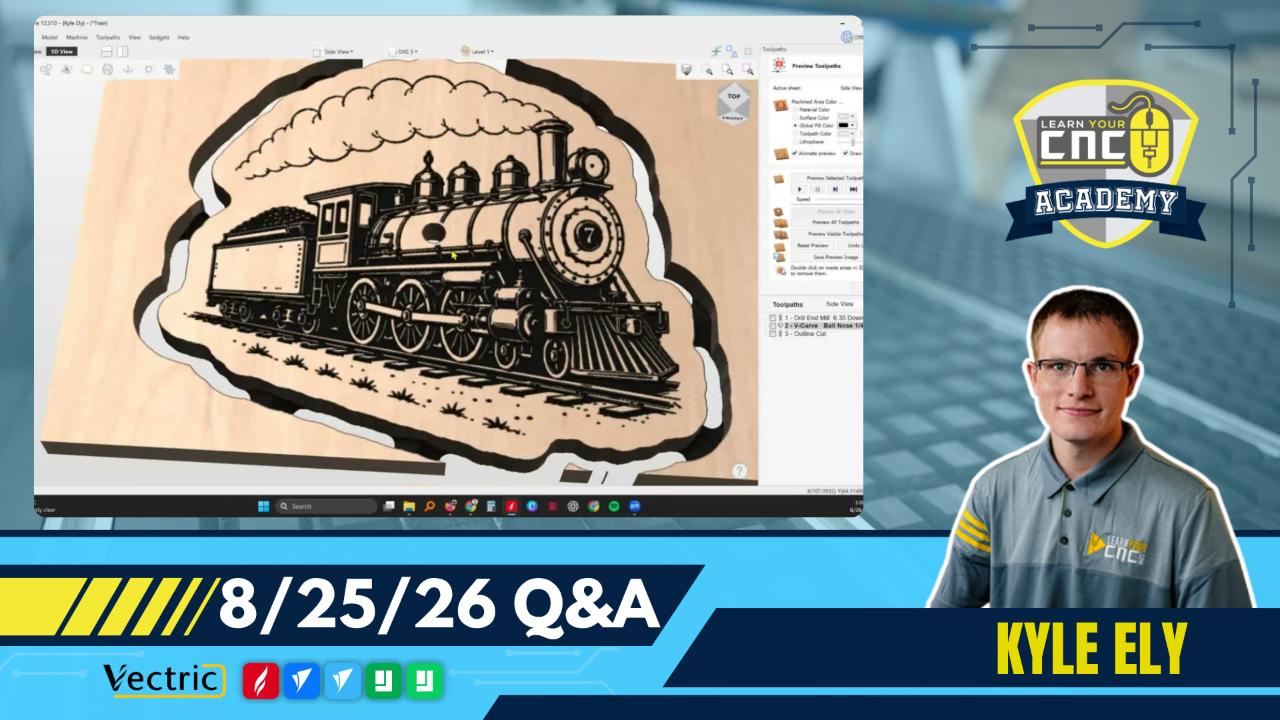
08-25-2026 Q&A: VCarve Inlays, CNC Touch Plates, Vectric Spark, and Detailed Engraving
Aug 25, 2026
Note: You must be a member of the Learn Your CNC Academy Community to watch this replay. Benefits include weekly Q&A Meetups, weekly project lessons, monthly CNC challenges, an active community of Vectric users, past replay lessons & project files, and so much more!

In this Q&A session, we covered topics ranging from troubleshooting VCarve inlays to optimizing settings for fine-detail engravings. We discussed the importance of grounding CNC touch plates, reviewed the capabilities of the newly released Vectric Spark software for Mac users, and shared strategies for using 30-degree V-bits and epoxy fills for highly detailed carves. We also touched on resolving issues with the molding toolpath on closed vectors.
Key Tips Learned in this Q&A:
-
Fixing Open Vectors for Inlays: Always use the node edit mode and the join tool to close vectors before generating toolpaths, because open vectors will be ignored by the software and result in missing pieces.
-
VCarve vs. Straight Inlays: VCarve inlays are ideal for fine details because they create a self-tightening wedge fit, whereas straight inlays are better for larger shapes and require manual overcut distance adjustments to dial in a tight fit.
-
Touch Plate Grounding: It is essential to attach the magnetic wire to your collet when using a touch plate to properly complete the circuit. Failing to do so can cause the machine to drive the bit down indefinitely, which can break the tool, damage the plate, or throw the machine out of calibration.
-
Vectric Spark Limitations: Vectric Spark is a new, simplified software exclusively built for Mac users. It currently lacks the full feature set of VCarve or Aspire, and older versions (V12 and below) of standard Vectric software cannot open Spark files.
-
Detailed Engraving Optimization: When carving tiny details, switch to a 30-degree or 60-degree V-bit instead of a tapered ball nose to capture fine lines. Additionally, lowering the rapid Z gap above the material (e.g., down to 5mm) will save significant machining time by reducing unnecessary vertical movements.
Questions Answered in this Q&A:
-
00:05:31 - Mike: asks for help troubleshooting VCarve inlay settings and gaps.
-
00:19:09 - Ernie: asks how to adjust offset sizes to fix tight fits on straight and VCarve inlays.
-
00:26:10 - Greg: asks if it is necessary to use the magnetic grounding wire on a CNC touch plate.
-
00:44:35 - Andrew: asks for an explanation of the new Vectric Spark software and if it should be added to his workflow.
-
00:55:36 - William: asks how to select the right end mill for small, detailed carves like a train clock design.
-
01:25:43 - Joel: asks how to force a molding toolpath to cut on the inside of a closed rectangular vector.
Keywords:
vcarve inlays, open vectors, cnc touch plate, vectric spark, detailed engraving, epoxy fill, rapid z gap, molding toolpath
Not a member of our Learn Your CNC Academy Community? Join over 1,500+ students today! Benefits include weekly Q&A Meetups, weekly project lessons, monthly CNC challenges, an active community of Vectric users, past replay lessons & project files, and so much more!

