

05-05-2026 Q&A: Rotary Modeling, Toolpath Troubleshooting, and Snapping to Tangents
May 05, 2026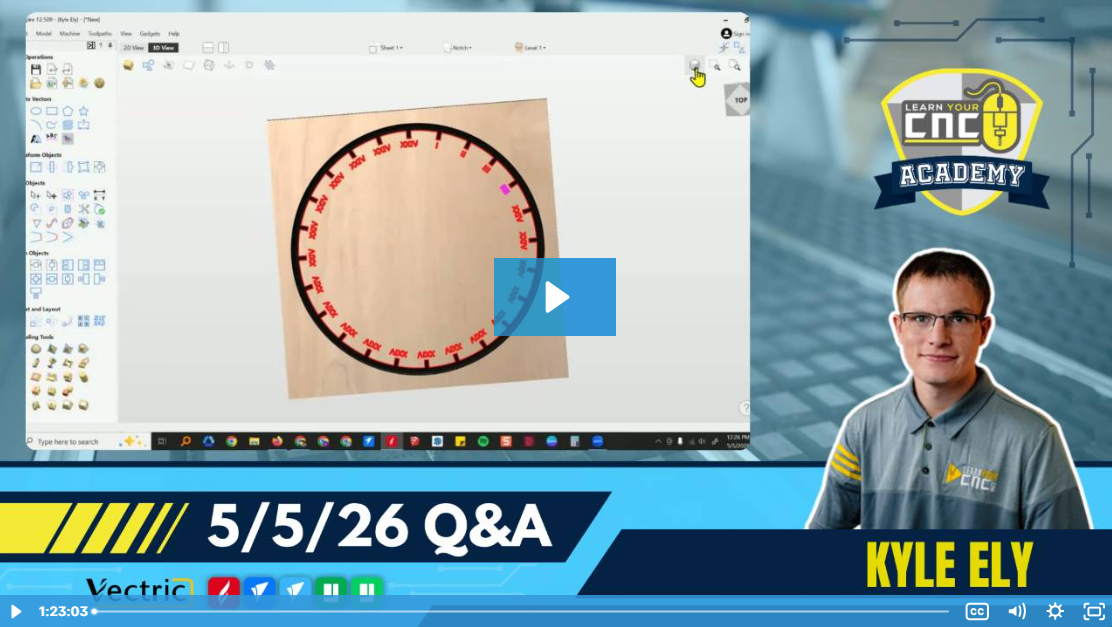
Note: You must be a member of the Learn Your CNC Academy Community to watch this replay. Benefits include weekly Q&A Meetups, weekly project lessons, monthly CNC challenges, an active community of Vectric users, past replay lessons & project files, and so much more!

This session focuses on practical design techniques in Vectric software and hardware troubleshooting. Key topics include creating clock faces with 24 notches, using the Subtract tool for rapid vector editing, and snapping lines to tangent points for smooth shapes like teardrops. We also discussed strategies for reducing tool marks in pockets, modeling stepped profiles for rotary projects using the Molding toolpath, and various community-driven tips for mixed-media projects involving 3D printing and lasers.
Key Tips Learned in this Q&A:
-
Efficient Circular Copying: When creating objects like clock notches or Roman numerals, use the Circular Copy tool with 360-degree rotation and the Group Copies option enabled to make subsequent selection and subtraction much faster.
-
Tangent Snapping (Shortcut 'T'): To create natural, smooth transitions between lines and circles (like a teardrop shape), use the Draw Line tool and hover near the circle while pressing the T key to automatically snap to the tangent point instead of a node.
-
Reducing Pocket Tool Marks: To achieve cleaner pocket bottoms, ensure your spoilboard is perfectly flat, cut with the wood grain rather than against it, use a sharp down-cut bit, and set the final pass to be very shallow (e.g., 0.01 inches) to eliminate tool deflection.
-
Recalculating Moved Vectors: If a 3D toolpath appears to over-carve or under-carve after moving objects, it is often because the 2D boundary vector was moved but the toolpath was not recalculated with the new selection.
-
Rotary Stepped Profiles: Use the Molding Toolpath with a custom side profile and a drive rail to create complex stepped or tapered shapes on a rotary post without needing full 3D modeling.
Questions Answered in this Q&A:
-
00:04:16 - Carl: How do I draw the inner ring with the squares/notches for a 24-hour clock face?
-
00:13:35 - Speaker 5 (Carl): Why is the Roman numeral for four written as IIII instead of IV on some clocks?
-
00:21:57 - Tim Karash: Is there a way to lock the orthographic view in the 3D window?
-
00:24:40 - Zoom User: Is there a shortcut key for connecting a line to a circle at its tangent point?
-
00:27:32 - John Barker: Any ideas on placing roads on 3D carved topo maps using lasers or V-bits?
-
00:29:58 - Matt: How do I reduce toolpath marks and ridges in my pockets?
-
00:36:02 - Brent: Is it possible to bond a separate piece of wood for the rings instead of carving away the whole surface?
-
00:40:51 - Brent: Where do I submit questions, and why can't I upload my Aspire file directly?
-
00:41:29 - Tom Fox: Are these meetups the same for both VCarve and Aspire users?
-
00:44:52 - Ron: What tips do you have for making multi-color epoxy inlays?
-
00:47:32 - Pete: Has there ever been a clock challenge?
-
00:49:16 - What are the settings for an eighth-inch O-flute bit for cutting acrylic?
-
00:52:03 - Alan Dodds: How do I set up tapered ball nose bits in the tool database without a provided chart?
-
00:57:34 - Brent: Why did my 3D roughing over-carve at the top and under-carve at the bottom?
-
01:03:31 - Scott Silvia: Why do I get errors when recalculating all toolpaths even though they work individually?
-
01:11:54 - Jeff: How do I create a side profile for a rotary post using the Molding toolpath?
-
01:19:53 - Tom Fox: Why are project lessons grouped by category rather than listed sequentially?
Keywords:
vectric, circular copy, subtract tool, tangent, teardrop, pocket cleanup, rotary, molding toolpath, acrylic cutting, tapered ball nose, recalculate, topographical map, clock design
Not a member of our Learn Your CNC Academy Community? Join over 1,500+ students today! Benefits include weekly Q&A Meetups, weekly project lessons, monthly CNC challenges, an active community of Vectric users, past replay lessons & project files, and so much more!

