
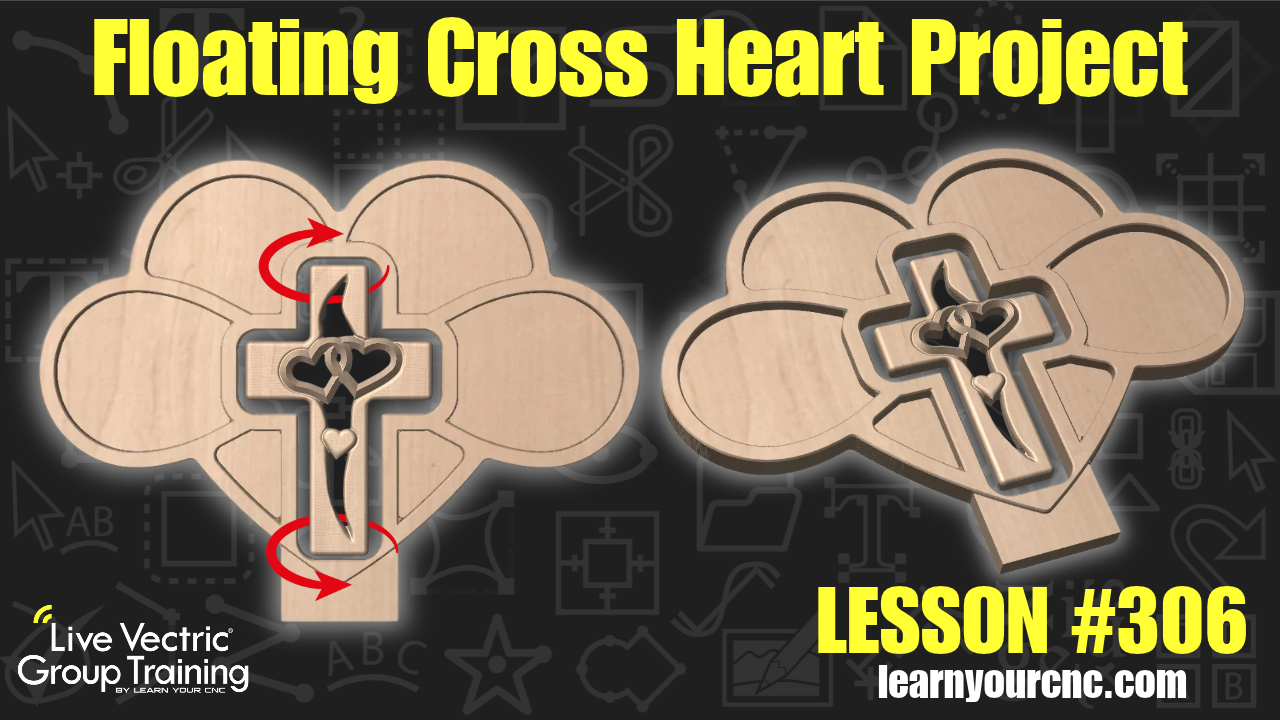
#306: Floating Cross Heart Project
Sep 24, 2026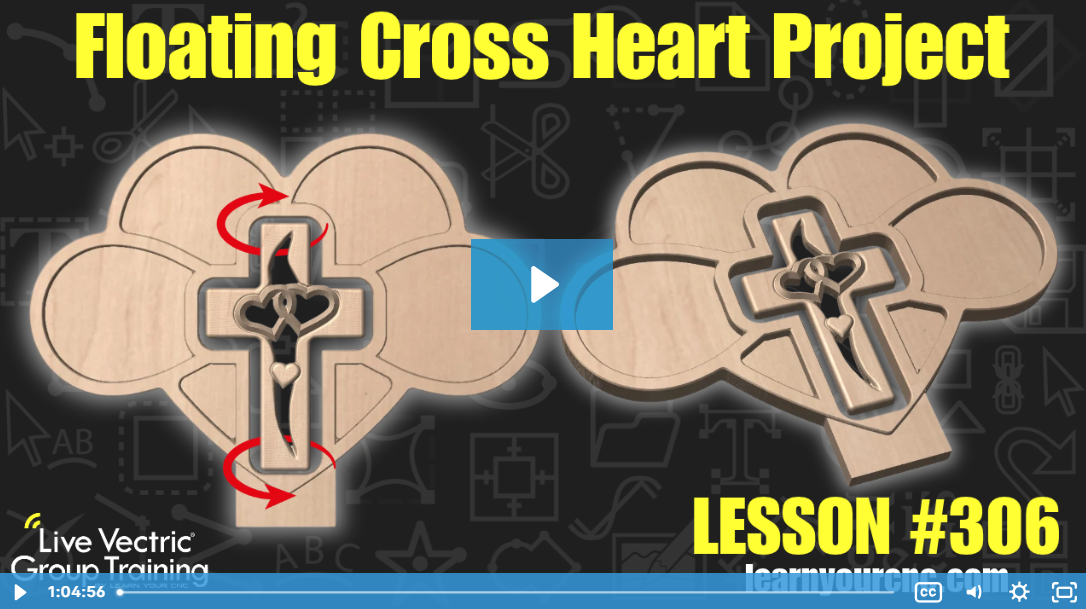
Note: You must be a member of the Learn Your CNC Academy Community to watch this replay. Benefits include weekly Q&A Meetups, weekly project lessons, monthly CNC challenges, an active community of Vectric users, past replay lessons & project files, and so much more!

✝️ In this project lesson, Kyle demonstrates how to take a popular viral woodworking trend—a floating, spinning cross suspended inside a heart frame—and bring it to life using your CNC router! You'll learn how to combine techniques and design elements from previous Academy cross and heart projects (including double-sided 3D models and infinity heart designs) to create a custom floating cross display. Kyle walks through offsetting vectors, adjusting scale and strength, creating pocketed bases, and setting up chamfer, pocket, and profile toolpaths. We also cover hardware tips like using rare earth magnets, fishing line, and custom spacers to achieve the perfect floating illusion. This versatile project is beginner-friendly and makes a fantastic, heartfelt gift idea or item for charity auctions and craft sales! This lesson can be made in both VCarve and Aspire (and Cut2D for 2D versions).
Keywords for this lesson(helps with search):
vectric, vcarve, aspire, cut2d, floating cross, heart, 3d modeling, toolpaths, pocket toolpath, profile toolpath, chamfer, node editing, interactive trim, offset vectors, double-sided, custom gifts, woodworking
#beginner #intermediate #vcarve #aspire #cut2d #projectdownload #giftidea #furniture #doublesided #3dmodeling #productivity #instructor-kyle-ely
Not a member of our Learn Your CNC Academy Community? Join over 1,500+ students today! Benefits include weekly Q&A Meetups, weekly project lessons, monthly CNC challenges, an active community of Vectric users, past replay lessons & project files, and so much more!

