
03-10-2026 Q&A: 3D Modeling Techniques, VCarve Inlays with AI, and Model Depth Control
Mar 10, 2026
Note: You must be a member of the Learn Your CNC Academy Community to watch this replay. Benefits include weekly Q&A Meetups, weekly project lessons, monthly CNC challenges, an active community of Vectric users, past replay lessons & project files, and so much more!

In this Q&A meetup, we explored various CNC design challenges, including optimizing stack text projects and managing 3D model depths. A major highlight was demonstrating how to use AI tools to quickly generate clean vectors from photos for high-quality VCarve inlays. We also discussed strategies for reducing carve times by adjusting feed/plunge rates and utilizing zero planes to control toolpath boundaries.
Key Tips Learned in this Q&A:
-
Controlling 3D Carve Depth: If a 3D model is cutting too deep or leaving rough edges, adding a Zero Plane set to a specific height (or using the Multiply combined mode) can provide a "stop" for the toolpath and smooth out transitions.
-
AI for Rapid Vector Creation: Using AI prompts can convert a standard photo into a clean, black-and-white image in seconds, which can then be easily vectorized for intricate inlay projects.
-
-
Multi-Color Inlay Strategy: For complex, multi-colored inlays in projects like cutting boards, isolate vectors onto separate layers by color and create individual male "plug" sheets for each material species.
-
Sealing for Clean Painting: Before painting carved text, apply two coats of shellac (sanding sealer) to seal the wood grain . This prevents acrylic paint from bleeding into the wood fibers and allows for easier cleanup of over-painting with a wet rag.
Questions Answered in this Q&A:
-
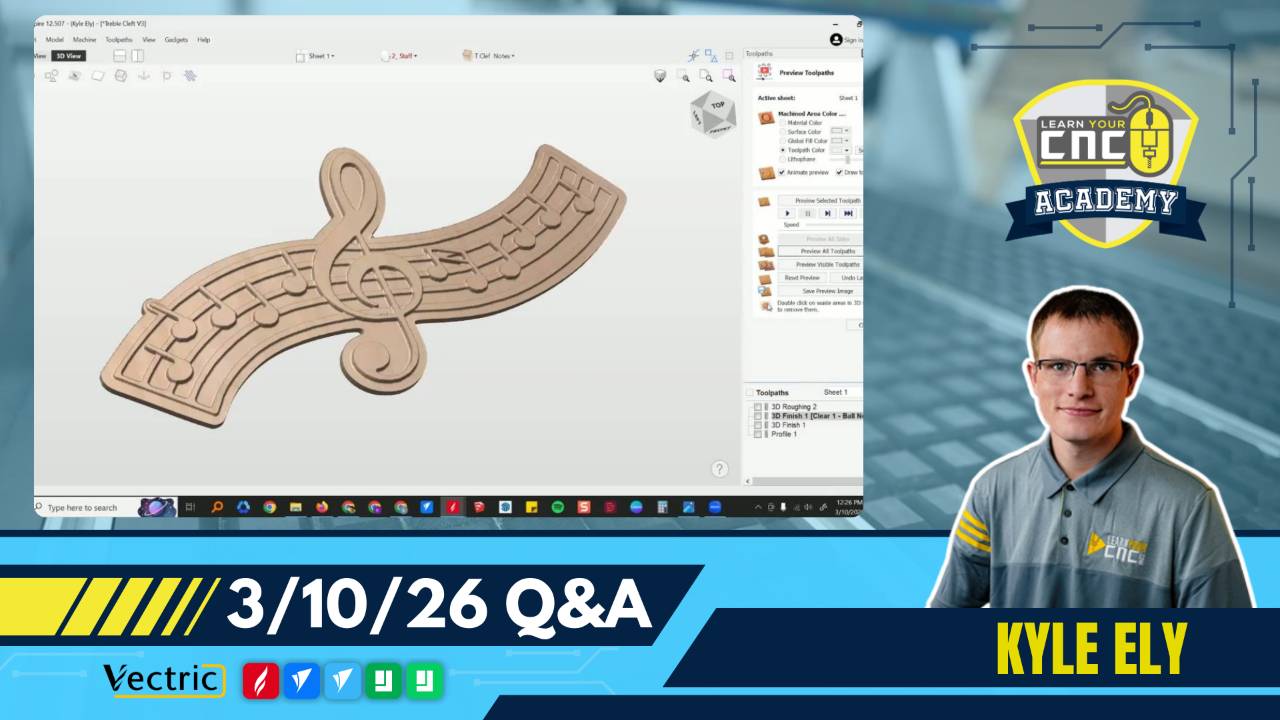
00:09:15 - Tim: How do I fix a musical art project where the 3D toolpaths are cutting way too deep into the half-inch material?
-
00:23:37 - Jeff: How can I reduce the 4.5-hour carve time on an Army seal and get rid of the tool marks around the rope border?
-
00:48:05 - Nick: What is the simplest way to design a memorial cutting board inlay using a photo of a bulldog?
-
01:06:50 - Fred: Why am I having trouble using the join/close vector tool on an angled line and a straight line?
-
01:10:50 - Richard: How do I use the Multiply combined mode to fade a sand texture into a bowl shape while maintaining a specific depth?
Keywords:
ai for cnc, vcarve inlay, stack text, zero plane, 3d modeling, multiply mode, feed rate optimization, cutting boards, shellac, vector tracing, 3d toolpaths, component tree
Not a member of our Learn Your CNC Academy Community? Join over 1,500+ students today! Benefits include weekly Q&A Meetups, weekly project lessons, monthly CNC challenges, an active community of Vectric users, past replay lessons & project files, and so much more!

