
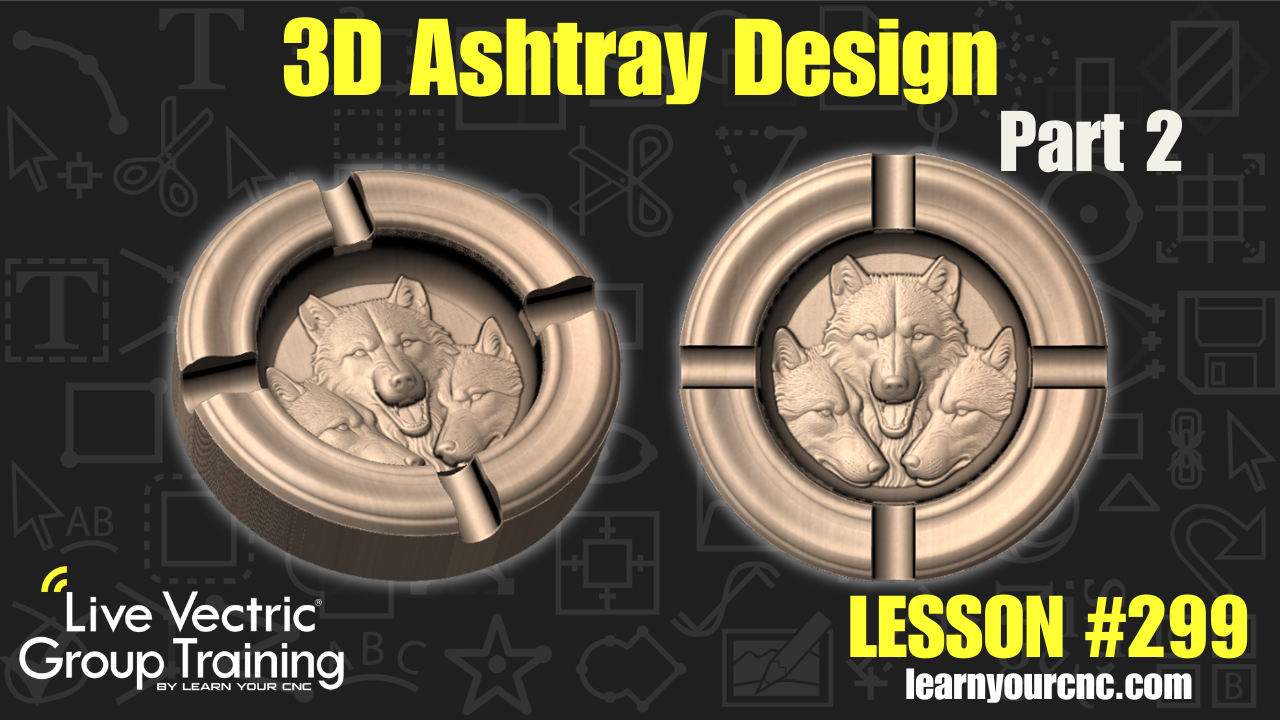
#299: 3D Ashtray Design
Aug 06, 2026
Note: You must be a member of the Learn Your CNC Academy Community to watch this replay. Benefits include weekly Q&A Meetups, weekly project lessons, monthly CNC challenges, an active community of Vectric users, past replay lessons & project files, and so much more!

Ready to take your custom tray projects to the next level? In part two of our custom ashtray project series, we transition from 2D vectors to full 3D modeling and clip art assembly! Learn how to build a custom ashtray complete with an intricate 3D central design using Vectric EasyCreate AI tools, flat dish clip art, and advanced component combine modes. You'll discover how to master the multiply combine mode to create smooth, tapered edges around 3D relief models, compare 2D vs. 3D machining time, and adapt these techniques whether you're working in VCarve Pro, VCarve Desktop, or Aspire! Perfect for beginners and intermediate makers looking to carve unique workshop gifts or home decor items.
Keywords for this lesson(helps with search):
vectric, vcarve, aspire, 3d modeling, ashtray, easycreate, combine mode, multiply combine mode, dish component, cigar cutout, level clipping, zero plane, two-rail sweep, 3d roughing, 3d finishing, tapered ball nose
#3dmodeling #aitools #aspire #beginner #giftidea #instructor-kyle-ely #intermediate #projectdownload #toolpaths #vcarve #vectricfeatures #workshop
Not a member of our Learn Your CNC Academy Community? Join over 1,500+ students today! Benefits include weekly Q&A Meetups, weekly project lessons, monthly CNC challenges, an active community of Vectric users, past replay lessons & project files, and so much more!

