
#298: Custom CNC Ashtray Design
Jul 30, 2026
Note: You must be a member of the Learn Your CNC Academy Community to watch this replay. Benefits include weekly Q&A Meetups, weekly project lessons, monthly CNC challenges, an active community of Vectric users, past replay lessons & project files, and so much more!

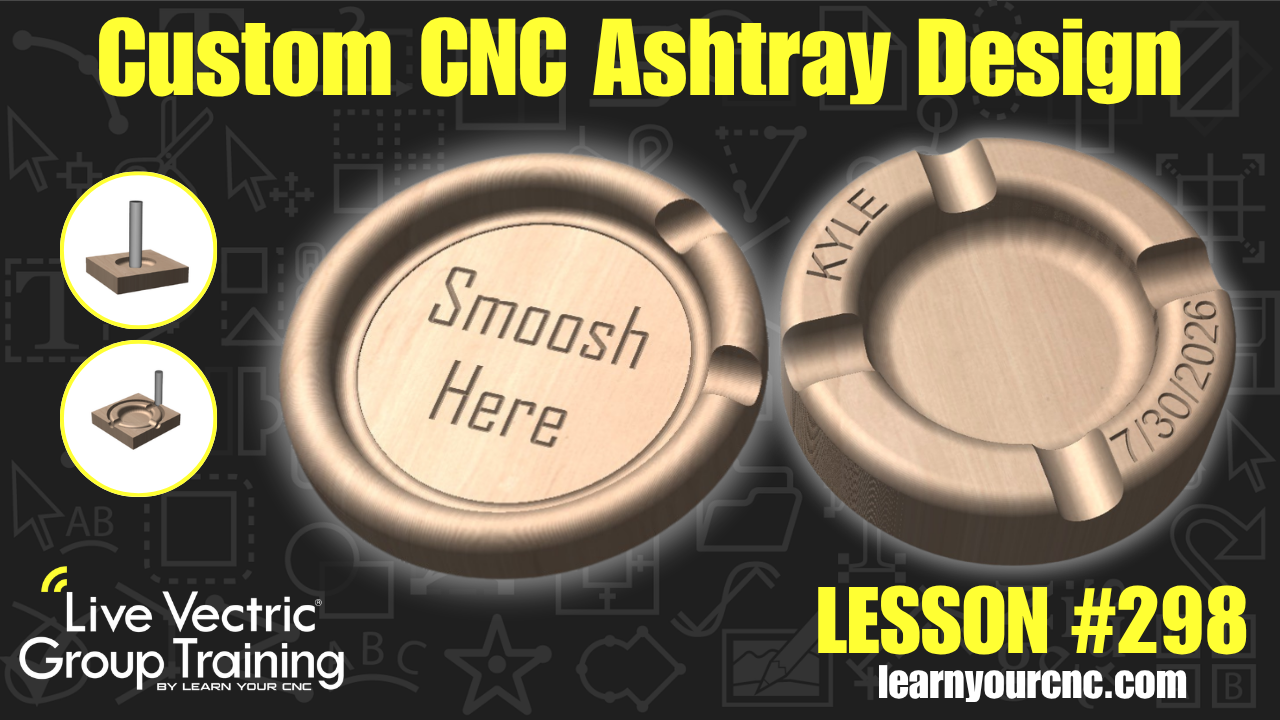
Ready to spark up your design skills? In this lesson, Kyle walks us through how to design a custom wooden cigar ashtray (or multi-purpose catchall tray) completely from scratch! Say goodbye to unpredictable AI-generated models and hello to precision-designed vector toolpaths. You'll learn how to use a bowl and tray bit to eliminate sharp bottom corners for easy cleaning, enter custom form tools like pointed roundover bits, create cigar resting slots using ball nose bits and circular array tools, and set up smooth curved text on V-carve toolpaths. Perfect for intermediate users looking for a fun workshop gift idea! Suitable for VCarve and Aspire (with basic options doable in Cut2D).
Keywords for this lesson(helps with search):
vectric, vcarve, aspire, cut2d, cigar ashtray, tray, bowl and tray bit, radius end mill, pocket toolpath, profile toolpath, pointed roundover, form tool, ball nose bit, circular copy, text on a curve, vcarve toolpath, node editing, stepover, pass depth, offset tool
#aspire #giftidea #instructor-kyle-ely #intermediate #projectdownload #toolpaths #vcarve #vectricfeatures #workshop
Not a member of our Learn Your CNC Academy Community? Join over 1,500+ students today! Benefits include weekly Q&A Meetups, weekly project lessons, monthly CNC challenges, an active community of Vectric users, past replay lessons & project files, and so much more!

