
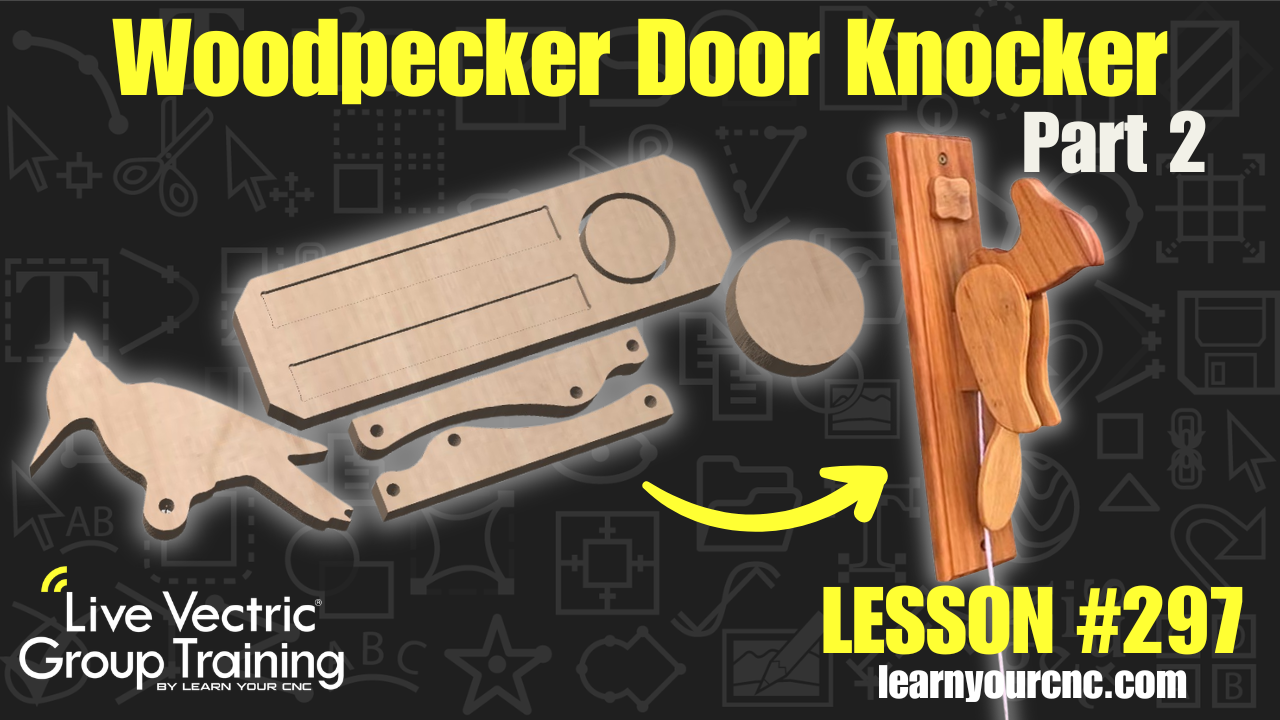
#297: Woodpecker Door Knocker Part 2
Jul 23, 2026
Note: You must be a member of the Learn Your CNC Academy Community to watch this replay. Benefits include weekly Q&A Meetups, weekly project lessons, monthly CNC challenges, an active community of Vectric users, past replay lessons & project files, and so much more!

🐦Ready to finish up our fun woodpecker door knocker? In part two of this project, we wrap up the 2D CAD design in Vectric by perfecting the backer plate layout, optimizing part placement for solid wood grain direction, and creating efficient profile and pocket toolpaths. You’ll learn how to modify component tolerances, add dog bone fillets for tight-fitting joinery, optimize part layouts, and apply tabs to hold your pieces safely in place during machining. Whether you’re cutting this on a small CNC or creating personalized craft show items and handmade gifts, this beginner-friendly project is a blast to build and customize! This project can be made in Cut2D, VCarve, or Aspire.
Keywords for this lesson(helps with search):
vectric, vcarve, aspire, cut2d, pocket toolpath, profile toolpath, dog bone fillets, wood grain direction, toolpathing, nesting, tabs, onion skin, custom sign, beginner cnc project, mechanical wood project, woodpecker door knocker, workshop, gift idea
#beginner #vcarve #aspire #cut2d #projectdownload #giftidea #workshop #toolpaths #instructor-kyle-ely
Not a member of our Learn Your CNC Academy Community? Join over 1,500+ students today! Benefits include weekly Q&A Meetups, weekly project lessons, monthly CNC challenges, an active community of Vectric users, past replay lessons & project files, and so much more!

