
#285: Designing Chevron Rotary Posts
Apr 30, 2026
Note: You must be a member of the Learn Your CNC Academy Community to watch this replay. Benefits include weekly Q&A Meetups, weekly project lessons, monthly CNC challenges, an active community of Vectric users, past replay lessons & project files, and so much more!

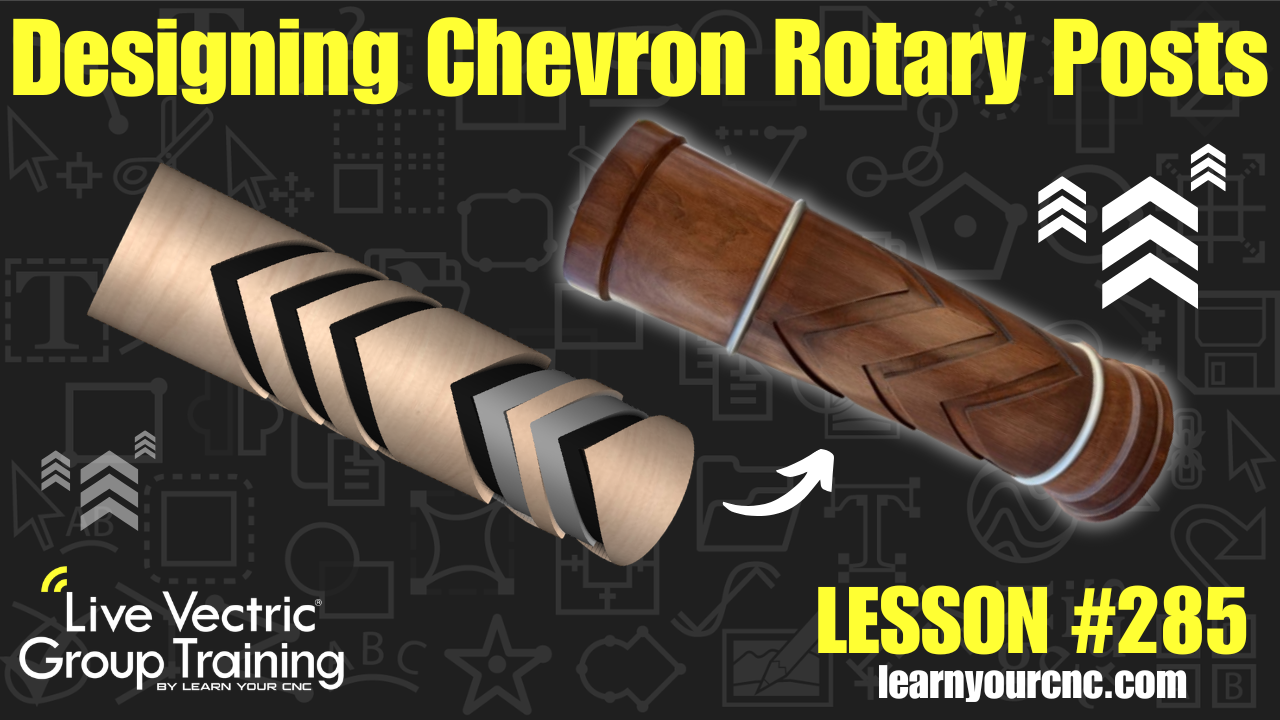
🌀 In this lesson, we dive into the world of Rotary machining to recreate a classic furniture element: the chevron-patterned pedestal or table leg! Kyle breaks down the process of taking a 2D inspiration photo and wrapping it around a cylinder, ensuring that the patterns meet perfectly at the seam for a seamless professional finish. You will learn how to calculate spacing for peaks and valleys, use the array copy tool for repeating patterns, and even explore a cool technique to create "raised" 3D effects using simple pocket toolpaths. This project is compatible with VCarve Desktop, VCarve Pro, and Aspire, and it's a fantastic introduction for anyone looking to get more comfortable with their rotary axis. Whether you are making full-sized furniture or scaled-down gift items, these techniques will help you "wrap" your head around rotary design!
Keywords for this lesson(helps with search):
vectric, vcarve, aspire, rotary, chevron, table leg, pedestal, wrapping, circumference, guidelines, array copy, pocket toolpath, node editing, join vectors, scissor tool, rounding toolpath, cylinder axis, furniture design
#beginner #intermediate #vcarve #aspire #projectdownload #giftidea #furniture #stackedtext #texture #doublesided #rotary #instructor-kyle-ely
Not a member of our Learn Your CNC Academy Community? Join over 1,500+ students today! Benefits include weekly Q&A Meetups, weekly project lessons, monthly CNC challenges, an active community of Vectric users, past replay lessons & project files, and so much more!

