
#284: Kids Wooden Toy Tool Set
Apr 24, 2026
Note: You must be a member of the Learn Your CNC Academy Community to watch this replay. Benefits include weekly Q&A Meetups, weekly project lessons, monthly CNC challenges, an active community of Vectric users, past replay lessons & project files, and so much more!

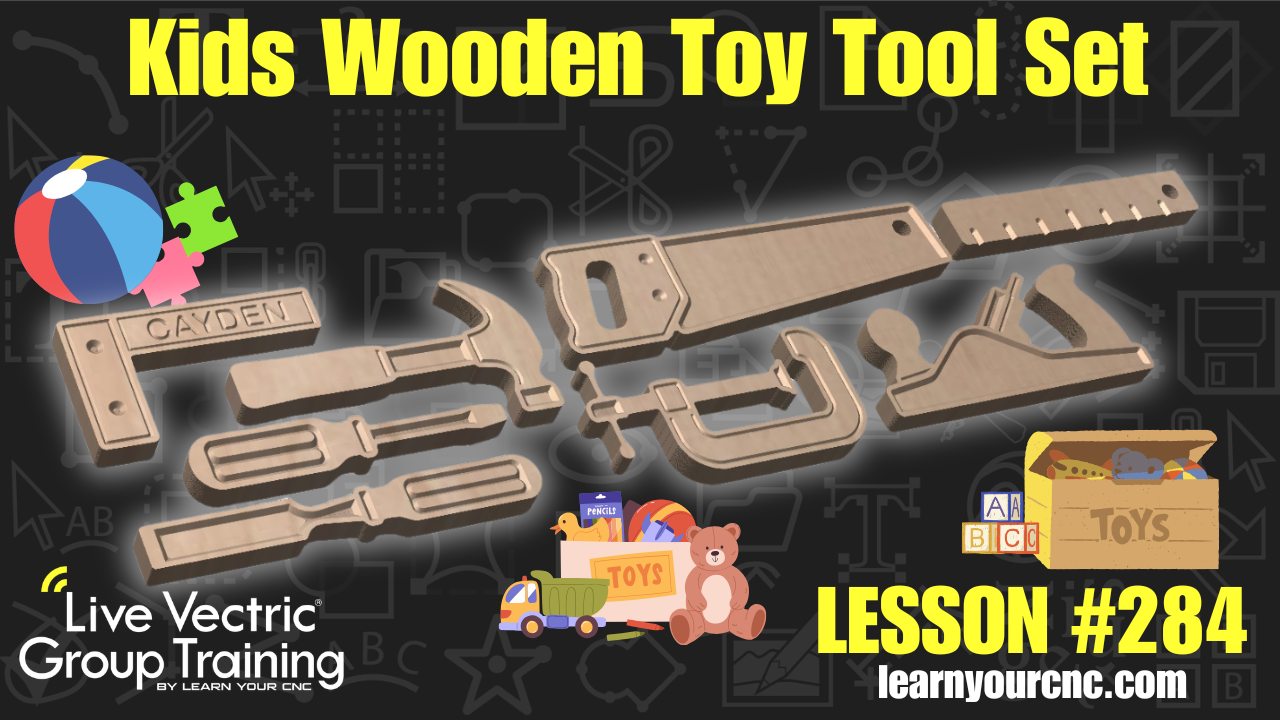
🧸In this lesson, we’re diving into a fun and creative project that’s perfect for the little builders in your life! I’ll show you how to design and create a custom wooden toy tool set—inspired by a set I found on Etsy—featuring a saw, hammer, ruler, hand plane, and more. We explore a really cool workflow using a free AI tool to "remix" inspiration images into unique, CNC-ready designs, ensuring your projects are truly one-of-a-kind.
Whether you're using Cut2D, VCarve, or Aspire, this lesson is very beginner-friendly and covers everything from bitmap tracing and proportional scaling to organizing layers and customizing tools with engraved names. You'll also learn how to troubleshoot design quirks (like fixing an AI-generated C-clamp!) using node editing and how to properly align your toolpaths for the best results. This makes for an amazing gift idea or a profitable item to sell!
Keywords for this lesson(helps with search):
vectric, vcarve, aspire, cut2d, ai tools, chatgpt, kids toys, wooden tools, bitmap trace, trace bitmap, scaling, node editing, layers, profile toolpath, vcarve toolpath, engraving, gift idea, tool set, nesting, grain direction, material setup
#aitools #beginner #cut2d #doublesided #fungames #giftidea #instructor-kyle-ely #projectdownload #vcarve #workshop
Not a member of our Learn Your CNC Academy Community? Join over 1,500+ students today! Benefits include weekly Q&A Meetups, weekly project lessons, monthly CNC challenges, an active community of Vectric users, past replay lessons & project files, and so much more!

