
#279: Multi-Person CNC Maze Game
Mar 19, 2026
Note: You must be a member of the Learn Your CNC Academy Community to watch this replay. Benefits include weekly Q&A Meetups, weekly project lessons, monthly CNC challenges, an active community of Vectric users, past replay lessons & project files, and so much more!

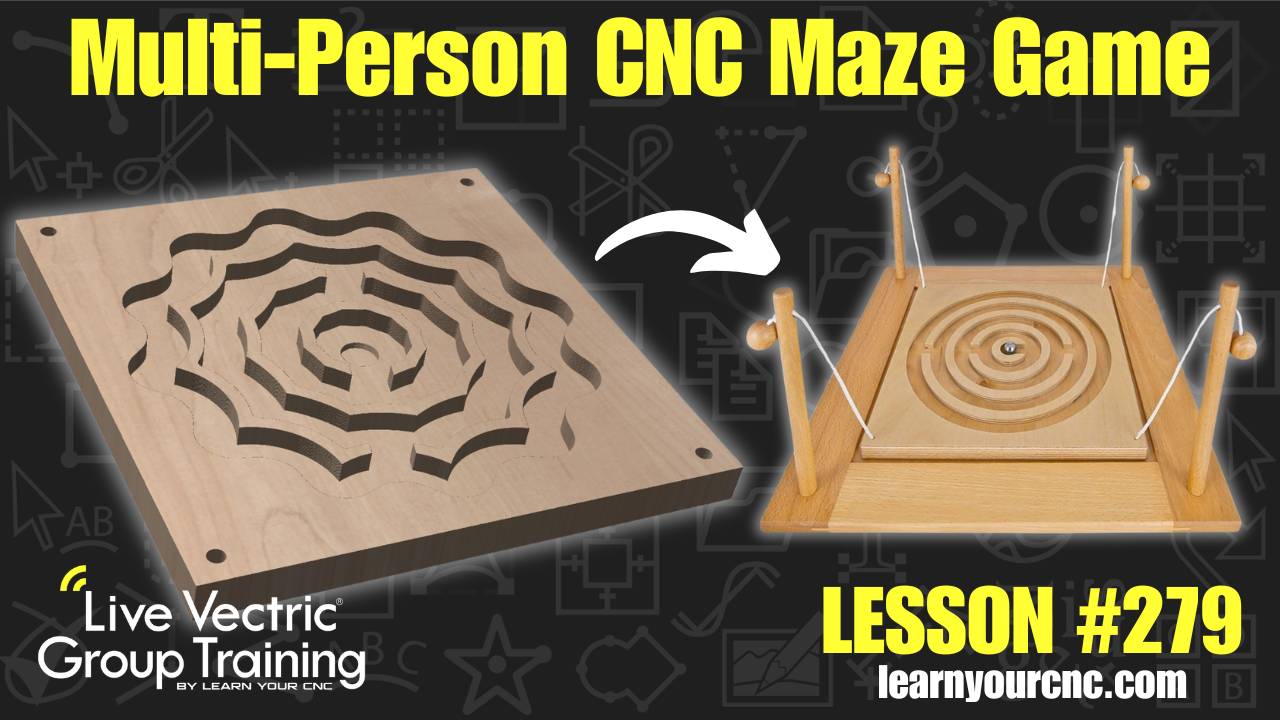
🕹️ Get ready for some teamwork! In this lesson, Kyle shows you how to design and toolpath a fun, interactive maze game that can be played by two to four people. Using simple offset techniques and the trimming tools, you'll learn how to create a circular maze and a custom "star" variation from scratch. This project is perfect for beginners because it uses very simple toolpaths and can be completed entirely with a single 1/4" end mill. Whether you want to make a tabletop version for family game night, a gift for a therapy center, or even a larger-scale outdoor version, this lesson covers everything you need to know to get it spinning! This project is compatible with Cut2D, VCarve, and Aspire.
Keywords for this lesson(helps with search):
maze game, vectric, vcarve, aspire, cut2d, pocket toolpath, offset tool, circular maze, star maze, trim tool, scissor tool, fillet tool, curve fit, node editing, alignment tools, bam x, color core, marble game, survivor challenge, gift idea, tabletop game, beginner project
#beginner #vcarve #aspire #cut2d #projectdownload #giftidea #fungames #instructor-kyle-ely
Not a member of our Learn Your CNC Academy Community? Join over 1,500+ students today! Benefits include weekly Q&A Meetups, weekly project lessons, monthly CNC challenges, an active community of Vectric users, past replay lessons & project files, and so much more!

