
#276: Custom 3D Spoon Design
Feb 26, 2026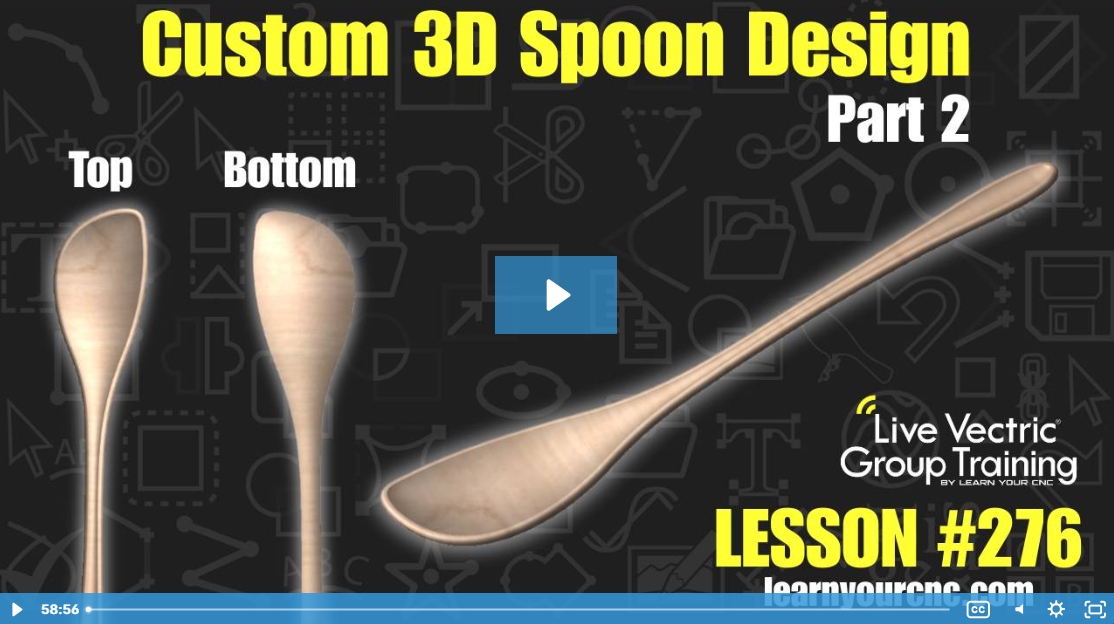
Note: You must be a member of the Learn Your CNC Academy Community to watch this replay. Benefits include weekly Q&A Meetups, weekly project lessons, monthly CNC challenges, an active community of Vectric users, past replay lessons & project files, and so much more!

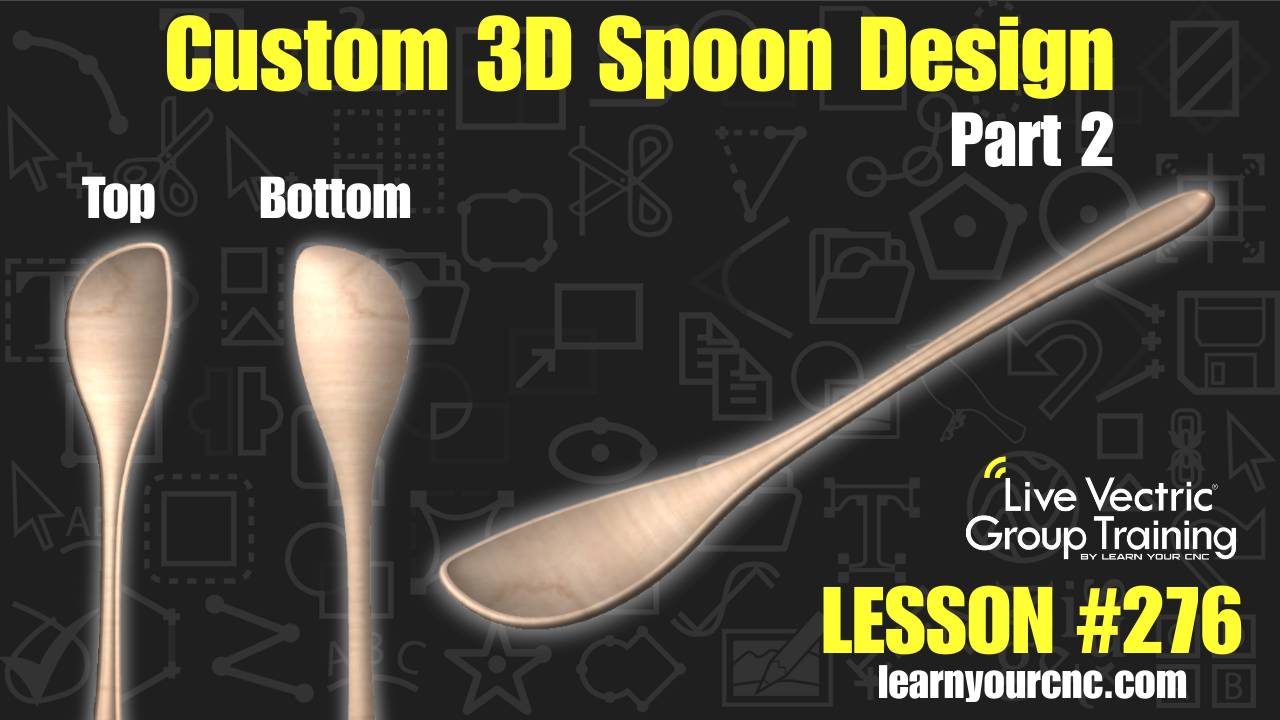
🥄 In tonight's lesson, we are heading back into the kitchen to finish up our custom 3D spoon project! This is part two of our deep dive into designing unique kitchen tools from scratch. We’ll show you how to take a "flat spatula" model and turn it into a functional spoon by creating custom dish and dome shapes on both sides of your material.
Kyle also shares a mind-blowing look at how AI is changing the game for CNC makers—showing how you can generate a full 3D model just by uploading a simple photo of a spoon. Whether you are using Aspire for the full 3D modeling experience or VCarve to import and cut STL models, you'll learn advanced techniques for checking material thickness using cross-sections and "clipping" levels to see a live 3D "cut-away" view of your project. This lesson is perfect for intermediate to advanced users looking to master double-sided machining and organic 3D shapes.
Keywords for this lesson(helps with search):
aspire, vcarve, 3d modeling, double-sided, spoon, kitchen, ai tools, wonky zero plane, two rail sweep, sculpting tool, smoothing brush, clipping, cross-section vector, material setup, stl, toolpaths, ball nose, indexing, cnc maker
#3dmodeling #aitools #advanced #aspire #doublesided #giftidea #instructor-kyle-ely #intermediate #kitchen #projectdownload #vcarve
Not a member of our Learn Your CNC Academy Community? Join over 1,500+ students today! Benefits include weekly Q&A Meetups, weekly project lessons, monthly CNC challenges, an active community of Vectric users, past replay lessons & project files, and so much more!

