
#271: CNC Router Bit Storage Solutions
Jan 20, 2026
Note: You must be a member of the Learn Your CNC Academy Community to watch this replay. Benefits include weekly Q&A Meetups, weekly project lessons, monthly CNC challenges, an active community of Vectric users, past replay lessons & project files, and so much more!

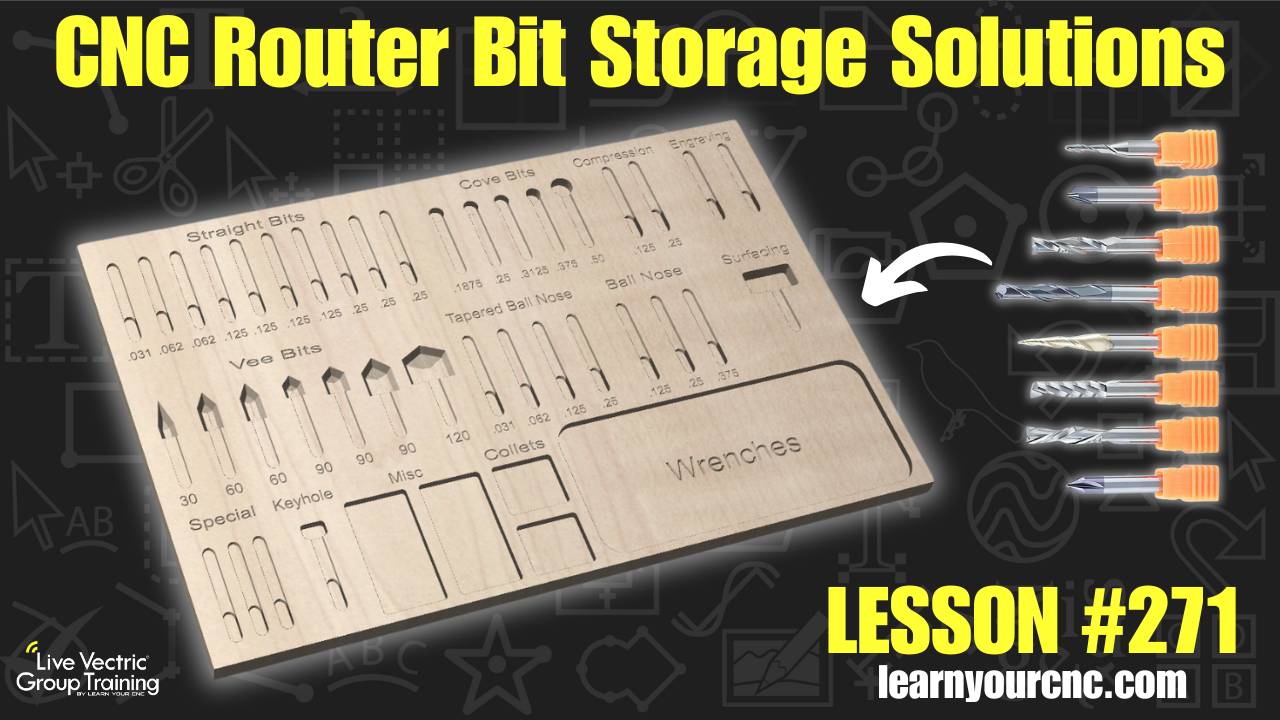
🗄️ In this week's lesson, we’re tackling shop organization by looking at custom storage solutions for your CNC router bits! We’ve all been there—bits rolling around in drawers or scattered across the router table. Today, we explore various methods to keep your shop tidy and your bits safe, ranging from simple vertical hole trays to advanced horizontal "finger-lift" slots. You'll learn how to use the Array Copy and Alignment tools in Vectric to design your own custom layouts, plus we discuss important tips like moisture control and using 3D-printed inserts. This project is incredibly beginner-friendly, great for using up scrap MDF or plywood, and works perfectly in VCarve Desktop, Pro, and Aspire.
Keywords for this lesson(helps with search):
vectric, vcarve, aspire, array copy, alignment tool, pocket toolpath, drilling toolpath, profile toolpath, bit storage, shop organization, cnc router bits, kaizen foam, workshop, tool database, mdf project
#beginner #instructor-kyle-ely #productivity #projectdownload #vcarve #aspire #workshop
Not a member of our Learn Your CNC Academy Community? Join over 1,500+ students today! Benefits include weekly Q&A Meetups, weekly project lessons, monthly CNC challenges, an active community of Vectric users, past replay lessons & project files, and so much more!

