
#278: Beer Bottle Cap Collection Display
Mar 12, 2026
Note: You must be a member of the Learn Your CNC Academy Community to watch this replay. Benefits include weekly Q&A Meetups, weekly project lessons, monthly CNC challenges, an active community of Vectric users, past replay lessons & project files, and so much more!

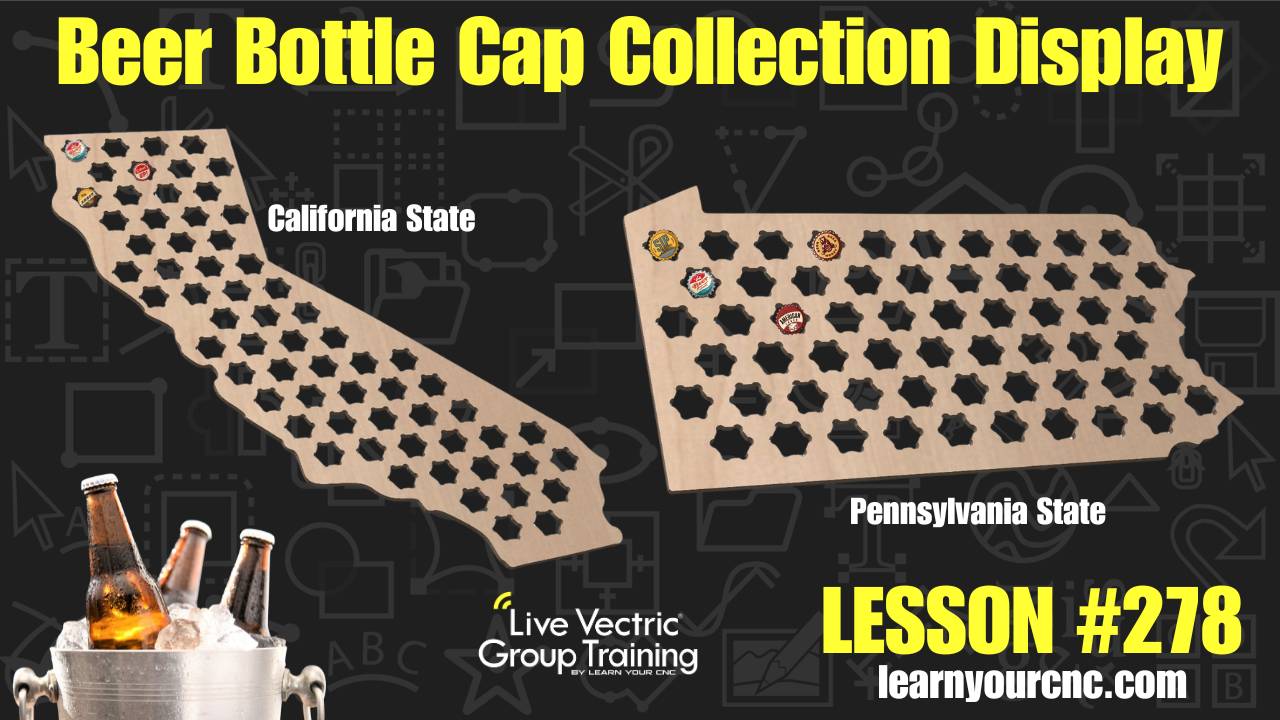
🍺 Get ready to tap into your creative side with this fun, project-focused lesson! Tonight, we are designing a custom beer bottle cap collection display—a perfect project for anyone who loves a good "research" trip to the local brewery. Kyle walks you through the entire process of creating a display in the shape of a state (like California or Pennsylvania), but the techniques can be applied to almost anything, from whiskey tops to poker chips or even state quarters.
This lesson is very beginner-friendly as it focuses on simple cutouts and basic vector layout tools. You will learn how to import a state outline, trace it into a vector, and create specialized "flower" shaped holes with dog-bone fillets that make it easy to press-fit caps in and pop them back out. We also dive deep into layout strategies, comparing Array Copy, Copy Along Vectors, and the Nesting tool to see which gives the best aesthetic result. Whether you're using VCarve, Aspire, or Cut2D, you'll be able to follow along and make these great gift items!
Keywords for this lesson(helps with search):
beer bottle cap holder, state map, gift idea, array copy, copy along vectors, nesting tool, trace bitmap, dog bone fillet, pocket toolpath, profile toolpath, pocket allowance, test cuts, beginner project, press fit, vector layout, software efficiency
#beginner #giftidea #projectdownload #vcarve #aspire #cut2d #vectricfeatures #instructor-kyle-ely
Not a member of our Learn Your CNC Academy Community? Join over 1,500+ students today! Benefits include weekly Q&A Meetups, weekly project lessons, monthly CNC challenges, an active community of Vectric users, past replay lessons & project files, and so much more!

