
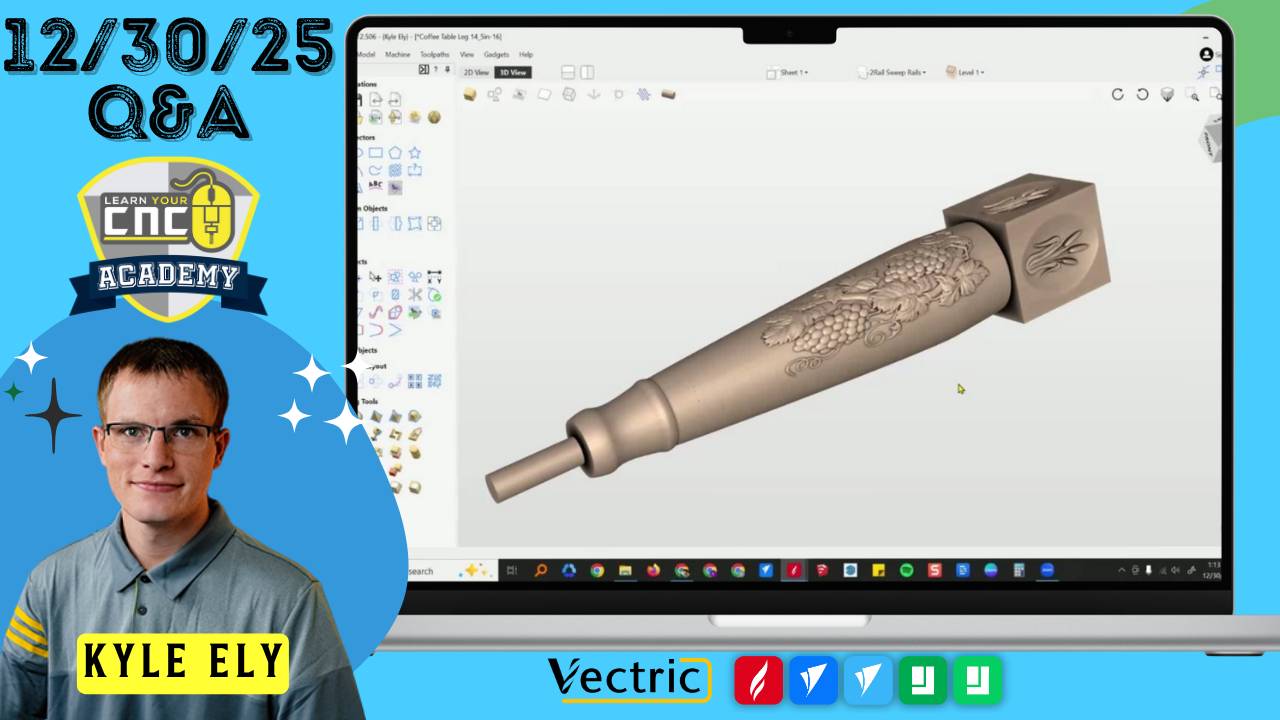
12-30-2025 Q&A: Reducing 3D Cut Times, Rotary Design Tips, and Weathered Wood Effects
Dec 30, 2025
Note: You must be a member of the Learn Your CNC Academy Community to watch this replay. Benefits include weekly Q&A Meetups, weekly project lessons, monthly CNC challenges, an active community of Vectric users, past replay lessons & project files, and so much more!

In this Q&A session, we tackled optimizing 3D carving times by inspecting model depth and adjusting toolpath settings. We also explored techniques for creating a rustic weathered wood look using VCarve toolpaths, solving rotary project sizing issues for custom table legs, and managing different Z-zero positions using the Sheets function. The session wrapped up with a discussion on the new updates to Vista Sculpt compared to Easy Create.
Key Tips Learned in this Q&A:
-
Reducing 3D Machining Time: To significantly reduce cut times on 3D projects like frames, inspect the model using the "Create cross-section vector" tool to find unnecessary depth . Adjusting the base height, merging components properly, and increasing the feed rate for the finish pass (e.g., around 200-300 ipm for finishing) can save hours of machining.
-
Creating Mitered Corners in Aspire: When using the Two Rail Sweep tool for frames, corners may initially appear rounded or misaligned. To fix this, right-click the rail nodes and select "Add to all rail nodes" before applying; this forces the software to create perfect mitered corners connecting corner to corner.
-
Simulating Weathered Wood: To create a rustic log sign with cracks, separate your vectors into "VCarve" (cracks) and "Profile" (cutout) layers. Use a large V-bit (e.g., 90-degree) for the cracks to let the bit depth be determined by the vector width, and use a separate profile cut for the shape to avoid unwanted beveled edges on the perimeter.
-
Rotary Project Sizing: When designing square sections for rotary projects (like table legs), calculate the maximum square size that fits within your material diameter first. Create that specific rectangle, use the "Unwrap" tool in Aspire to generate the vector, and avoid resizing it afterward to ensure the final wrapped dimensions remain accurate.
-
Managing Multiple Z-Zero Origins: If a project requires different Z-zero settings (e.g., Top of Material for a 3D carve but Machine Bed for the profile cutout), use the Sheets function. Move the profile vectors to a new sheet, right-click the sheet to "Edit," and change the Z-zero location for that specific sheet only.
Questions Answered in this Q&A:
-
00:02:32 - Kent: How do you adjust for harder woods within your jobs?
-
00:06:11 - Leo: How can I reduce the machining time on a 3D frame project that is currently taking 25 hours?
-
00:29:27 - Brian: Is there a way to use a profile toolpath to get a weathered log look from an SVG file?
-
00:37:45 - Mark: Where can I find the updated Master Course lessons for version 12.5?
-
00:41:42 - Bill: (Discussion) Sharing a setup using vacuum pods and T-tracks for hold downs.
-
00:48:20 - Gareth: Is the Aspire Master Training Course different from the Vectric Master Training Course?
-
00:49:10 - nkrivosh: How do I stop a 3D ramp shape from cutting into the adjacent vector boundary?
-
00:52:19 - Fred: Why is my rotary table leg design coming out too small and not flat on the square sections?
-
01:13:55 - Randy: How do I layout objects evenly around a circle (e.g., for a Circle of Fifths)?
-
01:17:07 - John: Can the rotary cut in a continuous circle instead of rotating back and forth?
-
01:19:06 - Bill: How do I set Z on the material surface for a 3D carve but Z on the bed for the profile cut?
-
01:21:10 - William: Is there a way to create frames in Easy Create versus using Vista Sculpt?
Keywords:
reducing machining time, 3d carving tips, weathered wood look, vcarve toolpath, two rail sweep, aspire unwrap, rotary toolpath, z zero sheets, vista sculpt, easy create, vacuum pods, master course updates, mitered corners, frame design.
Not a member of our Learn Your CNC Academy Community? Join over 1,500+ students today! Benefits include weekly Q&A Meetups, weekly project lessons, monthly CNC challenges, an active community of Vectric users, past replay lessons & project files, and so much more!

