
01-06-2026 Q&A: Raised Text Pockets, Rotary Projects, and Offset Tips
Jan 06, 2026
Note: You must be a member of the Learn Your CNC Academy Community to watch this replay. Benefits include weekly Q&A Meetups, weekly project lessons, monthly CNC challenges, an active community of Vectric users, past replay lessons & project files, and so much more!

In this Q&A session, we discussed a variety of Vectric and CNC topics, including creating raised text in a pocketed tray , handling rotary projects in VCarve Desktop , and using offsets versus fences for repeatable work. We also covered troubleshooting thread milling settings , aligning vectors for hardware placement , managing large 3D models with background removal tools , and best practices for organizing the Vectric tool database.
Key Tips Learned in this Q&A:
-
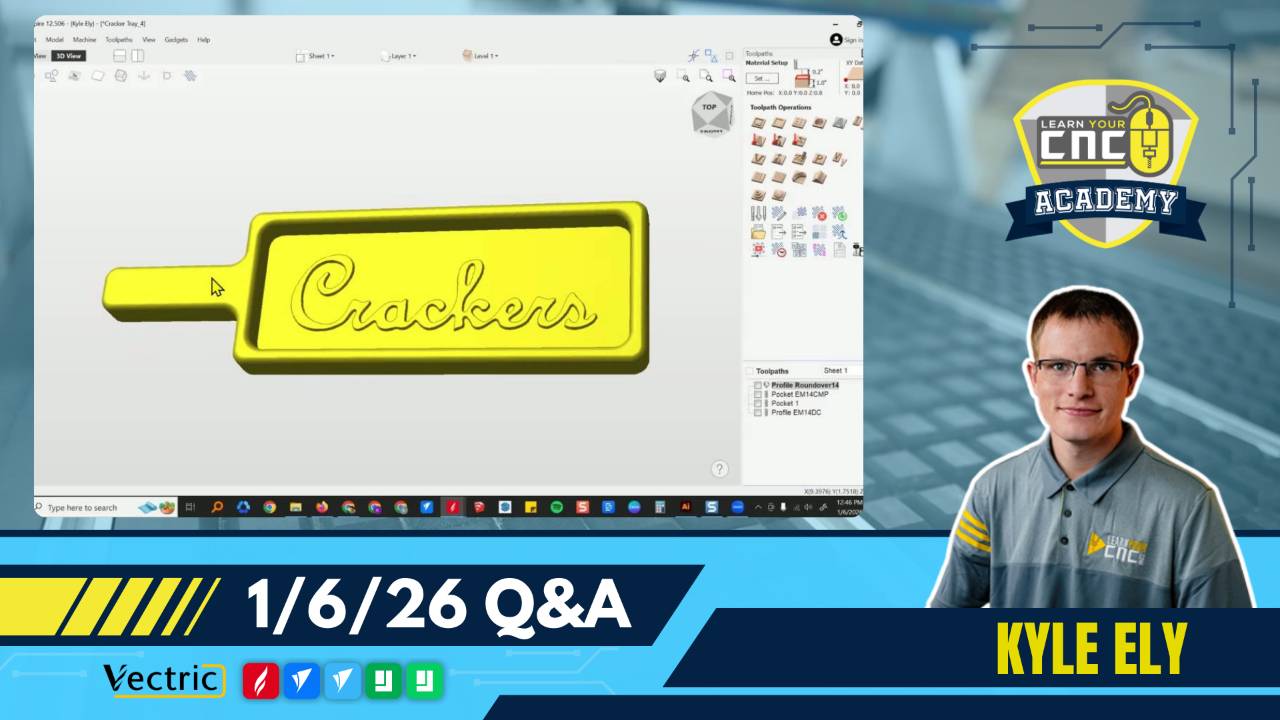
Raised Text Strategy: When creating raised text at the bottom of a deep pocket, using a standard pocket toolpath with a small end mill (like 1/8") is often cleaner and safer than a VCarve toolpath, which may crash into sidewalls.
-
Aligning Hardware Holes: To center a vector (like a hinge hole) between two other objects, draw a temporary line spanning the gap, then snap the object's center to the midpoint of that line.
-
Offsets vs. Fences: For projects requiring multiple setups (like epoxy pours), using a physical fence is generally more repeatable and less error-prone than programming software offsets, which can confuse zero positions.
-
Rotary in VCarve Desktop: While VCarve Desktop lacks gadgets for rounding square stock, you can simulate this by cutting corners on a saw first or using a pocket toolpath on a rectangle the size of your unwrapped material.
-
3D Model Background Removal: To remove excess background from an AI-generated 3D model, use the "Replace Below" slider in Easy Create or the clipping tool in Aspire (or level clipping in VCarve's 3D view) to isolate the foreground.
Questions Answered in this Q&A:
-
00:04:08 - George: Can VCarve Desktop make a rotary project from square stock?
-
00:07:19 - Oscar: How do I model a sandwich cut diagonally for 3D printing?
-
00:10:36 - Barry: Can I change the material size of an inlay plug without changing the female part in Aspire?
-
00:12:36 - Steve: How do I handle thread length vs. max depth settings for multi-form thread mills?
-
00:22:04 - Craig: How do I align a bolt hole vector to the center of a gap between a face frame and a door?
-
00:28:35 - John: What strategies prevent V-bits from crashing into pocket walls when making raised letters in a tray?
-
00:47:02 - Clint: Can you explain how to use offsets for re-zeroing an epoxy project after removing it from the CNC?
-
00:54:05 - Pete: How do I enter new bit information into the Vectric tool database?
-
00:57:08 - Rob: What is the difference between the "Online" and "Local" tool database options?
-
01:03:58 - Fred: Why are my rotary dimensions for a square top leg incorrect after unwrapping?
-
01:13:49 - Bruce: How do I remove the extra background area from a 3D model created in Easy Create?
-
01:19:34 - Lyle: How do I properly place tabs for a jewelry box lid cutout?
Keywords:
rotary, vcarve desktop, square stock, gadgets, 3d printing, modeling, sandwich, aspire, inlay, material size, plug, thread milling, multiform thread mill, thread length, max depth, vector alignment, centering, snapping, vcarve toolpath, pocket toolpath, raised text, clearance tool, offsets, fence, repeatability, zero position, tool database, bit entry, online database, local database, unwrapping, rotary distortion, cross section, easy create, background removal, clipping, tabs, profile toolpath, double-sided machining
Not a member of our Learn Your CNC Academy Community? Join over 1,500+ students today! Benefits include weekly Q&A Meetups, weekly project lessons, monthly CNC challenges, an active community of Vectric users, past replay lessons & project files, and so much more!

