
#281: Kid's Puzzle Name Sign
Apr 02, 2026
Note: You must be a member of the Learn Your CNC Academy Community to watch this replay. Benefits include weekly Q&A Meetups, weekly project lessons, monthly CNC challenges, an active community of Vectric users, past replay lessons & project files, and so much more!

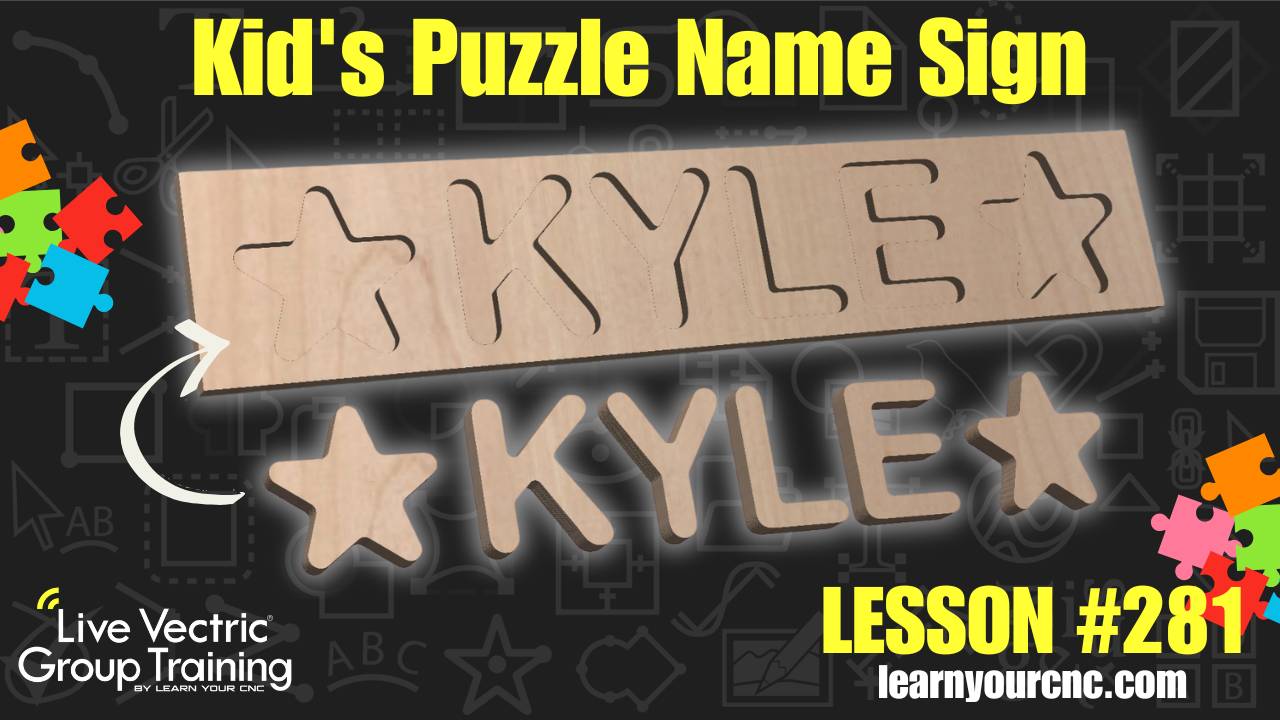
🧩 In this project-based lesson, we are diving into a fun, beginner-friendly project: a personalized name puzzle board! These signs make for incredible gifts for kids or grandkids, and they are a fantastic way to practice your CNC skills. You'll learn how to design these from scratch using the 2D Inlay toolpath, which is a powerful feature available in Cut2D, VCarve, and Aspire.
We’ll cover everything from selecting kid-safe fonts (like Arial Rounded MT Bold) to managing material thickness and adding decorative shapes like stars. Kyle also shares a pro-level workflow for creating production templates and using multiple sheets so you can quickly swap out names for different projects without redesigning from the ground up. Whether you want to make a special gift or start a small production run to sell, this lesson has you covered!
Keywords for this lesson(helps with search):
kid's puzzle, name sign, 2d inlay, pocket toolpath, female inlay, male inlay, personalized gift, vectric, vcarve, aspire, cut2d, production templates, sheet management, alignment tools, vector selector
#beginner #vcarve #aspire #cut2d #projectdownload #giftidea #fungames #inlay #productivity #instructor-kyle-ely
Not a member of our Learn Your CNC Academy Community? Join over 1,500+ students today! Benefits include weekly Q&A Meetups, weekly project lessons, monthly CNC challenges, an active community of Vectric users, past replay lessons & project files, and so much more!

