
08-04-2026 Q&A: V-Bit Artifacts, Ramp Plunges, and 3D Component Intersections
Aug 04, 2026
Note: You must be a member of the Learn Your CNC Academy Community to watch this replay. Benefits include weekly Q&A Meetups, weekly project lessons, monthly CNC challenges, an active community of Vectric users, past replay lessons & project files, and so much more!

In this Q&A session, we addressed troubleshooting artifacts when using V-bits, the importance of ramp plunges to prevent bit breakage, and managing the direction of molding toolpaths. We also discussed techniques for pausing long 3D carves, creating vertical text, and properly combining 3D components to avoid thin leftover walls. Additionally, we reviewed clamping strategies using dog holes on spoil boards and concluded with a tour recap of Chinese CNC manufacturing facilities.
Key Tips Learned in this Q&A:
-
Preventing Bit Breakage: Always use the ramp plunge setting when cutting deep pockets to avoid breaking your bit upon entry. Set the ramp distance to double the diameter of your tool, and consider reducing your plunge rate to half of your feed rate for a safer approach.
-
Molding Toolpath Behavior: The molding toolpath always cuts parallel to the selected drive rail. If you have a short drive rail and a wide cross-section, it will inherently carve in the width direction, and this cannot be changed without creating a custom 3D model instead.
-
Managing Long 3D Carves: Instead of pausing a 40-hour carve (which can leave noticeable seams in natural wood), try to optimize the toolpath time first. If a break is necessary, break the project into natural boundaries and run separate toolpaths sequentially.
-
Creating Vertical Fonts: Instead of simply rotating a horizontal text block 90 degrees, you can make any font read vertically by pressing 'Enter' after each letter to place them on new lines, then setting the alignment to centered.
-
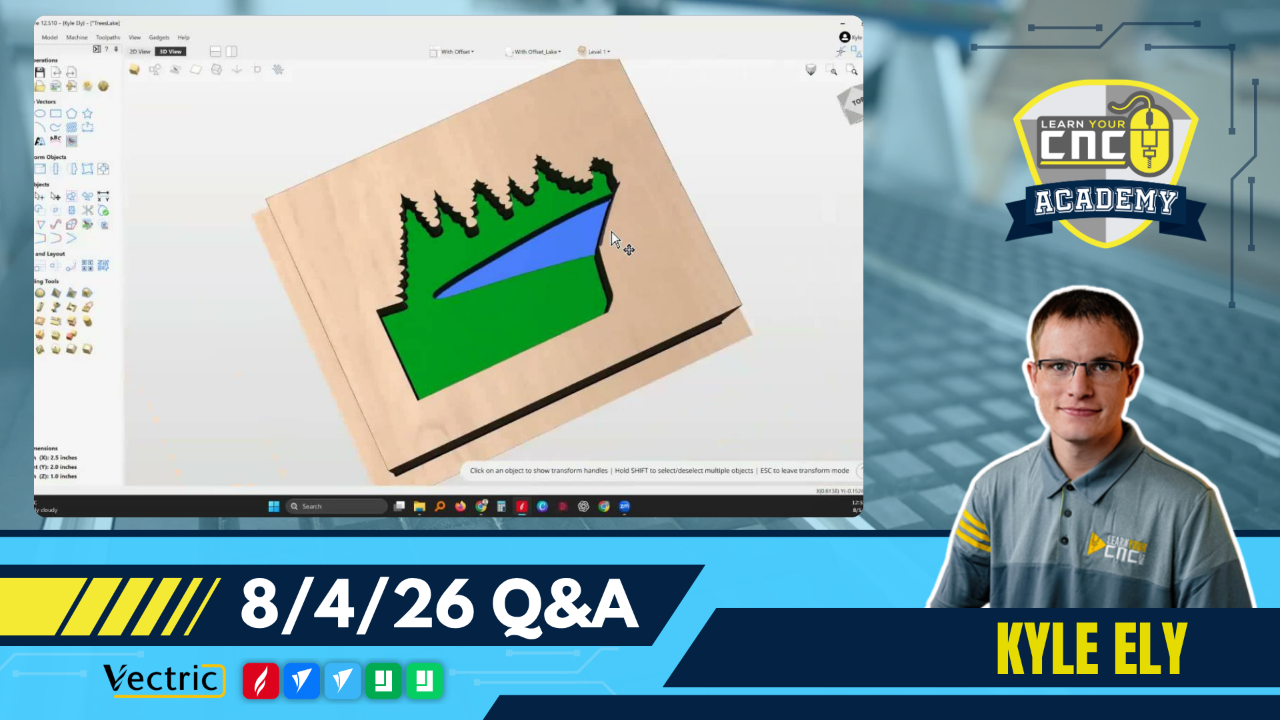
Combining 3D Components: When combining adjacent 3D models (like a lake inside a forest), avoid subtracting them directly if they share an identical edge, as this leaves a thin pixelated wall. Instead, merge the vectors to include both areas at a uniform base depth, or utilize the "Merge Low" combine mode to cleanly combine overlapping models at their lowest points.
Questions Answered in this Q&A:
-
00:03:48 - James: What causes artifacts when carving star shapes with a 90-degree V-bit?
-
00:10:46 - John: What is causing my quarter-inch bit to break immediately on a pocket cutout?
-
00:17:57 - Robert: Why does my molding toolpath cut in the width direction instead of the length?
-
00:24:39 - Doug: What are the best suggestions for pausing a 40-hour 3D carve to keep the machine from overheating?
-
00:28:56 - Tom: What is the best approach to add vertical fonts to Vectric?
-
00:32:21 - Oscar: How do I eliminate a thin wall when creating 3D components next to each other?
-
00:44:02 - Greg: What are the upsides and downsides of drilling dog holes in a CNC spoil board for clamping?
-
00:45:12 - Ernie: Does an added component subtract from the lower level of the previous component?
-
00:46:59 - Tim: Why is my vector flipping 180 degrees when I try to join it?
-
00:50:00 - Jim: Does the new Next Wave touch plate require an update?
-
00:51:38 - Bob: Is it recommended to mix 2D, 2.5D, and 3D toolpaths in the same design?
Keywords:
v-bit artifacts, broken bits, ramp plunge, molding toolpath, long 3d carves, vertical fonts, 3d modeling, merge low, dog holes, chinese cnc factories, blue elephant cnc
Not a member of our Learn Your CNC Academy Community? Join over 1,500+ students today! Benefits include weekly Q&A Meetups, weekly project lessons, monthly CNC challenges, an active community of Vectric users, past replay lessons & project files, and so much more!

