
07-14-2026 Q&A: Flattening 3D Models, Compound Curves, and CNC Performance Tips
Jul 14, 2026
Note: You must be a member of the Learn Your CNC Academy Community to watch this replay. Benefits include weekly Q&A Meetups, weekly project lessons, monthly CNC challenges, an active community of Vectric users, past replay lessons & project files, and so much more!

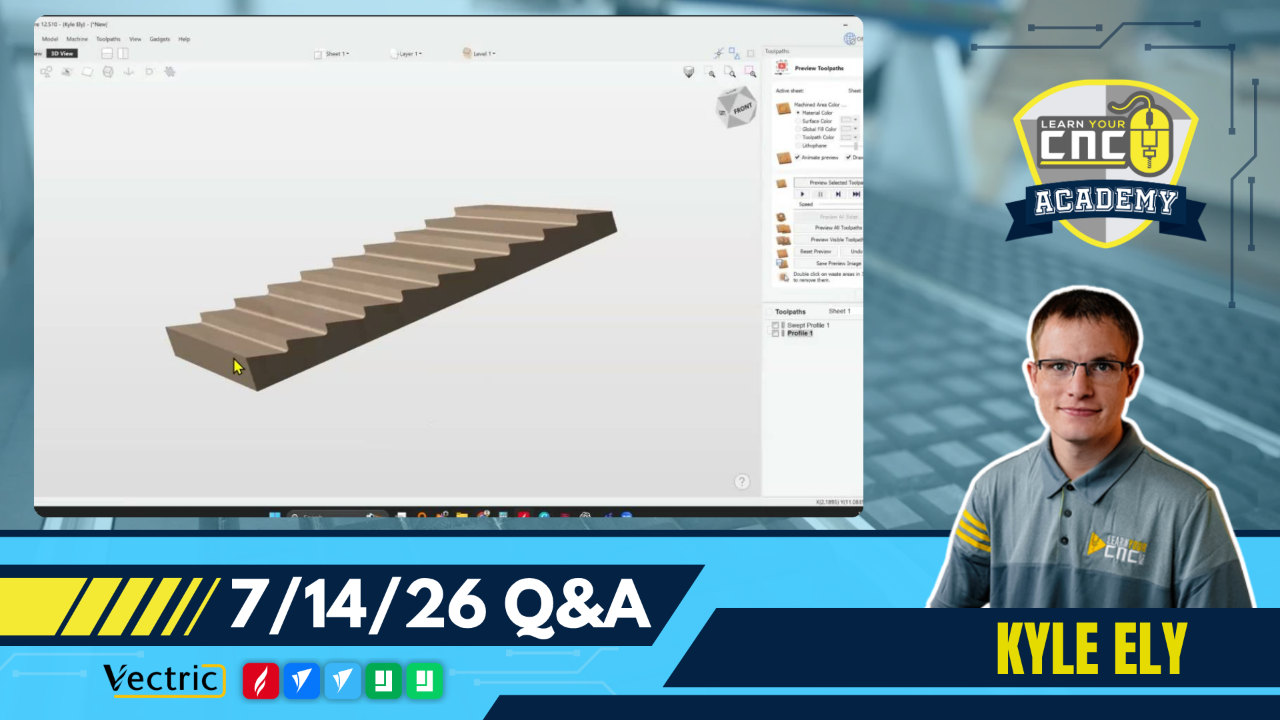
In this Q&A session, we covered advanced 3D modeling techniques, including flattening 3D models and creating compound curves for custom frames. We also addressed technical troubleshooting for computer performance during toolpath previews, optimized strategies for V-Carve inlays, and tips for using the Box Creator gadget and birdhouse roof construction.
Key Tips Learned in this Q&A:
-
3D Flattening: Use the "Combine Mode" set to "Low" with a flat dome shape to flatten specific areas of a 3D model without losing detail, then use the clipping tool to trim the excess.
-
Computer Performance: If your laptop locks up during 3D previews, toggle the "Use software renderer" option in the Vectric settings as a temporary fix . For heavy processing, 16GB of RAM is the absolute minimum, but 24GB or more is strongly recommended to prevent lag.
-
Frame Modeling: While 3D modeling is great for compound curves, molding toolpaths are often faster, more efficient, and result in smoother cuts for standard frame designs.
-
VCarve Inlays: When working with detailed logos, separate larger inlays from tiny, intricate details. Gluing them in separately makes the process much more manageable and less stressful.
-
Box Creator Gadget: When using the Box Creator, ensure you are only selecting the correct vector for the toolpath; selecting both the main shape and the center line simultaneously will cause cutting errors and sloppy joints.
Questions Answered in this Q&A:
-
00:04:13 - Paul: How to flatten the top of a 3D model without losing detail?
-
00:14:56 - Bob: How to create a compound curved picture frame?
-
00:40:19 - Marilyn: Troubleshooting: Why does my laptop lock up during 3D toolpath previews?
-
00:53:57 - Michael: How to create a slanted roof design for a birdhouse?
-
01:07:45 - Michael: Advice for VCarve inlay logos using tapered ball nose bits.
-
01:13:41 - James: Troubleshooting: Sloppy cuts when using the Box Creator gadget.
-
01:18:22 - Steve: How to create lithophanes using 3D images in VCarve.
Keywords:
vectric, aspire, vcarve, 3d modeling, cnc, toolpaths, inlay, molding, woodworking, ram, troubleshooting, box creator
Not a member of our Learn Your CNC Academy Community? Join over 1,500+ students today! Benefits include weekly Q&A Meetups, weekly project lessons, monthly CNC challenges, an active community of Vectric users, past replay lessons & project files, and so much more!

