
06-05-2026 Q&A: 3D Printing Aspire Files, 3D Combine Modes, and CNC Grounding Solutions
Jun 04, 2026
Note: You must be a member of the Learn Your CNC Academy Community to watch this replay. Benefits include weekly Q&A Meetups, weekly project lessons, monthly CNC challenges, an active community of Vectric users, past replay lessons & project files, and so much more!

In this Q&A session, we covered a wide variety of topics, including organizing the new community platform and troubleshooting 3D prints from Aspire files. We discussed strategies for flattening rough slabs, resolving soft limit errors, and using complex 3D combine modes to dome a heart. The session also provided tips on adding handles to 3D bowls, diagnosing electrical and grounding issues on a CNC, chucking a marker into the spindle for drawing, and managing spoil board wear and tear.
Key Tips Learned in this Q&A:
-
3D Printing Aspire Files: Aspire can export 3D models as STL files for 3D printing, though the edges may appear jagged since the software is optimized for CNC machining . To improve the quality, hold the Shift key while opening Job Setup to access hidden options and increase the modeling resolution to "Maximum".
-
Combine Mode Magic: When merging 3D shapes, such as placing a domed heart inside a dished cutout, use the "Multiply" combine mode . Setting the multiply shape height to 1 will taper the edges smoothly and prevent the model from protruding incorrectly on the sides.
-
CNC Grounding and Electrical Fixes: If your CNC control board fails repeatedly, it may be due to grounding issues or electromagnetic interference (EMI) . Fixes include grounding your dust collection hoses, moving stepper motor wires outside the drag chain away from the spindle cable, and snapping ferrite chokes onto the wires.
-
Using a Marker in the Spindle: You can draw designs directly on your workpiece by mounting a spring-loaded magic marker into your router . Use a profile toolpath with a very shallow depth (e.g., .01 inches) or a quick engrave toolpath while ensuring the spindle is turned off.
-
Flattening Rough Slabs: When surfacing twisted or cupped slabs, allow the material to rest naturally on the table and slide shims under any gaps before clamping . This prevents the slab from springing back into a twist once it is released from the table.
-
Adjusting Laser Focal Height for 3D Models: When projecting a laser over an existing 3D carve, increase your laser's focal height (using a spacer block) so it doesn't crash into the raised areas . Be sure to add the thickness of the material to your new focal height if you are zeroing off the spoil board.
Questions Answered in this Q&A:
- 00:06:50 - To avoid copying your fluted edge design, I experimented with the molding tool path instead. It cuts some wasted material, but I think the final result looks great.
-
00:09:37 - Brian: How can I fix a file in Aspire so it doesn't show stepped edges when 3D printing in PrusaSlicer?
-
00:17:36 - Dick: Why am I getting a soft limits error when cutting at maximum length with a one-inch ramp, and how do I avoid it?
-
00:20:53 - Matt: How can I carve clipart into Corian for an inverted backlight (lithophane) while preserving the material's thickness?
-
00:24:23 - Lee: What are the best practices for holding down and fly-cutting rough slabs of wood?
-
00:26:42 - Richard: How do I dome a heart shape and bevel out the surrounding area in VCarve?
-
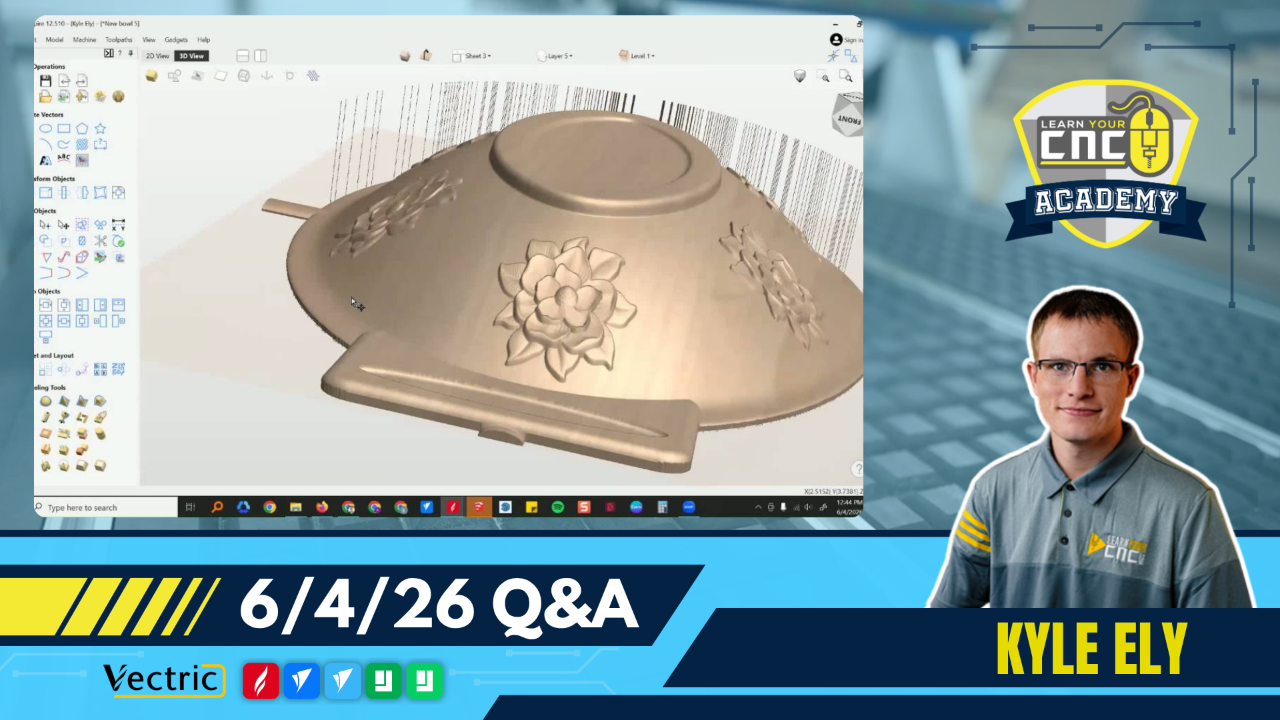
00:35:51 - James: How do I add handles to a 3D-modeled bowl?
-
00:41:17 - Ernie: How can I make three interconnecting gears of specific millimeter sizes using the Gear Maker gadget?
-
00:44:11 - Ray: How do I modify a VCarve file to draw a design using a magic marker chucked inside the spindle?
-
00:50:35 - Gerard: Has anyone experienced losing their controller due to a CNC frame not being grounded?
-
01:03:02 - Christian: When is a good time/indication to change all or part of your spoil board?
-
01:04:26 - Matt: Is there a lesson on how to carve a design into a live edge piece of wood?
-
01:06:32 - Mike: What about using a second sacrificial spoil board clamped to the regular one?
-
01:07:16 - Christian: Has anyone used nylon screws to hold a spoil board down?
-
01:9:54 - Dwight: How do I get the stem of a pipe bowl holder to blend into the bowl without cutting into it?
-
01:15:07 - Dennis: How can I figure out how high I need my laser set when projecting onto a 3D model so it doesn't crash?
Keywords:
3d printing aspire files, easycreate stl, soft limits error, corian lithophane, flattening wood slabs, 3d combine modes, multiply combine mode, vcarve 3d modeling, gear maker gadget, magic marker cnc, cnc grounding issues, ferrite chokes cnc, sacrificial spoil board, laser focal height 3d surface
Not a member of our Learn Your CNC Academy Community? Join over 1,500+ students today! Benefits include weekly Q&A Meetups, weekly project lessons, monthly CNC challenges, an active community of Vectric users, past replay lessons & project files, and so much more!

