
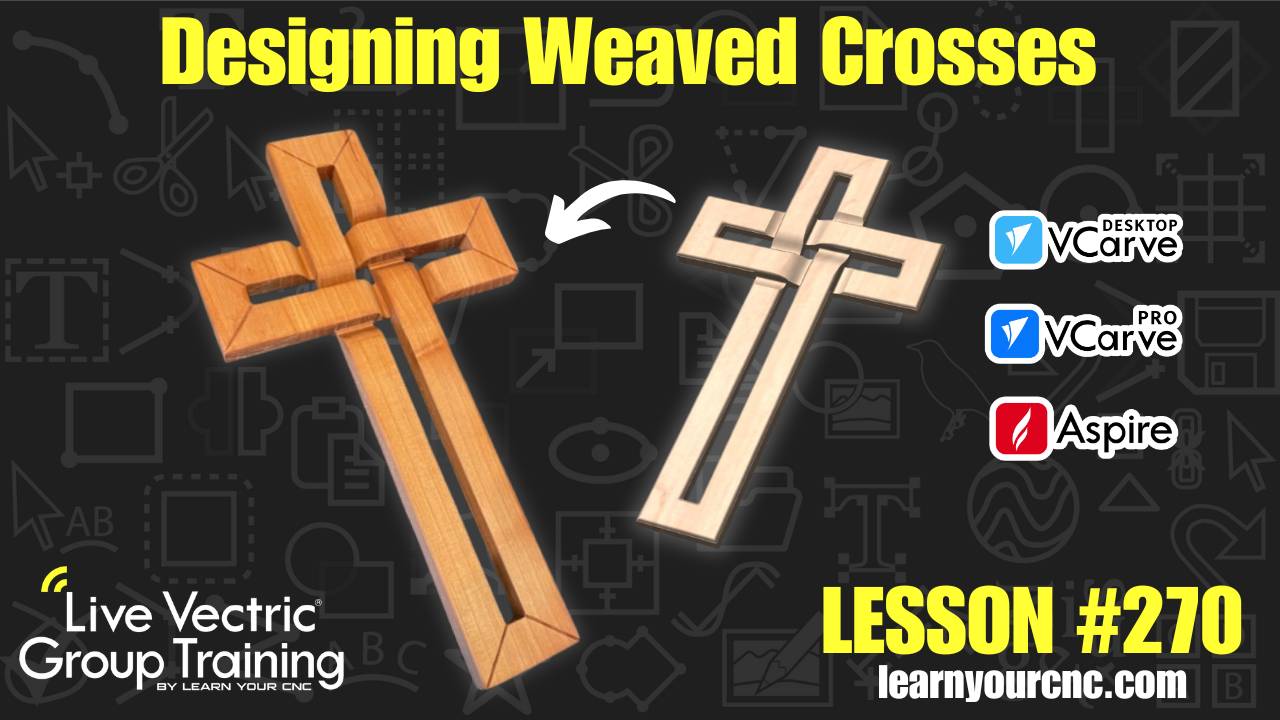
#270: Designing Weaved Crosses in VCarve and Aspire
Jan 15, 2026
Note: You must be a member of the Learn Your CNC Academy Community to watch this replay. Benefits include weekly Q&A Meetups, weekly project lessons, monthly CNC challenges, an active community of Vectric users, past replay lessons & project files, and so much more!

✝️ In this project-focused lesson, we dive into the popular "weaved cross" design that has been trending in the CNC community! Whether you are a beginner looking for a great gift idea or an experienced maker, this lesson covers everything you need to know to create this intricate effect. We demonstrate two distinct methods: a quick and powerful 3D modeling approach using Aspire’s Extrude and Weave tool, and a clever 2.5D method using VCarve’s molding toolpaths.
You will learn how to accurately layout the project using specific measurements, how to create custom cross-sections for a unique look, and how to use the molding toolpath to achieve a smooth weaving transition without needing full 3D machining. This project is perfect for solid wood, MDF, or plywood and makes a stunning, high-quality gift!
Keywords for this lesson(helps with search):
vectric, vcarve, aspire, 3d modeling, extrude and weave, molding toolpath, cross project, weaving effect, miter corners, profile toolpath, kyle ely, skyler ewing, project design, cnc wood projects
#3dmodeling #advanced #aspire #beginner #cncjoinery #giftidea #instructor-kyle-ely #intermediate #projectdownload #vcarve #vectricfeatures
Not a member of our Learn Your CNC Academy Community? Join over 1,500+ students today! Benefits include weekly Q&A Meetups, weekly project lessons, monthly CNC challenges, an active community of Vectric users, past replay lessons & project files, and so much more!

