
#266: 3D Carving Tips & Techniques
Dec 18, 2025
Note: You must be a member of the Learn Your CNC Academy Community to watch this replay. Benefits include weekly Q&A Meetups, weekly project lessons, monthly CNC challenges, an active community of Vectric users, past replay lessons & project files, and so much more!

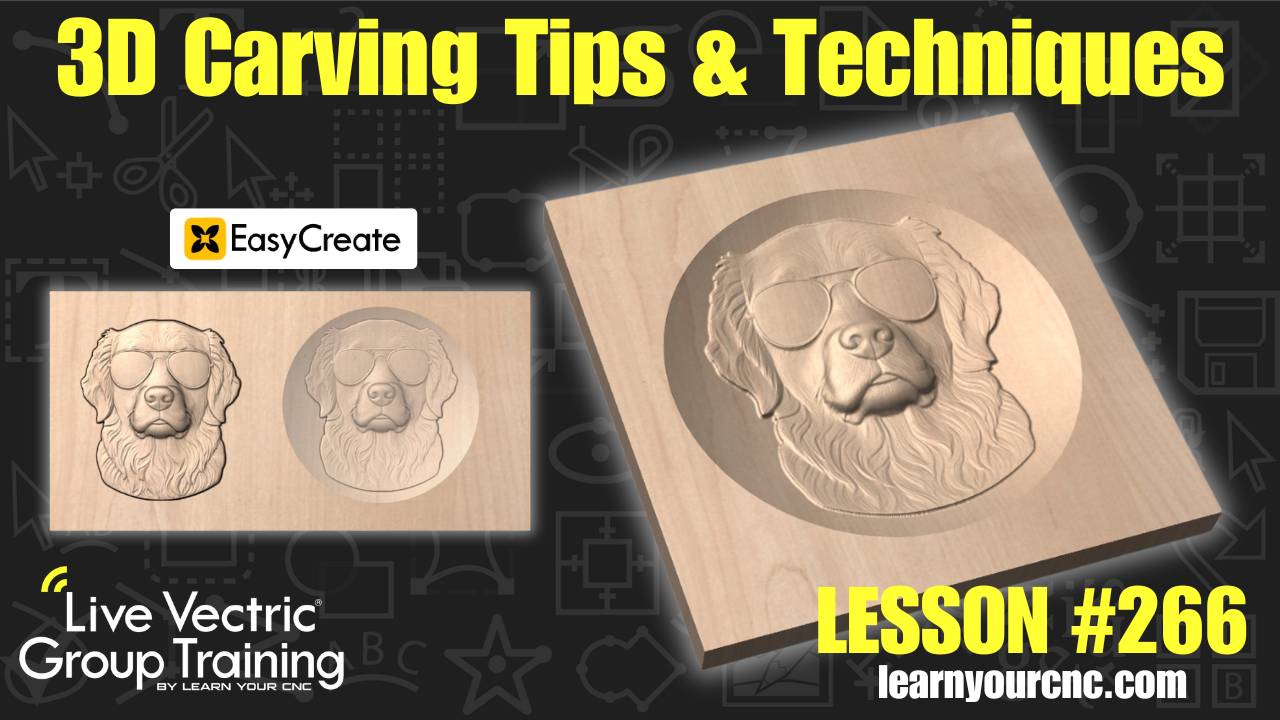
In this project-based lesson, we dive deep into the world of 3D carving to help you master those detailed projects! With the rise of cool AI tools like Vectric Easy Create, 3D carving has become a hot topic, and Kyle walks you through everything you need to know to get started. You’ll learn two different ways to set up a model—either as a standalone 3D carving or contained within a "dish" to save on machining time and material.
We cover the essential steps of importing models, adjusting thickness without losing detail, and the "most important" part of 3D work: material setup. Kyle also shares expert tips on choosing the right bits, using boundary offsets to prevent tool breakage, and setting up roughing and finishing toolpaths to get that perfect surface finish. This lesson is beginner-friendly, perfect for making custom gifts, and applies to VCarve Desktop, VCarve Pro, and Aspire.
Keywords for this lesson(helps with search):
3d carving, vectric easy create, ai tools, 3d modeling, material setup, tapered ball nose, roughing toolpath, finishing toolpath, dish carving, zero plane, boundary offset, raster, vcarve, aspire, cnc project, dog leash holder, component properties, modeling resolution
#3dmodeling #aitools #beginner #giftidea #instructor-kyle-ely #intermediate #projectdownload #toolpaths #vcarve #aspire
Not a member of our Learn Your CNC Academy Community? Join over 1,500+ students today! Benefits include weekly Q&A Meetups, weekly project lessons, monthly CNC challenges, an active community of Vectric users, past replay lessons & project files, and so much more!

