
02-03-2026 Q&A: New Challenge Website, 3D Toolpath Optimization, and Component Modeling Techniques
Feb 03, 2026
Note: You must be a member of the Learn Your CNC Academy Community to watch this replay. Benefits include weekly Q&A Meetups, weekly project lessons, monthly CNC challenges, an active community of Vectric users, past replay lessons & project files, and so much more!

In this session, the new dedicated challenge website was introduced for easier voting and organization. The technical discussion focused heavily on optimizing 3D carvings to reduce cut times, managing complex double-sided modeling projects, and troubleshooting rotary axis limitations for joinery. Other topics included hardware upgrades for better visibility, 3D printing from relief models, and adding custom form tools to the database.
Key Tips Learned in this Q&A:
-
3D Toolpath Efficiency: Setting the plunge rate equal to the feed rate for 3D toolpaths can significantly reduce estimated cut times because the machine's movements are often a simultaneous mix of vertical and horizontal travel.
-
Avoiding Sidewall Crashes: It is critical to use a boundary offset on 3D roughing toolpaths to provide extra room so the bit does not crash into vertical sidewalls during the 3D finish pass.
-
Double-Sided Project Verification: Use the "Model Cross Section" tool in Aspire on both sides of a project to ensure wall thickness is consistent and avoid accidentally carving holes through the material.
-
Straight-Walled Rotary Mortises: Since standard rotary toolpaths taper toward the center like a pie shape, a straight-walled mortise must be achieved by running a flat pocket toolpath while the rotary acts as an indexing hold-down.
-
Adding Structural Draft: When modeling delicate 3D components like crown points, adding a "draft" (angled edge) provides necessary strength to prevent thin pieces from breaking during the carving process.
Questions Answered in this Q&A:
-
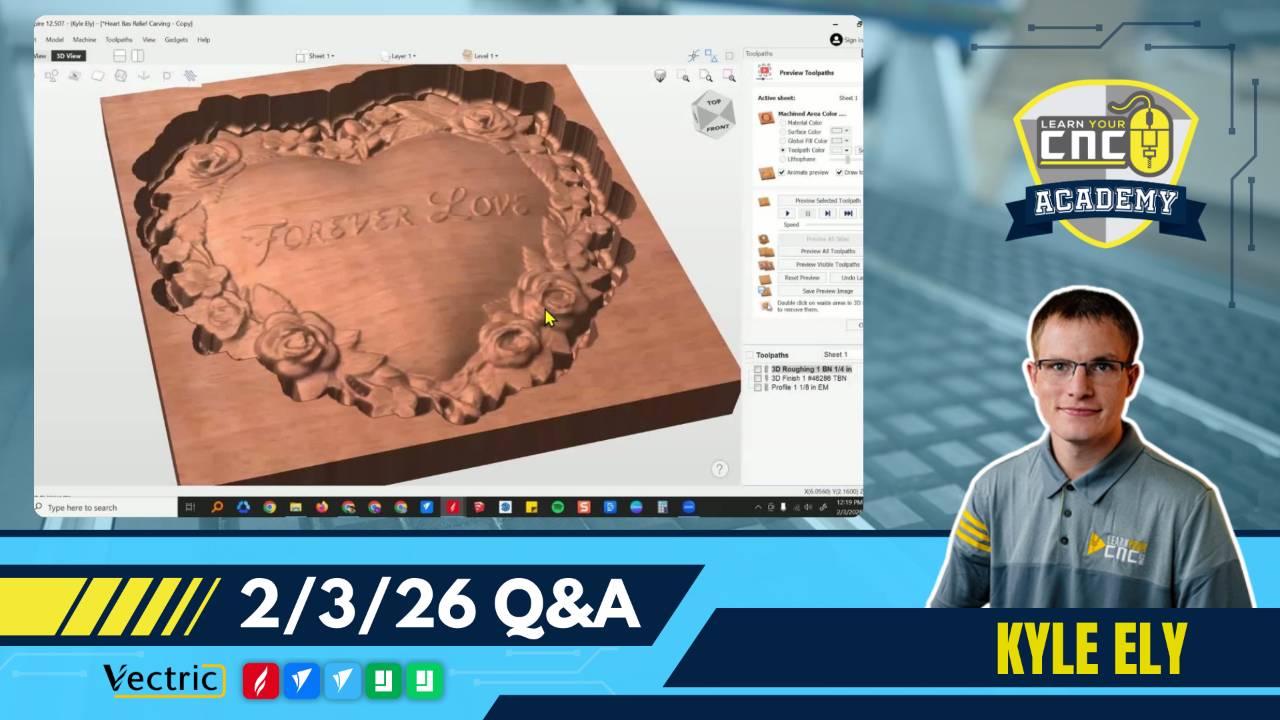
00:06:12 - Bud: How to optimize toolpaths and settings for a 3D heart carving to minimize cut time.
-
00:20:58 - Alden: Is it possible to laser text on a rotary cylinder so the text wraps around it?
-
00:22:59 - Ernie: How to approach modeling a double-sided "clam shell" wooden case for a fly rod.
-
00:31:28 - Don: Troubleshooting the "multiply" combined mode vs. "merge" for 3D model heights.
-
00:42:11 - Ted: Recommendations for better graphic displays and computer setups for aging eyes.
-
00:48:17 - Steve: Why the Stream Deck stopped working after updating to VCarve Pro version 12.5.
-
00:50:27 - Guy: Seeking the best way to get help with a specific slope issue on a guitar body.
-
00:51:54 - Paul: How to model a 3D crown and cross so the crown appears to wrap around the cross.
-
01:00:37 - Frank: Can Aspire and Easy Create be used to create models for 3D printing?
-
01:03:37 - Bill: How to add and utilize a quarter-inch radius round-over bit in the tool database.
-
01:09:13 - John: Why mortises on a rotary axis appear narrow/tapered toward the center of the piece.
-
01:12:29 - Tom: How to trim away small pixelated "strands" or artifacts at the edges of 3D models.
-
01:18:24 - Kevin: Setting up unique 3D toolpaths for different components on the same model using levels.
-
01:28:15 - Scott: What factors determine if a CNC machine is "sturdy" (e.g., OneFinity Journeyman)
Keywords:
challenge website, 3d toolpath optimization, double-sided modeling, rotary axis, laser wrapping, multiply mode, display settings, stream deck, guitar modeling, 3d printing, form tools, rotary mortise, component levels, machine sturdiness
Not a member of our Learn Your CNC Academy Community? Join over 1,500+ students today! Benefits include weekly Q&A Meetups, weekly project lessons, monthly CNC challenges, an active community of Vectric users, past replay lessons & project files, and so much more!

