
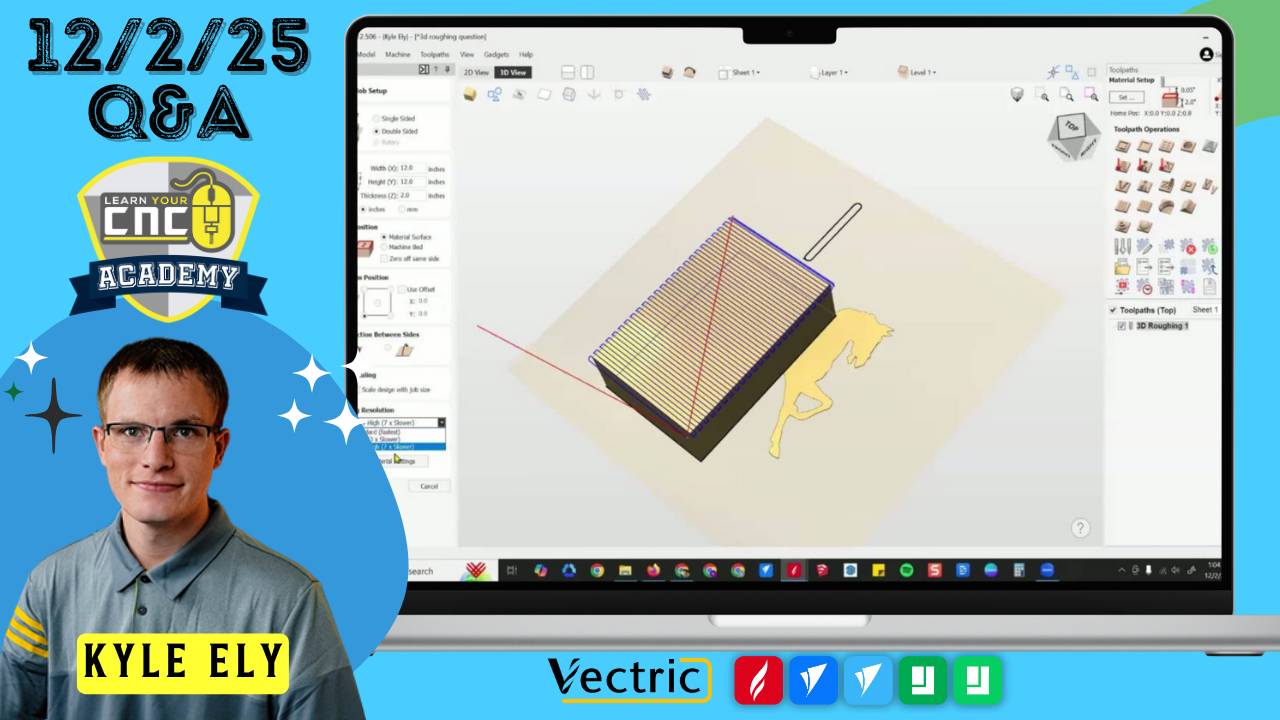
12-02-2025 Q&A: 3D Boundary Offsets, Rotary Alignment, and Fluting Toolpaths
Dec 02, 2025
Note: You must be a member of the Learn Your CNC Academy Community to watch this replay. Benefits include weekly Q&A Meetups, weekly project lessons, monthly CNC challenges, an active community of Vectric users, past replay lessons & project files, and so much more!

In this Q&A session, we focused heavily on troubleshooting 3D modeling and toolpath strategies, specifically addressing why tools might drop off the edge of a model and how to properly control boundary offsets using Zero Planes. We also covered solutions for rotary project gaps, how to create ramped grooves using the Fluting Toolpath, and efficient methods for tracing poor-quality handwriting for engraving.
Key Tips Learned in this Q&A:
-
Preventing Deep Edge Cuts in 3D: If a boundary offset is set too large, the tool may drop down to the modeling plane depth at the edge of the model. To prevent this, add a Zero Plane component and set the combine mode to "Merge" to create a floor that prevents the tool from plunging too deep.
-
Fixing Rotary Gaps: A visible "crack" or gap in the 3D view of a rotary project usually indicates the model is not perfectly aligned or sized to the full width of the job. Use the alignment tools (or F9) to center the model to close the gap.
Variable Depth Grooves: To cut a groove that transitions from a shallow start to a deeper end (like a ramp), use the Fluting Toolpath with the "Ramp over complete length" option .
-
Editing Rotary Components: It is difficult to select or move components while the rotary view is "Wrapped." Always switch to the "Unwrapped" view to easily move, scale, or adjust components before wrapping it back up to check the result.
-
Tracing Handwriting: For poor-quality images of handwriting, manual tracing with a single open vector line is often faster and cleaner than auto-tracing double lines. Use a Profile toolpath (on the line) or Quick Engrave with a V-bit for a clean look.
Questions Answered in this Q&A:
-
00:02:01 - Tim: Why are my carved letters not smooth and showing tails on corners?
-
00:17:56 - Paul: Where can I download gadgets like the Spiral Pocket?
-
00:20:46 - Don: Suggestion for a future lesson on adding borders to Easy Create models.
-
00:21:46 - Michael: How do I control how deep the boundary offset cuts on a 3D model?
-
00:38:53 - Shane: How can I prevent the 3D toolpath from rounding over specific pockets (e.g., guitar pickups)?
-
00:43:34 - Mark: How do I fix "invalid selection" errors when trimming, and can I adjust "baked" components?
-
00:46:57 - Ron: How do I carve a groove that is deeper at one end (ramped)?
-
00:51:37 - John: Why does the toolpath drop down on just one corner of the model?
-
00:58:00 - Michael: How do I fix text carving deeper than the surrounding surface on a spoon handle?
-
01:03:29 - Tony: Why a my toolpaths not showing on the correct side in a two-sided preview?
-
01:07:18 - Ray: Why is my tool selection freezing and not allowing me to add tools?
-
01:10:29 - Alfred: How do I fix gaps in my rotary model, bake components, and move items in the 3D view?
-
01:21:31 - Jack: What is an Ogee bit used for?
-
01:21:49 - James: Which classes in the Master Course cover the Aspire upgrade?
-
01:22:30 - Brian: What is the best way to trace/carve a poor-quality image of handwriting?
Keywords:
v-wheels, vibration, gadgets, 3d toolpath, boundary offset, zero plane, modeling plane, fluting toolpath, ramp, rotary, unwrap, handwriting, tracing, single line vector, ogee bit, baking components, aspire
Not a member of our Learn Your CNC Academy Community? Join over 1,500+ students today! Benefits include weekly Q&A Meetups, weekly project lessons, monthly CNC challenges, an active community of Vectric users, past replay lessons & project files, and so much more!

