
12-16-2025 Q&A: 3D Portrait Refinement, Deep CNC Cuts, and Toolpath Optimization
Dec 16, 2025
Note: You must be a member of the Learn Your CNC Academy Community to watch this replay. Benefits include weekly Q&A Meetups, weekly project lessons, monthly CNC challenges, an active community of Vectric users, past replay lessons & project files, and so much more!

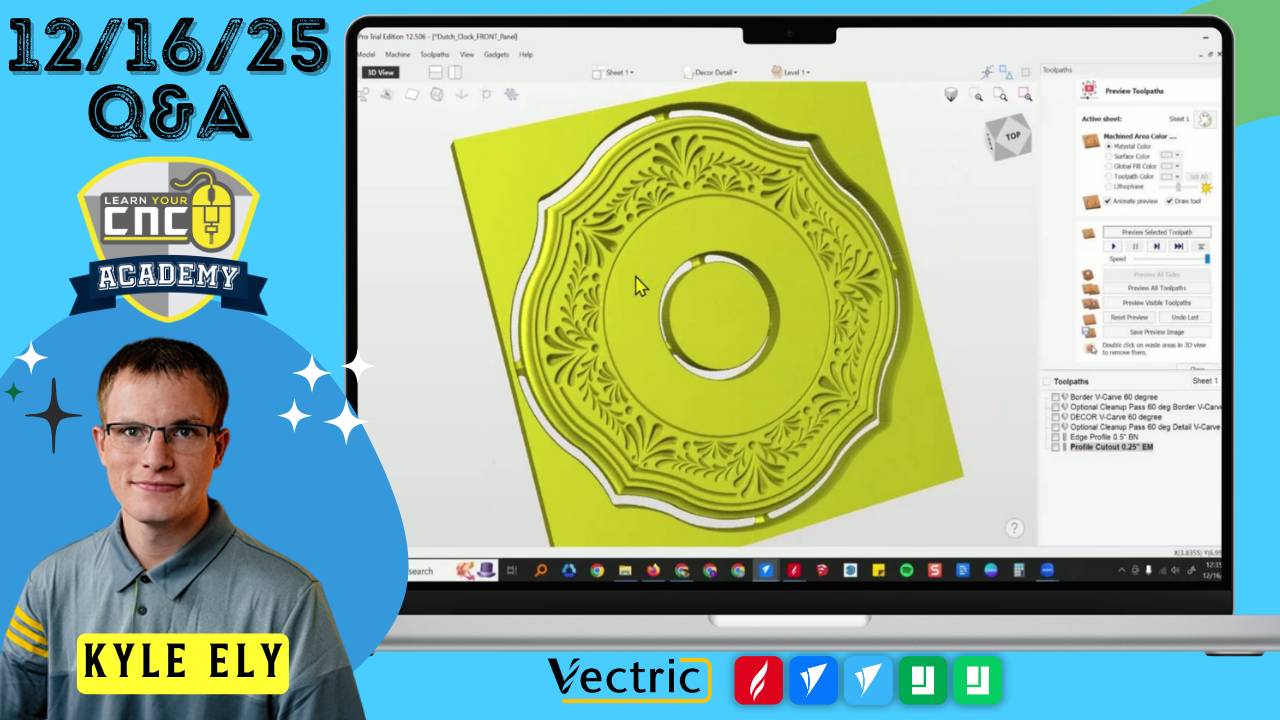
In this session, we addressed a variety of community questions focused on 3D modeling refinements, material selection for organizers, and strategies for deep CNC machining. Key topics included troubleshooting Vectric AI portrait issues (such as sunken eyebrows), techniques for cutting material up to three inches deep, and optimizing toolpaths to reduce machining time from 14 hours down to 2.5 hours using VCarve methods. We also discussed the use of Kaizen foam for tool organization and how to apply "draft" angles in Aspire to prevent bit crashes on vertical walls.
Key Tips Learned in this Q&A:
-
Fixing AI Portrait Issues: In the Vectric AI tool, dark areas are interpreted as lower depths. To prevent eyebrows from sinking, you can manually lighten them in a photo editor before importing or use Aspire’s sculpting and component tools to add material back to the face.
-
Managing Vertical Wall Crashes: When 3D carving deep pockets, use the "Create Draft" tool in Aspire to add a slight angle (e.g., 3 to 10 degrees) to vertical surfaces . This prevents tapered bits from burning or snapping against the sidewalls during offset or raster passes.
-
VCarve vs. 3D Machining Time: For projects with flat backgrounds and raised details, switching from a 3D finishing toolpath to a VCarve toolpath with a flat depth can reduce machining time by over 80% while providing cleaner, crisper edges.
-
Masking Adhesion: For better results with Aura Mask or vinyl masking, seal the wood with shellac first. Ensure the shop temperature is warm, as cold temperatures cause the adhesive to behave poorly and peel during the cut.
-
Deep Cut Workarounds: When your bit is shorter than your material thickness, consider cutting the project in two halves and gluing them together, or using a "molding" approach where you glue pre-cut strips onto a base.
Questions Answered in this Q&A:
-
00:03:56 - (Bud) How to lower carve time and properly share CRV files instead of PDFs.
-
00:06:18 - (Don) Troubleshooting "failed to export model" errors in Vectric software.
-
00:07:50 - (John) Tips for preventing masking film from tearing or wrapping around the bit.
-
00:11:15 - (Nick) Troubleshooting 3D portrait depths and finishing issues on faces.
-
00:28:16 - (Lou) Understanding "optional cleanup passes" in older Vectric project files.
-
00:33:18 - (Gareth) Recommendations for foam materials and bits for toolbox organizers.
-
00:35:50 - (Tony) How to cut three inches deep with a 1.5-inch end mill.
-
00:42:50 - (Chris) Troubleshooting scissor tool issues and creating finger-lift holes for coins.
-
00:49:49 - (Joe) Reviewing AI-generated 3D models and using "Draft" to prevent bit crashes.
-
00:57:02 - (Jim) Why text appears wonky or faded in the 3D view after VCarving.
-
01:00:52 - (Brent) Addressing jagged edges on 3D letters and using laminates for contrast.
-
01:21:06 - (Ron) Optimizing a 3D name plaque to shorten machining time using molding toolpaths.
Keywords:
vectric ai tool, 3d portrait, kaizen foam, deep reach bits, molding toolpath, masking tips, aspire draft tool, vcarve optimization, coin chest, laminate wood projects, pixelation in 3d models, zero plane
Not a member of our Learn Your CNC Academy Community? Join over 1,500+ students today! Benefits include weekly Q&A Meetups, weekly project lessons, monthly CNC challenges, an active community of Vectric users, past replay lessons & project files, and so much more!

