
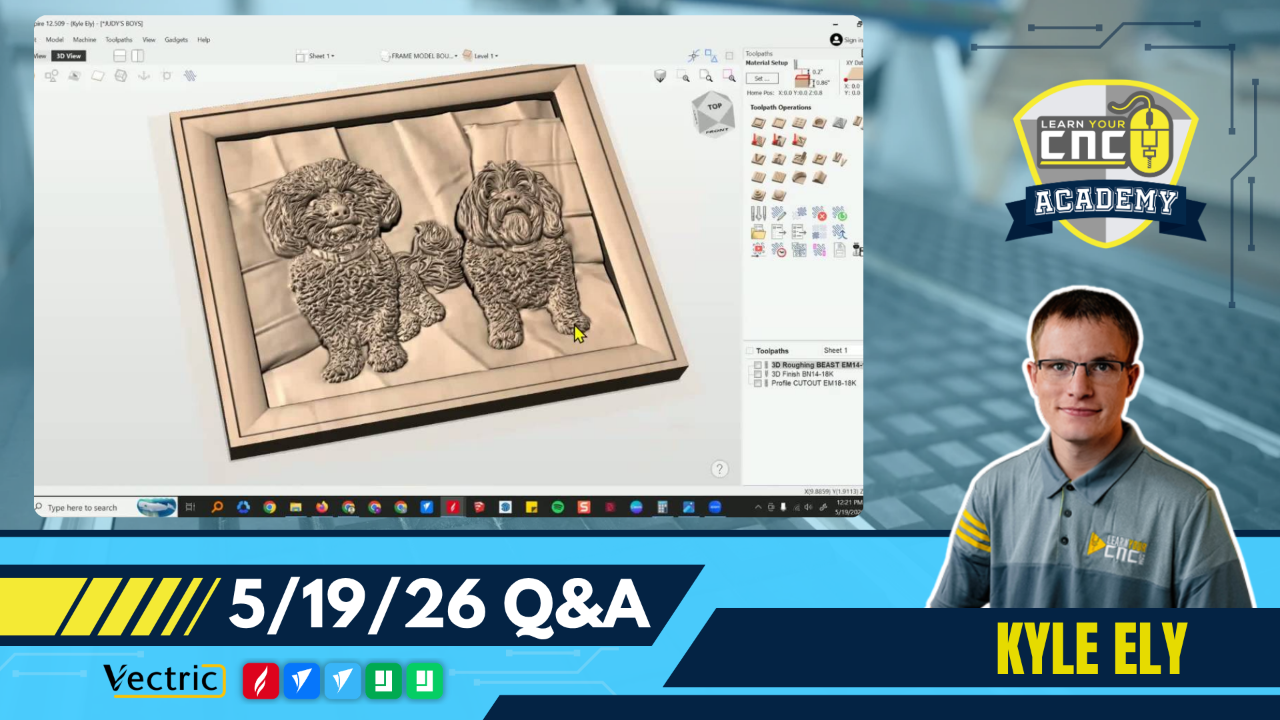
05-19-2026 Q&A: 3D Model Merging, Batching Signs, Vector Nodes, and Feeds & Speeds
May 19, 2026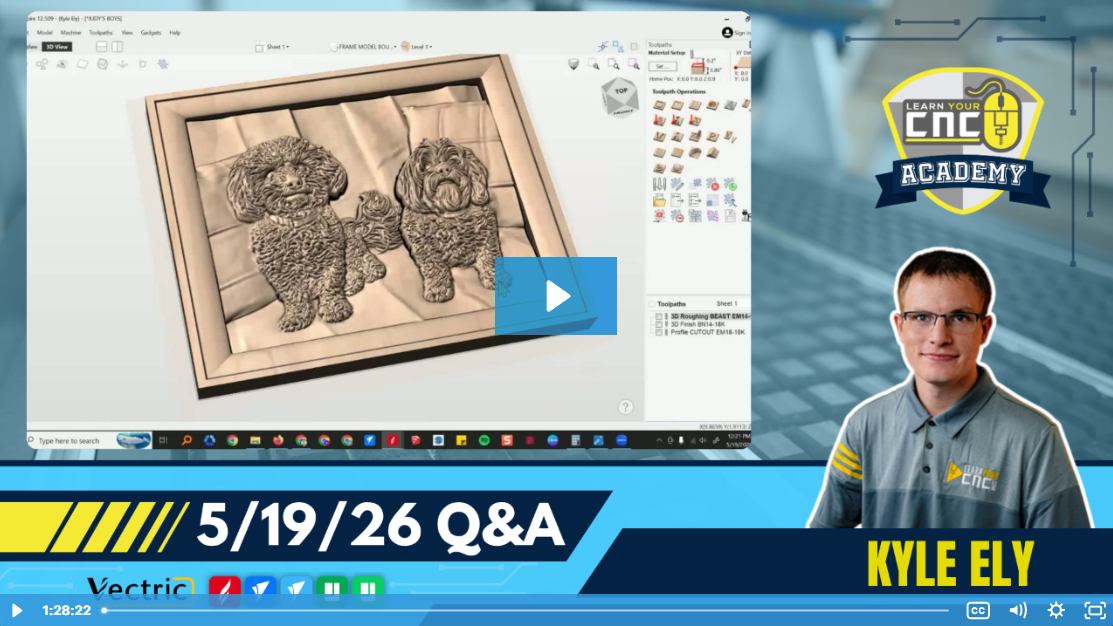
Note: You must be a member of the Learn Your CNC Academy Community to watch this replay. Benefits include weekly Q&A Meetups, weekly project lessons, monthly CNC challenges, an active community of Vectric users, past replay lessons & project files, and so much more!

In this Q&A session, we discussed how to seamlessly merge 3D models using base height adjustments and how to project a laser toolpath onto a 3D surface. We also covered a technique for batching signs to maximize machine efficiency, troubleshooting vector node loops causing toolpath errors, and the fundamentals of feeds and speeds to avoid heat buildup and dull bits.
Key Tips Learned in this Q&A:
-
Merging 3D Models: When combining two 3D models (like a central image and a frame), adjust the base height rather than the shape height to add thickness without distorting the model's top details.
-
Protecting Original Designs: Duplicate the entire sheet or model onto a separate layer before making major adjustments . This creates a backup you can revert to if a mistake happens.
-
Laser on 3D Surfaces: You can use the laser sketch engraving toolpath and check the "project toolpath onto 3D model" option to have the laser follow the contours of your 3D carve.
-
Batching Accuracy: When array copying multiple signs, measure the total height of the stacked physical blanks and divide by the number of rows to get the exact software blank size . This prevents alignment drift as the machine cuts higher up the table.
-
Troubleshooting Double Cuts: If a profile toolpath cuts on both sides of a single line, check for microscopic vector loops or duplicate nodes using Node Edit Mode or the Vector Validator . Cutting and rejoining the vectors can fix the loop.
-
Feeds and Speeds Rule of Thumb: If your bit is causing smoke or gets too hot to touch right after a cut, your feed rate is likely too slow or your spindle speed is too high, which causes excess friction and dulls the bit.
Questions Answered in this Q&A:
-
00:05:40 - Dave: How do I get the center picture of the dogs to merge with the frame without an edge gap?
-
00:20:16 - Gareth: What exactly is the difference between total height and shape height?
-
00:22:53 - Audience Member (Speaker 6): Is there a way to lock the primary sheet after duplicating it?
-
00:33:44 - James: Could you show an example of using the laser to highlight a 3D model?
-
00:39:15 - Dave: Do you know if VistaSculpt is going to have a sale coming up?
-
00:41:20 - Butch: Why is putting toolpaths on individual layers advantageous when batching signs?
-
01:00:06 - Fred: After mirroring and moving a footrest profile, why did it cut on the inside and outside of the line?
-
01:10:47 - Jeff: How do you stop the bottom of a two-sided project from getting carved away?
-
01:15:18 - Jim: What is the best way to learn speeds and feeds?
-
01:18:50 - Jeff: Do you generally go for a chip load of .004 to start?
-
01:21:13 - Audience Member (Speaker 5): Do you increase the speed by 5% or 10% to reduce smoke, or just go faster generally?
Keywords:
3d modeling, base height, shape height, laser sketch engraving, vistasculpt, batching signs, array copy, vector validator, node edit mode, feeds and speeds, chip load
Not a member of our Learn Your CNC Academy Community? Join over 1,500+ students today! Benefits include weekly Q&A Meetups, weekly project lessons, monthly CNC challenges, an active community of Vectric users, past replay lessons & project files, and so much more!

