
04-07-2026 Q&A: Slicing 3D Models, Custom Logo Design, and Toolpath Optimization
Apr 07, 2026
Note: You must be a member of the Learn Your CNC Academy Community to watch this replay. Benefits include weekly Q&A Meetups, weekly project lessons, monthly CNC challenges, an active community of Vectric users, past replay lessons & project files, and so much more!

In this Q&A session, the group discussed advanced CNC techniques including slicing 360-degree 3D models for assembly, modifying fonts for custom logos, and troubleshooting hardware rendering issues in Aspire. The session also covered critical safety tips regarding 3D finishing toolpaths and ways to optimize carving runtimes through plunge rate adjustments.
Key Tips Learned in this Q&A:
-
Slicing Large 3D Models: To create objects taller than a machine's Z-clearance, use the "Slice visible model" feature to break a 3D STL into manageable layers (e.g., 0.75-inch MDF) that can be glued together.
-
3D Finishing Safety: Always use a roughing toolpath before a finishing pass; finishing bits do not respect depth-of-cut limits and will plunge to the full depth of the model, risking tool breakage.
-
Optimizing 3D Runtimes: Increasing the plunge rate to match the feed rate can significantly reduce total carving time, as the vertical Z-axis movement is often the primary bottleneck in 3D projects.
-
Software Troubleshooting: If the 3D view fails to render in Aspire when using Parallels on a Mac, switching from hardware to "software render" in the options menu can restore functionality.
-
Achieving Sharp Star Points: For flag projects, use a V-bit or engraving bit; if points appear rounded, it is often due to an incorrect flat depth setting or toolpath programming that limits the bit's reach.
Questions Answered in this Q&A:
-
00:01:06 - How can I safely secure a spoil board using nylon bolts to avoid damaging tools during a mistake?
-
00:06:49 - Jerry: How can I reduce a 57-hour 3D project runtime in Aspire without losing detail?
-
00:08:42 - Leo: Can I enlarge a 3D design slightly and then use a profile cut to create a smoother, snug-fitting edge for assembly?
-
00:11:50 - Keith: Is there a way to increase the line weight in the 2D window for better visibility with older eyes?
-
00:13:13 - Ruth: How can I carve a hollow chili pot by segmenting it into layers on the CNC?
-
00:44:02 - James T.: How do I modify a font to match a university logo and create a 4-inch deep contoured sign?
-
00:55:47 - Ron H.: Why did my Y-axis fail to move and make a horrible noise during a specific lettering toolpath?
-
00:59:28 - Billy J.: What causes witness lines or toolpath marks when using multiple clearance tools in a project?
-
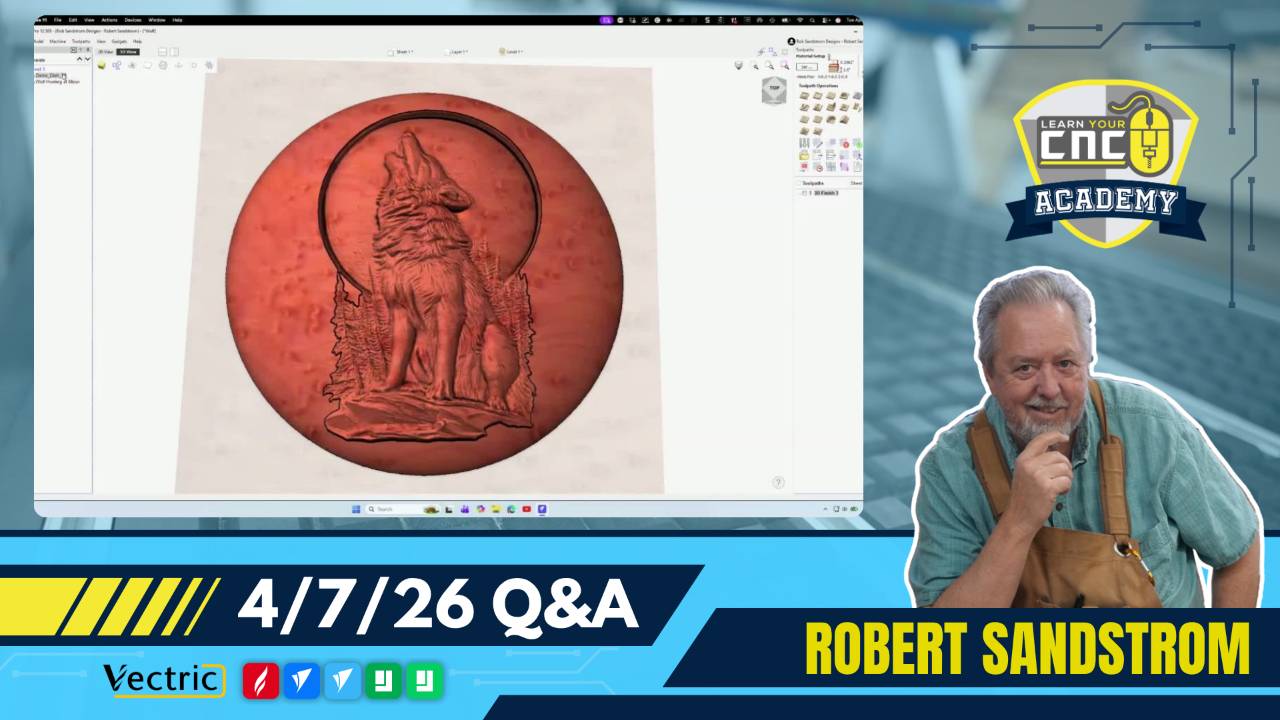
01:02:30 - Michael: How can I better blend a 3D wolf model into a dish and fix uneven heights across the model?
-
01:19:00 - John Terdik: What are the best methods and calculations to obtain sharp points on carved stars for a US flag?
Keywords:
slicing, stl, 3d modeling, university logo, spoil board, nylon bolts, aspire, vcarve pro, parallels, mac troubleshooting, feeds and speeds, toolpath marks, witness lines, roughing pass, finishing pass, z-axis, plunge rate, star carving, flag project, segmentation
Not a member of our Learn Your CNC Academy Community? Join over 1,500+ students today! Benefits include weekly Q&A Meetups, weekly project lessons, monthly CNC challenges, an active community of Vectric users, past replay lessons & project files, and so much more!

