
04-28-2026 Q&A: Inlay Troubleshooting, Rotary Scaling, and 3D Spindle Modeling
Apr 28, 2026
Note: You must be a member of the Learn Your CNC Academy Community to watch this replay. Benefits include weekly Q&A Meetups, weekly project lessons, monthly CNC challenges, an active community of Vectric users, past replay lessons & project files, and so much more!

This session focuses on solving common CNC challenges, including troubleshooting gaps in V-carve inlays and the impact of material choice on project quality. We explore techniques for scaling double-sided projects like 3D bowls, adapting rotary designs for different machine axes, and a deep dive into modeling complex 3D spindles with angled tenons in Aspire.
Key Tips Learned in this Q&A:
-
Inlay Material Selection: Avoid using plywood for intricate inlays as it is prone to thickness variations and grain breakout; instead, use flattened hardwoods or high-density MDF (HDF) for more consistent results.
-
Scaling Double-Sided Projects: To scale a complex 3D project like a bowl while keeping both sides synchronized, use the "Scale design with job size" checkbox in the Job Setup menu to automatically resize all components and vectors.
-
Rotary Axis Correction: If a rotary project needs to be rotated 90°, ensure you also rotate the side profile vector used for the molding toolpath to match the new orientation, or the toolpath will fail to calculate correctly.
-
Selecting Objects Efficiently: Use "left-to-right" selection boxes to only select objects completely enclosed by the box, or "right-to-left" boxes to select everything the box touches, significantly speeding up the cleaning of complex vectors.
-
Modeling Angled Tenons: In Aspire, use the "Tilt" option within Component Properties to create angled ends on 3D spindles, then export the result as an STL to import into a rotary project for machining.
Questions Answered in this Q&A:
-
00:04:39 - Clint: Troubleshooting gaps and variations in a dragon inlay project and the effects of grain direction.
-
00:18:08 - Zoom User: How to separate and test-cut individual parts of a grouped inlay plug.
-
00:23:09 - Don: Can AI be used to produce 360-degree 3D models for rotary projects?
-
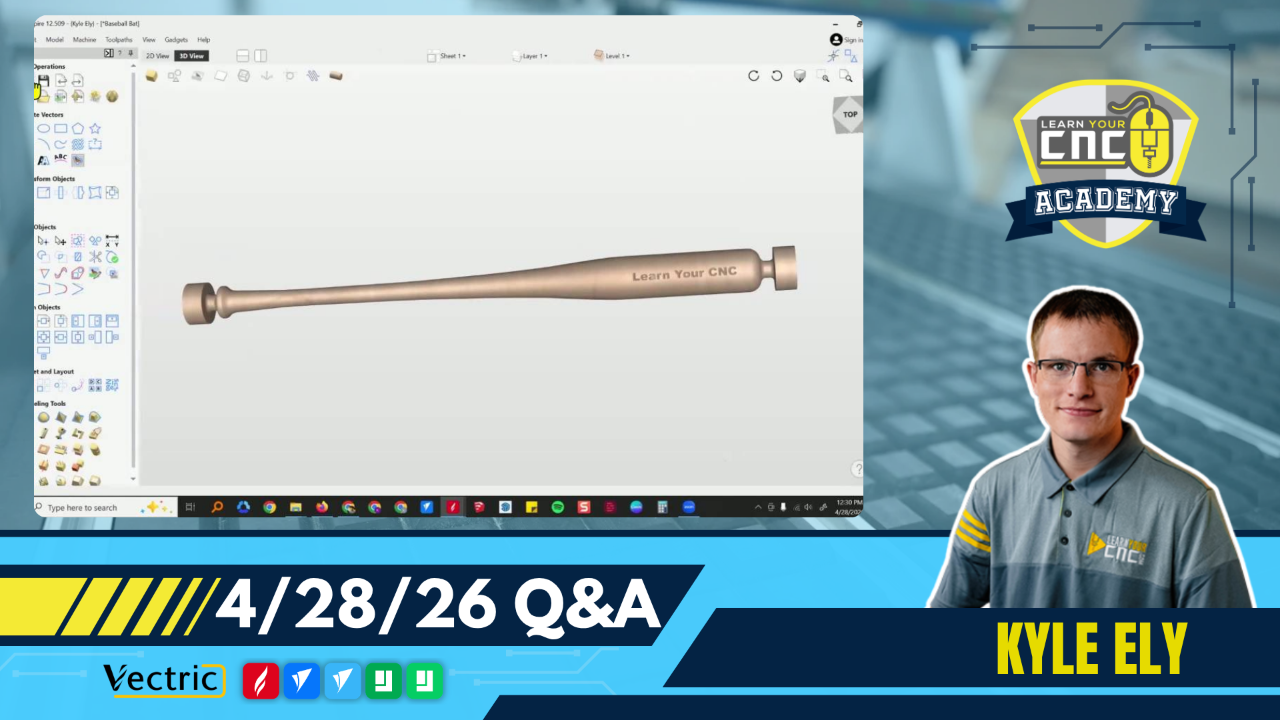
00:25:38 - William: Changing the orientation of a baseball bat project from the X-axis to the Y-axis.
-
00:30:34 - Speaker: How to reduce the size of a rotary project (like a baseball bat) for gift items.
-
00:32:29 - Gary: Creating a pocket for epoxy water that follows a complex coastline on a map.
-
00:46:46 - Dean: Using the "Curve Fit" tool to simplify and clean up detailed vectors for faster carving.
-
00:51:40 - Gerard: Scaling a 3D bowl to a 10-inch diameter and removing 3D tabs.
-
00:59:10 - Mike: Modeling a spindle table leg with tapered sections and angled tenons for the base and tabletop.
-
01:23:03 - Bill: How to recover or restore a tool database after updating to a new version of Aspire
Keywords:
v-carve inlay, rotary axis, 3d modeling, aspire, scaling projects, epoxy fill, vector cleanup, spindle legs, tool database, 3d bowl, tapering, angled tenons, ai for cnc
Not a member of our Learn Your CNC Academy Community? Join over 1,500+ students today! Benefits include weekly Q&A Meetups, weekly project lessons, monthly CNC challenges, an active community of Vectric users, past replay lessons & project files, and so much more!

