
01
How CNC Machines and Vectric Work Together
Understand what Vectric controls, what your CNC machine controls, and how they work together to produce a finished project.
Learn the clear, step-by-step workflow for turning an idea into a finished CNC project—without piecing together random videos or worrying that one wrong setting could ruin your material.
Enter your name and email below to watch the free Vectric training and download both CNC reference guides.
Your training and bonuses will be sent directly to your inbox. You can unsubscribe at any time.
You have the CNC machine. You have VCarve, Aspire, or another version of Vectric software. You may even have a list of projects you are excited to make.
But when you open the software, you are left wondering:
You are struggling because nobody has shown you the complete process in the right order.
Instead of overwhelming you with disconnected tools and technical terms, Kyle will walk you through the big-picture process of creating a CNC project from beginning to end.
Understand what Vectric controls, what your CNC machine controls, and how they work together to produce a finished project.
Follow the process from an initial idea or imported file to your design, toolpaths, G-code, CNC setup, and finished project.
Learn how to enter your material dimensions, choose your zero position, and correctly prepare the project before designing.
See how Vectric turns your project design into precise instructions that your CNC machine can follow.
Get a beginner-friendly explanation of how bit angle, carving depth, width, and flat-depth settings affect your finished result.
Watch the complete process of setting up, designing, toolpathing, machining, painting, and finishing a beginner CNC project.
Learn how to avoid incorrect project sizes, mismatched zero positions, reused G-code, incorrect post-processors, skipped previews, and other mistakes that waste material or break bits.
By the end of the training, you will understand what each step does, why it matters, and how the entire CNC process fits together.
These downloadable reference guides will help you follow the complete CNC process and better understand V-carving as you begin creating your own projects.
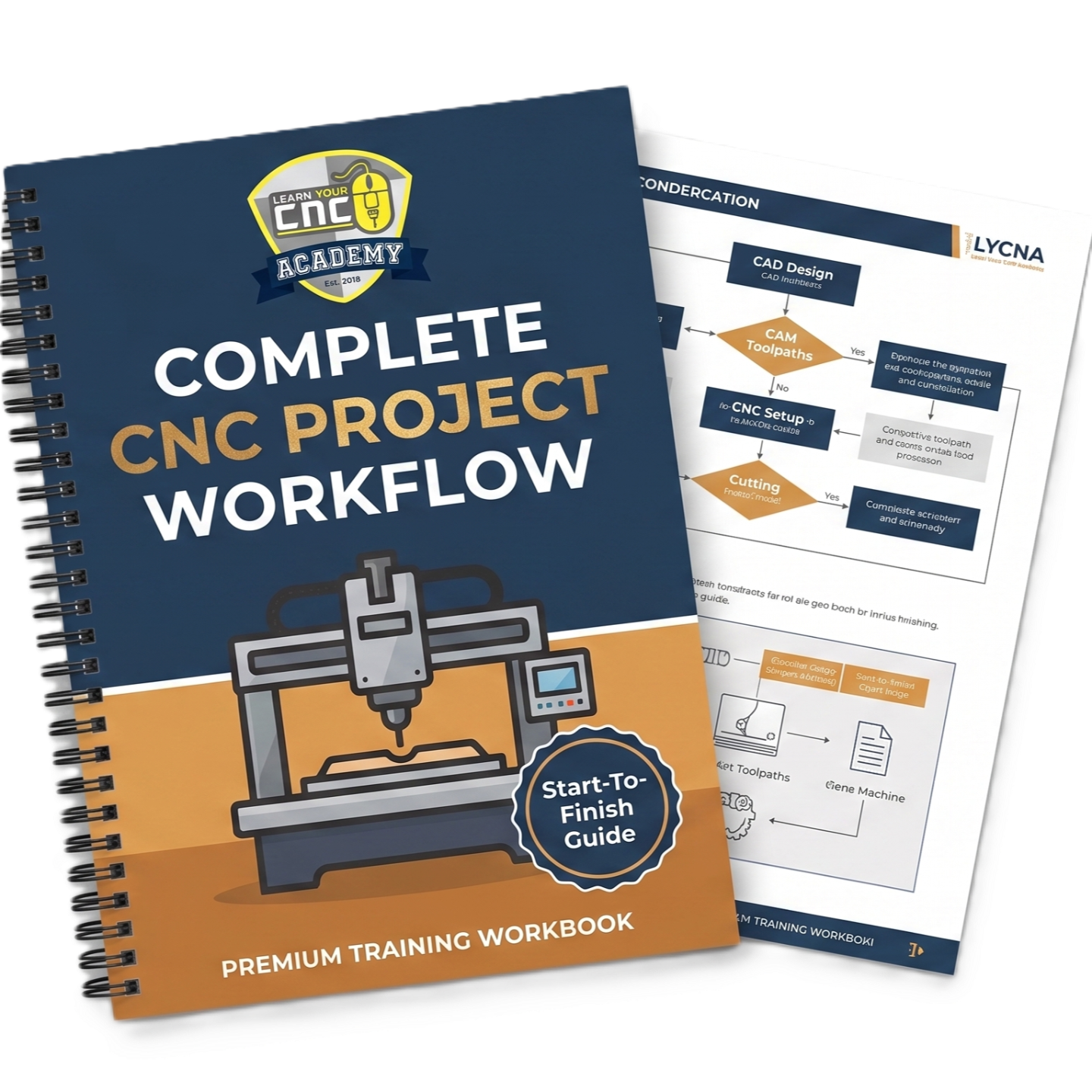
Keep the full CNC process in front of you with a simple visual guide showing how to move from an initial idea to a finished project.
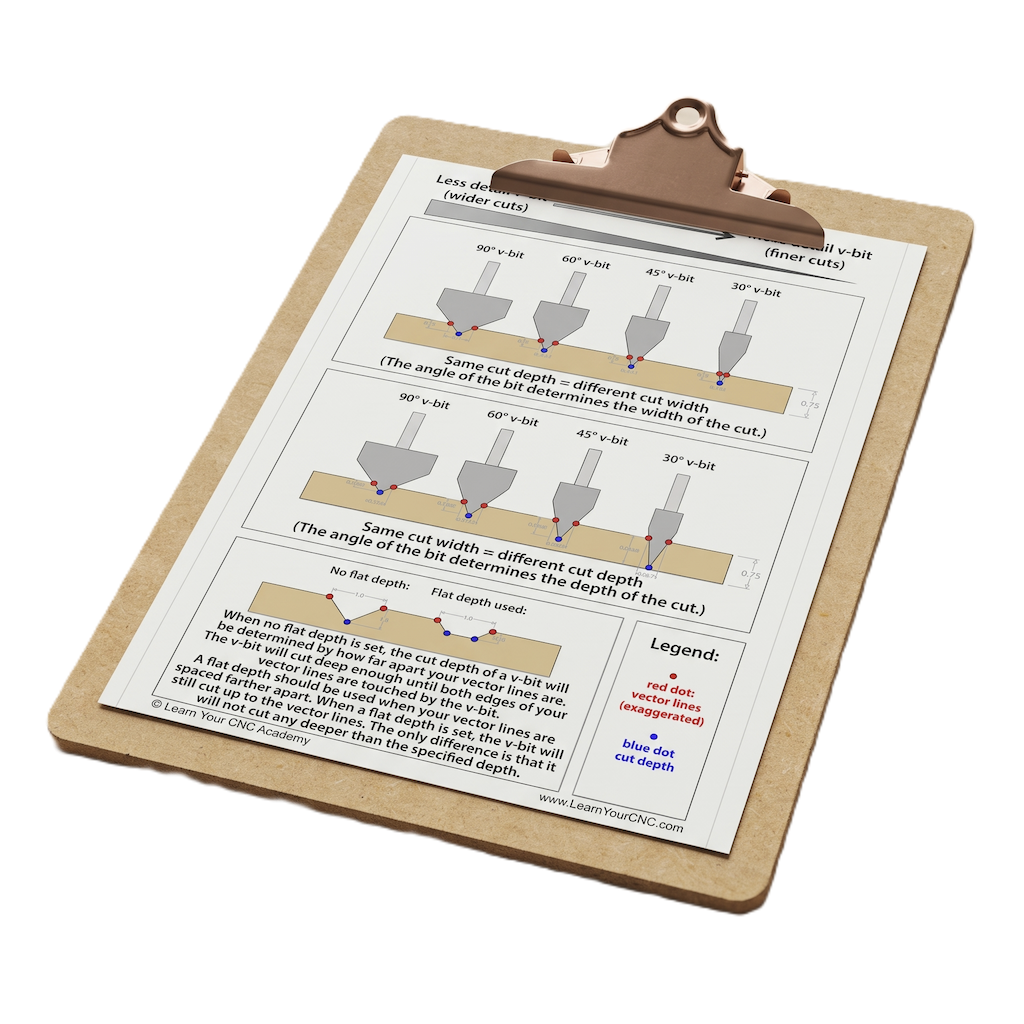
V-carving can be difficult to visualize when you are first getting started. This chart gives you a helpful visual reference while setting up your own projects.
Enter your information on this page to unlock the training and have both downloadable bonuses sent directly to your inbox.
Kyle has spent more than 15 years working with CNC machines and now teaches Vectric and CNC full-time through Learn Your CNC Academy.
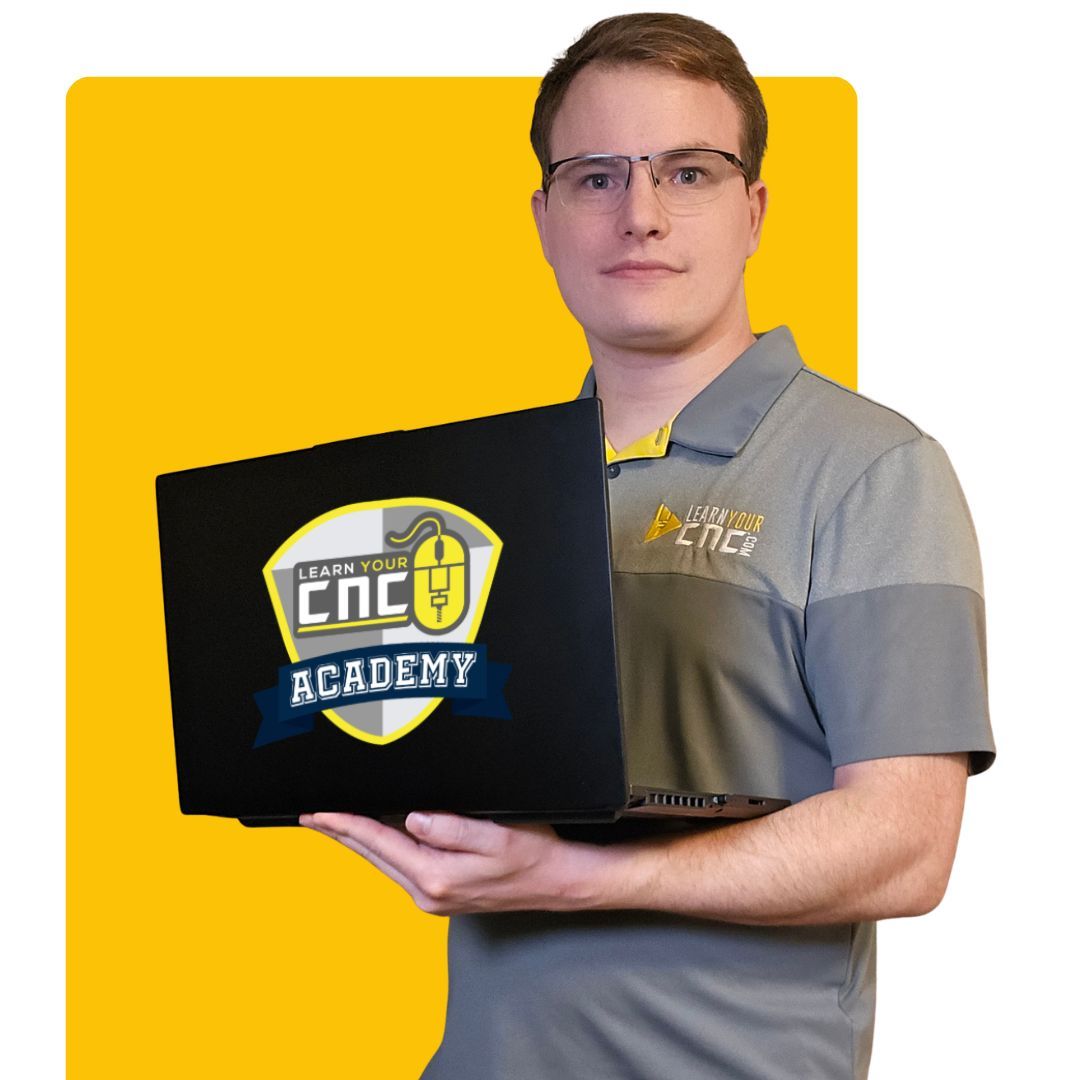
Kyle built his first CNC machine in his bedroom when he was just 16 years old.
Since then, he has worked with everything from small hobby CNC routers to large industrial production machines.
Today, Kyle helps CNC users understand Vectric software through clear, practical, step-by-step training that explains both what to do and why each step matters.
I remember what it was like to feel overwhelmed when learning CNC. That is why I focus on making each process clear, practical, and easy to follow.
Get instant access to the free Vectric training and both downloadable CNC reference guides. You will see how the complete workflow fits together, follow a beginner project from setup to finish, and learn common mistakes to avoid before running your next project.
Instant access. No complicated setup required.

Get started today before this once in a lifetime opportunity expires.